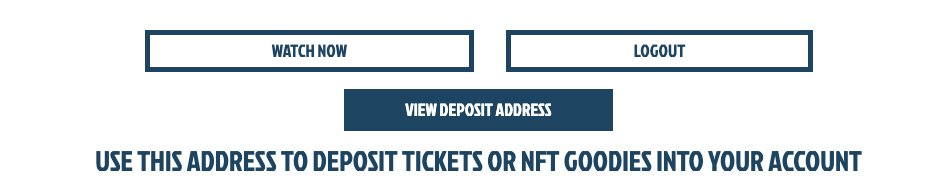
@ongket4@imjmiles@Blockstream There should be a 'VIEW DEPOSIT ADDRESS' button underneath the 'WATCH NOW' and 'LOG OUT' options. If you click on that, it should bring up a QR code or wallet address that you can send the NFT back to.
We're excited to announce our brand new podcast, #BlockstreamTalk. We're sharing a glimpse into the innovative projects we're working on that augment #Bitcoin in an easy-to-follow podcast hosted by @Blockstream's @KnutsonJesse. 1st episode dropping soon. Follow us for updates!🎙️
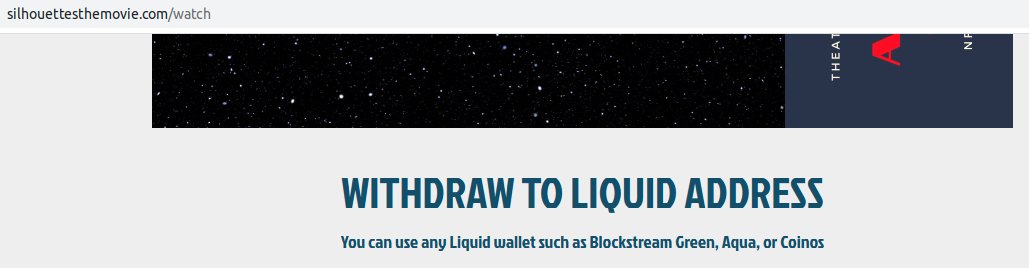
@DADBOD4EVR Hello! You are actually given a wallet address when you pay for the NFT on our website. But you can also withdraw and self custody your NFT using any liquid wallet such as Blockstream Green, Aqua, or Coinos!
@BrrrBitcoin Hey there,
No problem. Contact us on the contact form at the bottom of our website and we will get you squared away ASAP.
And thanks for the purchase!
@crypto69crab420@Liquid_BTC@Excellion@adamsoltys @coinoswallet @paoloardoino Hello! Sorry to hear about that. We would first reccomend check your spam folder to see if the email maybe got lost there. If not, please shoot us an email through the contact form on our website and we will get it sorted as soon as possible.