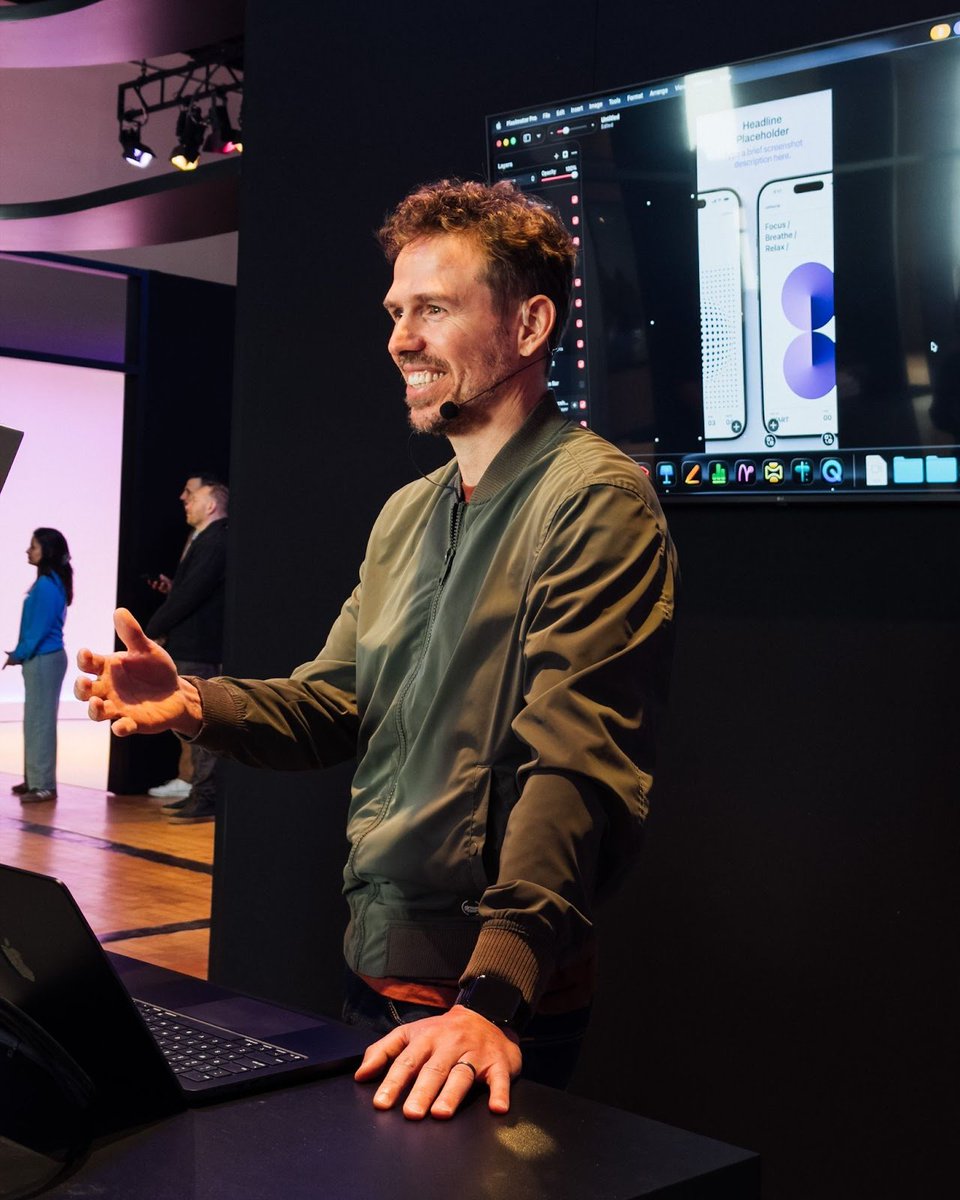
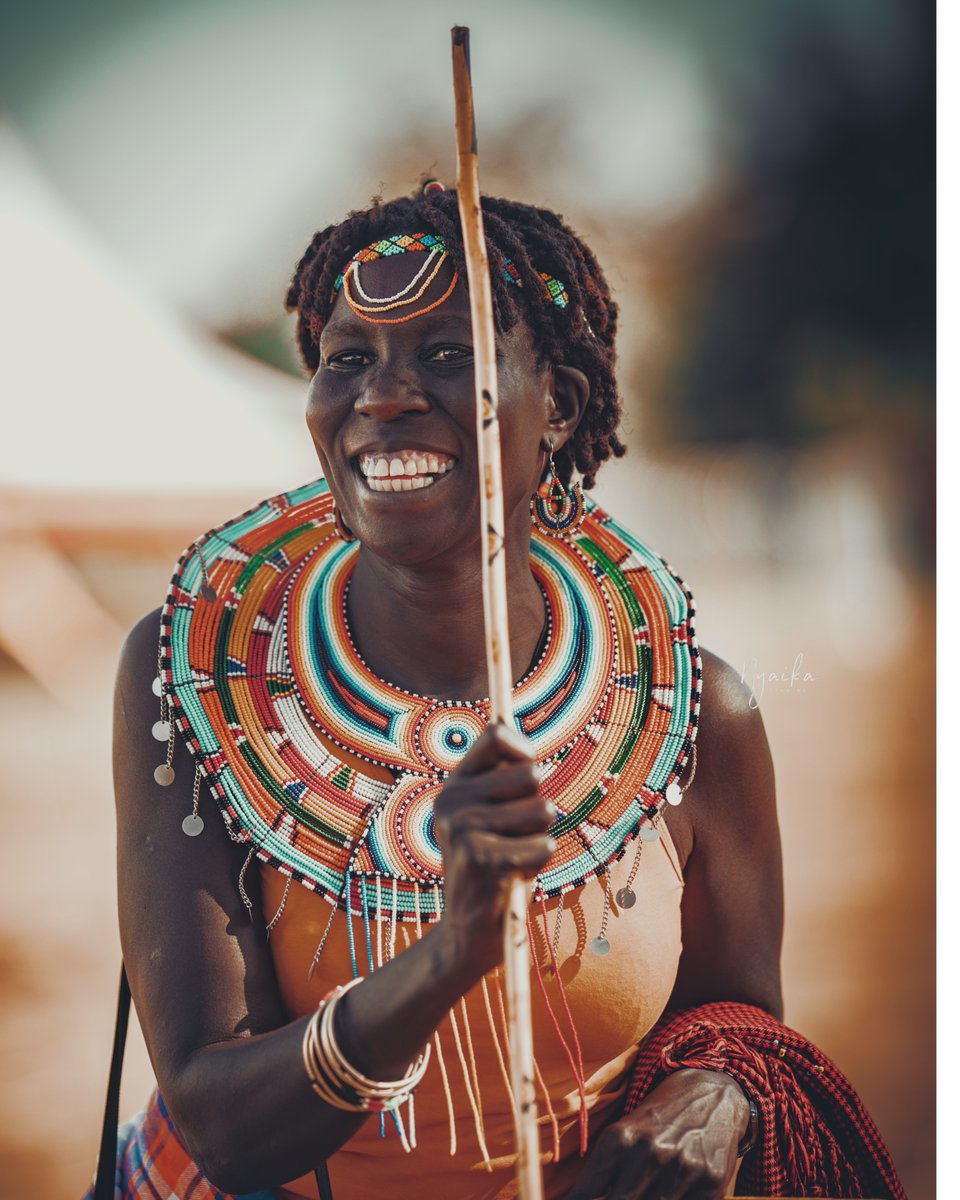
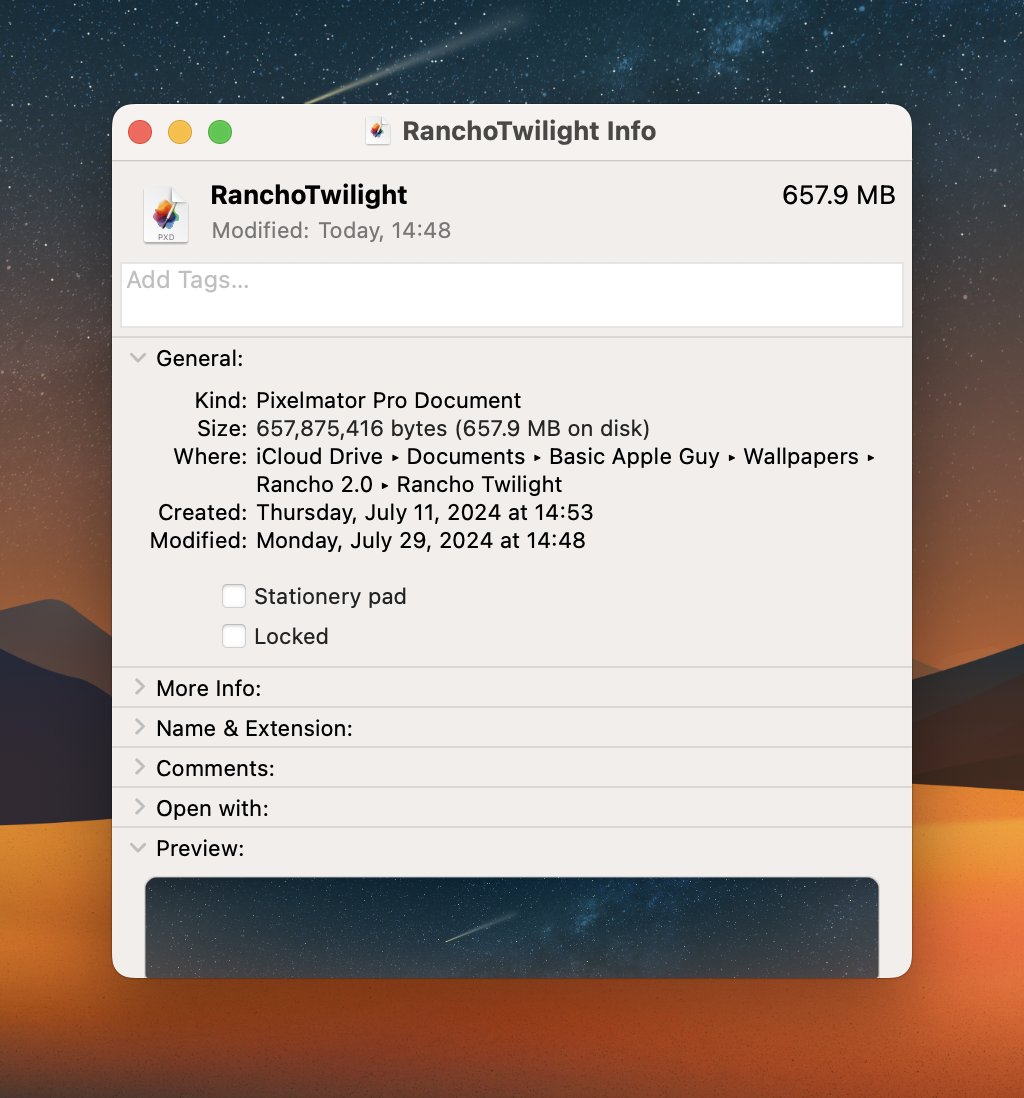
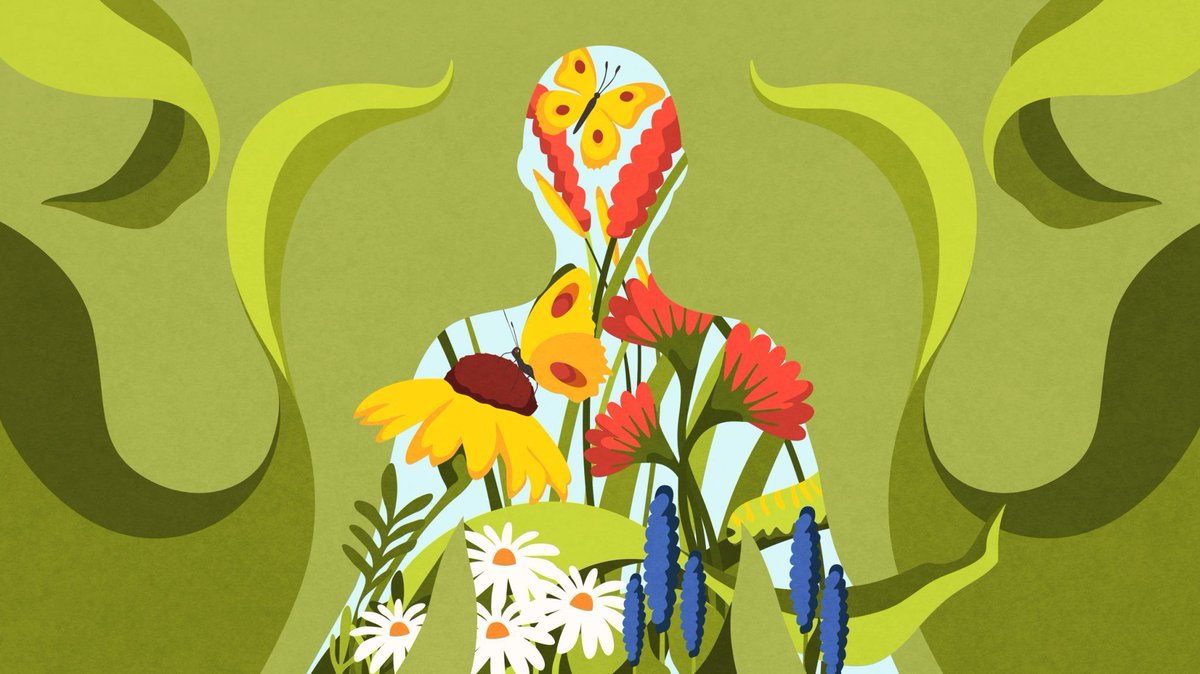
"The blank canvas is a wall... one that carries enough weight to stall any project."
@abduzeedo dives into his experience at the Apple Creator Studio, featuring @Pixelmator Pro and the power of starting over. 💻✨
Full story here: https://t.co/xLIIBOIf1L
If you’re new to Pixelmator I have some fun tutorials for you to learn it. I’ve been using it since they launched it back in late 2000. https://t.co/01G3AoB5Ac - I love the tool.
I’ve been playing around with an idea — what if Apple’s SF Symbols had 3D counterparts?
Not as polished app icons, but as creative, illustrative forms.
This first concept is based on the “photo” symbol. Modeled in Blender. More experiments soon.
Finally decided to post here. I’m a designer who spends a lot of time inside Pixelmator Pro, Keynote, and other Mac apps. This will be a space to share experiments, sketches, and whatever else I’m making. Let’s see where this goes.
I was wondering why VFX LUT .cube files are purely text based, and got sidetracked a bit. Why load something in 300ms when it can load in 2ms? And take 20x less file size?
It is not entirely useful, but was fun playing around: https://t.co/hDwT5Zef2n
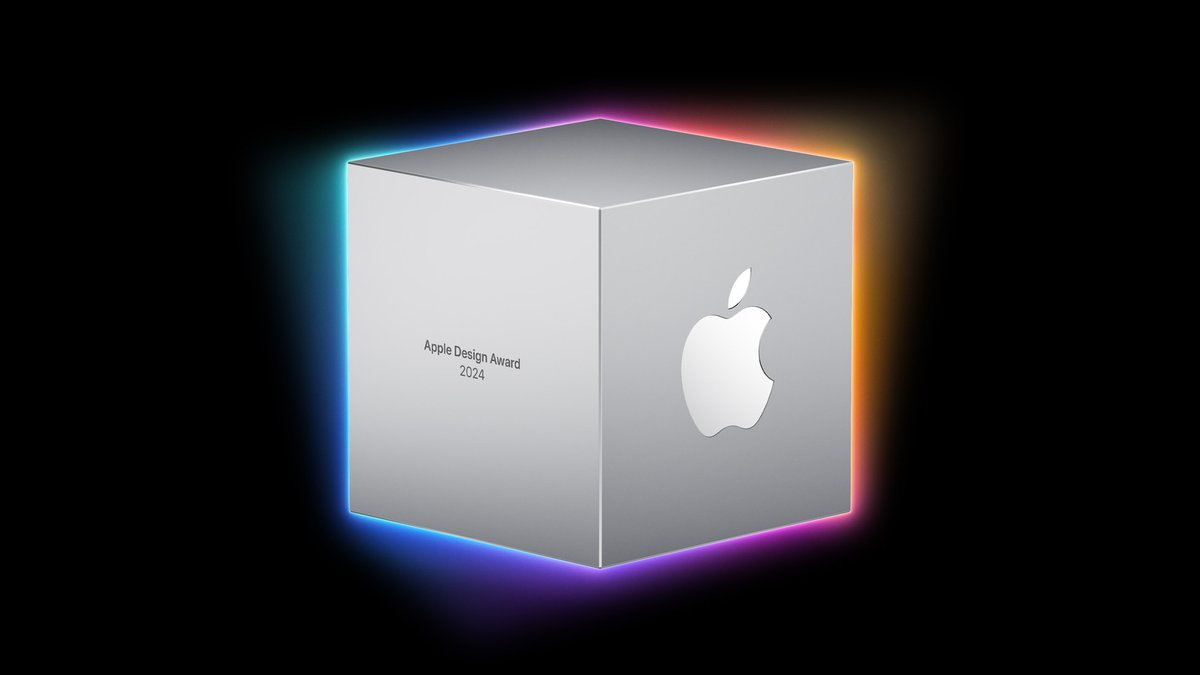
GENTLER STREAK WON AN APPLE DESIGN AWARD! 🥹
This feels like the Oscars of our industry, and there were tears of joy when we found out. 🥹
So proud of our team and their passion-driven work.
Thank you all for your support, and thank you, Apple, for recognizing our efforts! 🧡
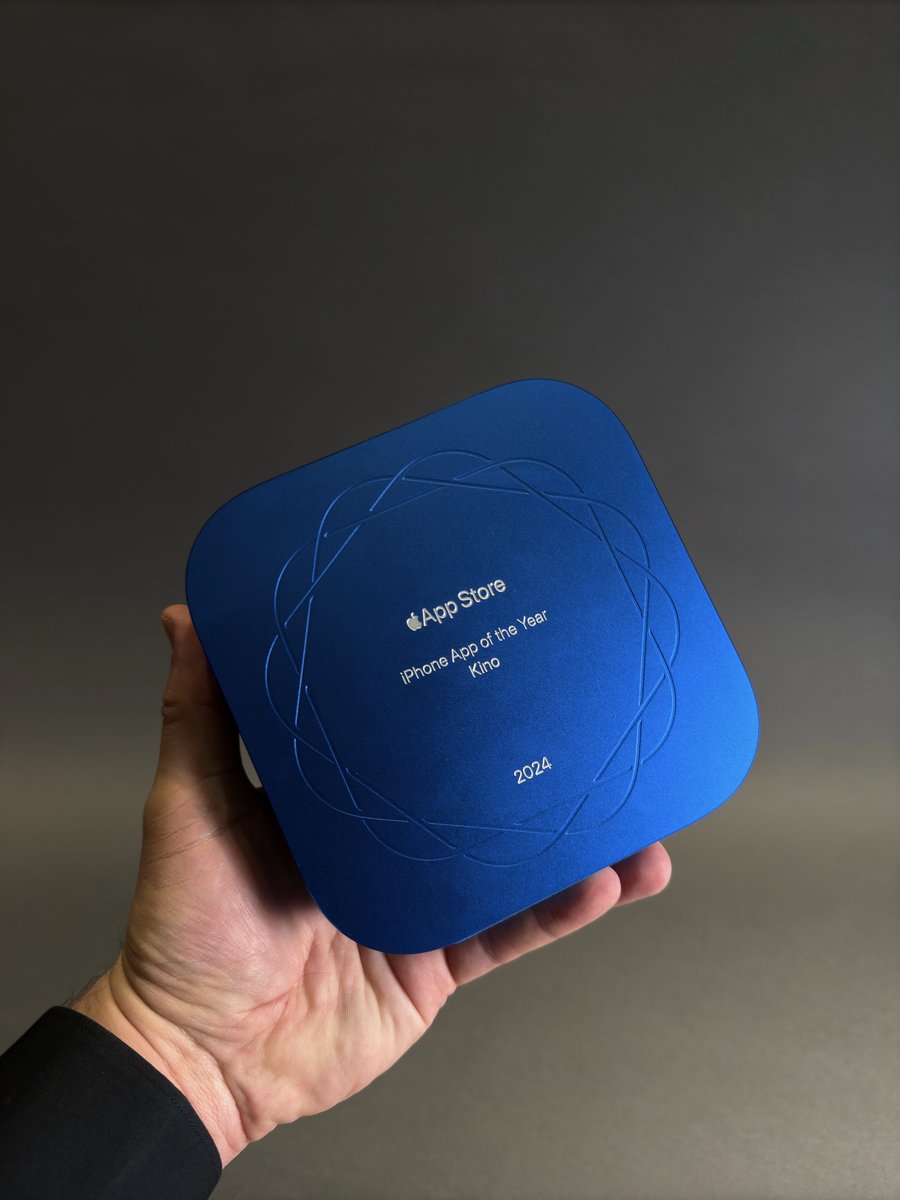
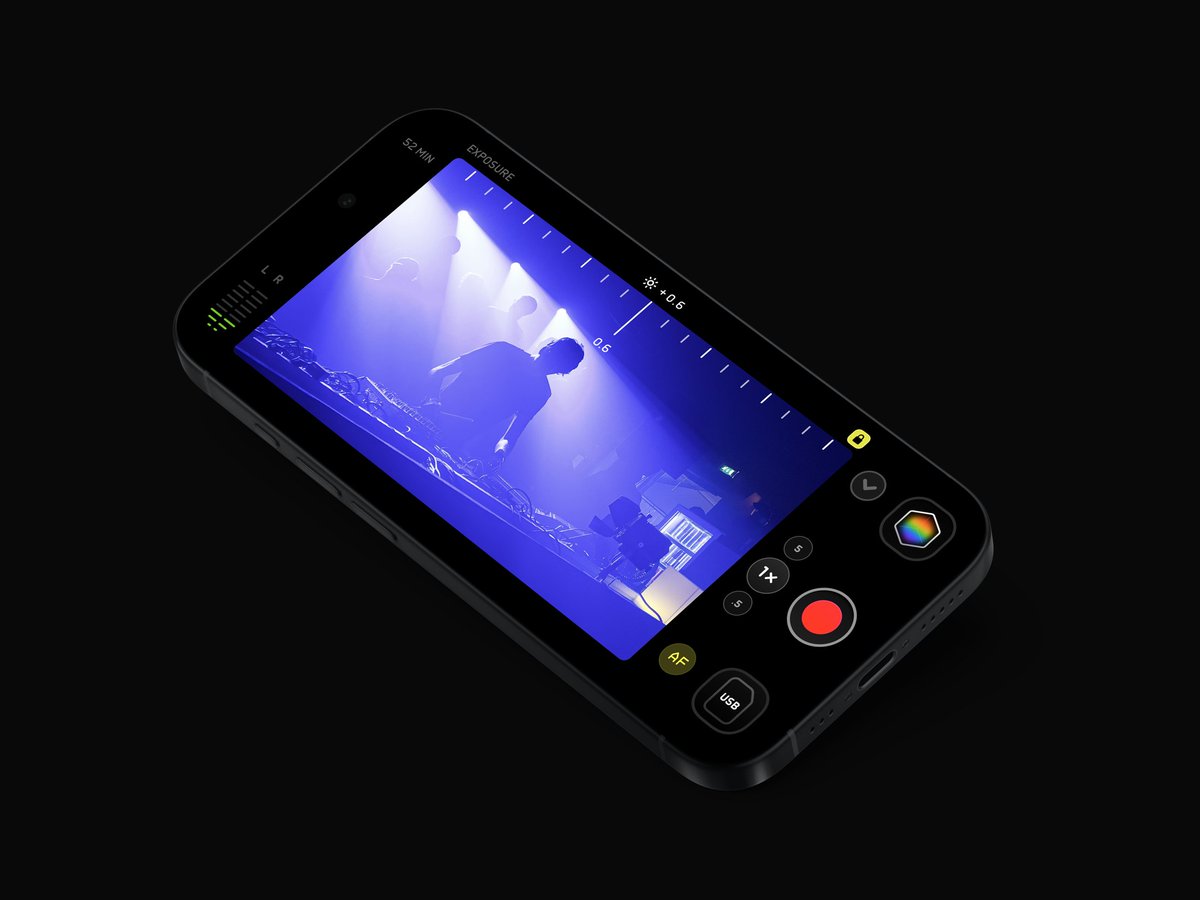
Introducing: Kino. Our take on pro video for iPhone.
Beautiful video made easy. One-tap cinematic color, perfect motion, and tons of pro features — great for film pros, but simple enough for the rest of us.
And... we have a few surprises:
Introducing Kino - Halide’s new pro video camera sibling.
It’s our beautiful, simple, but powerful app for taking cinematic video. Packed with amazing color presets by my favorite pros. Out now, and half off for launch!
https://t.co/V7DjBi91Bz
I think that unique designs can be more forgiving on the iPhone because you only see one app at a time, so each app is like entering a different room.
However, on the Mac, your app sits alongside many others. If every app chose to be “unique,” we’d end up with a visually disjointed and unaesthetic system.
As boring as it may sound, I think that macOS apps should be invisible, they should blend in. Most of the time, they are tools with a purpose. While it’s tempting to try to stand out (because we all care deeply about our apps) people use your app to get their job done. In fact, standing out can be distracting and even risky because deviating from the OS norms exposes your app to the user’s personal aesthetic judgment.
This doesn’t mean there’s no room for innovation or design flair, but it needs to be carefully considered and always in harmony with the surrounding aesthetic of macOS.
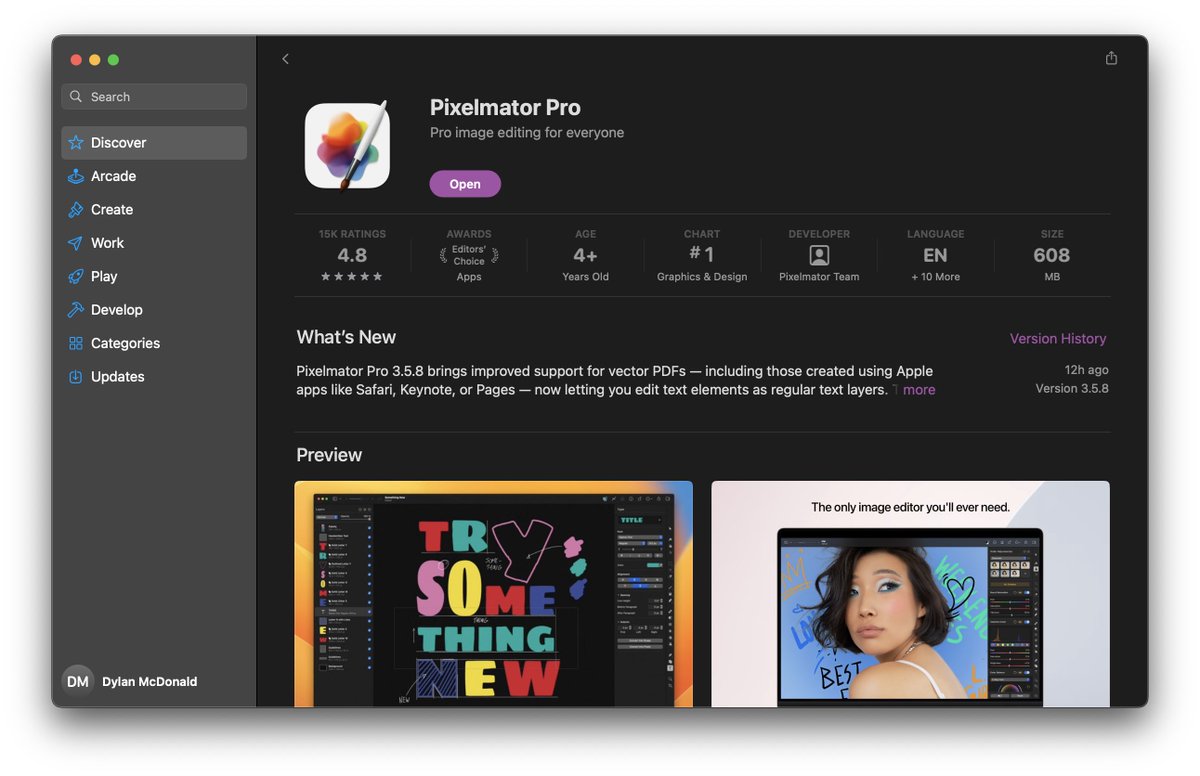
The new Pixelmator Pro 3.6 update concentrates on masking, a key way of selecting objects to edit or delete now being sped up by AI. By @WGallagher
https://t.co/JvICe2Z3gG
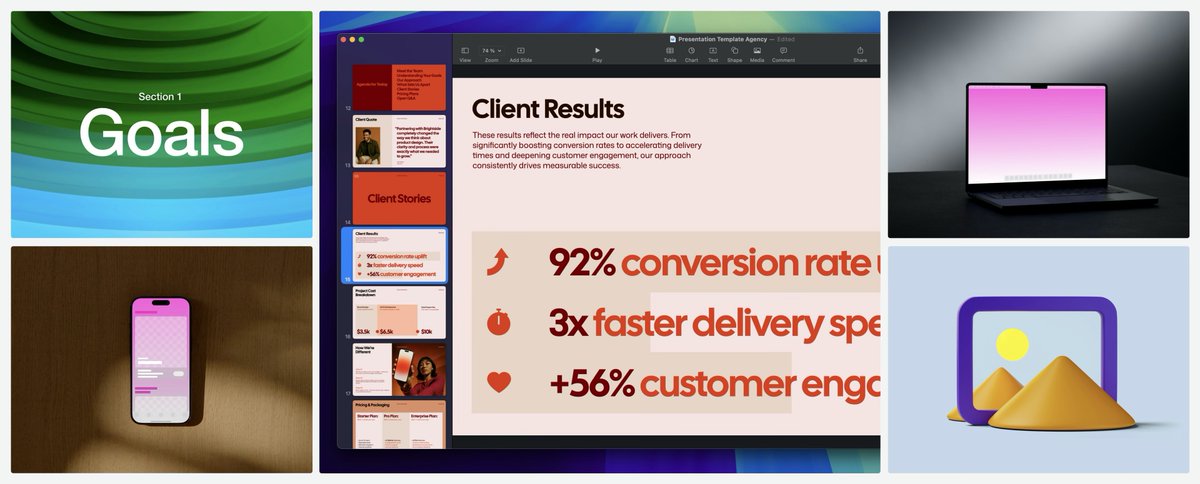
I think the most amazing thing about Pixelmator Pro is that they are able to put vector editing, image editing, painting, video, PDF, templates, and more all into one app while still having a fantastic and intuitive interface. It never feels bloated, confusing, or overwhelming.
Holy cow, I work at Microsoft!
I’ve signed on with a great group of folks to bring generative imaging magic to as many people as possible, leveraging the power of DALL•E, ChatGPT, Copilot, and more to help make fun, beautiful, meaningful things.