Most AI tools = one box, one prompt, one output.
We built something different.
→ SiteSkite AI
→ MCP (run actions across your entire stack)
→ BYO AI models (your model, your rules)
Command → content + data
This isn’t AI as a feature.
It’s AI as infrastructure.
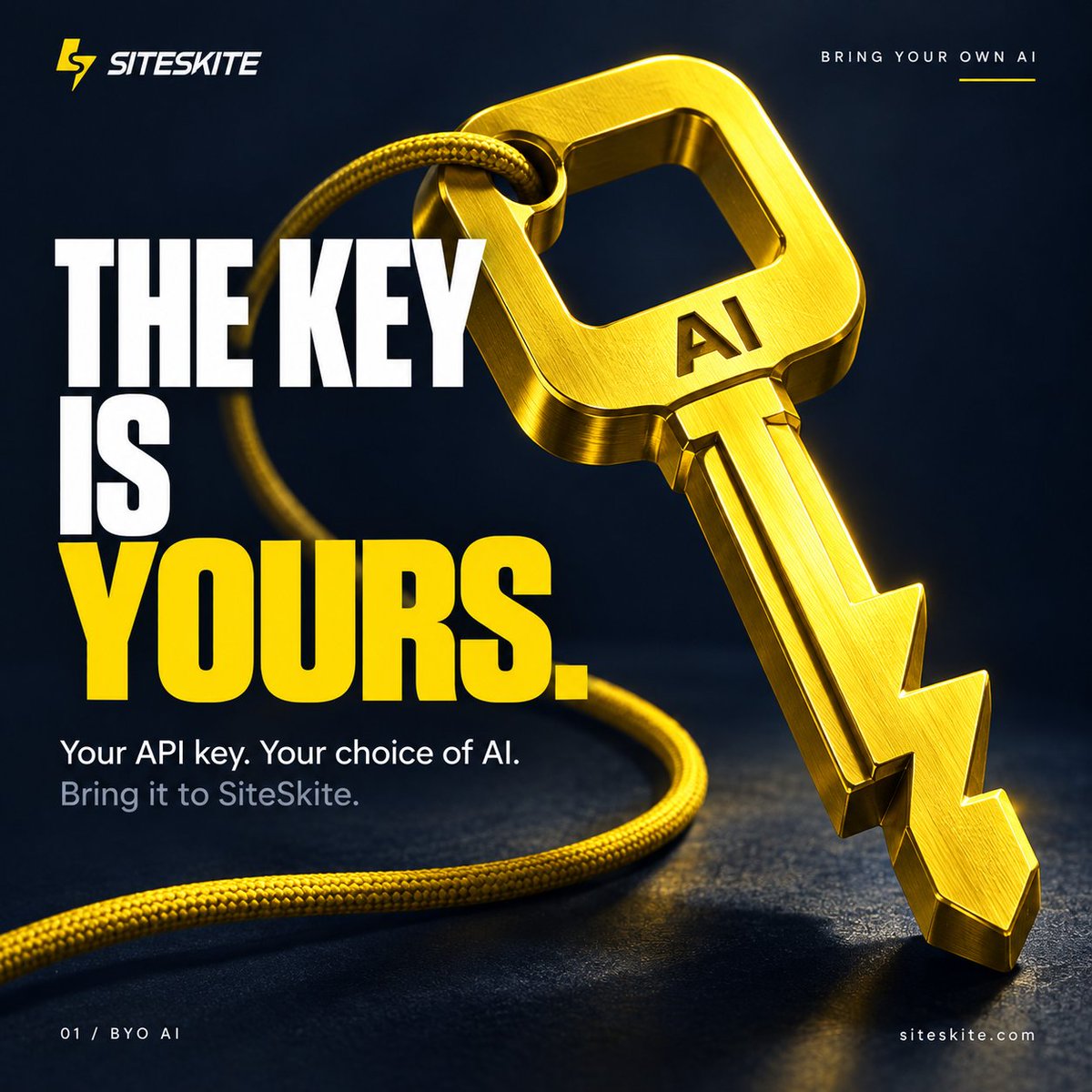
With SiteSkite’s Bring Your Own AI mode, you can connect your own API key and choose the AI model that fits your workflow.
Use your preferred provider. Control your usage. Build and manage WordPress sites with AI.
Your API key. Your choice of AI. Bring it to SiteSkite.
Learn more: https://t.co/8c8Hten8QR
#SiteSkite #BringYourOwnAI #BYOAI #WordPressAI #WordPress #AIWebsiteBuilder #WebOps
SiteSkite was built to give WordPress professionals a faster, smarter way to build, manage, and operate their websites. Today, our WordPress plugin has officially crossed 4,000 downloads.
This milestone reflects the WordPress community's growing trust and support. Thank you to everyone who has downloaded, tested, shared, and helped us improve SiteSkite.
With free MCP access and no registration required, your website, content, and control always remain yours.
We’re building the future of WordPress WebOps—and we’re just getting started.
Try SiteSkite for free:
https://t.co/irE9tnu4K6
#SiteSkite #WordPress #WordPressPlugin #WordPressAI #MCP #WebOps
InfluenceWP Quick Look—AI Site Studio
SiteSkite is a full devops platform, but this particular feature turns an idea into a WordPress website in minutes using AI.
No Affiliation. No Sponsorship. Just Info & Deals. 👇
https://t.co/s7usi7aOi7
SiteSkite MCP plugin is now completely free—no SiteSkite account required.
Yes, you read that right.
You don’t need to register.
You don’t need a subscription.
You don’t even need to enter the SiteSkite dashboard.
SiteSkite MCP is now open to everyone. 🔥
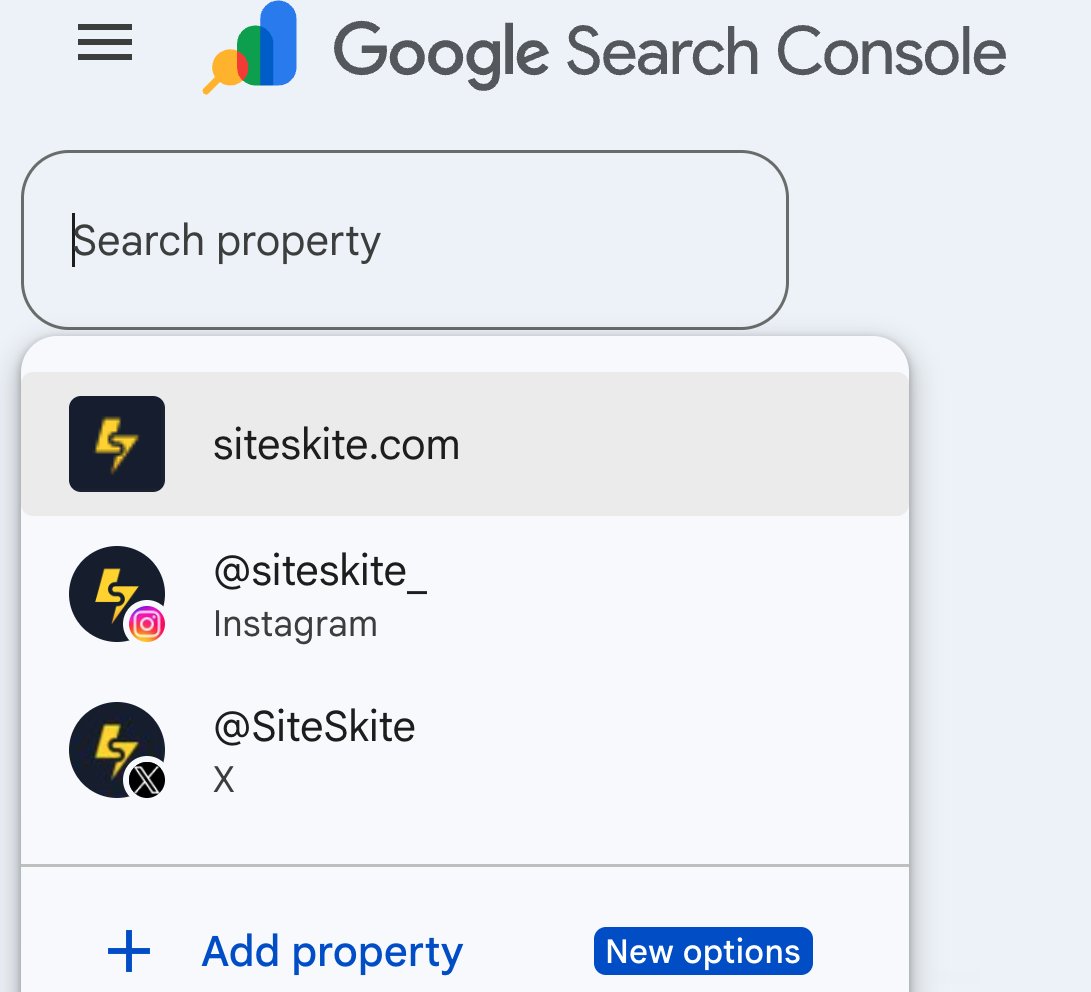
A nice update by Google Search Console is not just for websites anymore.
You can now add your Instagram, TikTok, X, and YouTube accounts as properties and see how your content performs on Google Search.
#googlesearchconsole
Remember when building a website took days?
Yeah... about that.
One prompt. One WordPress site.
SiteSkite AI Site Studio is now live.
https://t.co/CwkiDlS6UM
#AI#WordPress#WebOps#BuildInPublic#SiteSkite
Two ways to launch, pick what fits.
Launch in @SiteSkite : a real WordPress site you can use for a few hours. Best for plugins with setup steps, outside connections, or anything that needs to save your settings.
Launch in Playground: runs in your browser. No signup, opens fast, closes when you close the tab.
@thewpfolks Thanks @thewpfolks for this great support. This collaboration allows users a real WordPress environment to instantly test plugins and themes before using them on production websites.
Excited to be part of this journey 🤝
Most people don’t test WordPress plugins because they fear breaking their live website. So we changed the experience. Replace: https://t.co/wYir98SaGa with: https://t.co/YeTG8CbWEF
Try:
https://t.co/23GorLdu2y
➡️
https://t.co/vL6nOxXsiS
#WordPress#WebDevelopment#sandbox
Quarterly Product update.
New: Omni Dashboard
New: Create Sandbox Site from Backup
New: Production & Staging Environments
New: Migrate/Clone Site from Old Host to New Host
New: Safe Mode Access when the site crashed due to a PHP Fatal Error
and much more...
What if hosting providers stopped locking you in…
because moving out became effortless?
We’re working on that future.
SiteSkite will let you clone your entire site to another host in one click.
Stay Tuned.