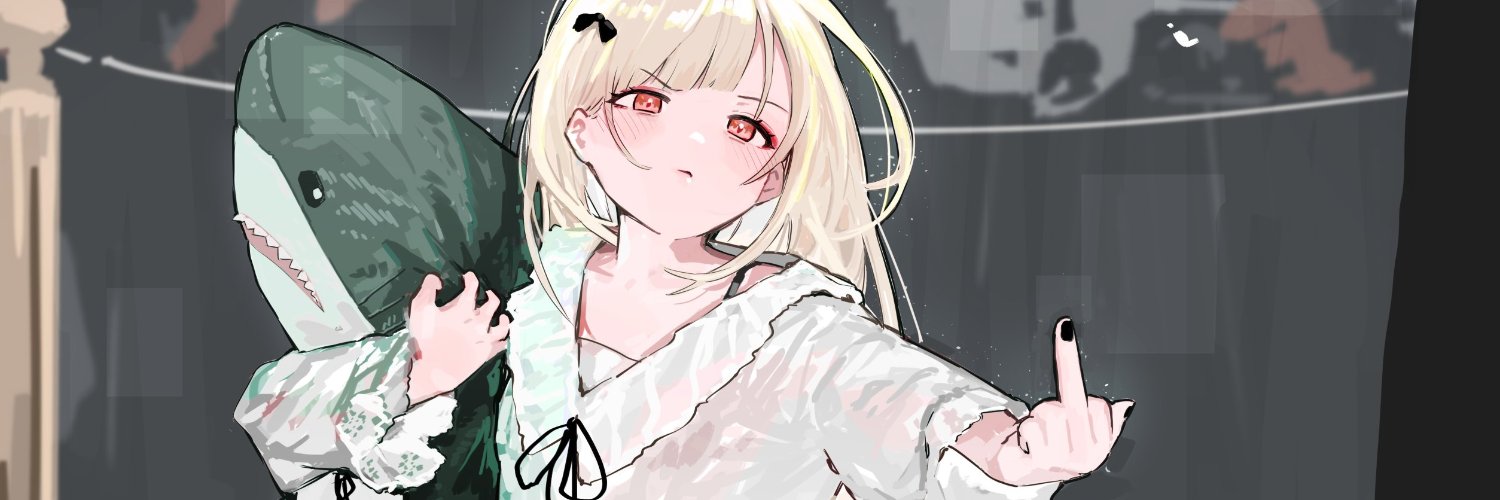
Numiverse Origins manga is coming this September😍
Follow Adam, Yuki, and Gareth on a journey of groundbreaking discoveries, testing their bonds of love and friendship 🌟
Immerse yourself in this captivating story soon 💫
#Numi#manga#anime
@suparokr@YouTube@TeamYouTube If it doesn't work right away, you can try to refresh the page and do these steps again, or try some combination of changing settings (for example switch to the dark theme) before or after clearing the HttpOnly flag.
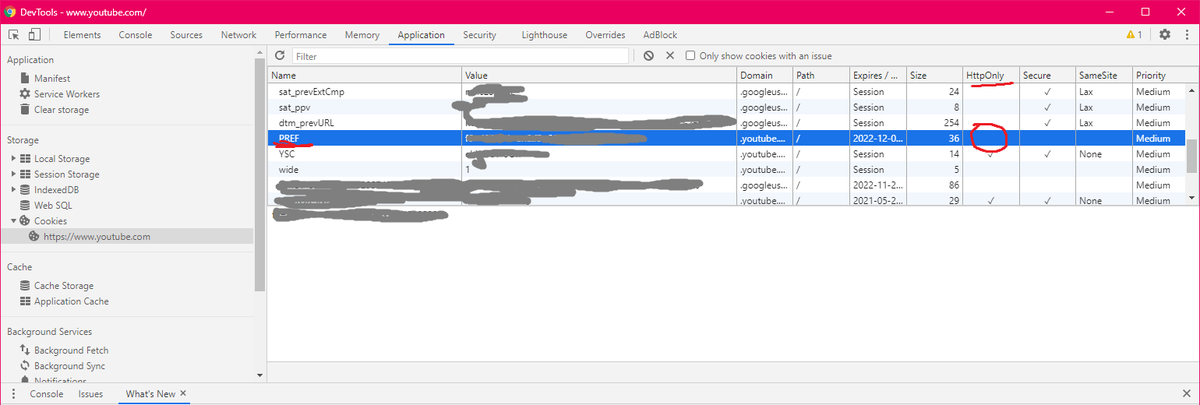
If you have the same issue as me that @YouTube doesn't save your local settings (Dark Mode, Autoplay, etc), search for PREF cookie in browser's devtools (Application tab if you're using a Chromium-based browser) and remove HttpOnly flag (simply deleting the cookie doesn't work).
@suparokr@YouTube@TeamYouTube And then you need to find https://t.co/6TOTlRwBr9 in Storage/Cookies. You need to make sure that the HttpOnly checkmark is not set for the PREF cookie (you can it see on the screenshot). After that you can just refresh the page, and it should be fixed for you.
@TeamYouTube Server sends the following header when you open any page:
set-cookie: PREF=f6=80; Domain=.youtube.com; Expires=Fri, 30-Jul-2021 01:11:07 GMT; Path=/; Secure; HttpOnly
And after that, YouTube's front-end can't access or change it anymore, and therefore it can't save the settings.
@TeamYouTube The issue is that YouTube doesn't keep these settings after you refresh the page or open a new tab. After some digging, I figured out that the issue seems to be that YouTube sets PREF cookie with HttpOnly flag when you open a page while being logged in.