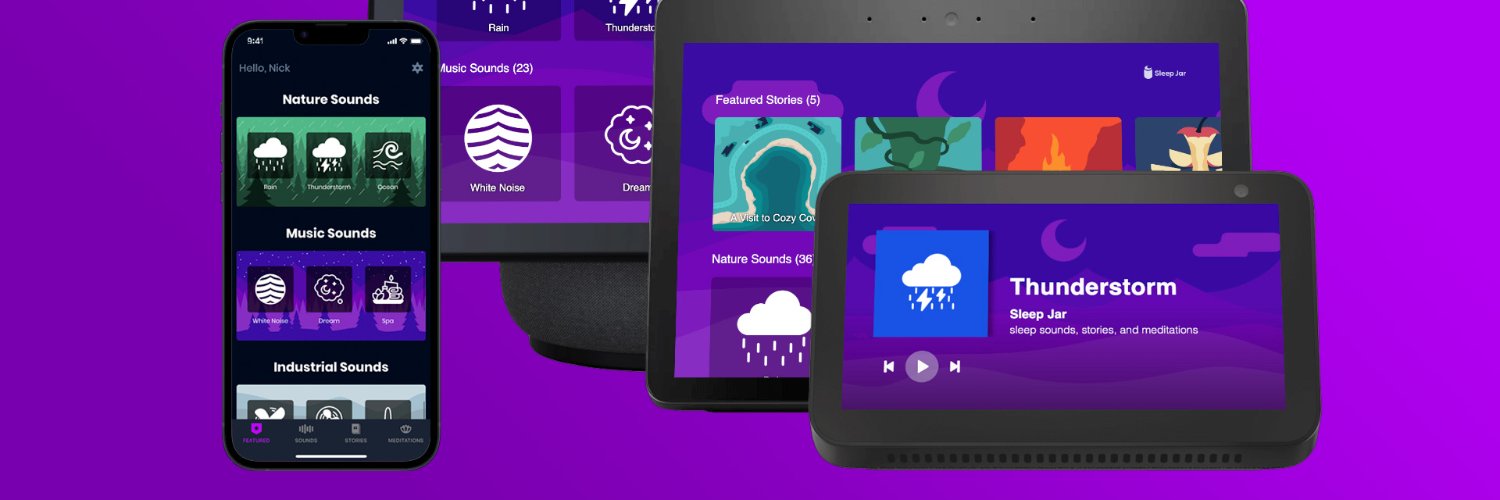
@cdn_nick_ That's odd - have you tried giving your device a reboot? That usually fixes issues with distorted audio. Just unplug it, wait 10 seconds, then plug back in.
@LegoPrinting@AmazonHelp Do you mean it now goes to "Alexa Ambient Sounds"? Amazon appears to be hijacking popular Skill invocation phrases to route people to their [new] 1P content. We're actively investigating. In the meantime, please try "Alexa, open Sleep Jar Skill"
@DickThorne1776@AmazonHelp An Alexa Routine might be starting it on a time schedule or some other trigger. Please check the "routines" section of the Alexa app - sometimes these can be created without manual entry. If there's nothing odd there, then it's probably a bug on Amazon's end 🫣
@AmazonHelp@DickThorne1776 Looks like you're running our Alexa Skill on a Fire TV. Since Alexa Skills aren't "installed" like traditional apps, sometimes they can be accidentally opened by a misinterpreted Alexa voice request. Leave the Skill anytime by saying "Alexa, stop" or "Alexa, exit".
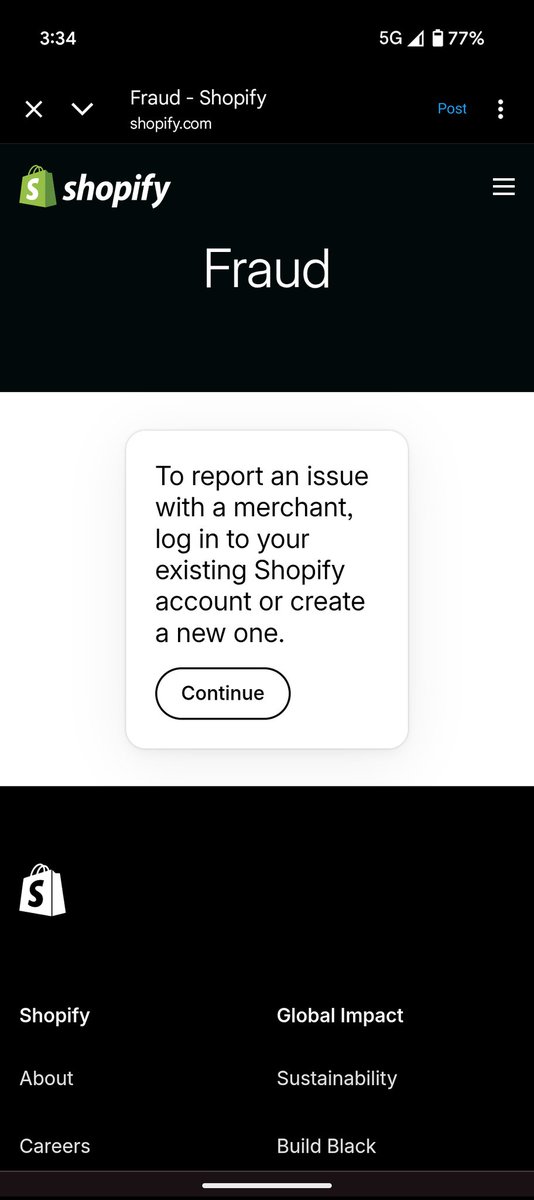
@ShopifySupport We can't report the fraudulent store using the link you provided because we don't have a Shopify account. Please provide a different way to proceed.
@ShopifySupport Please let us know how to have a fraudulent Shopify account terminated... without requiring us to actually sign up for a Shopify account to create a ticket through your chatbot.
@madshelen No worries, we'll get to the bottom of it! Three quick questions:
1) Do you have early access to Alexa+?
2) What phrase are you saying to start Sleep Jar?
3) Does it work if you say "Alexa, open Sleep Jar"?
@AndroidDev We're eager to add audio previews to our app listing on @GooglePlay, but the option isn't showing up in the Google Play Console 🙁 Can you help us out?
Unfortunately it's not possible to remotely start our content on an Alexa device from within the Sleep Jar mobile app due to technical limitations on Amazon's end. We've encouraged them to build support for this capability for years, but it seems unlikely to come to fruition. In the meantime, workarounds include using the Bluetooth connection capability between your phone and your Echo device, use a Google Cast speaker (just tap the Cast icon in the Sleep Jar mobile app), or use the Alexa app to remotely trigger an Alexa Routine.
Hey @kjthelegendary, "Background Mode" is a feature we built to allow customers to turn off our custom visual interface on Echo Show devices so that the skill can run in the background and allow Alexa to respond to requests not meant for our skill while our skill is playing audio. Background Mode is off by default, but we provide spoken instructions to customers about how to turn it on if it seems like they're making a voice request that isn't intended for our skill.
Background mode can be turned off by saying "Alexa, ask [skill name] to disable Background Mode"
🇺🇲 153 new #WeArePlay stories from across the U.S.
→ https://t.co/KghBcFOhoQ
Our tour of the world continues as we revisit the U.S., with 3 more stories per state from people building apps and games businesses on Google Play.
@AuntieKimTrahan @alexadevs Hi Kim, subscribers can "download" sounds in our Android and iPhone apps for offline playback, and you can Link to Alexa to get your subscription benefits across platforms without paying more🙌
@AmazonHelp@creelawson Hey @creelawson, it sounds like your Echo device may have had a firmware glitch. We recommend giving it a simple reboot by unplugging it, waiting 5 seconds, then plugging it back in.
@lanaraexx@AmazonUK@alexa99 Hi Alana! Usually a quick device reset fixes problems like these (unplug your device, wait 5 seconds, plug it back in). If issues persist after this, please open a support ticket with our team so we can better assist you! https://t.co/YmmL5iYr6q
@sirjray Hey @sirjray, it sounds like you might be using Alexa on a Fire TV or on an Echo belonging to a device group with a Fire TV in it? In these cases, it's best to append "skill" to your requests to help Alexa route them properly. e.g. "Alexa, open Sleep Jar skill"
Hi there!
Sleep Jar is not sponsored, powered by, or in any other way affiliated with Amazon Music.
We discovered some IP infringement on Amazon which was likely causing this issue. We reported the infringing content and it was taken down this morning. Please let us know if you continue to experience strange Alexa responses when trying to access our content.