smart tasks 3.0 has been out for a over a month.
liquid glass throughout. custom colors on mac. glassy widgets that match your wallpaper. custom made haptic vibration on completions.
if you havent updated → app store
Smart Tasks turns 6 today and I’m honestly so grateful 🥹
One developer building an app that somehow resonates with thousands of people. I don’t take that for granted for a second.
Thank you for believing in this app and in me 🤍 #SmartTasks
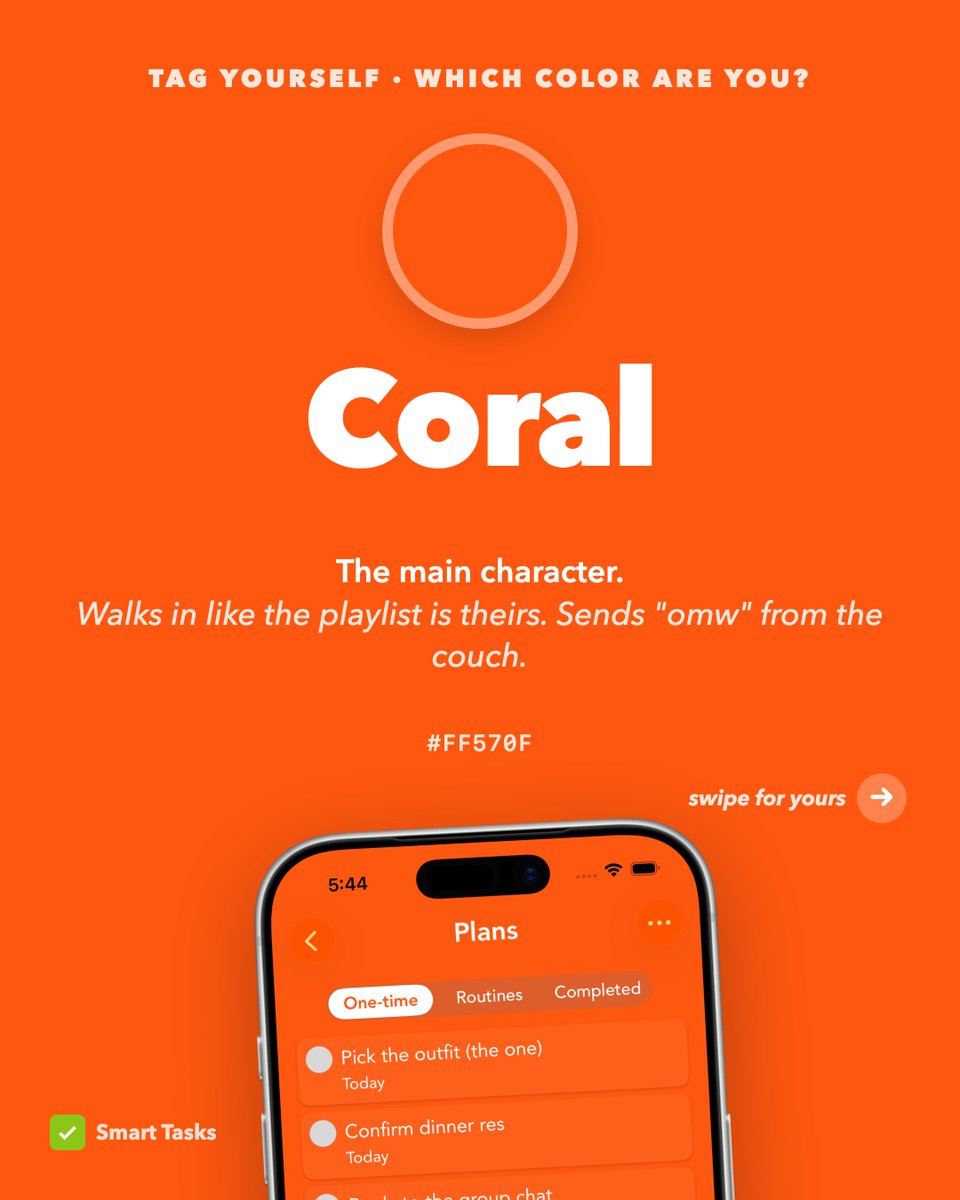
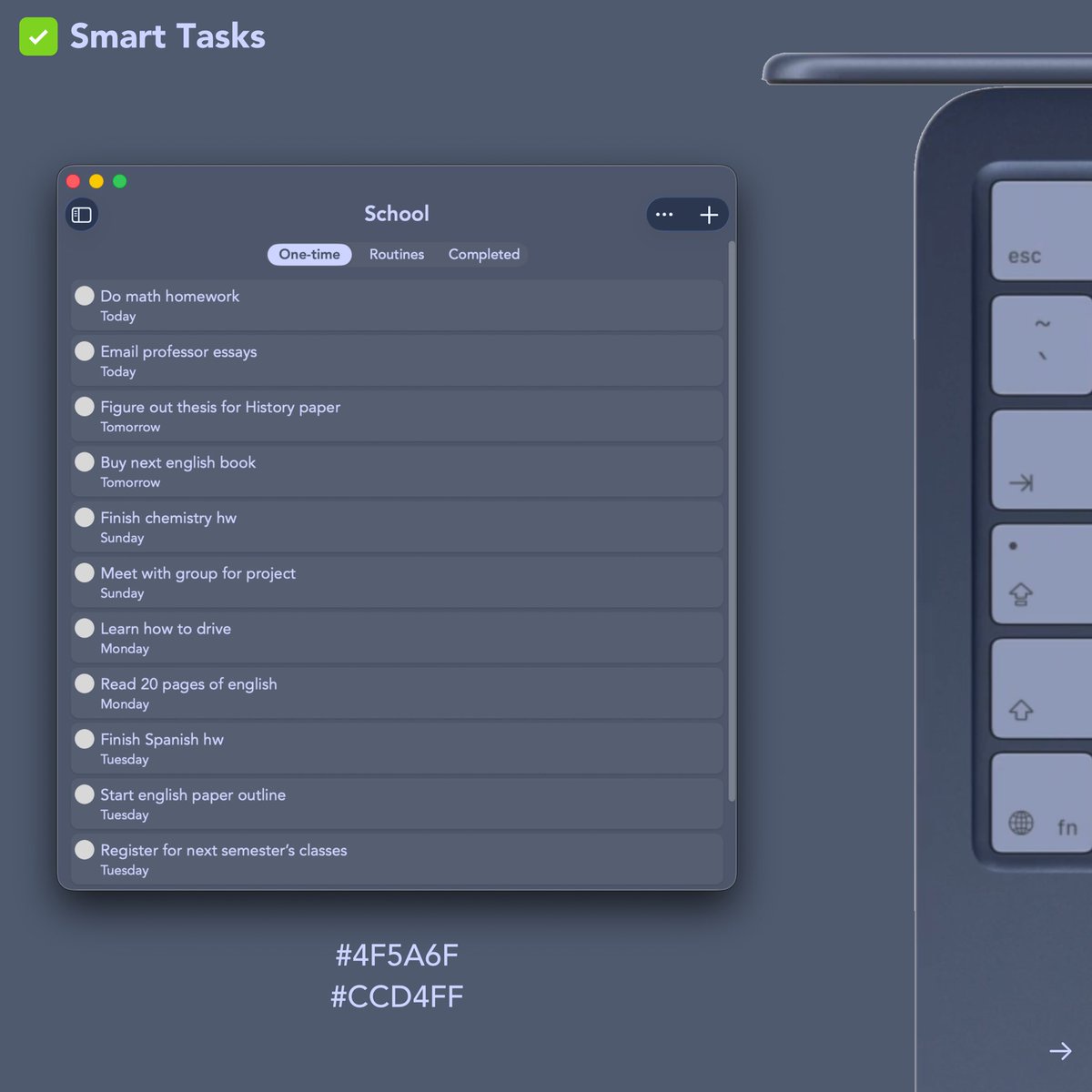
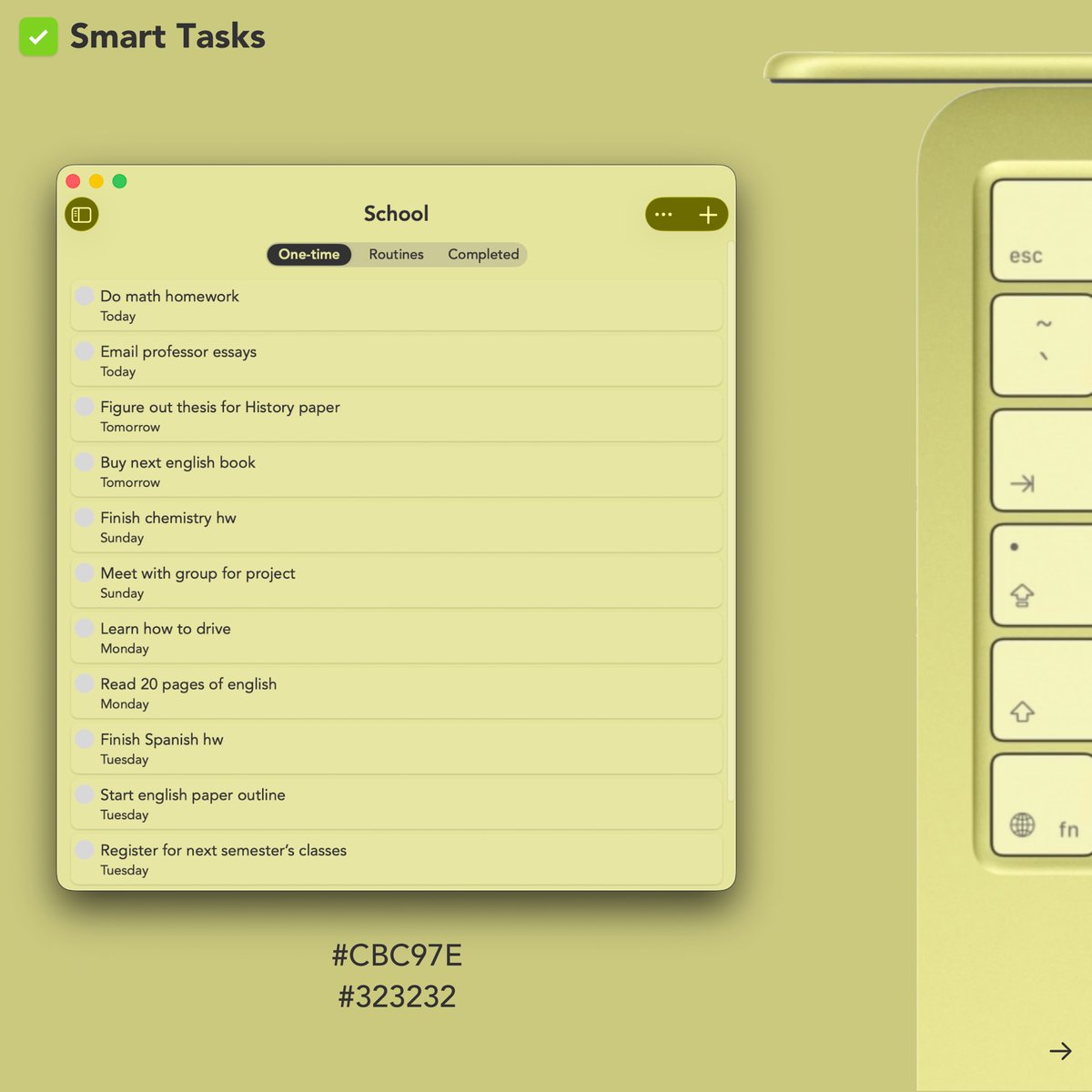
Your new MacBook Neo came in a color. Your to-do list in #SmartTasks should too 🎨
How to import a category color:
1. Start creating or editing a category in Smart Tasks
2. Tap the + button under “Custom Color”
3. Tap “Import” and add the HEX code
A lot of big quality of life improvements coming to importing reminders in a couple of days!!
Maybe getting ready for a new Reminders related feature 🤔
Smart Tasks will be supporting iOS 16 Lock Screen widgets on day 1 (next week)!
It’ll look great on the new iPhone’s always on display! #AppleEvent#iPhone14
This is how I stay organized -> @smarttasksapp I’ve tried a bunch of different apps in the past and Smart Tasks is the one that worked for me! And yes, I’m drinking cold brew in my wine glass 🥲 #ugc#ugccreator#ugccommunity
Mondays are ROUGH. So busy! I need to step away from my laptop and set my goals for today. I'm getting so overwhelmed right now 😂 Time to open the Smart Tasks app and just get organized before I jump onto a new task! How do you stay organized?
#ugc#ugccreator#ugccommunity
Many great announcements at Apple’s keynote and Smart Tasks will be supporting a lot of these new APIs!
Definitely will be supporting Lock Screen Widgets in the Fall!
#AppleEvent#WWDC22#iOS16