📊 Missed a session at M365Con 2025? The full library of presentation decks is online — filter by product, level, or date to find exactly what you need.
https://t.co/2cyKHzEJ7u
I’ve lost count of how many Teams meetings change the moment recording starts. Cameras go off not from disengagement, but discomfort.
Microsoft Teams now supports audio‑only recording,
I wrote about why this matters and what it changes in real meetings.
https://t.co/sbVdyIJ7xO
#ClassicOutlook has been around for a long time, and I understand why many want to hold on. But from April 2026, the #newOutlook becomes the default for #Microsoft365 Enterprise users. Preparation matters.
Let’s get ready — together. 👉https://t.co/QlmfCgHGcf
#DigitalLeadership
This Wiki Knowledge Base built in Microsoft Loop uses pages and subpages to create a clear, searchable structure that’s easy to maintain and easy to use. Teams can collaborate in real time, update content together, and quickly find what they need with keyword search and intuitive navigation.
It’s a lightweight, scalable approach to knowledge management — fully integrated with Microsoft 365 and designed to grow with your content.
See more here: https://t.co/0TSOacp31R
#SharePoint #Microsoft365
If you’ve ever built a “card” like design in Power Apps by stacking labels, images, containers, and formulas… you’ll appreciate this.
The Modern Card Control lets you build clean, responsive cards in minutes—with far less complexity.
Watch here 📽️ https://t.co/4HZ9cGakfE
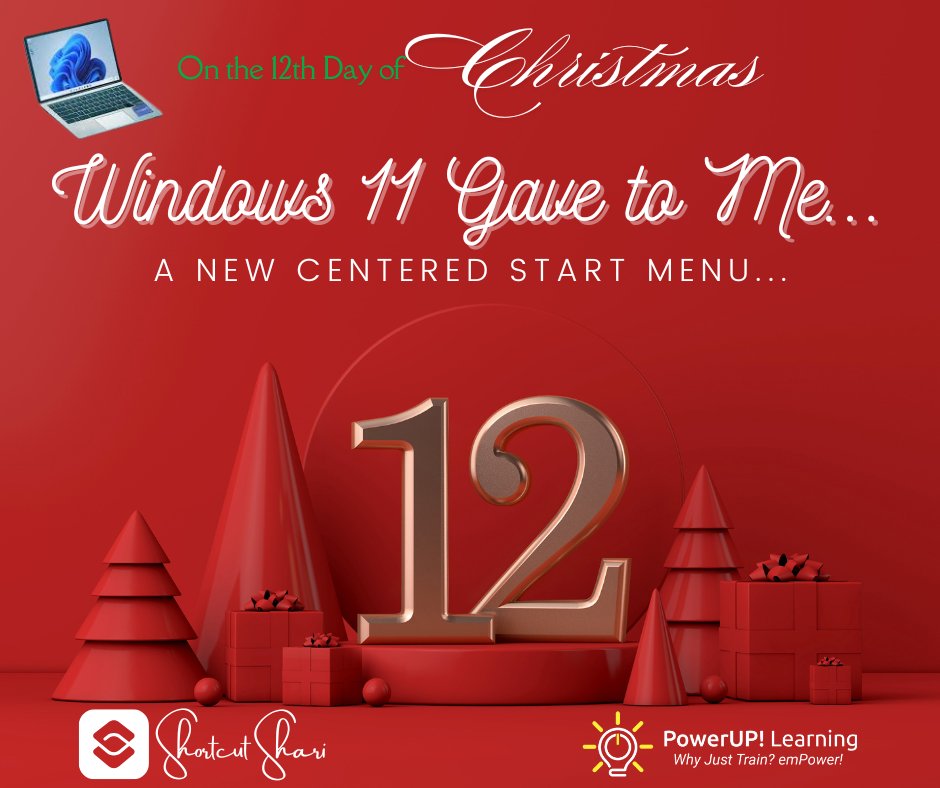
Kicking of our Annual 12 days of Christmas - Windows 11 Edition!
https://t.co/Fs6R8GOd8b
On the 12th Day, Windows 11 Gave to Me…
A New Centered Start Menu....
Think of it as Santa reorganizing his workshop so the elves can work faster.
#Windows11#Productivity#MicrosoftTips #12DaysOfChristmas
💡 Supercharge Microsoft Planner with #SPFx + App-Powered Tasks
@simondoy shows how to take full UI control of Planner tasks, prevent edits, and add audit-friendly flows using Graph API (beta) + SPFx
📺 → https://t.co/iQPlAXtzBl
#SharePoint#Microsoft365dev
There's a new #SharePoint blog in town with lots of practical guidance. This month includes great tips for creating SharePoint Agents. Something for everyone to learn about! https://t.co/E9k5KlgC4X
Retirement of SharePoint Alerts--Alerts were simple to create and got the job done. Now that I'm also retired I wonder if my former colleagues will catch this announcement 😜
Just noticed an important announcement for #SharePoint in the message center: Microsoft is retiring the SharePoint Alerts feature to modernize notifications. Gradual phase-out starting July 25, with complete removal by July 26. Transition to Power Automate or SharePoint Rules.
NOW ON DEMAND | Microsoft 365 Champion community call - February 2025.
Explore #SharePoint sites, pages, and AI with @MKashman - Including full Q&A. Hosted by Tiffany Lee and moderated by @JessieCHwang.
Watch now ▶️ https://t.co/JASkUEJMfN
🆕 blog | Put the power of video in your hands with @Clipchamp + #Copilot
Ask Visual Creator to "Create a video." The result: A draft project with a script, imagery, transitions, voice overs, and titles.
🤖📹 https://t.co/YsO0m9fGjW
🚀 Setting up Document Approvals in SharePoint just got easier!
🎥 Watch: https://t.co/3Gug9pyPLe
Learn how to request, track, and manage approvals effortlessly with Library or List Approvals - all within minutes.
#SharePoint#Microsoft365
Calling all #SharePoint enthusiasts! Microsoft Lists forms are receiving a major upgrade with enhanced features, including new field types and improved customization options. Stay ahead of the curve as you collect data like a pro.
https://t.co/f2Py1WvXIA
@D_B_Harrison@JohnPGuevara@virgilwalker@mastersuniv Our two granddaughters attend The Master's and the oldest, Lilli is hosting this event. She is a political science major. Thank you for all your great teaching.
With Copilot, creating FAQs from files is now quick and easy. Previously, you had to manually add content to SharePoint's FAQ pages. Now, you can have a complete FAQ in minutes! ⏰💨
Here's how: https://t.co/dPdyqUZhAn
#SharePoint#Microsoft365#CoPilot
✨ Introducing My sites card for Viva Connections
• New out-of-the-box card
• List frequently used sites
• Access favorite sites
• Easy way finding in any device
See more → https://t.co/TVF1FU41eD
#Microsoft365#MicrosoftViva#SharePoint