Meeting assistant built for professionals who can't use cloud-based tools. 100% local processing means your conversations never leave your Mac.
https://t.co/qBD8EqDd1C
Version 1.8.4 is out!
New Qwen 3.6, Qwen 3.5, and Gemma 4 models!
Notes now render as markdown. Fixed calendar auto-record not disabling when the mode is turned off, and corrected meeting prep counts and more!
Summit 1.8.2 is out!
- Set a specific transcription language per recording
- Better speaker recognition across multiple recordings
- Smarter detection of recurring meeting series in meeting prep
- Improved AI summary quality across all summary types
and more!
Version 1.8 is out!
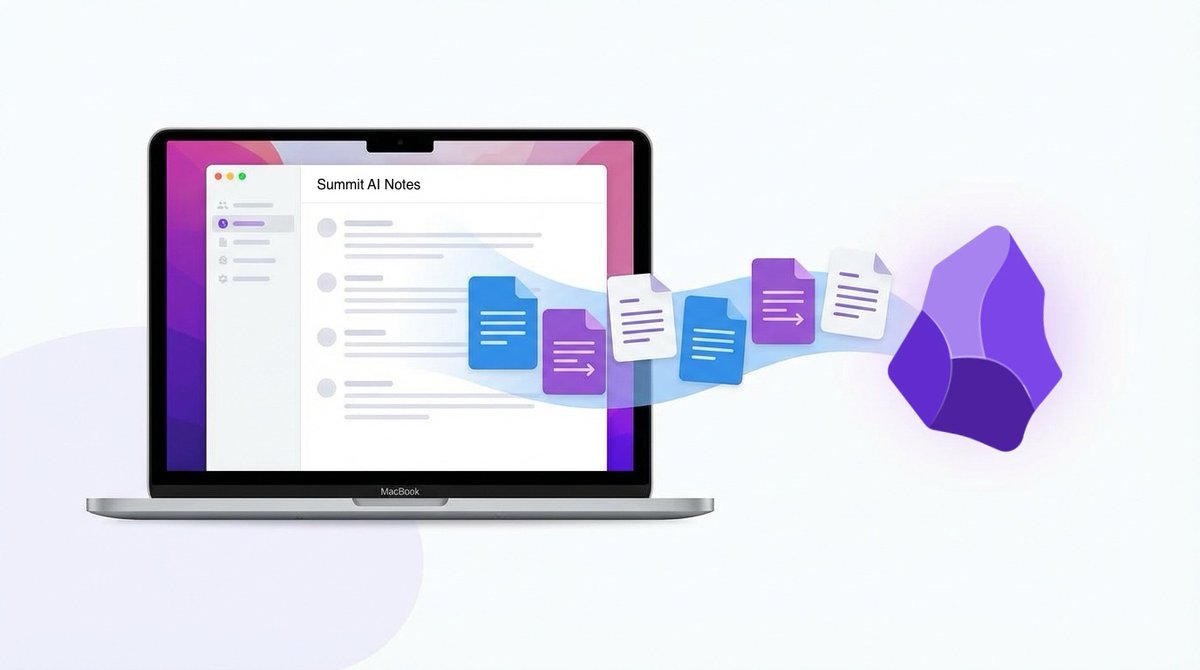
Better integration with @obsdmd. You can now specify a folder and auto-export meeting summaries in Obsidian format feeding your agentic workflows and Second Brain.
Sorry to see Granola @meetgranola going closed. They encrypted their local db, no local and no cloud API. In a world where notes are managed by agents, the app now has zero value.
Any recommendations for good alternatives? What are you switching to?
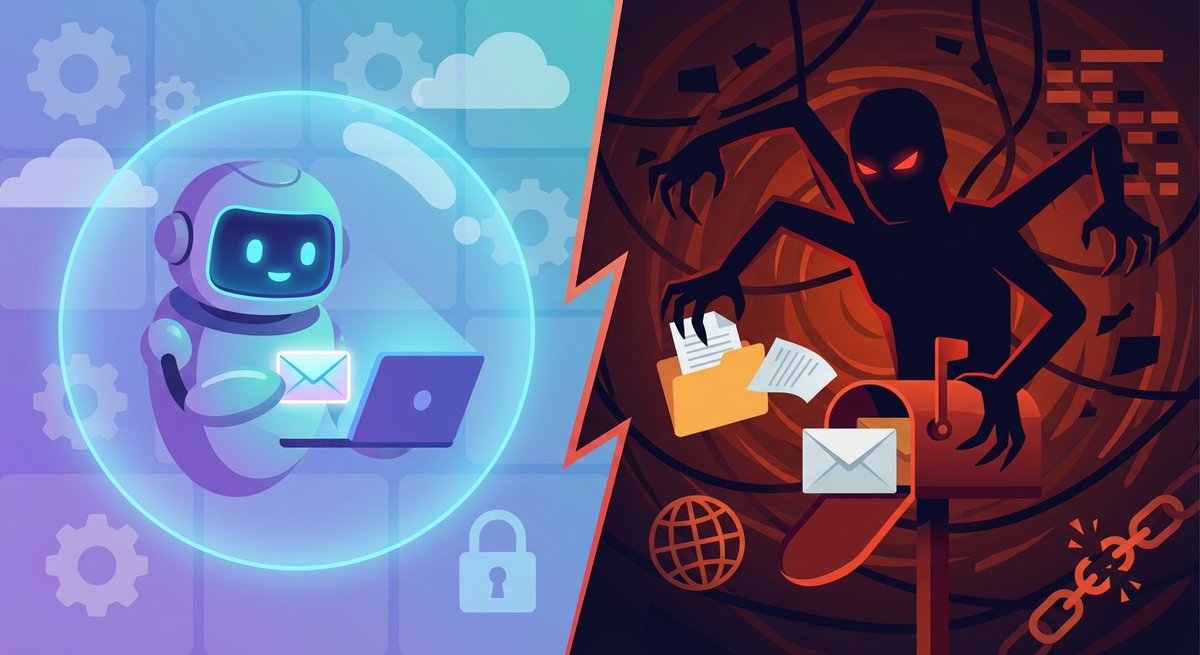
Not everything needs frontier intelligence. Most tasks don’t. And for those tasks, a “dumber” model isn’t a compromise — it’s a feature.
https://t.co/0Xbe832bbi
The AI safety community focuses on making powerful models safer through RLHF, constitutional AI, interpretability research.
All valuable work. But there’s a simpler approach that gets overlooked:
Just use less powerful models.
A person takes meeting notes within a context. We understand that we’re in a 1:1 setting. The model doesn’t have that context and needs to be guided.
Instructions for summaries, or “templates,” are something you definitely want to customize.
The default prompt is good, but if you choose a prompt tailored to the specific call, the quality of insights will be much higher.
If there isn’t a suitable one, copy any example into ChatGPT and ask it to create a similar version adapted to your needs.
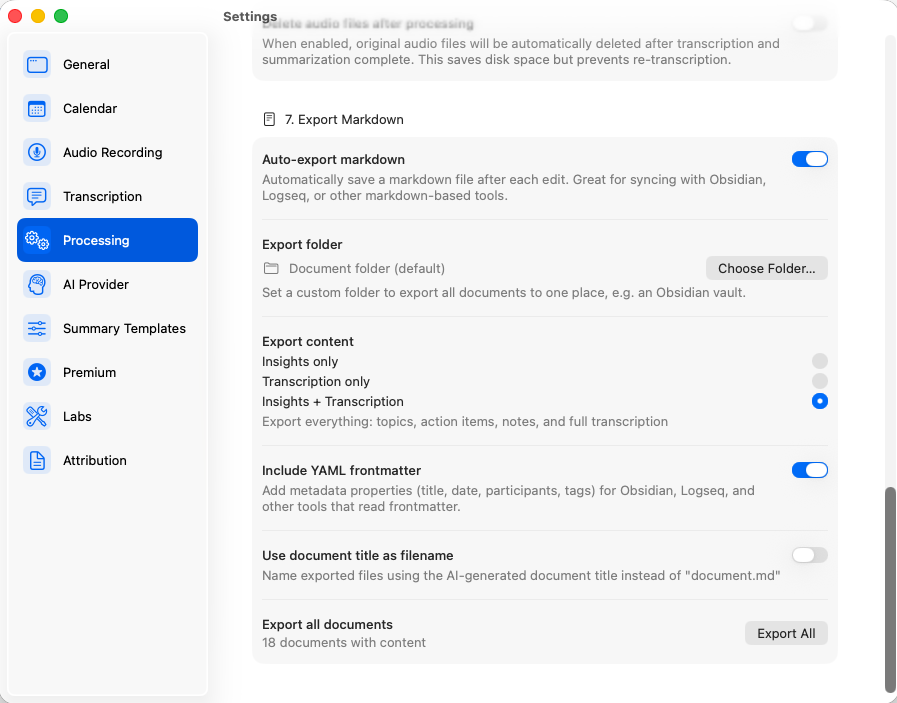
Since version 1.7, Summit can automatically export every meeting to markdown — straight into your @obsdmd vault. Open Summit → Settings → Processing. Enable Auto-export markdown. Done!
Summit saves each recording in its own folder with the markdown file alongside the audio.