so I’ve joined @boltdotnew as Product Lead & my extension @supercharge_ext (2.1K+ users) opened this door
Will keep it going for now & bring favorite features to Bolt officially
THANK YOU to everyone who supported this journey!
Just do things… ✨
the days of having to rely on old school clickable prototypes in Figma to do user testing are OVER
that’s sooo 2024 - real feedback comes from real apps
@boltdotnew just launched a way to turn a figma design into a working app in 1 click
check it out on ProductHunt https://t.co/mN52A7sUhm
Designers can now code, creating functional prototypes *faster than scaffolding them* in a design tool.
And the end result is a real, testable app - not screenshots.
This is the future. And we're just getting started.
This is really happening to me. Now, when I prototype a new product, I skip the code editor, Figma, boilerplate sites, and even my notebook. Instead, I go to https://t.co/8ZGYfGAT5O and type a prompt.
want to create really beautiful designs in your https://t.co/5k2cLeDV2H project?
use the new "/component" slash command with the Supercharge add-on:
- choose from 100s of 😍 components
- copy the code, purpose-made for Bolt
👉 a simple, stunning, fast way to 10x your designs.
Here's the ULTIMATE guide for building apps using Grok + Bolt 😱
After you read this you’ll be able to build ANYTHING your heart desires.
This includes:
✅ Wireframes & App Flow
✅ PRD with Technical Specs
✅ Fully Functional @boltdotnew Apps
Use this workflow + prompts (see below) to ship your idea 10x faster than ever before 🚀
Steps down below 🦾
Some extra tips:
- Use v0 or MagicPatterns to create designs if you are not good with UI.
- Or just literally go to dribbble and find stuff you like and then take the screenshots into Bolt.
- Be Specific in Prompts: Clearly state the frameworks (e.g., Astro, Tailwind) and features you want to ensure accurate results.
- Use the Enhance Prompt Feature: Refine your prompts using the 'enhance' icon for better initial outputs.
- Scaffold Basics First: Start with the basic structure before adding complex features to build a solid foundation.
- Batch Simple Instructions: Combine multiple simple tasks into one prompt to save time and manage API credits efficiently.
Use Chrome for Better Performance: Switch to Chrome if you encounter issues, as it may offer a smoother experience compared to other browsers.
Use superchargebolt Chrome Extension for extra added functionality created by @skipsterdev
This one is a must have.
Have you been wanting to try @boltdotnew now that it runs with Claude 3.7 Sonnet, but weren't sure where to start?
We've just released a detailed app-building tutorial that guides you through the entire process from initial setup to deploying your first app
https://t.co/SxGrbchaOe
the new "dynamic reasoning" mode in @boltdotnew is completely off the charts good...
you can build a "simple" linear/trello clone in 2 prompts
and the second prompt was really just some UX improvements
get shipping people
can't resist sharing this... building something new for @boltdotnew (and building it with Bolt)
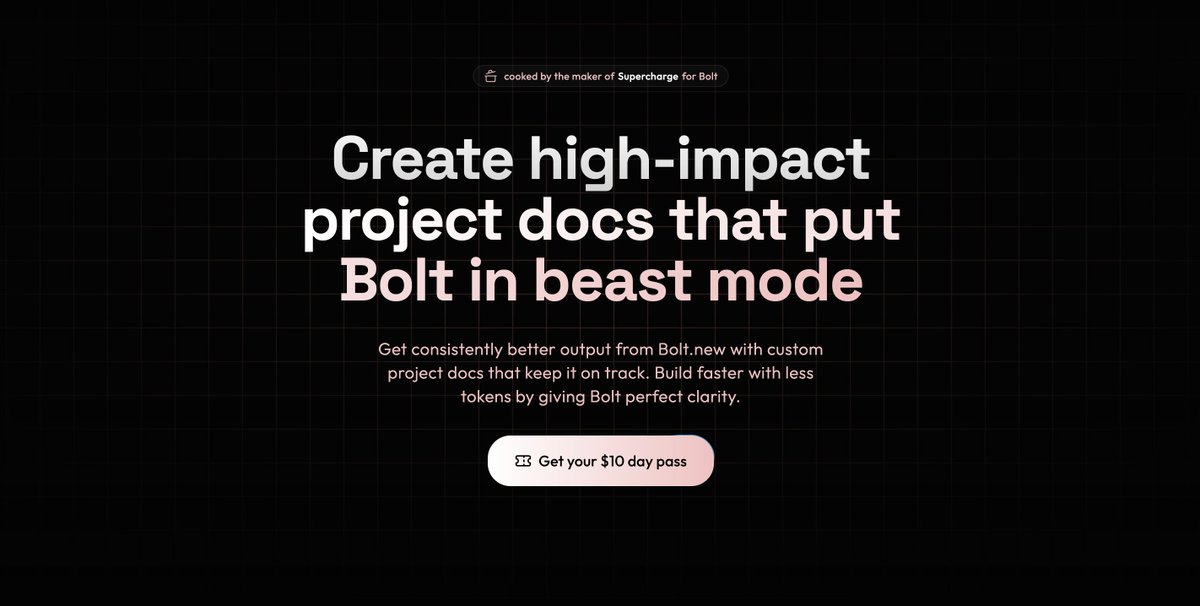
it's very tempting to dive straight in and try to one-shot your way to a killer app... but if you provide a highly specced blueprint first, that's purpose-built for Bolt, it makes a HUGE difference
like and reply here to be the first to know when it's out (eta within the next week)