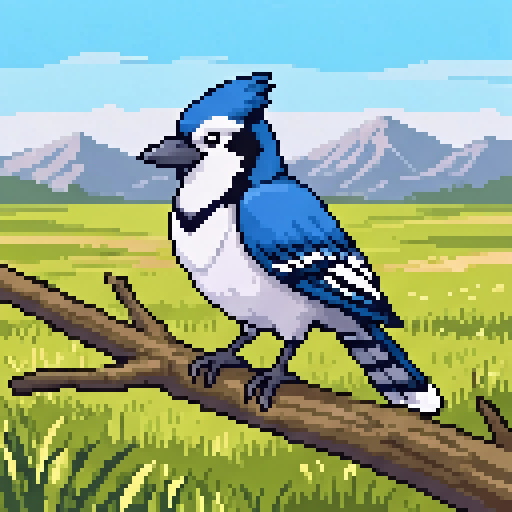
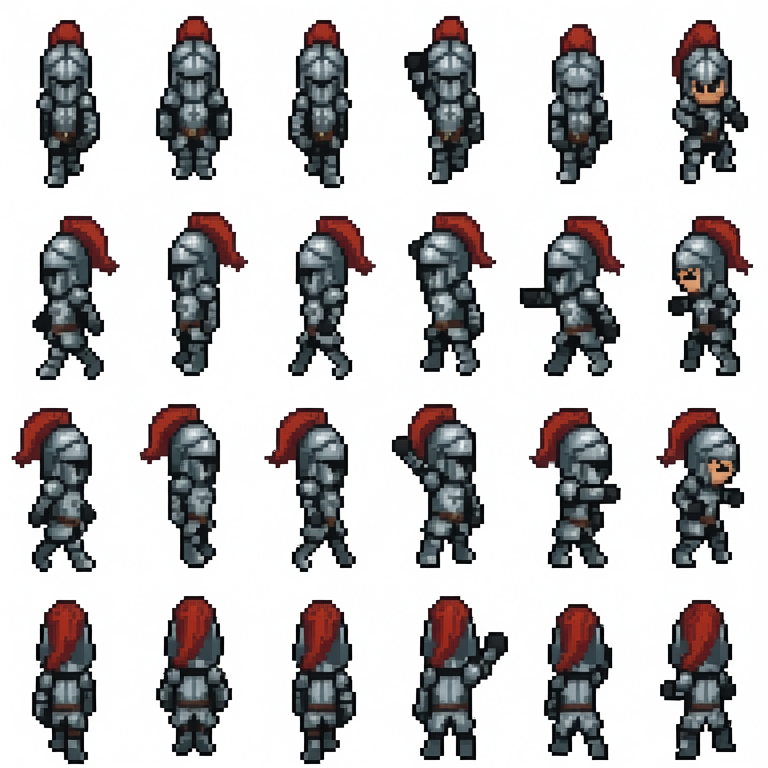
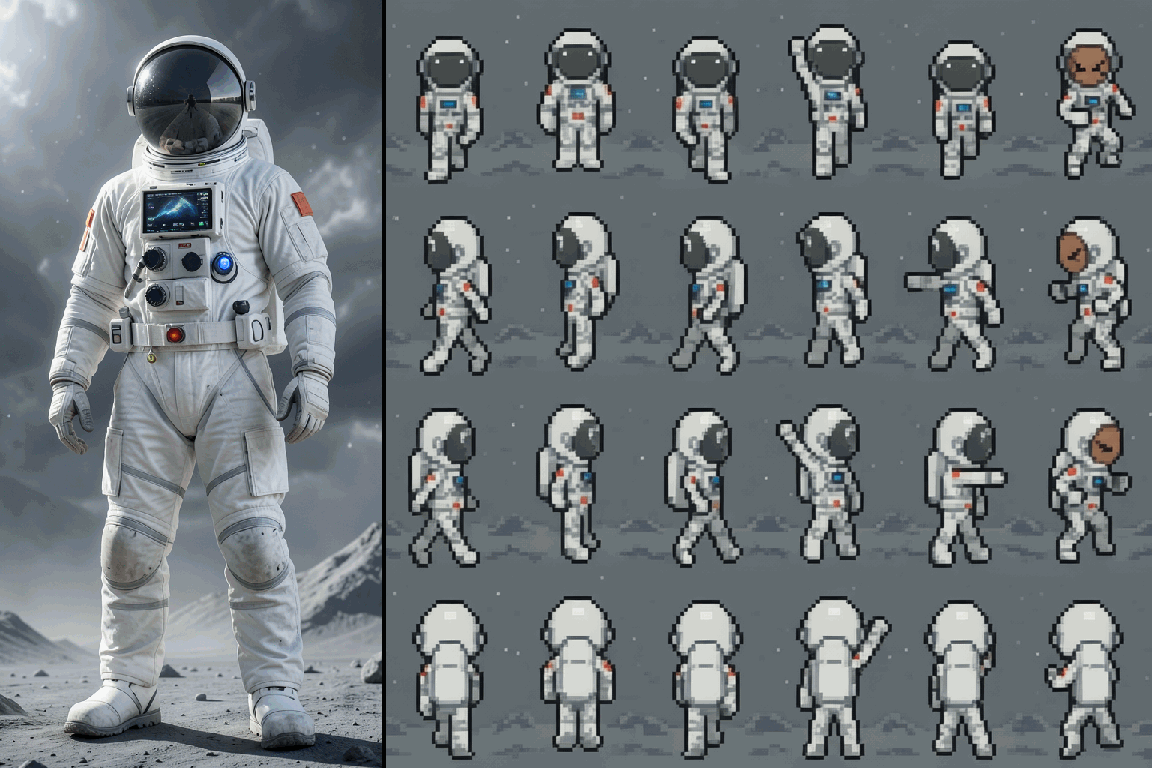
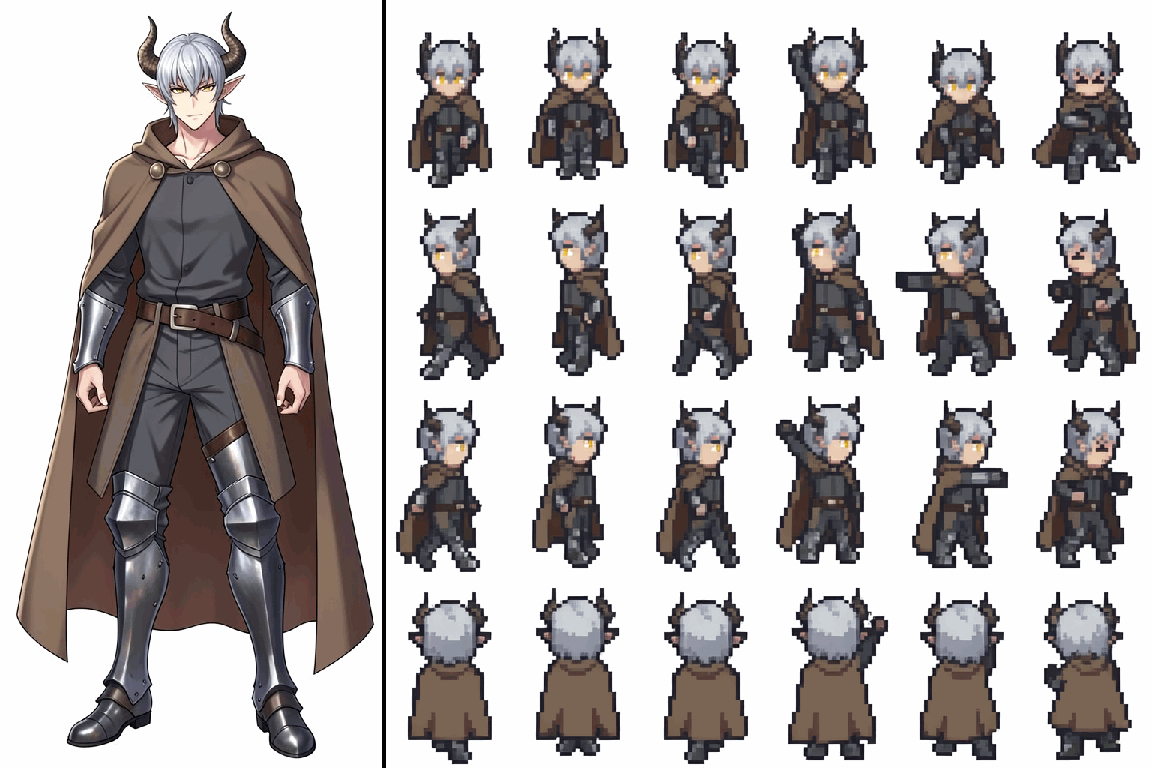
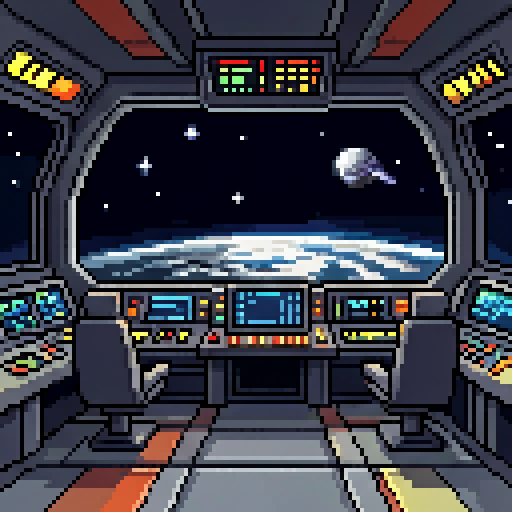
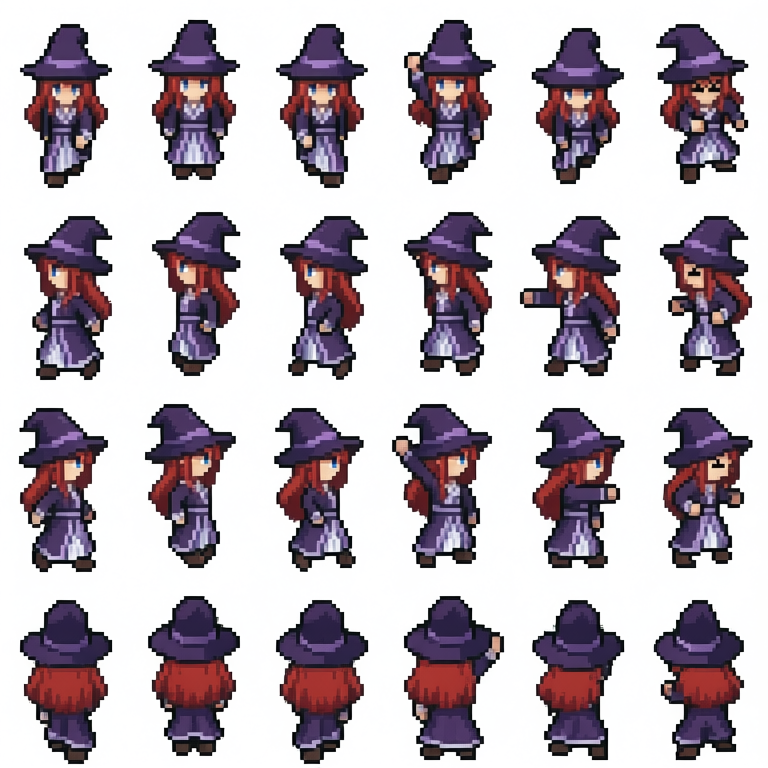
I trained a pixel art spritesheet LoRA on FLUX.2 Klein base 4B. For a first attempt using small sprites, I think it's pretty good.
First 3 rows are text-to-image. Last row uses edit workflow with image references.
@JesseRamonDev For local edit models, it's a good balance of quality and size (I have a 3060 Ti) + Apache license
Qwen Image Edit is great, but too large for me to run locally. Quants ruin pixel quality.
Flux2 Klein 4B I've failed to train a general pixel lora on. 9B license isn't open.
I've been testing Boogu Image Edit for pixel art. The non-turbo model is pretty good even without loras, but the turbo model needs a lora for better grid alignment, and it has problems with poses and weird artifacts.
I'm not sure why, but the text encode node in ComfyUI for Boogu resizes the reference latent to 1MP, which ruins the output for smaller pixel art and other resolutions. If you edit the code so it resizes to match the original image, you get much better results.
I finished my pixel art general-purpose LoRA for ERNIE-Image.
Use with the turbo model, downscale by 4x to get pixel grid alignment, k-centroid gives good results.
You can try making sprites, backgrounds, scenery, icons, and other game assets.
I'm surprised at how well ERNIE-Image-Turbo can do pixel art. Using a LoRA trained on the base model, 4x scale, even when generating with the turbo model at Q6_K, the images are good enough to work with and clean up.
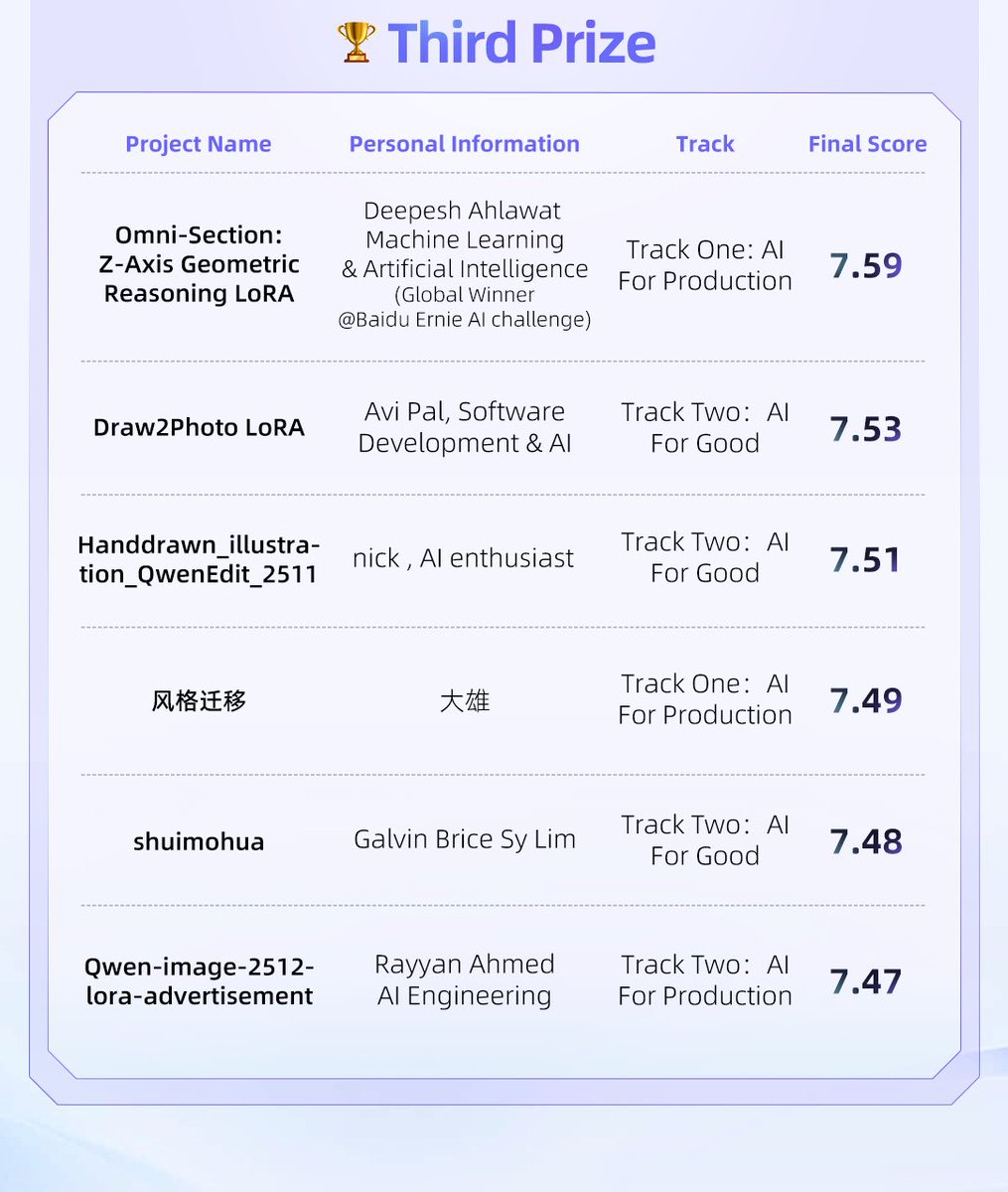
After one month of intense training and another month of rigorous judging, the Qwen-Image LoRA Training Competition has officially concluded! 🏆
We’ve been absolutely floored by the level of technical mastery displayed across every single entry.
From the delicate preservation of cultural heritage to the artistic magic of color grading and style transfer, you’ve pushed Qwen-Image to its absolute limits.
Massive congratulations to our winners. Check your DM and get in touch with us within one month.
First Prize (iPhone 17 Pro Max):
@ajie_run_CL@triaakkatuki
Second Prize (PS5 Pro):
@svntax@liang_zoey2364@ovi054@Playmaker_Tech
Third Prize ($800 Value Shopping Card):
@webdevdeep@ovi054@dx8152@galvinlim2001@Rayyan9477
A huge thank you to everyone who participated. Keep building, keep training!
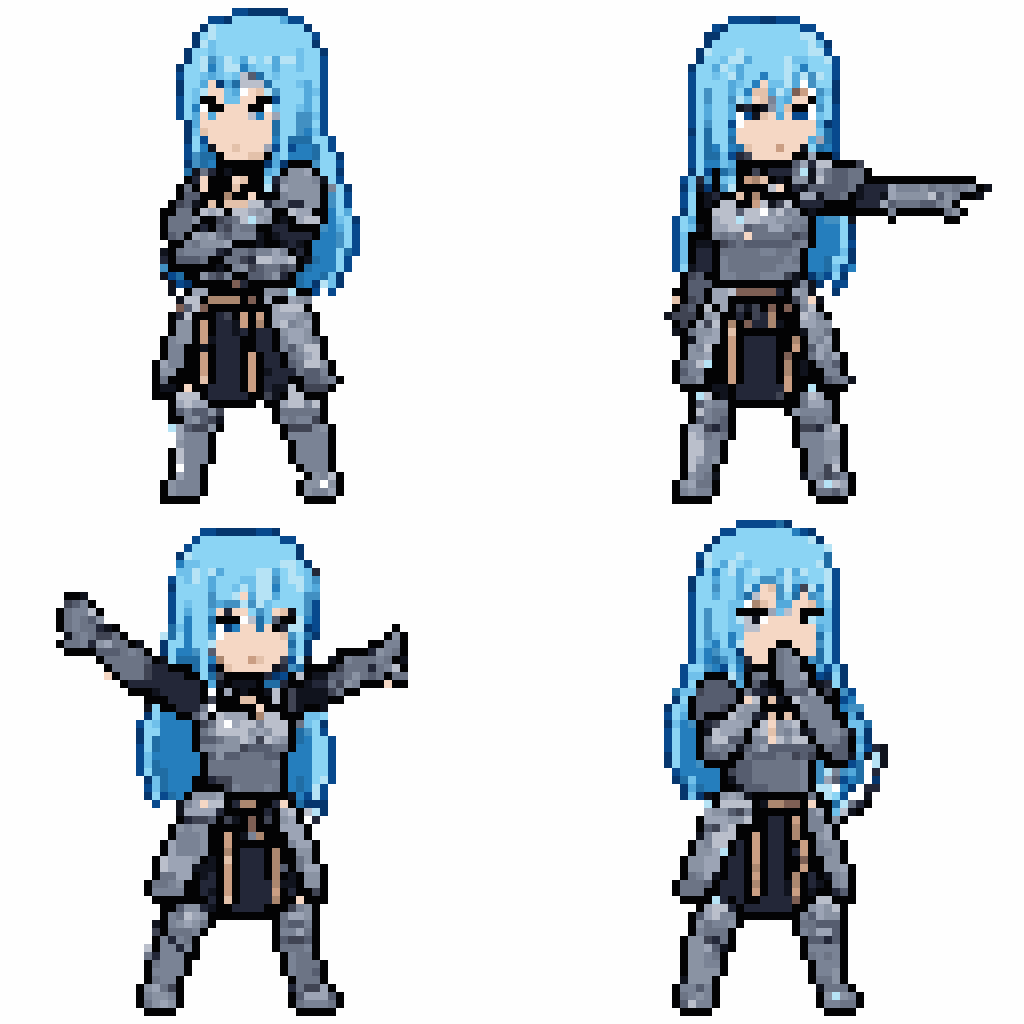
@Ali_TongyiLab@Alibaba_Qwen@ModelScope2022 More sample spritesheets.
Sprites are 32x48 pixels.
In the video example from the first post, I used k-centroid downscaling on the spritesheets, then upscaled 4x to record the looping animations. I also manually removed the background in the astronaut spritesheet.
@lucas_rodrigx For this 1st version, I have 20 spritesheets of various characters, all made from a base 4x4 template. So if you have a base, make several spritesheets with it, but you need good variety. For example, I don't have characters in hats, so the lora sometimes messes up hats.
I trained a pixel art spritesheet LoRA on FLUX.2 Klein base 4B. For a first attempt using small sprites, I think it's pretty good.
First 3 rows are text-to-image. Last row uses edit workflow with image references.
Credits to George Bailey for a template spritesheet (licensed under CC-BY 4.0), which was edited and used to make the dataset for the LoRA
https://t.co/EUNquKN1BY
Sadly, the actual spritesheets from this LoRA are just too messy. Prompt adherence is pretty good, but I think the dataset and the fact that Z-Image Turbo is distilled make the pixels noisy and inconsistent. Or maybe 64x64 sprites are just too large and more prone to issues.
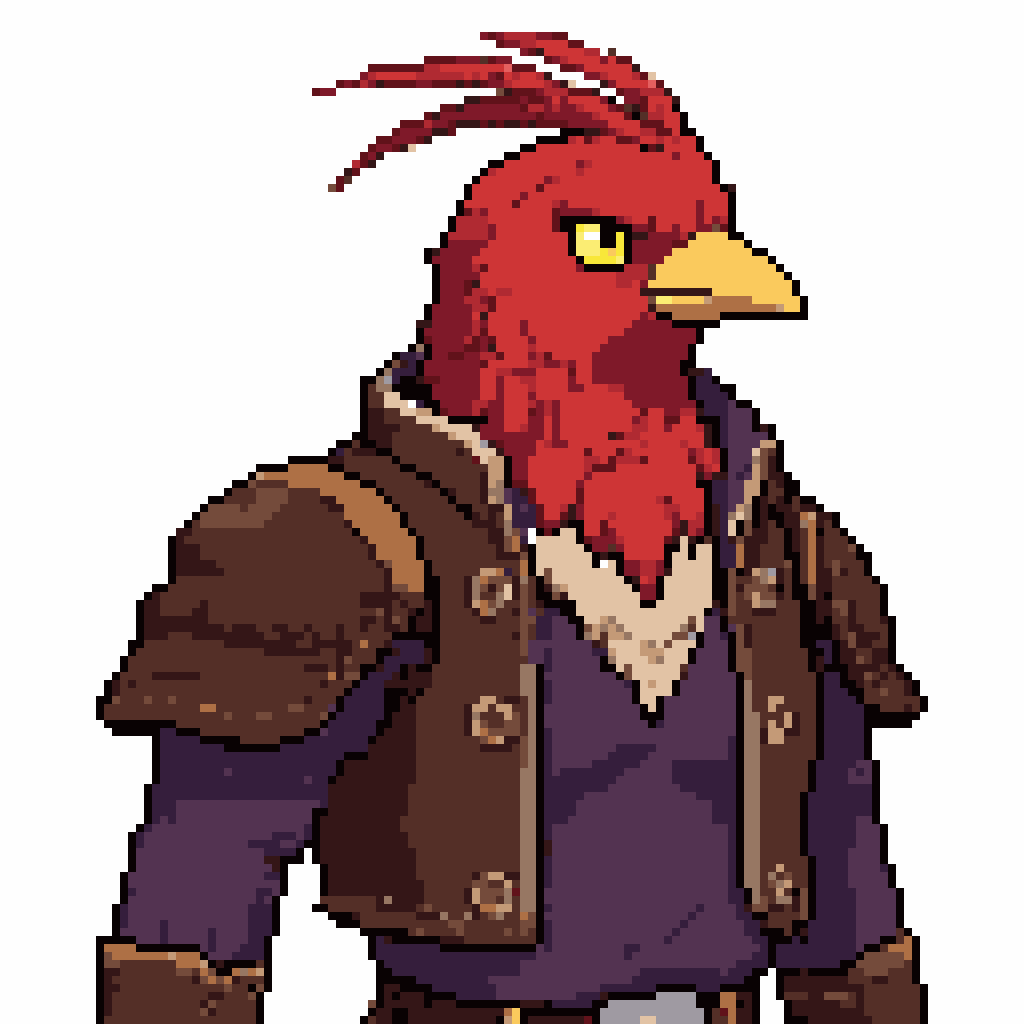
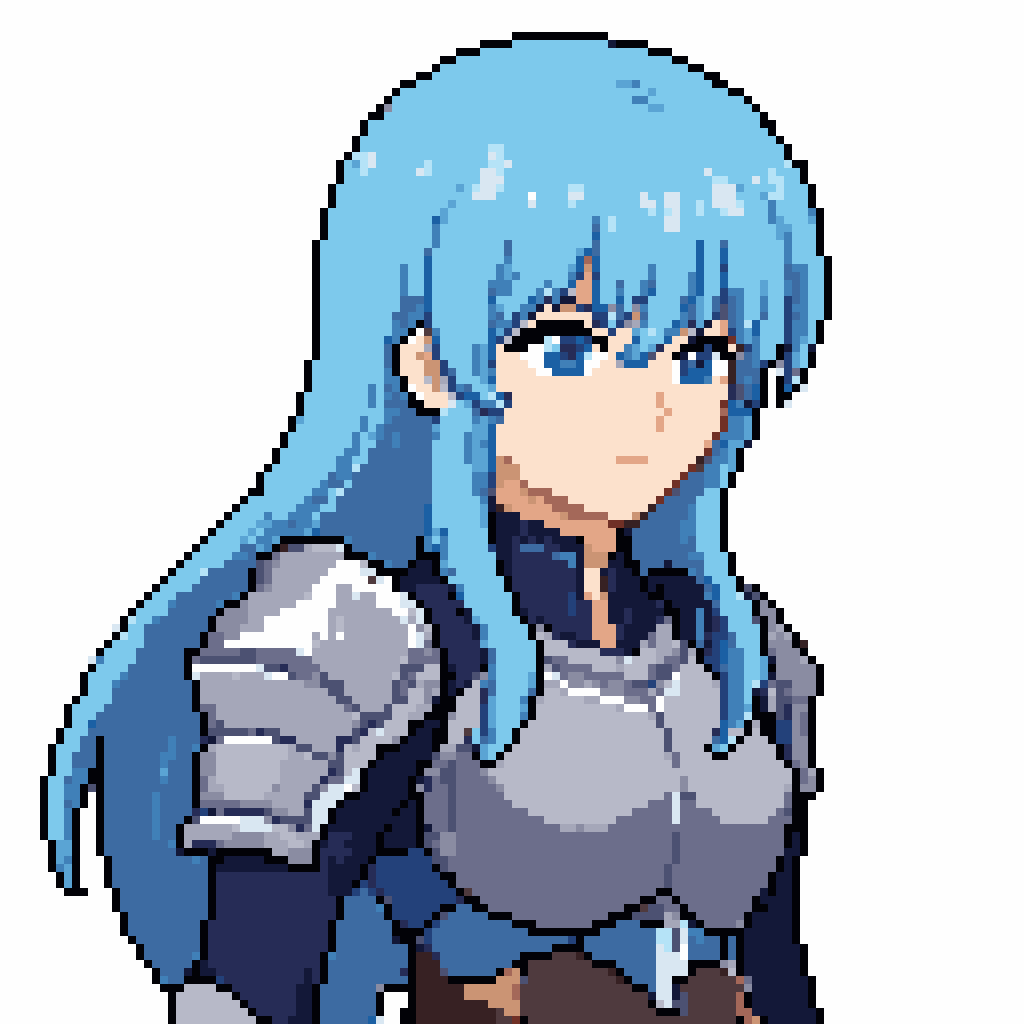
In the process of training pixel art spritesheet LoRAs, I've noticed that Z-Image Turbo is capable of more general images like portraits, even though the dataset is purely spritesheets.
Examples at 64x64 and 128x128 (same post-processing steps: k-centroid downscale, palettize)
@ThePiVortex@Freol Where can I find more info on this subscription example? This sounds like it could be useful for projects with subscriptions for monetization (I'm working on something like that).
@BerrryComputer@vgrichina Use nano banana pro to generate the base sprite poses first. Allow users to rearrange the 16 poses. Replace the styles dropdown with a list of common appearance traits for character customization, used in the prompt for nano banana pro when you click Generate. @BerrryComputer