At Tara Learning, we specialize in new digital technologies for teaching and learning. We help educators to successfully adopt these technologies to improve learning outcomes. If you require IT services, feel free to contact us ➡️ https://t.co/ASoMrpP5Bk
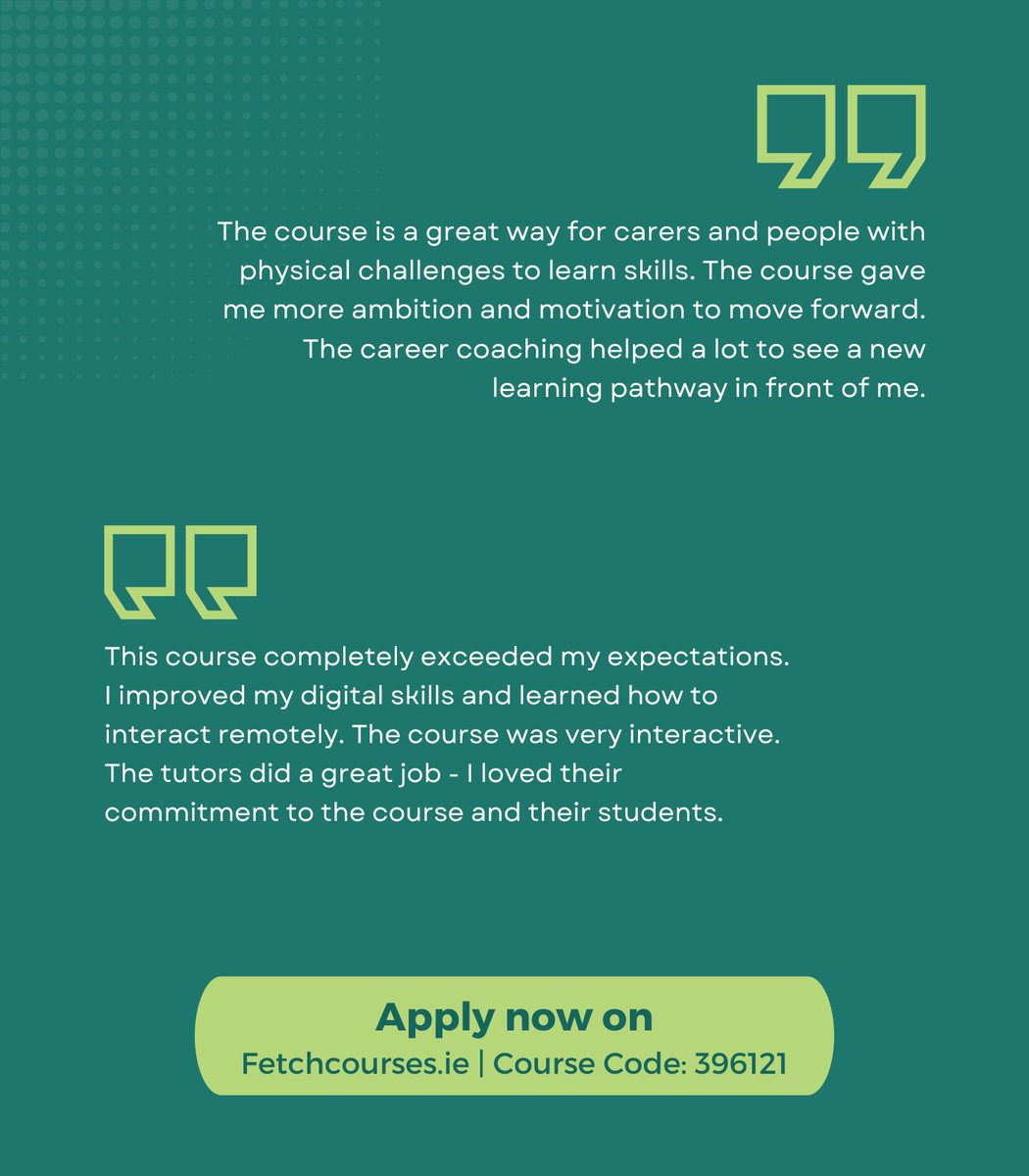
Great opportunity for #remoteworker! This tutor-led course focuses on improving your digital skills, time management and productivity with one-to-one coaching and mentorship. More info: https://t.co/SeCI20e76G
Considering hybrid or remote work? This online course helps you to gain the required skills. Included is training in #Microsoft and #Google applications, Customer Services and CV & Interview training. Apply here: https://t.co/fFF4qtLJyW
@msletb @connectedhubs@GrowRemoteIrl
Great opportunity to enhance your digital skills & self-awareness to work remotely. Register for this course run by @msletb now: https://t.co/fFF4qtLJyW
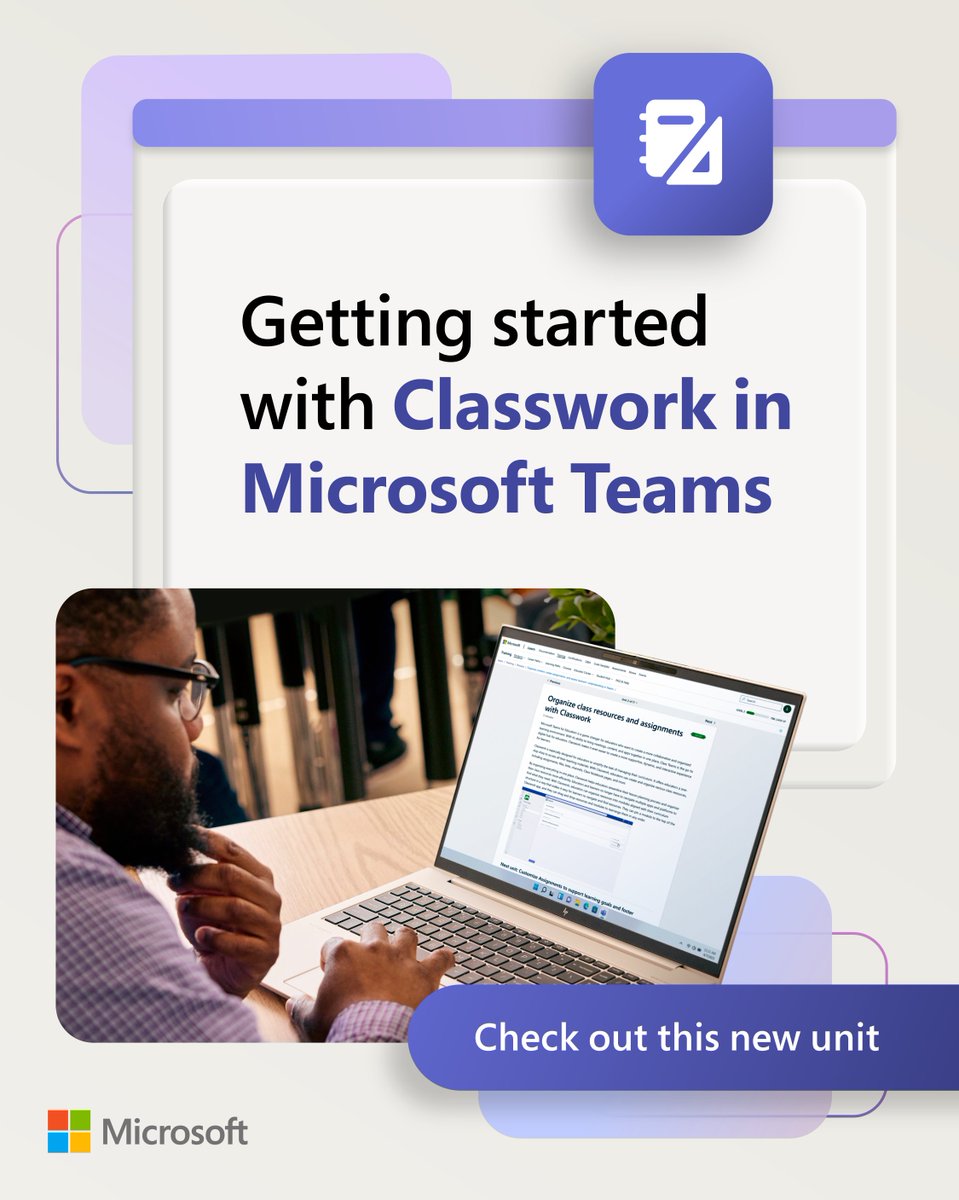
ICYMI: Classwork in #MicrosoftTeams is a one-stop shop for managing your curriculum, organizing class resources, and more. 📚
This unit will teach you how to use this new feature – just in time for #BackToSchool! https://t.co/M8nKmEVkFR
#MicrosoftEDU
#MicrosoftTeams Classwork is finally here! ⚒️✨
This new tool is designed to help you streamline lesson planning and organize resources more efficiently. Discover how it can support students and educators, all in one place: https://t.co/NuKjQaa0c5
#MicrosoftEDU
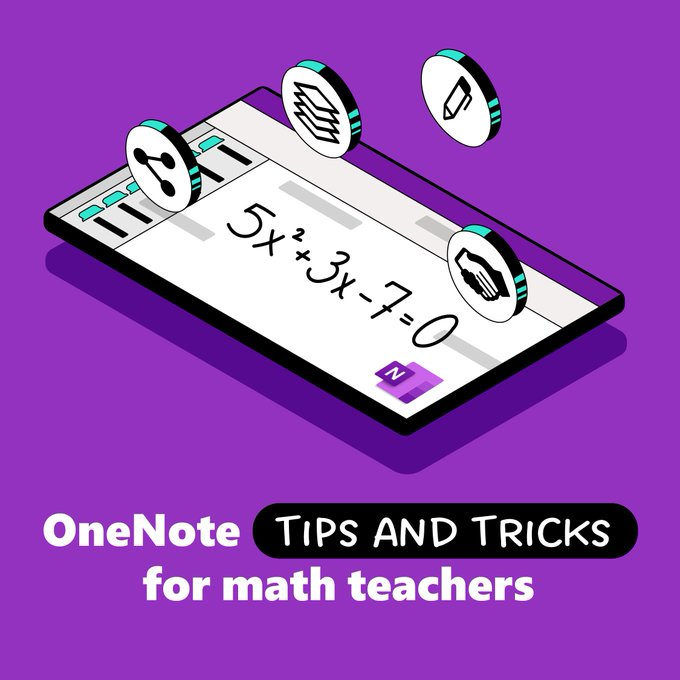
Finding new ways to engage with students and make learning more fun can be challenging, but these math tips and tricks for #OneNote are here to help 💜
Check out the full list: https://t.co/qNAQeQOuz0
#mathchat#edtech
Tip Tuesday! After inserting a photo onto a blank slide, go to Tools → Explore. Click the full bleed image option and the photo is automatically resized and cropped to take up the entire slide. Double-click the image to adjust the crop.
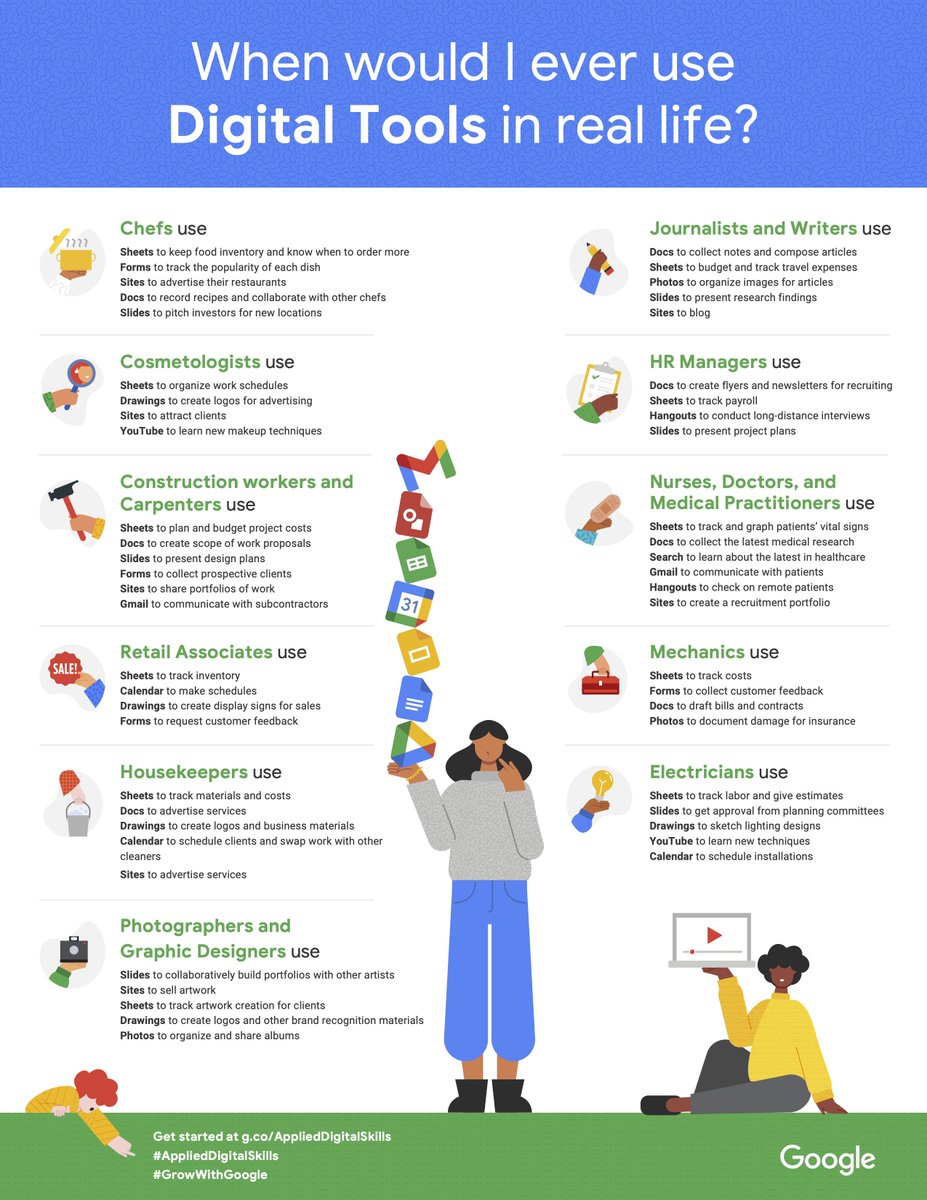
#AppliedDigitalSkills lessons help students build skills for school, work, & life. Encourage them to explore project-based lessons with this “Where would I ever use Digital Tools in real life?” poster. Claim yours in the dashboard: https://t.co/WGrJ05CF1y #GrowWithGoogle
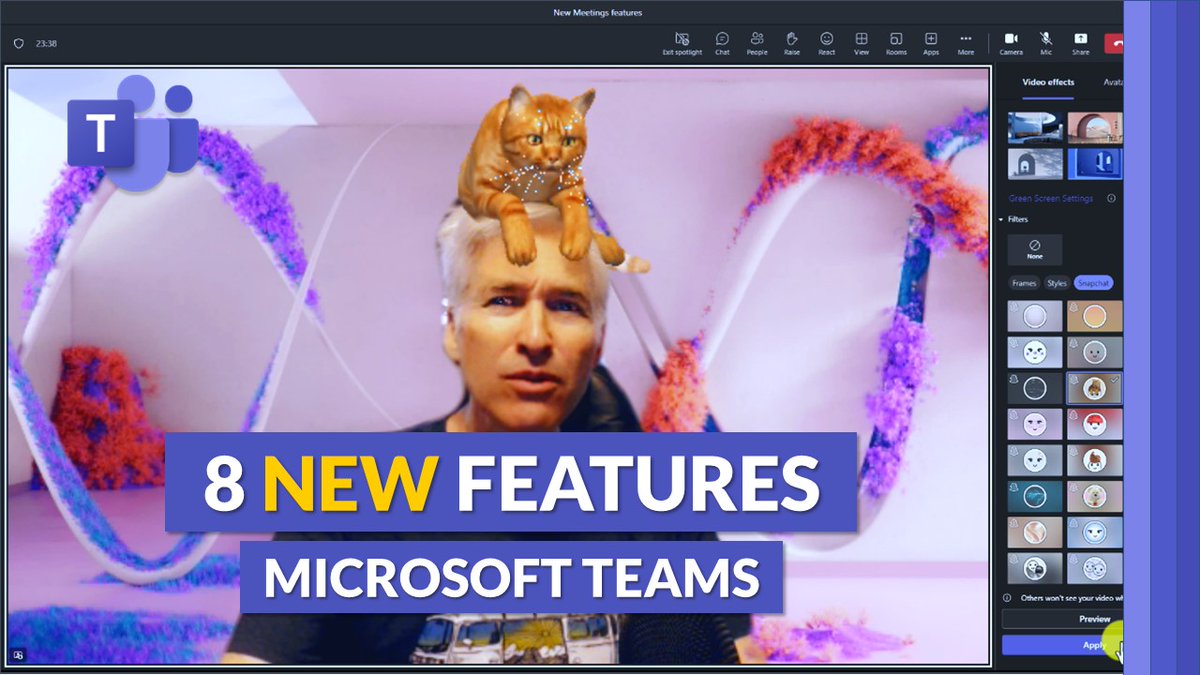
A tutorial video showing 8 new features in #MicrosoftTeams 🚀 Updates include:
💬 Channels redesign
🔎 Zoom in/out in meetings
😺 Snapchat Filters
💜 Default #OneNote in channels
➕ Lots more
YouTube 📺 https://t.co/pAcI1yFN7W
#edtech#MIEExpert
Everyone takes notes a little differently. 📝🌎
Check out this quick-tip video to learn how #OneNote features can help you easily capture all your ideas.
#MicrosoftEDU
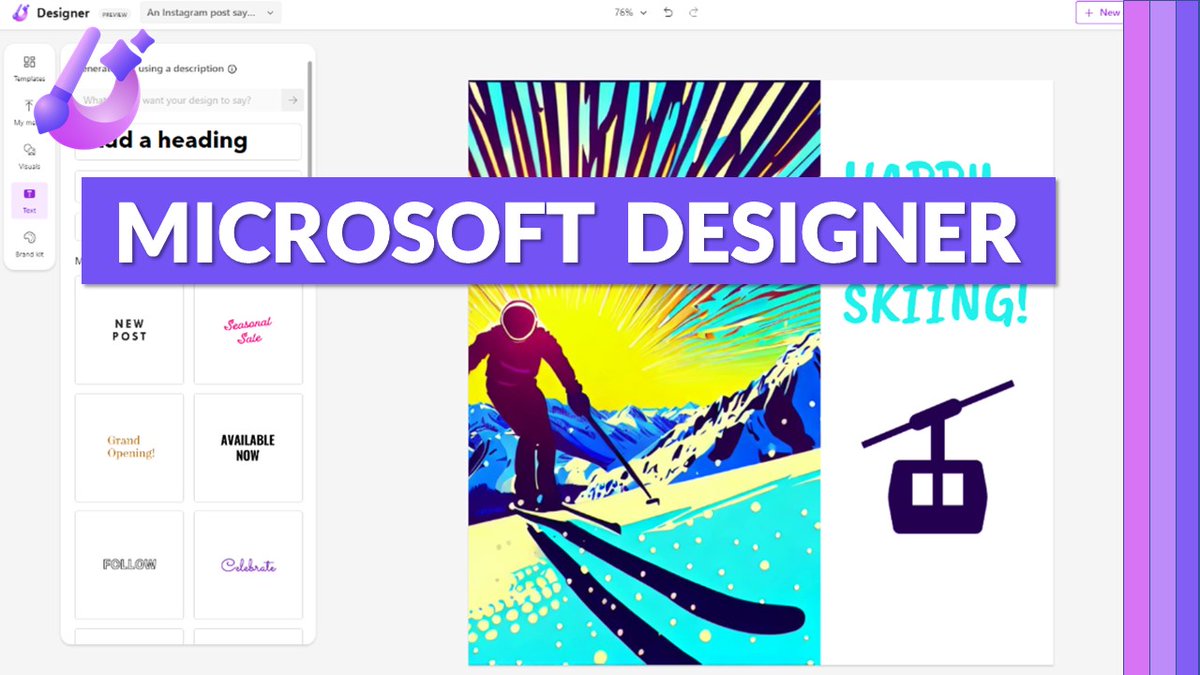
Excited to share that Microsoft Designer is now readily available in preview – no more waitlist! See how AI can help you unlock your creative superpowers 🪄 I've made a tutorial to show you how to use it 📽️
YouTube 📺 https://t.co/G2YfNqWFCp
#edtech#MIEExpert#MicrosoftEDU
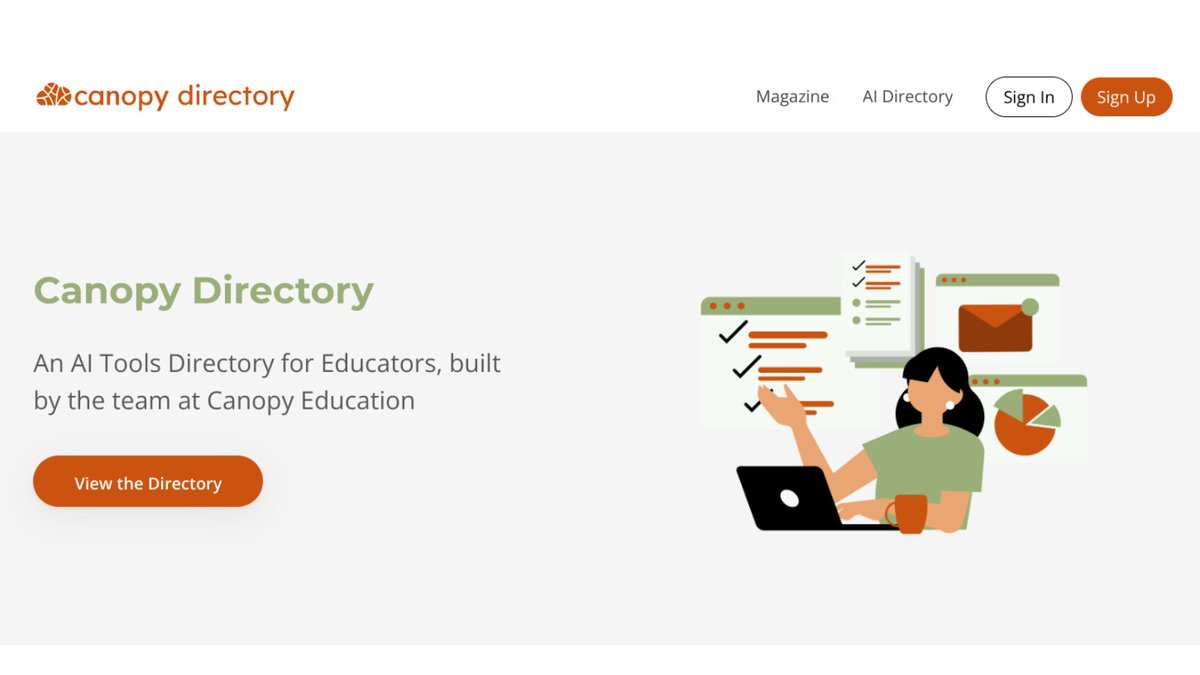
Wondering which #AI Tools are popular with educators? Every time someone rates a tool or clicks a link, it moves up our directory - https://t.co/R4FGcA4YKW