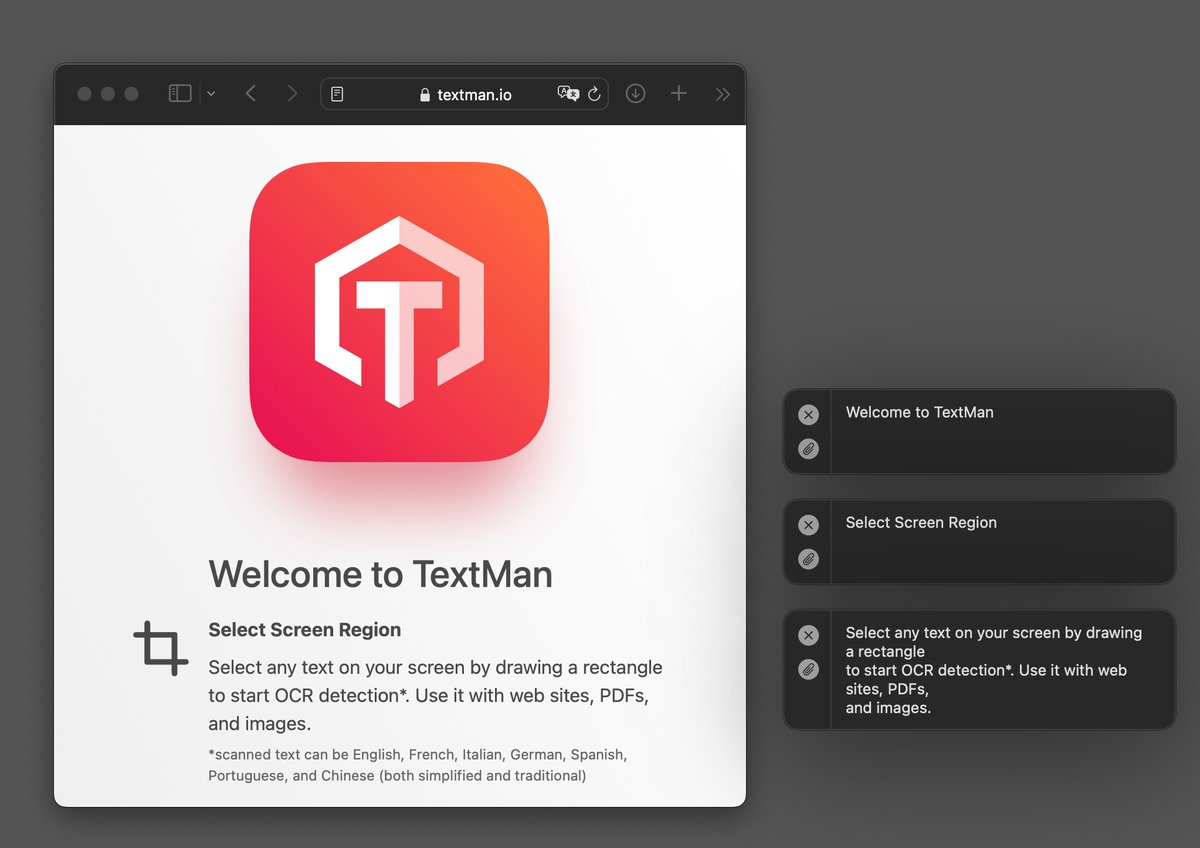
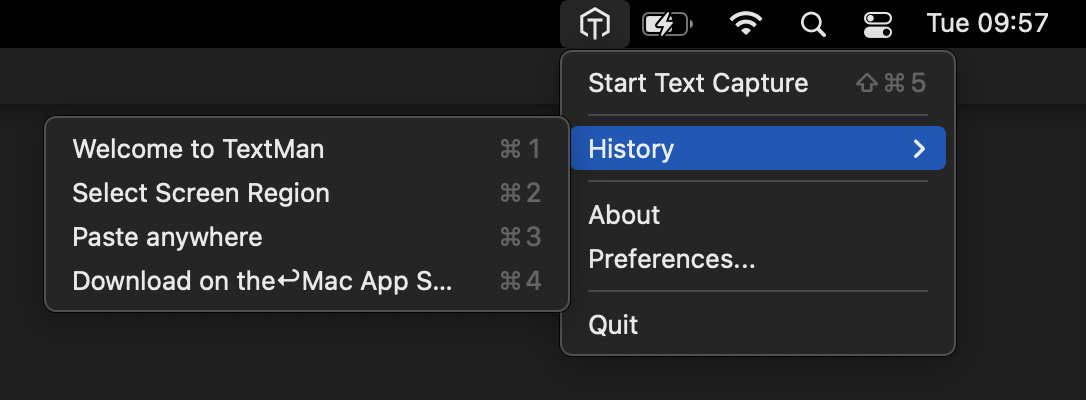
Version 1.7– Drop it like it’s hot
You can now import supported images and PDF files and convert images from the clipboard directly into text.
https://t.co/mBkhSc8JPP
https://t.co/Ll4DVWIZCs
Version 1.6.1 – Under the magnifying glass
The visualization of the capture action has been improved. You can now clearly see whether you will copy text to the clipboard or search for it in your browser. 🔎
https://t.co/mBkhSc8JPP
https://t.co/Ll4DVWIZCs
Version 1.6 – LMGTFY!
You can now hold down Command (⌘) when capturing and let TextMan search the recognized text in your favorite search engine. 🔎
https://t.co/mBkhSc8JPP
https://t.co/Ll4DVWIZCs
Version 1.3 – Attribution is everything
Some small bugfixes and a new button to see all used open-source libraries. 🙌
https://t.co/mBkhSc8JPP
https://t.co/Ll4DVWIZCs
Version 1.2 – History is now a workflow
Scan text snippets one by one and then export them all at once!
https://t.co/cAzD7wxCu4
https://t.co/Ll4DVWIZCs
@ivanyc We depend on Apple's Vision Framework and they don't give any details about their plans. But presumably this is not at the top of the list after their withdrawal from the Russian market. 😬
Version 1.1 - Someone gave me a history lesson
and now I can remember things from the past and use them again. 😅
https://t.co/mBkhSc8JPP
https://t.co/4WOkaRkCYA
@ivanyc Thanks Ivan!
Good point, we’ll add this information to the app store description and website:
Scanned Text can be English, French, Italian, German, Spanish, Portuguese and Chinese (both simplified and traditional)