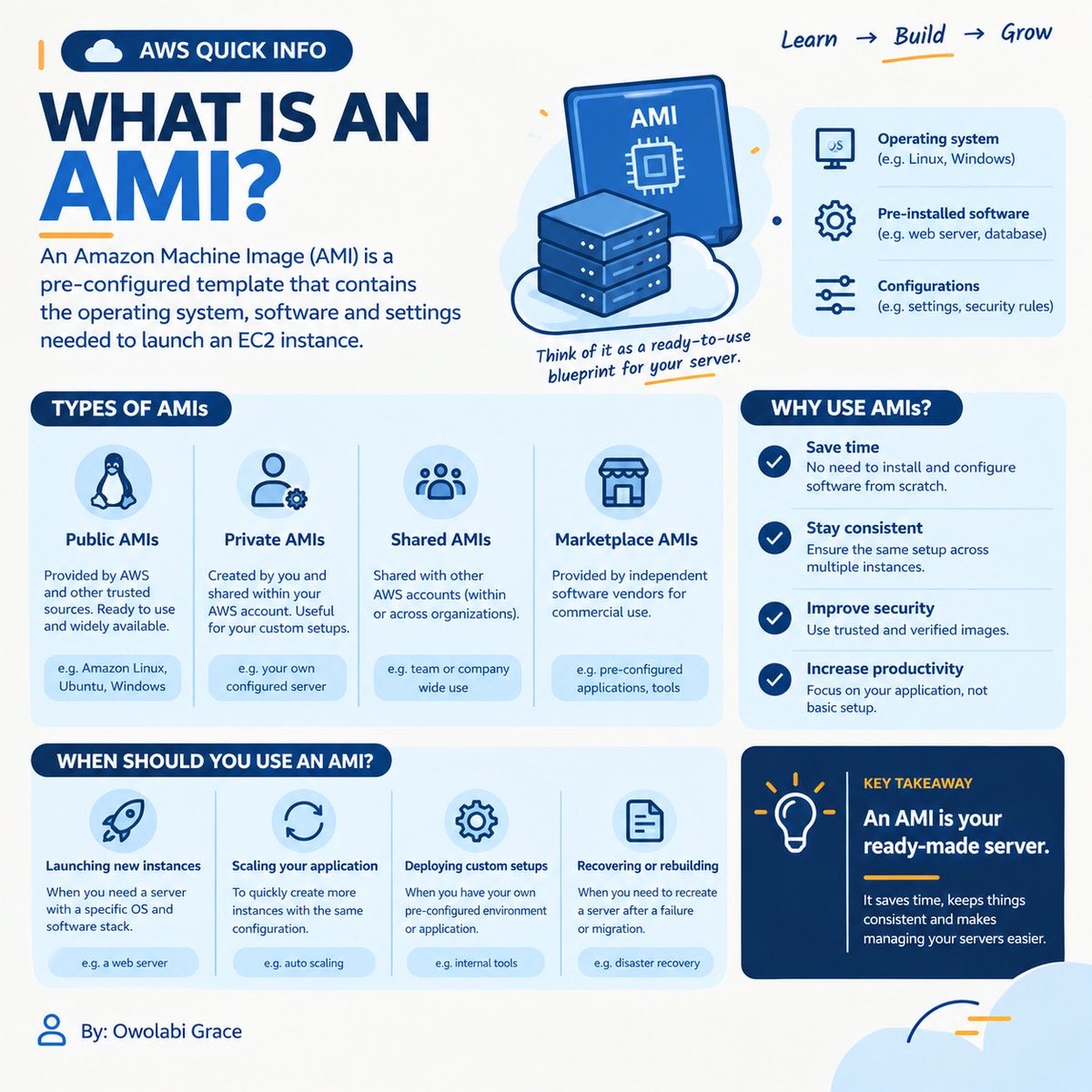
☁️ What if you could save your entire EC2 server setup and launch it again whenever you need it?
That’s an AMI.
💿 AMI = template for launching EC2 instances.
Use it for
Repeatable deployments
Faster launches
Consistent configurations
Custom server setups
#AWS#AMI#EC2
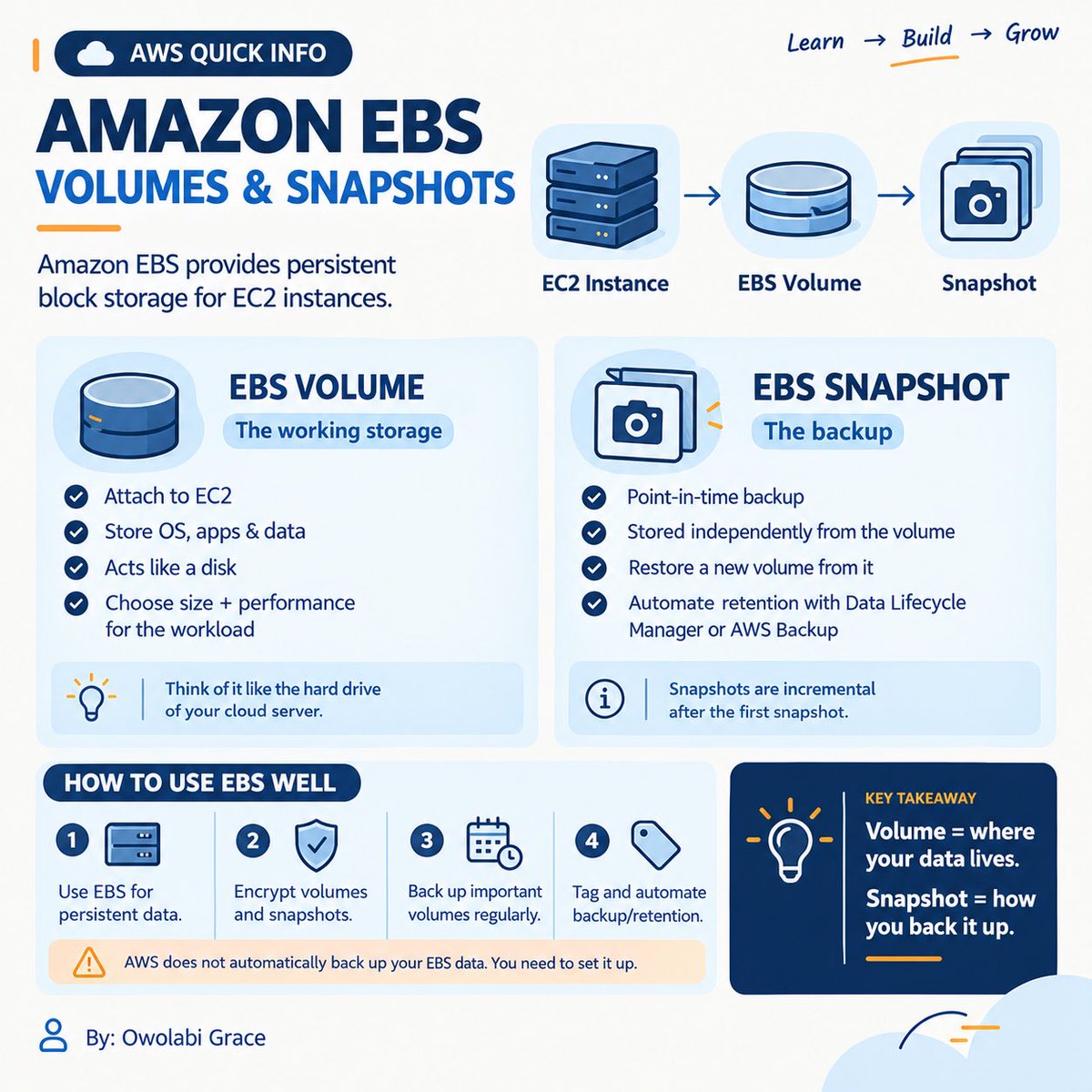
☁️ Your EC2 server needs a disk. What happens when you need more?
That’s where Amazon EBS comes in.
💾 Volumes = persistent block storage
📸 Snapshots = point-in-time backups
Use volumes for your data.
Use snapshots to protect and reproduce it.
Compute runs. EBS stores.
#AWS
☁️ Your EC2 server needs a disk. What happens when you need more?
That’s where Amazon EBS comes in.
💾 Volumes = persistent block storage
📸 Snapshots = point-in-time backups
Use volumes for your data.
Use snapshots to protect and reproduce it.
Compute runs. EBS stores.
#AWS
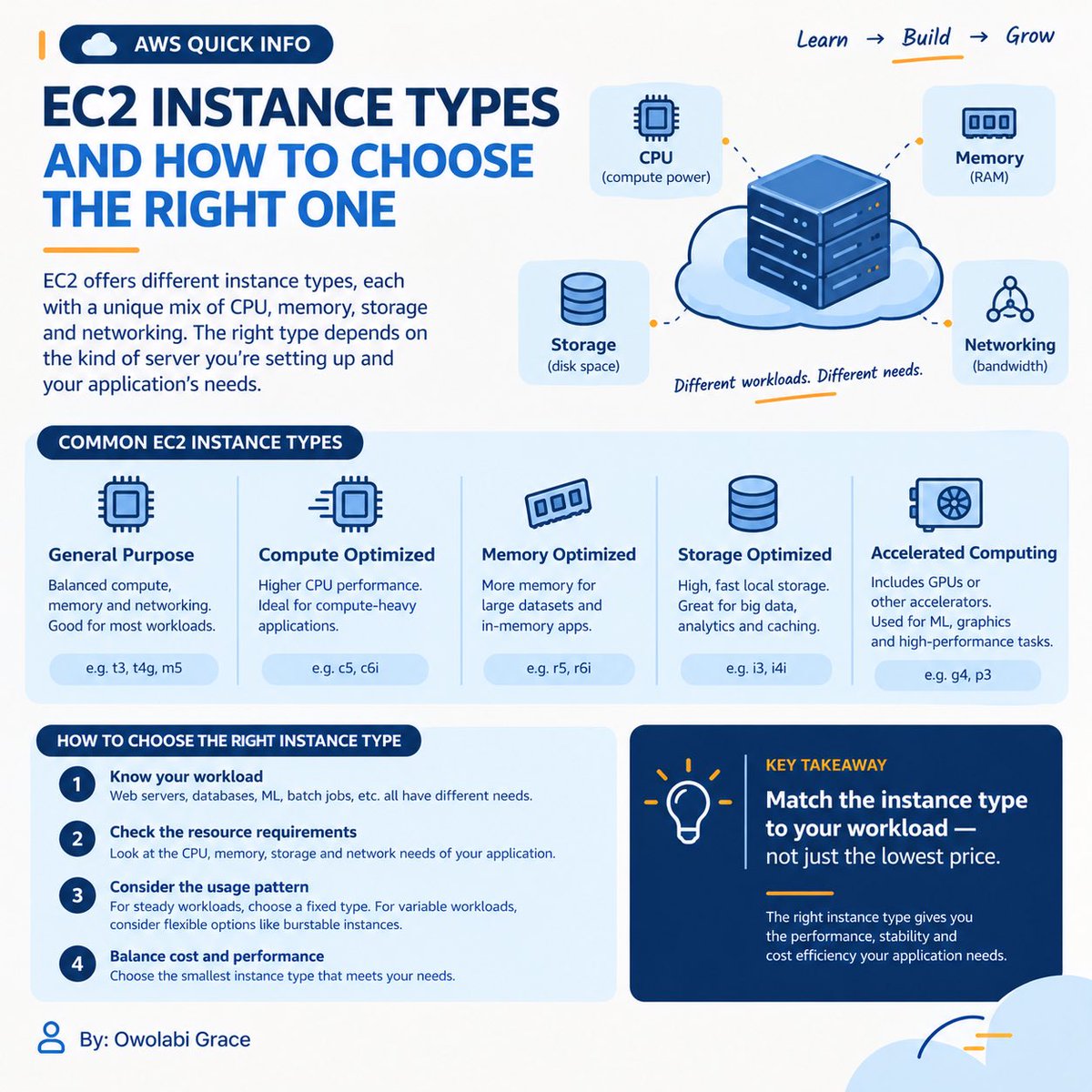
Not every server needs the same amount of power.
EC2 instance types help you choose the right mix of CPU, RAM, storage, and networking for your workload.
🧠 Compute-heavy → C
💾 Memory-heavy → R
⚖️ General-purpose → M/T
⚡ Accelerated
Choose based on what your server needs
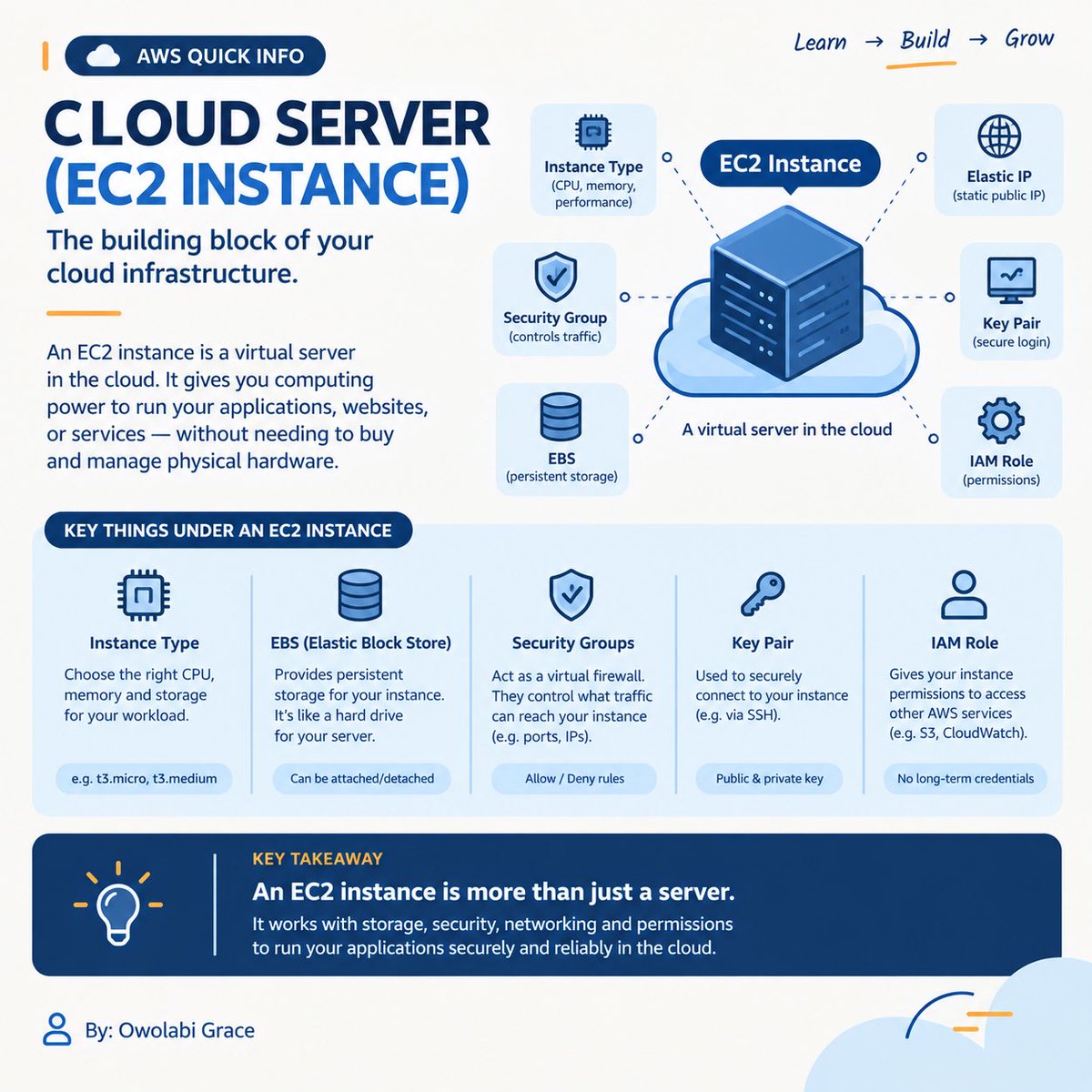
☁️ EC2 isn’t just “a server.” What actually makes up an EC2 instance? 👀
An EC2 instance is a virtual server in AWS.
Key components:
🖥️ Instance Type — CPU & RAM
💿 AMI — OS/template
💾 EBS — Storage
🔐 Security Group — Firewall
🔑 Key Pair — Secure access
🌐 Networking
☁️ Cloud computing sounds complicated. But what if it’s actually simple?
Instead of buying and maintaining your own servers (on-premises), you can rent computing resources over the internet.
☁️ Cloud = accessing these resources on demand
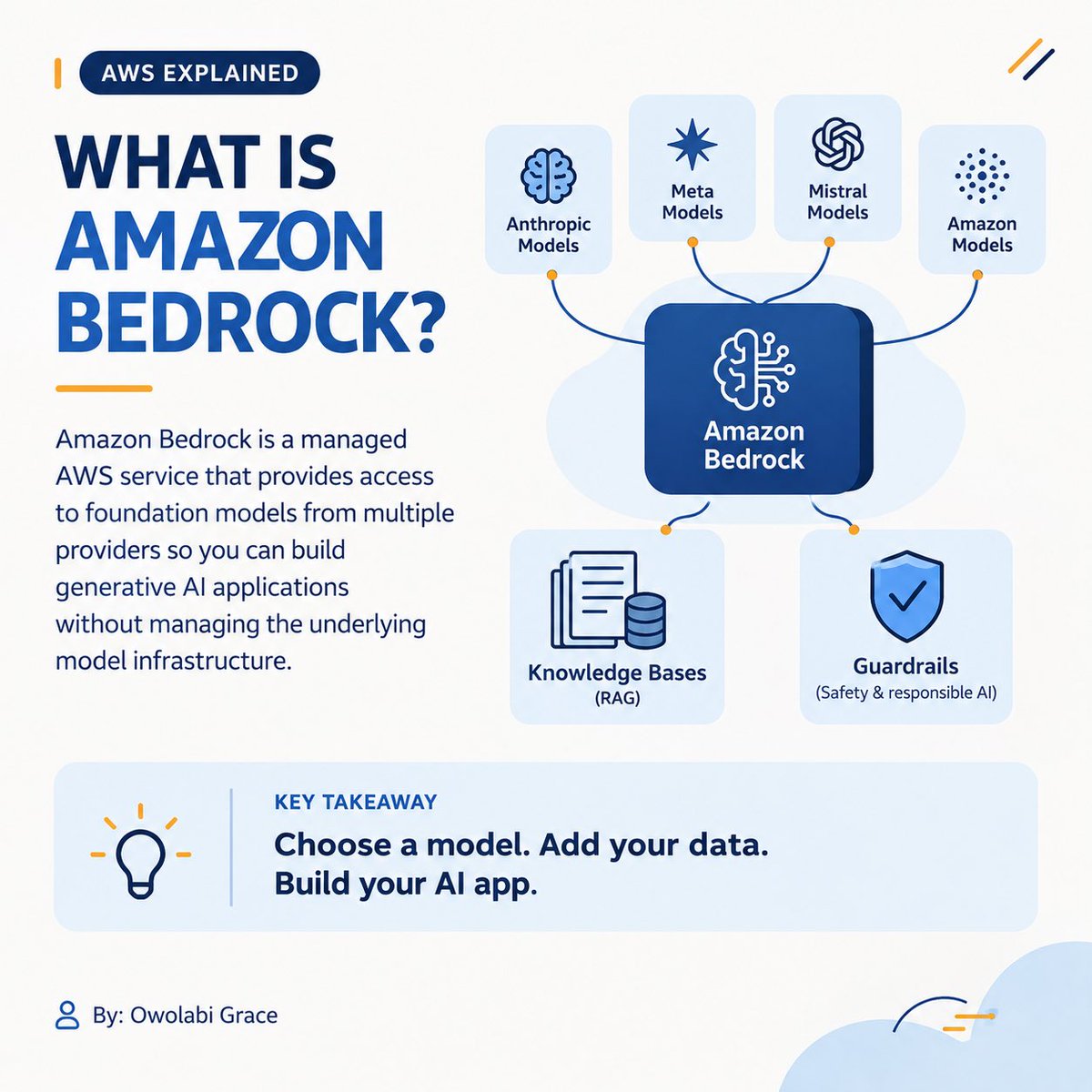
🚨 What if you could build AI apps without building the AI model from scratch?
Meet Amazon Bedrock. ☁️🤖
Access foundation models through AWS and build:
🤖 AI apps
📚 RAG systems
⚙️ AI agents
Think of Bedrock as an AI toolbox for AWS. 🧰
#AWS#AmazonBedrock#GenerativeAI