Today marks 10 years since I launched my little training blog. 166 posts later and still going. Thank you to everyone for the ongoing support. Let's see what the next 10 years brings..
https://t.co/pnkMUC72IX
#Productivity#Sydney#Teamwork#Microsoft#Training#learning
@technologylaura Yep I used to before I started using OneNote to record all those bits and pieces. Access from phone or computer and always know where I’ve put it.
#FREE Event (Australia): Discover the world of Immersive Reader. TODAY 3:30pm (AEST). See how this tool is integrated into Microsoft programs and how this can be used for across sectors including #education and #corporate. Register https://t.co/zIJBXUgziS #meetup#immersivereader
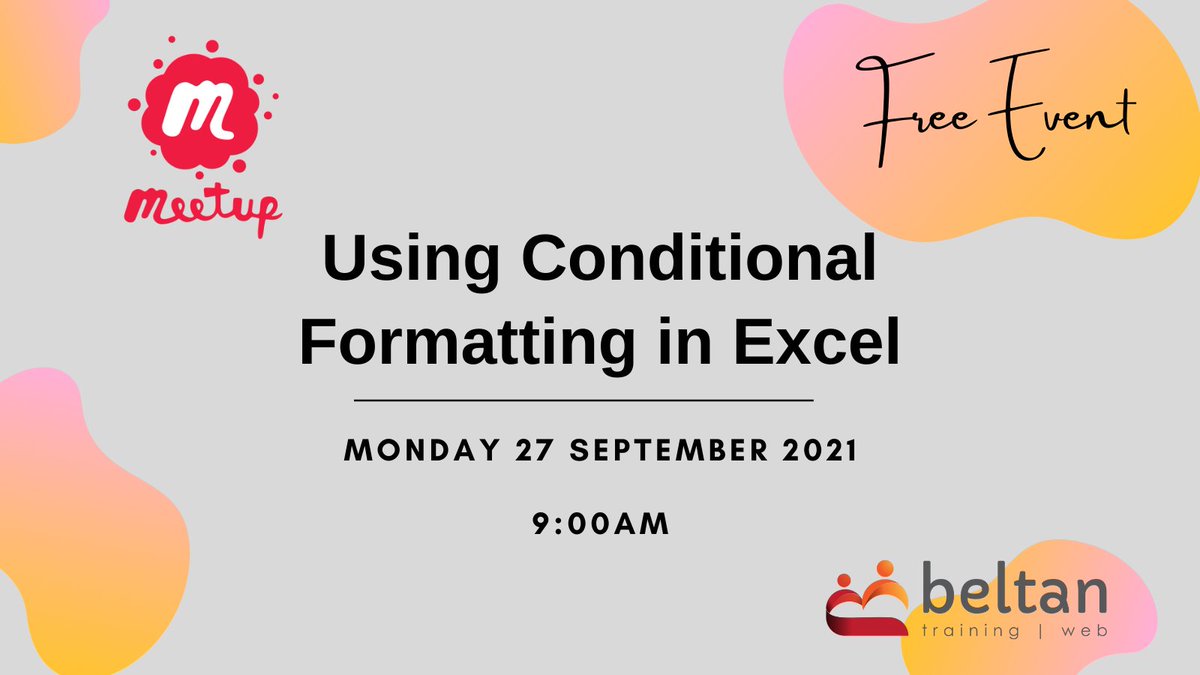
FREE Event (Australia): Using Conditional Formatting in Excel. 27 Sept 9am (AST). See how to use conditional formatting to highlight dates, sales values or text data in your worksheets. Q&A session. Register https://t.co/rhuhLyvdBD
#Excel#Meetup#MicrosoftExcel#DataAnalysis
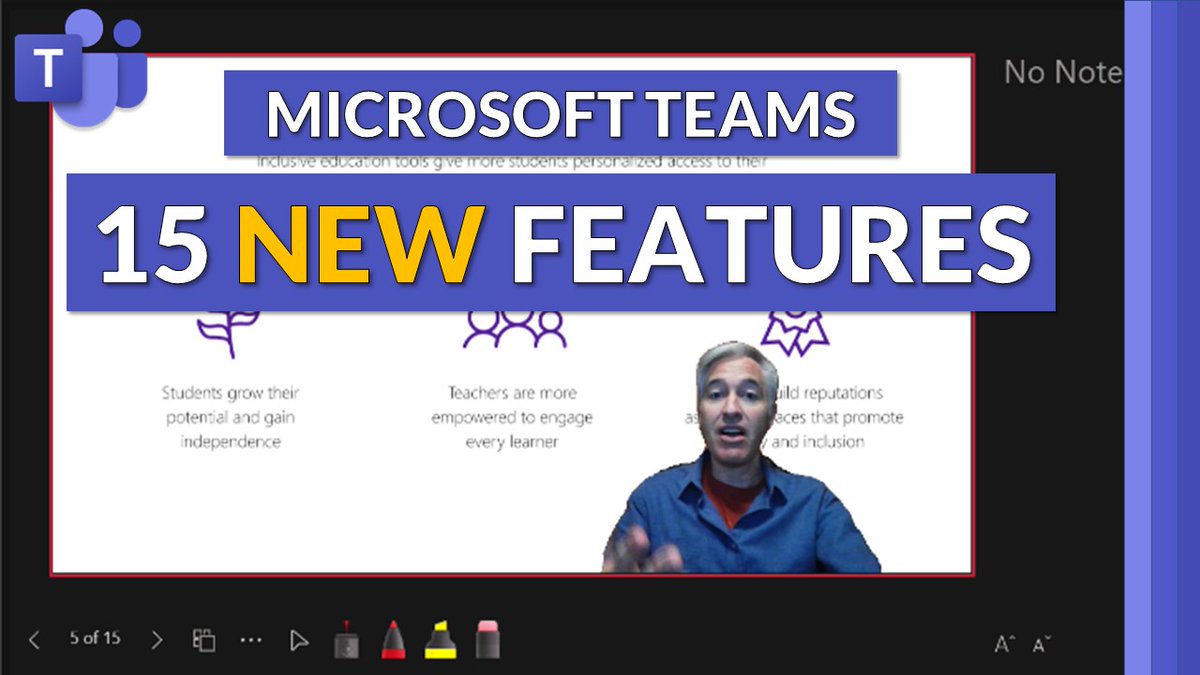
A tutorial video showing 15 NEW features in #MicrosoftTeams 😱 Check out the updates for Teams Desktop, web, Mac and mobile. Many of these features are out, and some are just starting to roll out now 🚀
YouTube 📺 https://t.co/0Vdax3UZd8
#edtech#MIEExpert#edchat#MicrosoftEDU
Did someone say digital swag? ✨🎉✨
Oh right, we did. 😉
Download the official #E2 experience kit: https://t.co/GpDssXOOC6
And make sure to register if you haven't already! https://t.co/TxLQycM9jZ