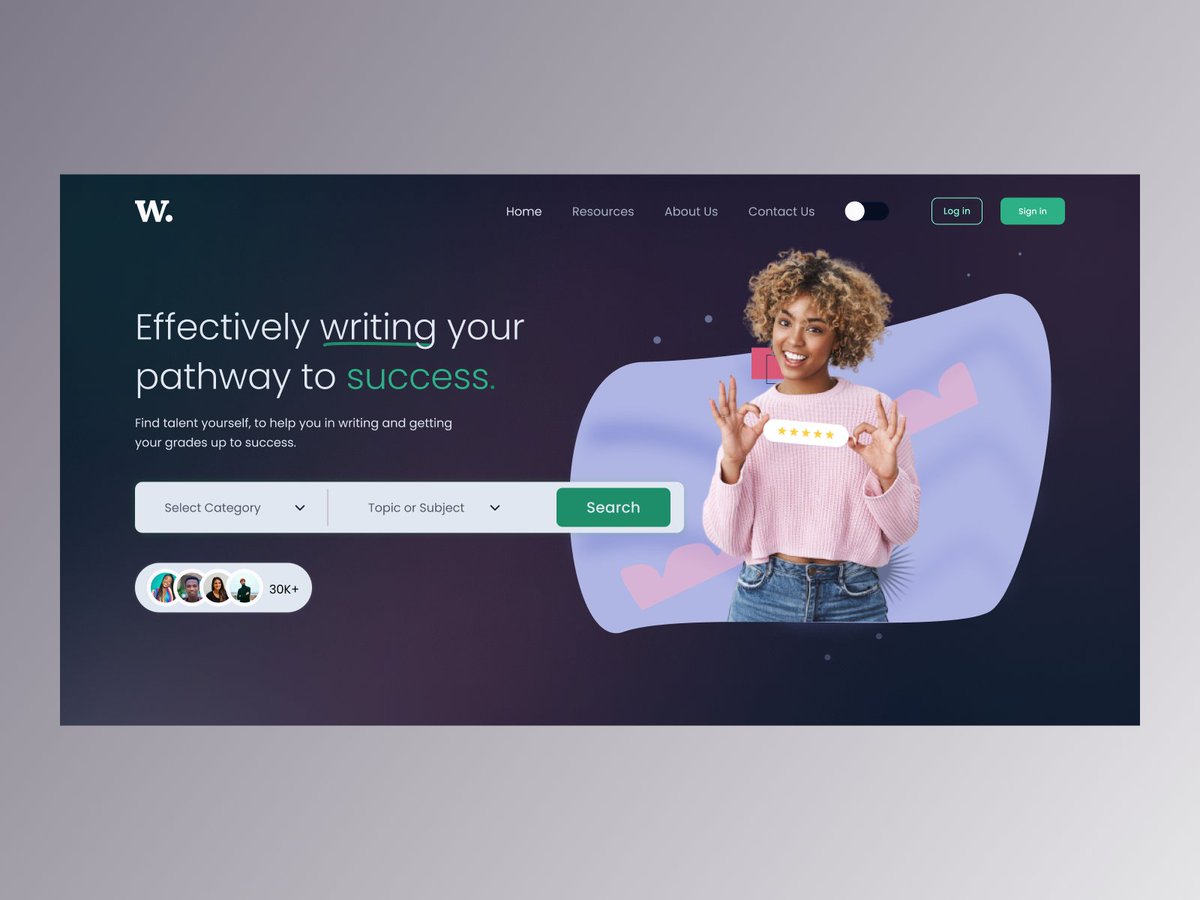
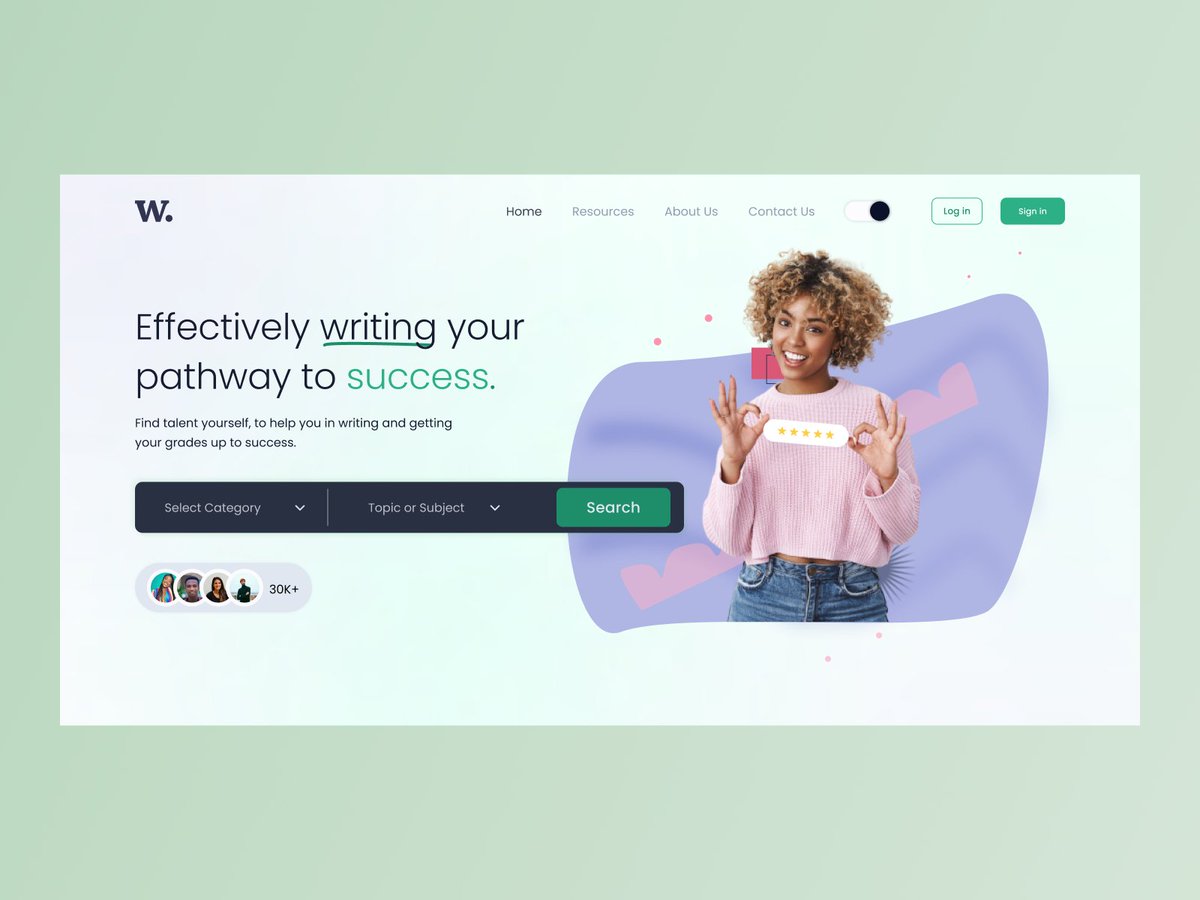
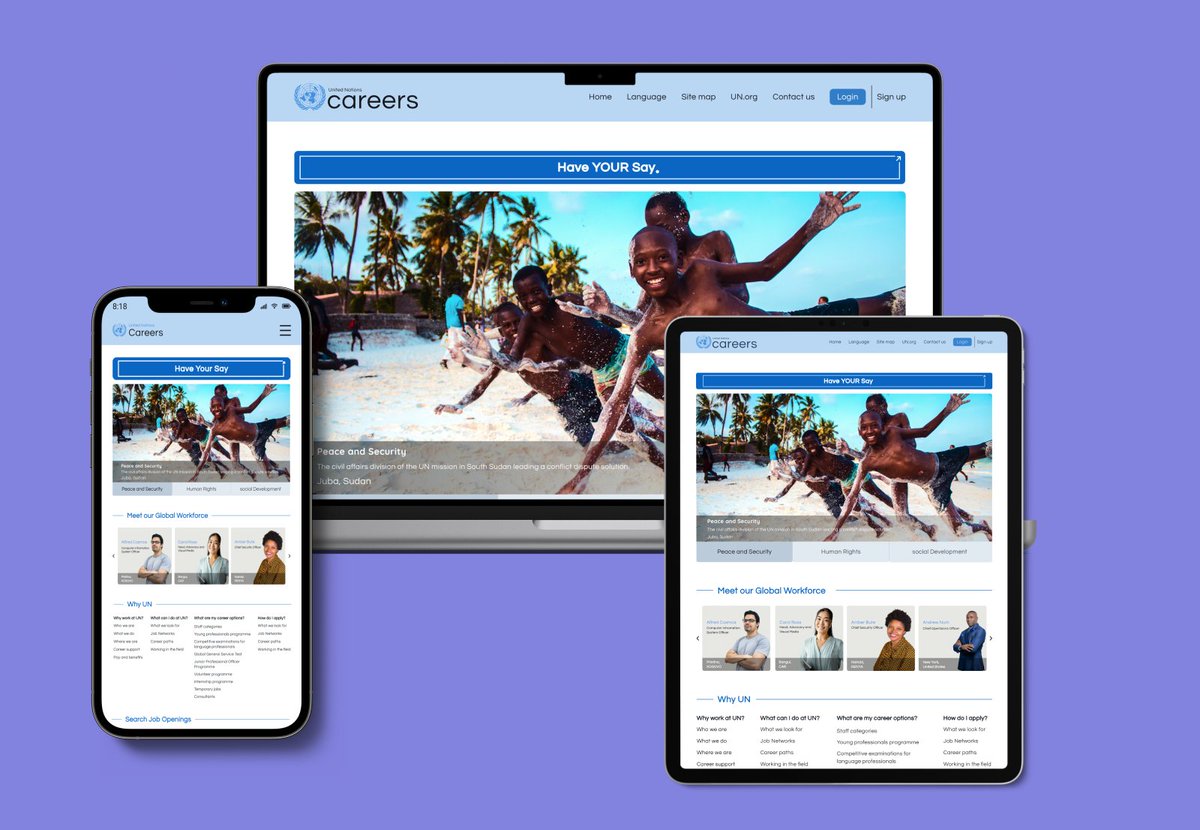
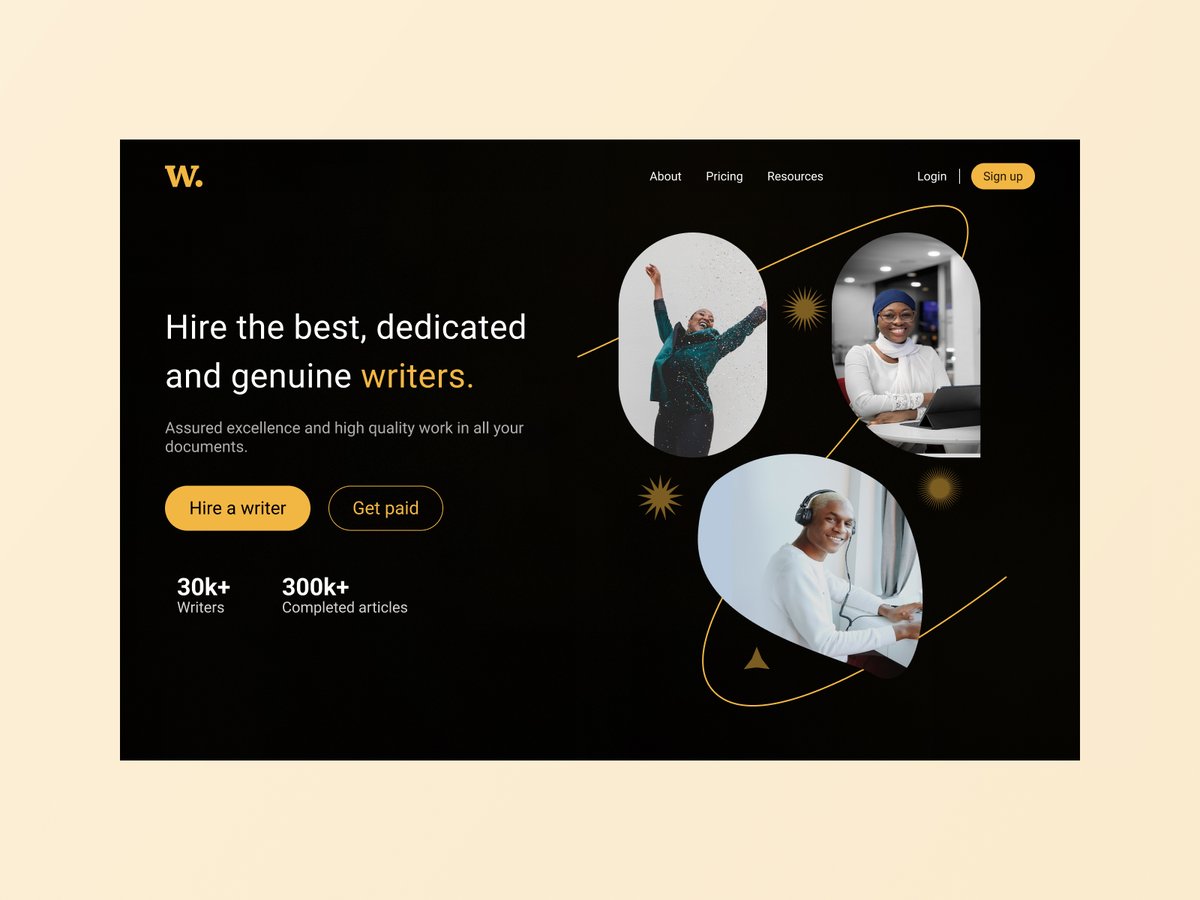
Just shipped my portfolio on Framer
👉🏾 https://t.co/xwIl3gYrOo
I customised a template into something that really reflects me as a designer — and picked up a new skill along the way: shipping with no-code.
👩🏾💻 If you’re looking for a product designer ... I’m your person.
Hi,my name is Diana, I recently joined the ui/ux design community, pretty excited to learn and understand this industry.I will be sharing my designs and what I learn along the way, please share your feedback on the designs.#uxdesign#uidesign
6. Add the content (align it) and group it
7. Duplicate the "back" circle (rename to "back duplicate")
8. Mask the "Back duplicate" circle and the grouped content by selecting them and clicking Ctrl+alt+M
9. turn the masked group to 180 degrees to hide it
10. Duplicate frame
Day 28✅
sliding animation on 21 days app.
Micro interactions in designs provide immediate feedback to the user based on actions they've taken and also guide the user through an app in a more fluid, intuitive way.
Love the new little big updates in Figma.
my top 3 favs
- Gain control over components
- Tidy up your text
- Keep things up top
Little things matter😅
https://t.co/Is6RywxKZd
#figma
My next design adventure is creating design systems. first focus is understanding components and variants.
Nested instances come in handy to help edit easily and faster.
link to video tutorial; https://t.co/qy4LOk48BO
link to nested components tutorial; https://t.co/ti8HE8LLRQ
@TTawarar Hi, I experienced the same problem at first.
- when you make the card with the text a component
-click the text and scroll on the left side panel.
-below the text properties you will see content
this is where you create the instance
Hope this video helps explain it better.
Design system Button exploration. With components and variants.
Exploring design systems was initially intimidating, but since diving in , it has been enjoyable experience.
An admin dashboard for Monitoring and evaluating data.
This was a design test for an job interview, but the interview fell through🥲
To view the dashboard interaction:
https://t.co/30Z7YDbWtb
Hello👋
Chunking for Better UX
🔬Chunking breaks down complex info into smaller pieces to improve user understanding and engagement.
📲While using Flo, I found that the conversation was broken into manageable parts. This made it easy to engage without feeling overwhelmed.