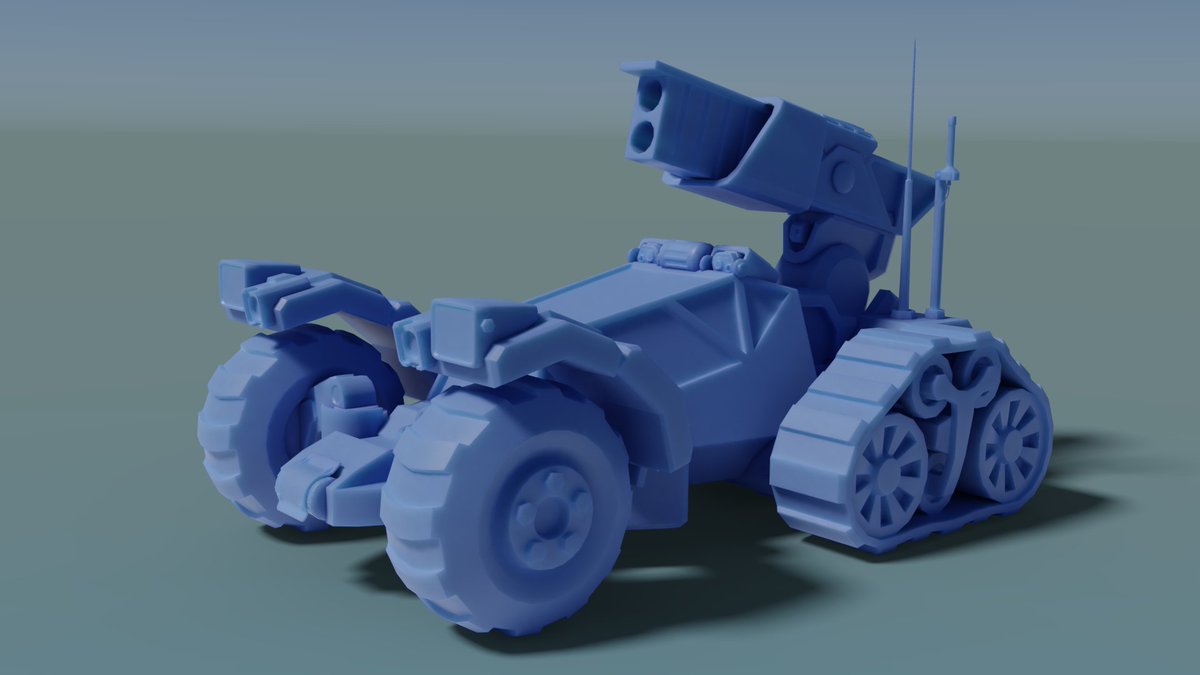
Happy #PortfolioDay everyone! My name is Joachim, I'm a 3d artist currently looking for work. Based in Stockholm, Sweden. Open to in studio, remote and/or hybrid positions.
💼: https://t.co/pEnGqKLTkc
🔗: https://t.co/1JbVcRxghM
#gameart#gamedev
THE SILENT WEAPON
We’ve launch our Kickstarter Page with the maximum information and we also released a free playable demo to give you a taste of what is, how it’s running and potentially what it could become…
https://t.co/QI0OcjiME8
@leveredman Of course it's useful to know how to do it by hand. But if you need it often, you can use the "extra mesh objects" addon to do it in 3 clicks ;)
Major update to the keymap visualizer. It now supports addons or extensions that also use keymaps. I added a Screen Always On button the will show the keymaps for Screen mode (the ones that are used in every mode, like undo or cursor keys for example). I also added an Hide Modal button that will remove the modal keymaps from the list, like X, Y Z when in move, scale or rotate mode. It's now an extension. Now a little warning sign indicates keymap conflicts. Please share. Very useful and free! #b3d
https://t.co/kI9odR5xfv
@robertrioux Yes, I looked at your code in the meantime and it's easy to customize.
Maybe in the future, you could store the layout in an external file (like "Presets" in other addons), which would allow you to create your own layout and share it.
@RyanLykos Wow, that's impressive! However...
If you're interested, I can show you a different approach that only requires a dozen nodes (basically performing Euclidean division, shifting the rows by the quotient and the columns by the remainder).
@Rayleigh6496@ArtOfPilgrim A .blend can include python scripts. By default, they are NOT executed and a warning will pop, asking if you want to execute them (pretty much like Windows Defender when you run an Exe).
If the user choose to ignore this warning (or even worse, configure Blender to ignore it), 😬
@ph_desk Nice tip!
The Spreadsheet (with "Show Only Selected" turned on) allows you to do the same with multiple vertices. But sadly, you can't edit the values or select vertices from here.
@pa_furijaz I might be the one causing this nonsense; that's pretty dumb... Let me know if I can fix this, maybe a way to tip you a small amount without it all going to PayPal?