add-mcp 2.1.0 ships with Kilo Code, Kimi Code and Kiro CLI support and fixes the OpenCode config - thanks to @thisistonydang and @igadii_X for the contributions 🫡
that’s a wrap on openweights
some of the challenge champs absolutely framemogging
ty @MiniMax_AI and @cognition for cohosting
(PRs were pushed and PRs were hit in the making of this)
🫵 Do you live in SF as an engineer/founder?
🫵 Do you use agents and AI?
🫵 Can you do a pushup? (optional)
@vercel is renting out a gym for a night of hacking + lifting
There will be prompting AND strength challenges (building an app while planking)
Respond/DM for the link
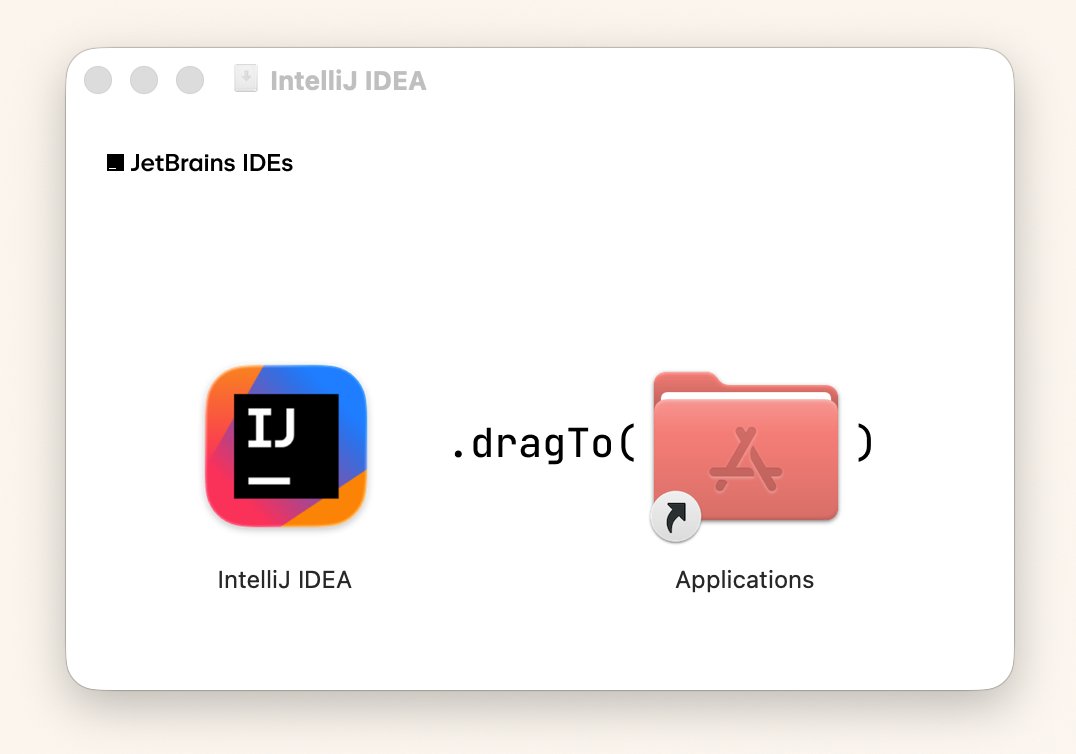
Just noticed the @jetbrains installer renders the drag instruction as code: .𝚍𝚛𝚊𝚐𝚃𝚘(𝙰𝚙𝚙𝚕𝚒𝚌𝚊𝚝𝚒𝚘𝚗𝚜)
Attention to little details like this is a delight to see :)
I'm a big fan of the new Agent Plugins spec. This a great video explaining it.
2 things I'd add:
1. Another benefit of plugins is: skills you install can auto-update!
2. There's `npx plugins add ...` to help with installing in various tools without looking up config for each
Agent Plugins, is an new open standard that bundles:
▪️ MCP server (tools)
▪️ Agent skills (instructions)
What it is, what it doesn't fix, and how to install it 👇
I've been playing around with various coding agents, and adding skills & MCP to each one has been a major pain. Every tool has its own config format/UI.
I'm super glad `npx skills` and `npx add-mcp` exist. Same command every time. Makes things so much easier.
@rispectrum@panda_liyin I think it depends. If the skills are from an internal or trusted source, I rather have auto-update. Otherwise, having an auto-update toggle is nice.
I believe the major clients (vscode/copliot/cursor/codex) have some controls already, but haven't checked them all yet!