Motion Design Skill just crossed 1,000 stars on GitHub.
It teaches AI agents to think like motion directors. Timing, easing, choreography, Disney's 12 principles adapted for UI.
Your agent already writes animation code. This makes it write animation code with taste.
Anthropic has just launched a free 4-hour course.
On how to use Claude with the same workflows as their own engineers.
— How to prompt Claude the right way
— The output contract that fixes inconsistent responses
— The loop that makes Claude's agents more reliable
— Why Claude struggles with coding tasks
— The workflow that Anthropic's engineers use every day
— The simple tweak that makes Claude much smarter
You don't need an Anthropic account, API key, or subscription. Just an email on Skilljar.
They issue a certificate signed by Anthropic upon completion.
That's 17 free courses in total now, and most of LinkedIn's "AI experts" have never taken them.
Save it as a favorite and watch it today.
Then read the article below.
10 REPOS DE GITHUB QUE DEBERÍAN SER ILEGALES
(están destruyendo +50.000 millones de dólares en ingresos a grandes empresas)
GUÁRDALO.
1. yt-dlp
Descarga cualquier vídeo de YouTube, X, TikTok, Instagram y muchas otras plataformas.
YouTube Premium cobra 14 $ al mes por hacer menos que esto. Es 100 % gratuito.
Repo → https://t.co/L4bOkQSleR
2. Ollama
Ejecuta modelos de IA de nivel GPT-4 directamente en tu portátil. Sin costes de API.
Muchos desarrolladores gastan 500 $ al mes en OpenAI para tareas que Ollama puede hacer sin conexión por 0 $.
Repo → https://t.co/mWbs3b1MxO
3. Fooocus
Generación de imágenes con calidad similar a Midjourney usando tu propia GPU.
Midjourney cuesta 30 $ al mes.
Fooocus permite generaciones ilimitadas de forma gratuita.
Repo → https://t.co/WiM16vgHwc
4. Whisper
El modelo de transcripción de OpenAI, liberado como código abierto.
Otter cobra 20 $ al mes por algo que Whisper hace gratis y en 99 idiomas.
Repo → https://t.co/hbhOLJBw0h
5. Plausible Analytics
La alternativa de código abierto y centrada en la privacidad a Google Analytics.
Google Analytics 360 cuesta hasta 150.000 $ al año para empresas.
Plausible, alojado por ti mismo, cuesta 0 $.
Repo → https://t.co/984vBOLmGc
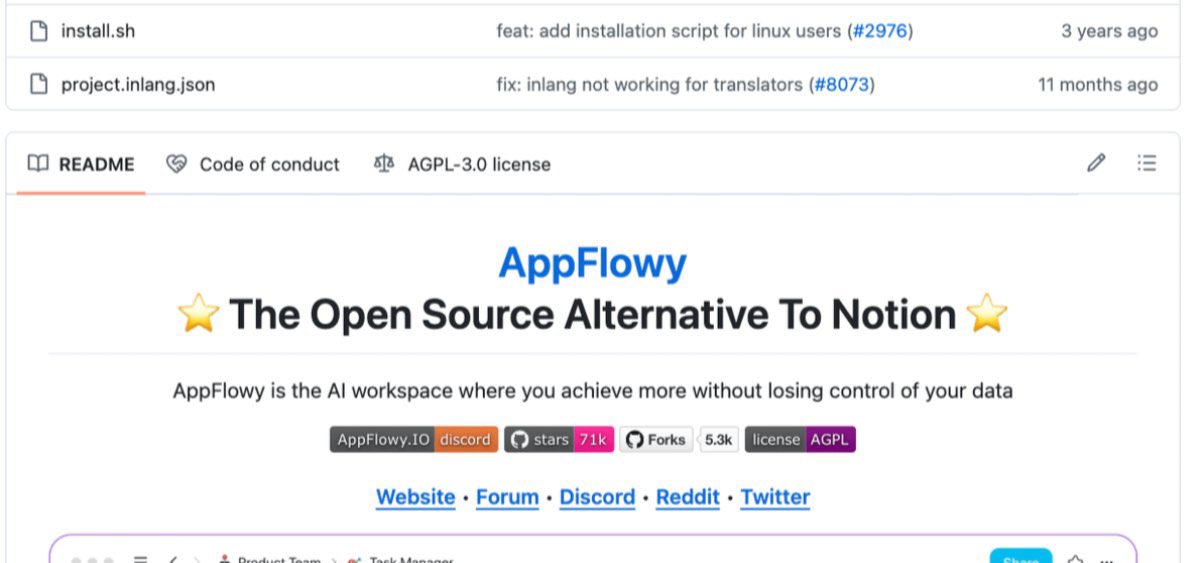
6. AppFlowy
El Notion de código abierto. Notion cobra 20 $ por usuario al mes para equipos.
AppFlowy permite usuarios ilimitados en tu propio servidor de forma gratuita.
Repo → https://t.co/mcpYZ8Fk6f
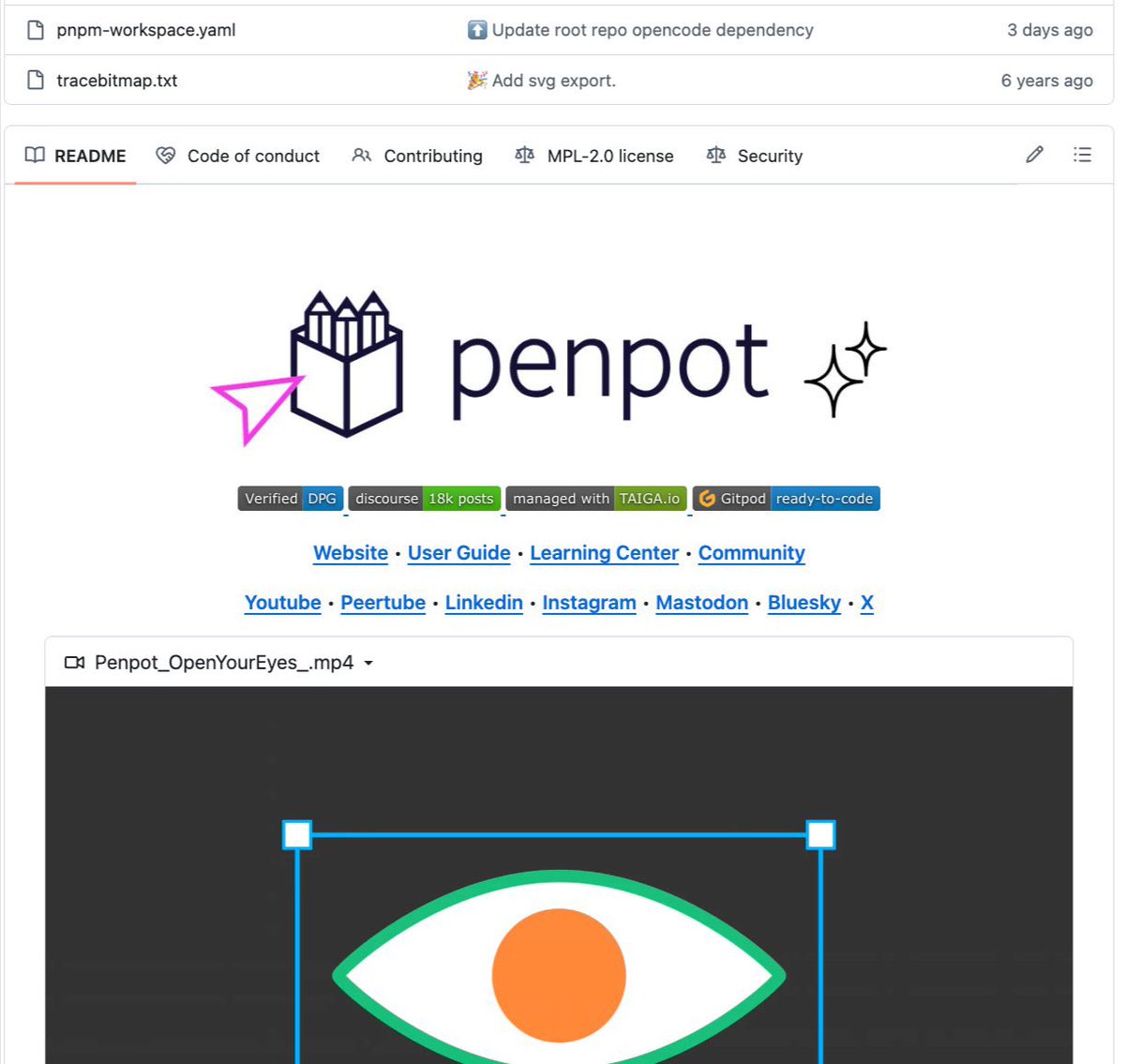
7. Penpot
La alternativa open source a Figma. Figma cobra 45 $ al mes por editor.
Penpot ofrece prácticamente la misma experiencia, autoalojada y gratis para siempre.
Repo → https://t.co/PtqNDHNawH
8. n8n
El Zapier de código abierto. Zapier Pro puede costar hasta 600 $ al mes para automatizaciones complejas.
n8n, autoalojado, permite automatizaciones ilimitadas por 0 $.
Repo → https://t.co/FUTazRXz24
9. https://t.co/3AJZo26yFM
La alternativa open source a Calendly. Calendly Teams cuesta 16 $ por usuario al mes.
https://t.co/3AJZo26yFM es gratuito para particulares y de código abierto para equipos.
Repo → https://t.co/vmHj0wsCWO
10. Bitwarden
La alternativa de código abierto a 1Password.
Muchos gestores de contraseñas cobran unos 8 $ por usuario al mes.
Bitwarden ofrece una versión gratuita muy completa y es de código abierto.
Repo → https://t.co/QuFAYKm1VD
Estos repos están destruyendo silenciosamente 50.000 millones de dólares en ingresos a grandes empresas cada año.
Ninguno de ellos es ilegal.
Guarda este hilo.
Compártelo con esa persona que sigue pagando por herramientas que llevan años teniendo alternativas gratuitas.
100 % gratis. 100 % código abierto.
Every AI agent scraping the web right now is running full chrome to do it.
rendering a UI nobody looks at, for a browser that never displays a single pixel.
lightpanda skips that entirely.
written from scratch in zig, not a chromium fork, and it's 11x faster with 9x less memory than chrome in headless mode.
→ one-line docker install
→ drops into playwright, puppeteer, and chromedp through cdp, port 9222
11.8k stars for something that basically asks why you were running a full desktop browser to fetch json.
✍️ I wrote a post on my full terminal setup and favorite tools: eza, bat, ripgrep, fd, bottom, plus my install script, Brewfile, and git-synced symlinks.
https://t.co/NTiA30rLyR
What are your favorite terminal gems?
Andrej Karpathy spent 8 years at OpenAI and Tesla.
Last week he put everything he knows into one free 2-hour lecture.
People pay $15k for bootcamps that teach half of this.
You probably don't have 2 hours right now. Don't lose this in the feed.
Watch it. Then read the guide below and build your first loop.
Apple just made Docker Desktop optional on Mac.
And it is completely free.
This is apple/container. 26.5k stars no Github.
You can now run Linux containers natively on your Mac without installing Docker Desktop, without a background daemon hogging your RAM, and without paying $21 a month per developer for a commercial license.
Here is what it does:
→ Runs Linux containers as lightweight VMs directly on Apple Silicon using macOS 26 virtualization
→ Fully OCI compatible. Pull any image from Docker Hub, GitHub Container Registry or anywhere else
→ Written in Swift and optimised specifically for Apple Silicon. Faster and lighter than anything Docker Desktop does on Mac
→ Standard container CLI syntax. If you know Docker commands you already know how to use this
→ Push images you build to any standard container registry and run them anywhere
Docker Desktop charges $21 per developer per month for commercial use. Apple's version costs nothing and ships as open source under Apache-2.0.
Microsoft made Docker Desktop optional on Windows with WSL Containers last month.
Apple just did the same on Mac.
Docker is not going anywhere. But the era of paying for a GUI wrapper around containers on your own machine is quietly ending.
Repo here: https://t.co/uFJ867sul6
I genuinely don't understand why everyone isn't using this yet
Andrej Karpathy, a co-founder of OpenAI, posted a simple idea that hit 16 million views: stop using AI to write code, use it to build a second brain.
You point Claude Code at a folder, drop in any source, an article, a transcript, a PDF, and Claude reads it, links it, and files it into a living wiki of everything you know. It compounds like interest, the more you feed it, the smarter it gets.
Here's the whole thing:
> Install Obsidian, create a vault, open it in Claude Code
> Paste Karpathy's wiki idea file and tell Claude to build it
> Claude makes three folders: raw for sources, wiki for its pages, a CLAUDE.md that runs it
> Drop any source into raw and say "ingest this"
> Ask questions across everything, forever
Five minutes to set up, and you never start from a blank chat again.
Full step-by-step guide with Claude and Obsidian, link below.
Bookmark this
We just dropped a little teaser for an upcoming film...
The film tells the story of PHP, a language that was never meant to become what it is today, told by the people who shaped it.
Expect the full film later this year.
https://t.co/7hzt744l8l
Featuring:
Nils Adermann (Composer) @naderman
Taylor Otwell (Laravel) @taylorotwell @laravelphp
Nikita Popov (PHP Core) @nikita_ppv
Fabien Potencier (Symfony) @fabpot@symfony
Roman Pronskiy (The PHP Foundation) @pronskiy@ThePHPF
Brent Roose (JetBrains) @brendt_gd@phpstorm@jetbrains
....and more....
@jetbrains is supporting us to make this film. Thanks to the team there!
Sublime Text 4 has arrived, and it's the fastest #SublimeText yet!
✨ Work smarter with context-aware auto-complete, tab multi-selection, TypeScript support, and more
🚀 Move faster with hardware acceleration and @Apple silicon support
See what's new at: https://t.co/hAeGCwF7kv
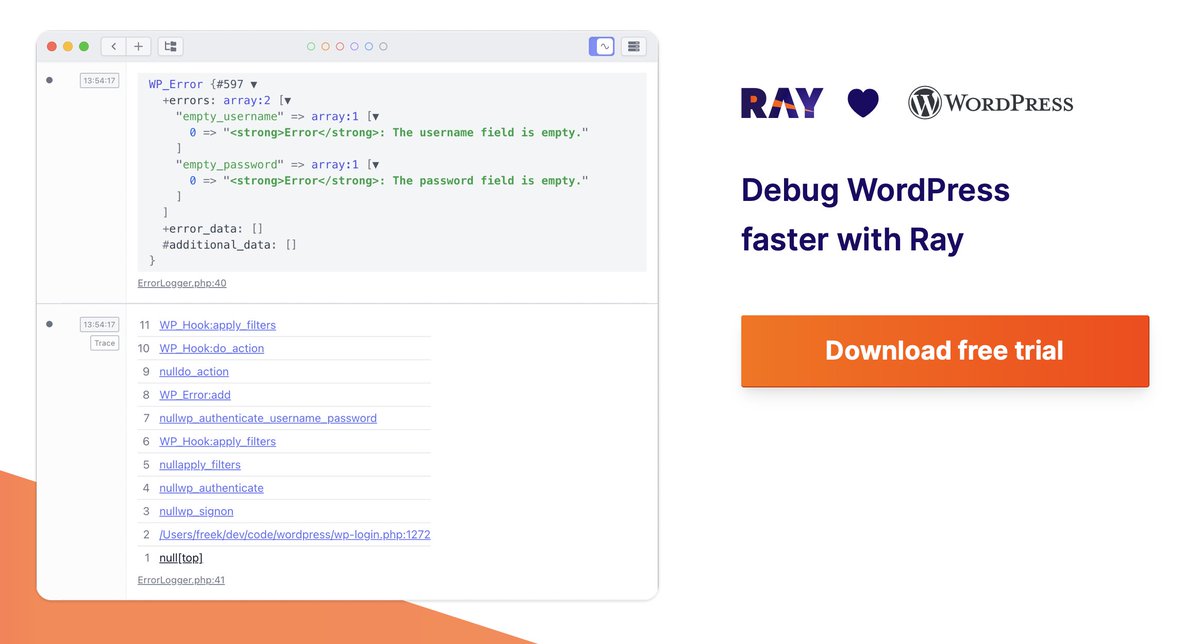
⚡️ Ray can help debug @wordpress apps faster
https://t.co/h3pWW24nLU
⚙️ You can measure performance, pause code, see queries, mails sent, …
📺 Here’s a demo:
https://t.co/fazIvvkw2p
😘 I don’t know many people in the WordPress community, so I highly appreciate RTs if you do!
I did it!
Moved my course "HTML & CSS for beginners" from Udemy to Youtube for free 🔥
https://t.co/jshMwEQUW2
4.5 hours of simple step-by-step guide for building a website and going live
No complex jargon, no complex concepts! Helps you build a strong foundation :)
Now that all modern browsers support SVG favicons, here's how to turn any emoji into a favicon.svg:
<svg xmlns="https://t.co/TJalgdayix" viewBox="0 0 100 100">
<text y=".9em" font-size="90">💩</text>
</svg>
Useful for quick apps when you can't be bothered to design a favicon!
🏎 🔥 If you want to use Octane locally with Valet, you can use this command to set up the reverse proxy
valet proxy <your site>
This way you can use your own domain name instead of localhost:8000
Found here: https://t.co/GqZGq6LnzP
(Thanks for pointing me at this @jbrooksuk)
(1/4) I’ve coded *a lot* of WordPress blocks in my day, all of them from scratch. I was creating them before the block editor was even released into WordPress. While some aspects of creating blocks has been improved, overall it’s still absurdly complicated for even seasoned devs