If you are a maker, I highly suggest you check out @CuttleXYZ and the really cool examples demonstrating the power of the app that @wolfCatWorkshop presents
A short interview I did with @VoyageLAmag where you can learn among other things that:
* I once wanted to be a writer
* How living as an immigrant between two languages made me lean into making pictures
https://t.co/rlKlzHgBUb
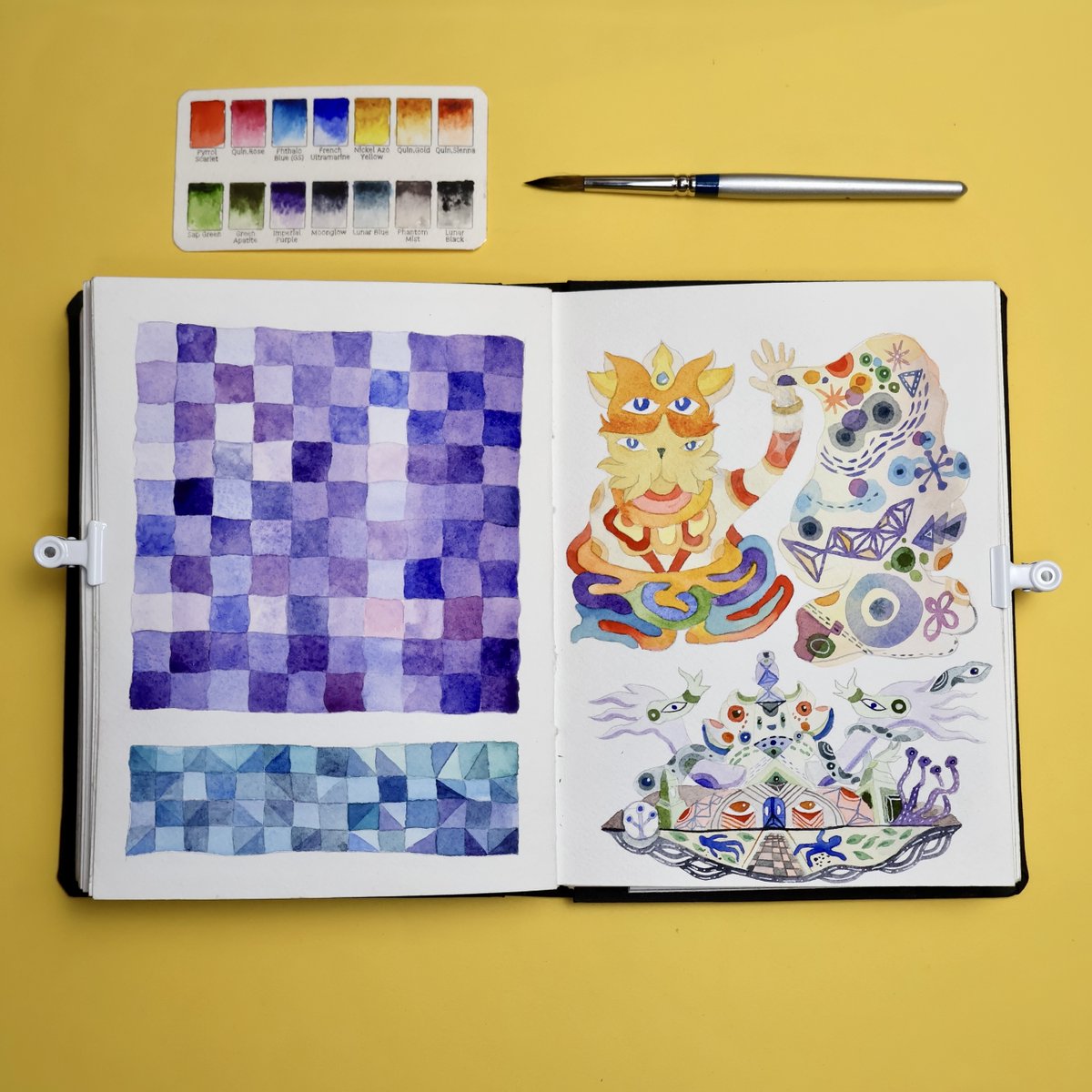
More contrasting pages between grids and illustrations. I increased the line “wobble” on the grids and it makes it look like quilted fabric which I like. I had fun doodling the shapes coming out of the cat’s hand.
Also really digging that "Imperial Purple" by #DanielSmith
This sketchbook page shows how I’m often pulled in two directions: geometric patterns and hand-drawn stuff. I wanted to see what I could do with a simple grid, the lines are a little wobbly and the heavy granulating watercolors make it look more organic, I like that contrast.
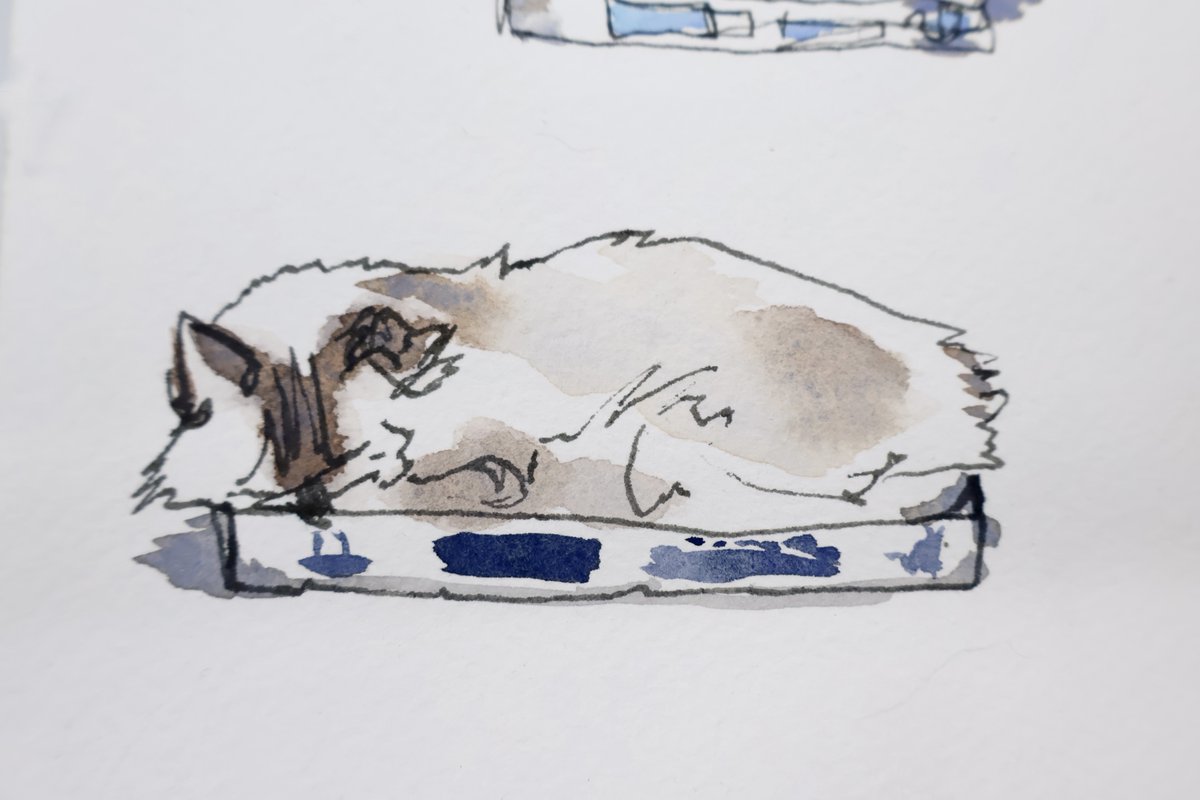
I really like the way this drawing of our cat Shiro turned out. Sometimes these fast ink and watercolor sketches manage to capture the feeling with just a few gestures, they can feel almost like snapping a casual picture.
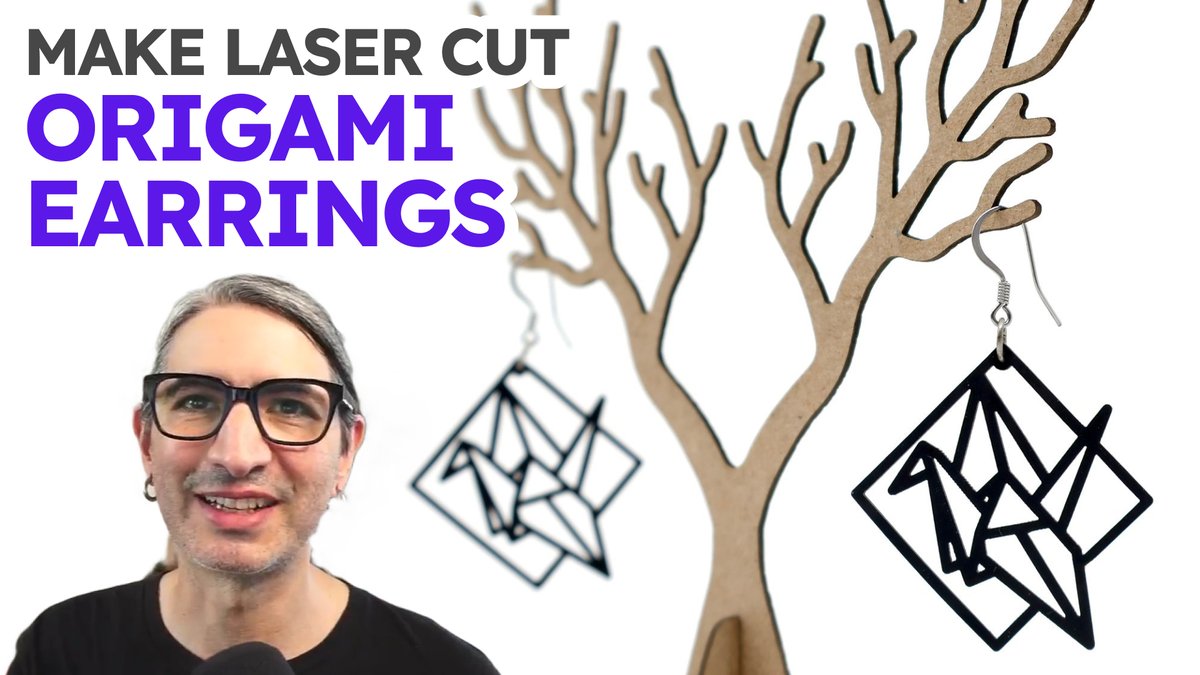
New public post on my Patreon page. This is part of a recent series where I’ve been creating diy laser cut kits. I honestly have no idea what this particular one is good for 😅 but you know, sometimes creative work follows strange paths 🐍
https://t.co/VKPm6oVraY
Looking for advice:
I’ve been using Mailchimp for a while but I find it a bit heavy handed and clunky for my use case. And I want something simpler.
Thinking about TinyLetter or Substack (though I don't intend to charge for it)
What do you think, any other options?
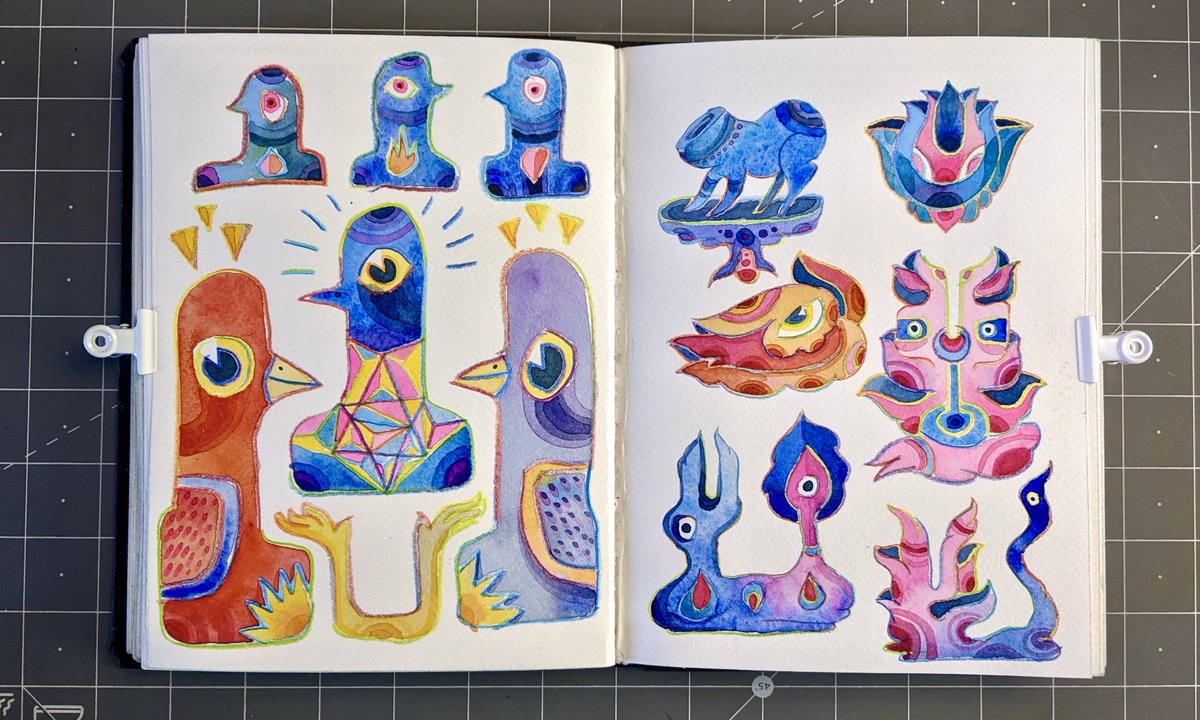
The watercolor blobs come first - as random as possible and often with some colors I’m interested in mixing. Then I fill in the shapes with a black pen. It feels odd to outline watercolors so hard but I like that they are little self contained windows of weirdness.
#sketchbook
I’m a little overwhelmed with the current explosion of social media platforms so I decided I’m going to go back to the basics for a little bit. I’ll be posting pictures of my sketchbook(s) the way I used to do.
We just released a Polygon Box template. You can customize the number of sides (make it a hexagon, octagon, etc) and the height, diameter, and material thickness. @wolfCatWorkshop recorded a tutorial video on our YT.
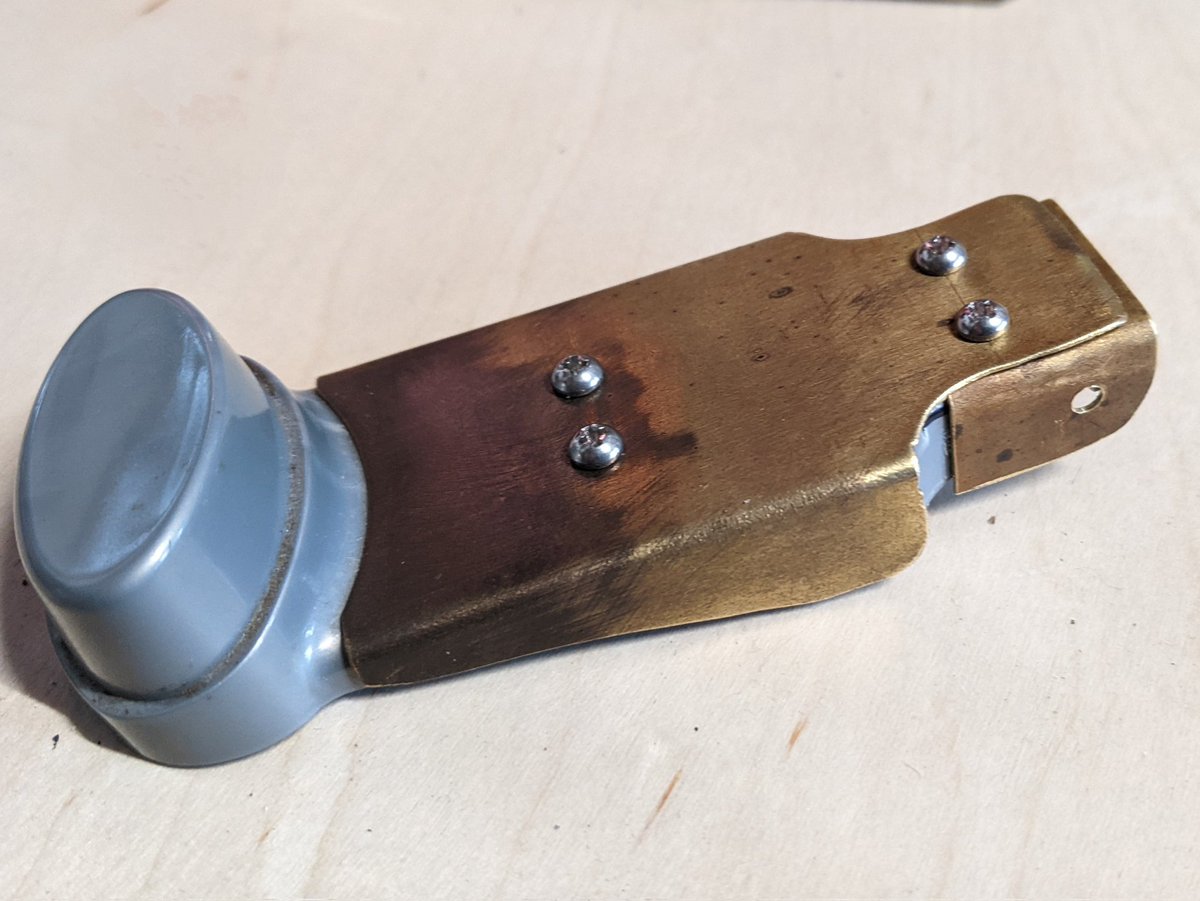
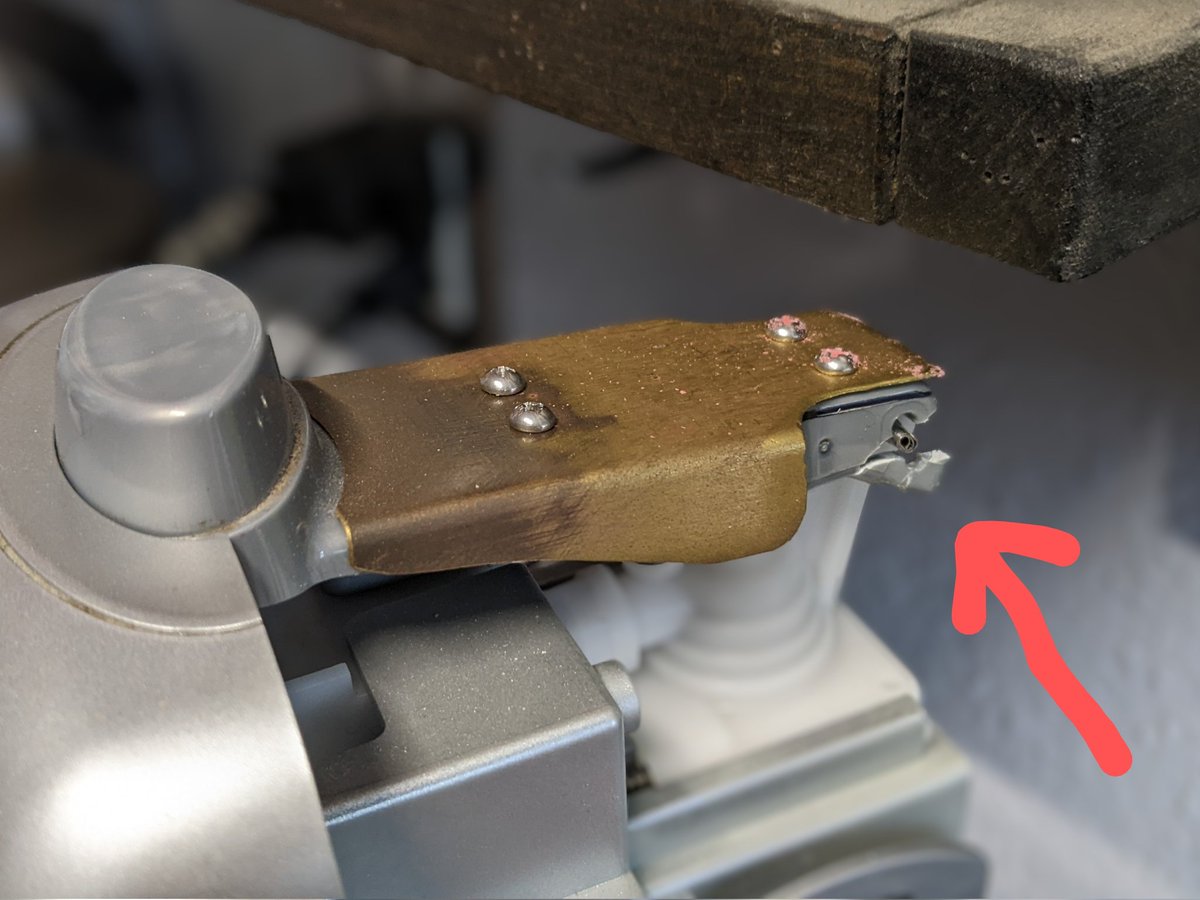
Plastic pieces keep on breaking on this old soda stream and I keep on reinforcing them with brass bits and screws (brass is easy to cut and form). I feel like it's some sort of functional steampunk. Soon enough I'll be adding wooden handles and top hats on the poor thing.
NEW VIDEO - @wolfCatWorkshop shows how to make a laser cut Moving Panorama "Crankie" toy. Free template and full assembly video here: https://t.co/Hks1ASbkPr
This project was originally shared on @instructables and those instructions still work quite well if you prefer text and pictures for assembly
https://t.co/YXwuvedp3n
I also updated this project with the video and template. Hope you have fun with it!
#crankie#crankieFactory
I updated the crankie project with a new template made with @CuttleXYZ . Now you can specify any material thickness and change other dimensions to make it your own.
Thanks to @SueTruman1 for all the inspiration!
Tutorial Video: https://t.co/r53rNL5z4I
#crankie#laserCutting
The template also let's you generate a printable PDF with your own image for making the scroll! 📜
If you are using @Procreate I'd recommend a canvas size of 1.6" by 31", export a single JPG and upload here to generate the PDF
https://t.co/r7nF1CTb0f