🚀 It’s here!
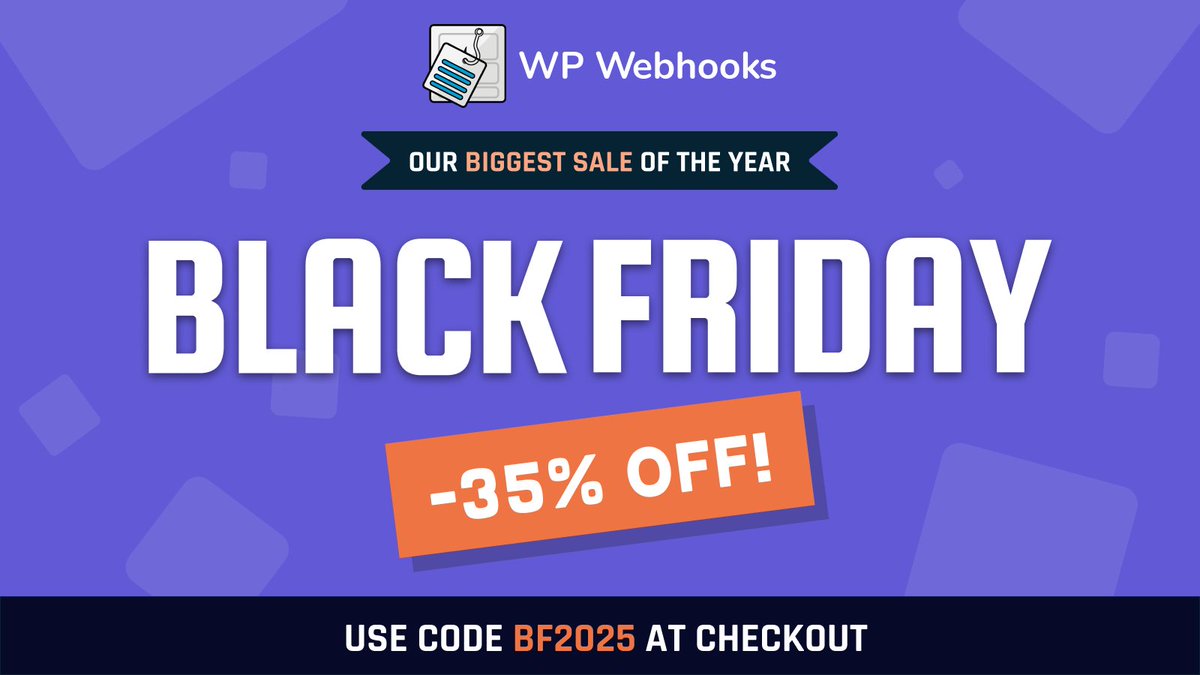
WP Webhooks #BlackFriday is LIVE — and you can grab 35% OFF with our biggest and only discount of the year.
🔥 Discount code: BF2025
⏳ Validity: Nov 24th - Dec 2nd
Start automating smarter 👉 https://t.co/3HUmmGKwor
🎉 We’re excited to share that WP Webhooks is now powering 20,000+ #WordPress sites! 🚀
Many thanks to all our amazing users for getting us here! 💙
Since joining the @cozmoslabs plugin family in 2023, it’s all been an incredible journey — and we’re just getting started! 🙌
⚡ #BlackFriday Automation Deals Are Here! ⚡
Supercharge your WordPress workflows with WP Webhooks – now at an unbeatable 35% OFF! 🎉
Use code BFCM2024 at checkout between Nov 25th - Dec 3rd and take your site to the next level. 🚀
https://t.co/kOghe1szmL
Always wanted to send a notification from WordPress to Discord?
If so, we are glad to share with you that this is now as easy as ever: https://t.co/EtyckbXMa9
New product on the LayerWP directory by @wp_webhooks 🙏 thank you!
🆕 WP Webhooks
Your time &resources are precious. With WP Webhooks, you make sure that none of it goes to waste by applying intelligent WordPress automation to your everyday tasks.
https://t.co/gt5YDoioCM
Our business member spotlight is shining on @wp_webhooks today! Learn more about them in this interview with Jannis Thuemmig and @michelleames!
https://t.co/7Wndxgerex
This week's WP Weekly (86) is sponsored by... WP Webhooks, it allows you to create powerful WordPress automation workflows directly within your website. It integrates with more than 40+ plugins. https://t.co/YXONEs3q0V @wp_webhooks
@colbyfayock Hey Colby - if that's still an issue you are facing, here's how you can fix that: Create a data mapping template, open the Data Mapping Template settings and select "Whitelist" from the dropdown - now every key that isnt added to the template will be removed. :)
You’ve got your headless @WordPress deploying your Jamstack app to @Netlify
But you have to trigger a new build every… single… time…
Instead use the WP Webhooks plugin along with Netlify Build Hooks
Configure when you want a new deploy (new post) and watch it work!
We are happy to introduce three new integrations with WP Webhooks 4.3.4:
@WPFusionPlugin: https://t.co/LUCLsfXPAP
Fluent Support: https://t.co/XRVfWsLg72
@GiveWP: https://t.co/xVtIYuRVOu
WP Webhooks just added a WP Fusion integration! Send webhooks to 3rd party services based on tags being applied and removed in WPF 🤩.
Check it https://t.co/I13vOOm96T
WP Webhooks helps you #automate your #WordPress site using #webhooks.
You can send data to other services or use data from other services to perform actions on your site. In our WP Webhooks review, we'll show you how this plugin works.
https://t.co/b9Vcql5PKs
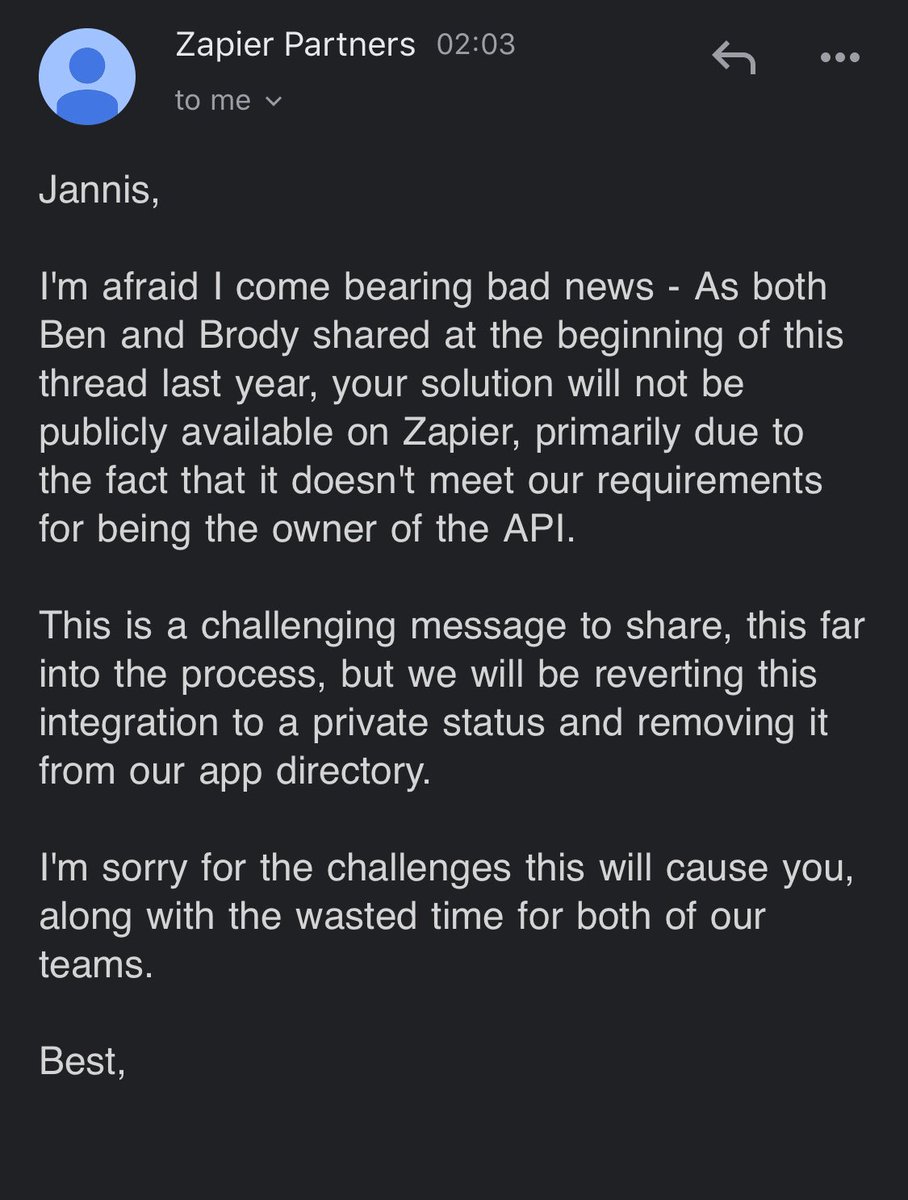
@AndrewJDavison @zeshanshani22 @zapier We are the developers and owners of the plugin that offers the API functionality. Actually, we have been live for more than half a year and that was confirmed by Zapier. It might still work, but all of our backlinks/documentations are useless since they immediately removed it.
Is this really the way how you want to treat your customers @zapier? Immediately removing an active app without any prior notice is simply unethical and disrespectful to either us and every customer who pays for your service and uses our app.
#byebyewpwebhooks
@samrasadraddin Go to your database and check the {prefix}_users table. In there, you will find a column called user_login, as well as a password column.
The password column, by default, also accepts md5 encoded strings. Si@ply choose a new password, use md5 encoding on it and login again. :)