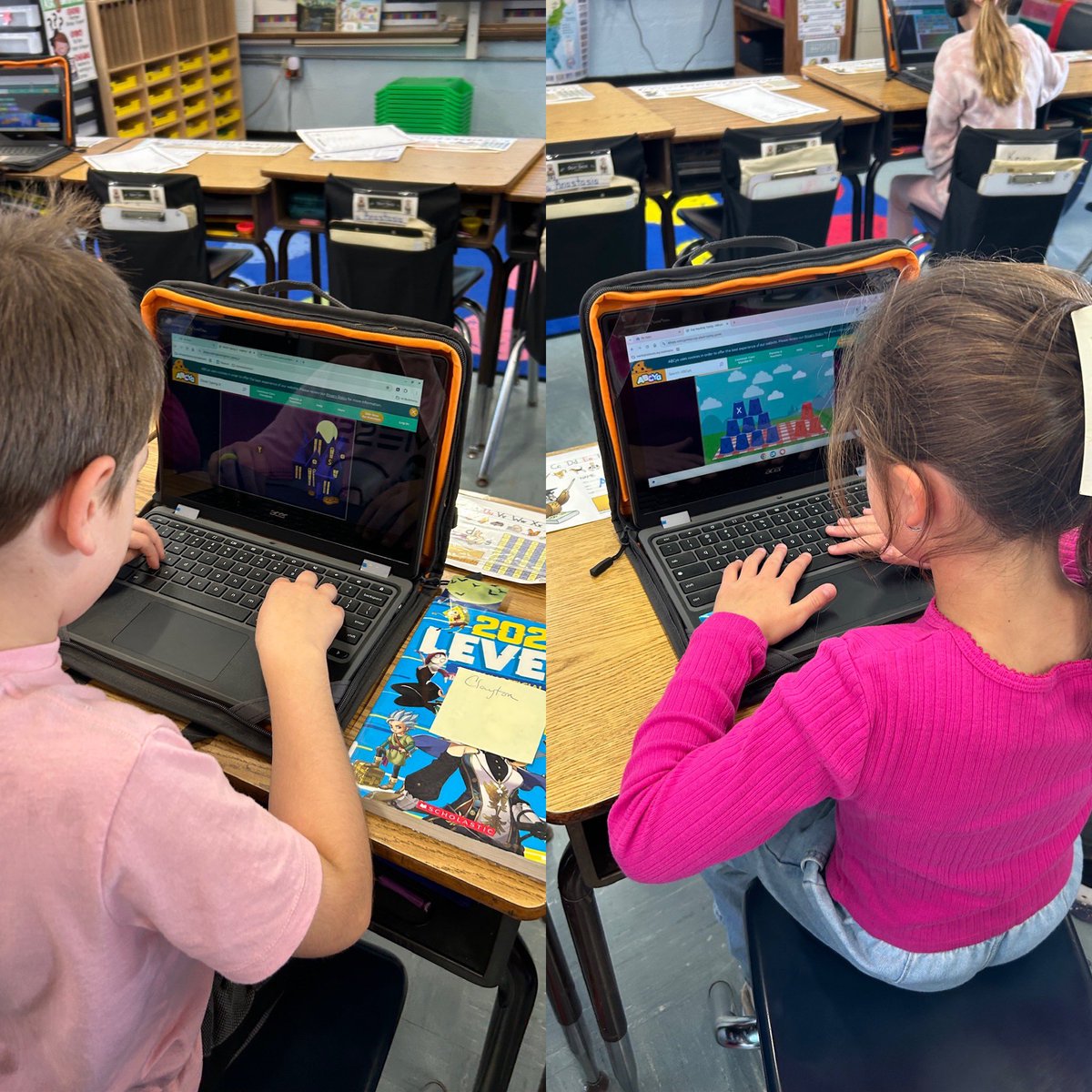
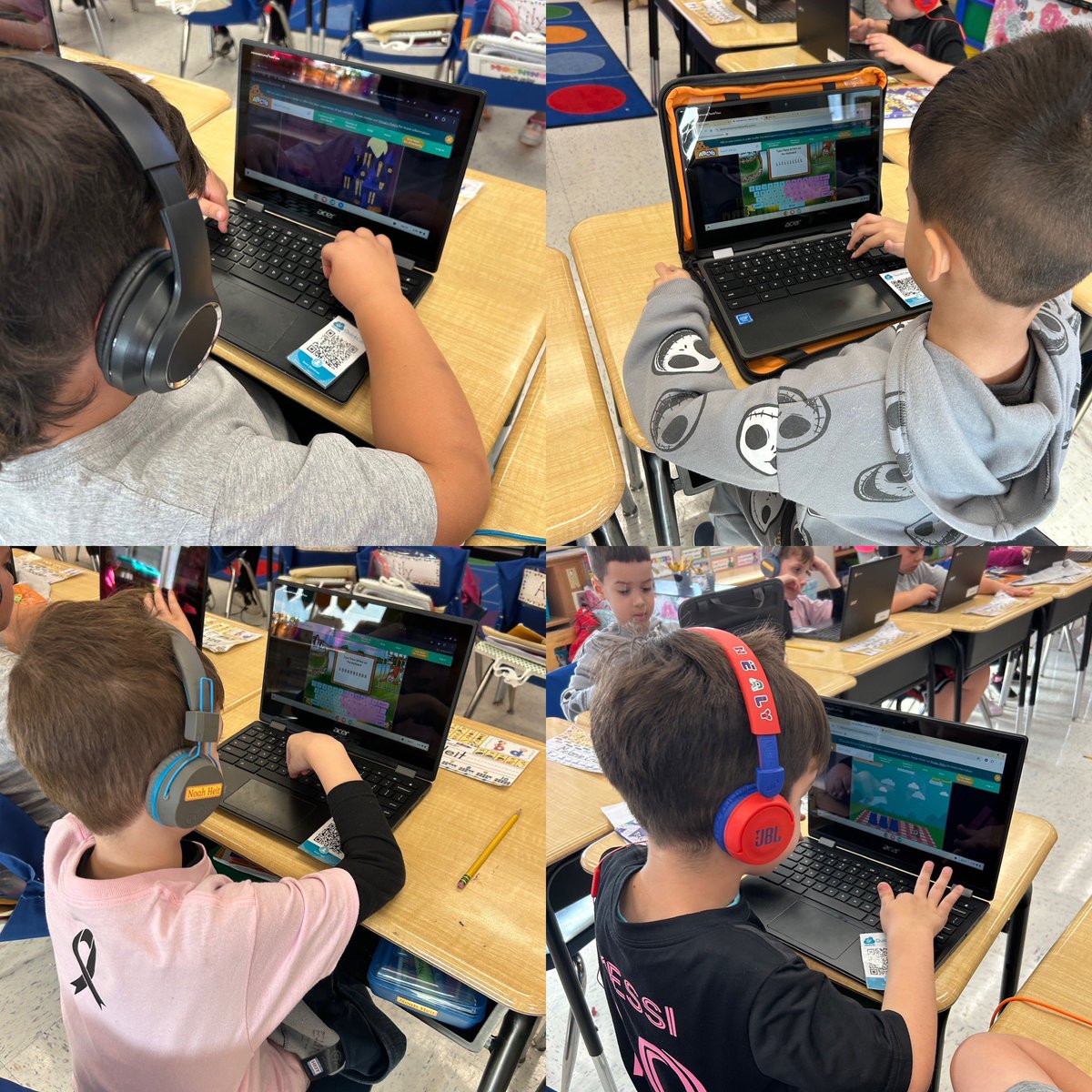
@ABCyaGames@ABCyaGames extremely irresponsible to start charging for your games during the school year! Many irate teachers out there who work with the bare minimum and cannot afford to pay for games that are extremely important for young learners and their reinforcement of tools daily!
Kindergarten, 1st and 2nd grade students love to search for library books to check out each cycle! We learn how to use shelf markers properly and work on various digital lessons on our Chromebooks to inspire the love of reading and collaboration! @WantaghSchools
Students @ForestLakeWsd learned about Hispanic Heritage Month during their IMC classes through selected readings and then crafted their own digital tradition drawings on @Seesaw! Students were then able to take virtual tours to discover the Hispanic culture as well!
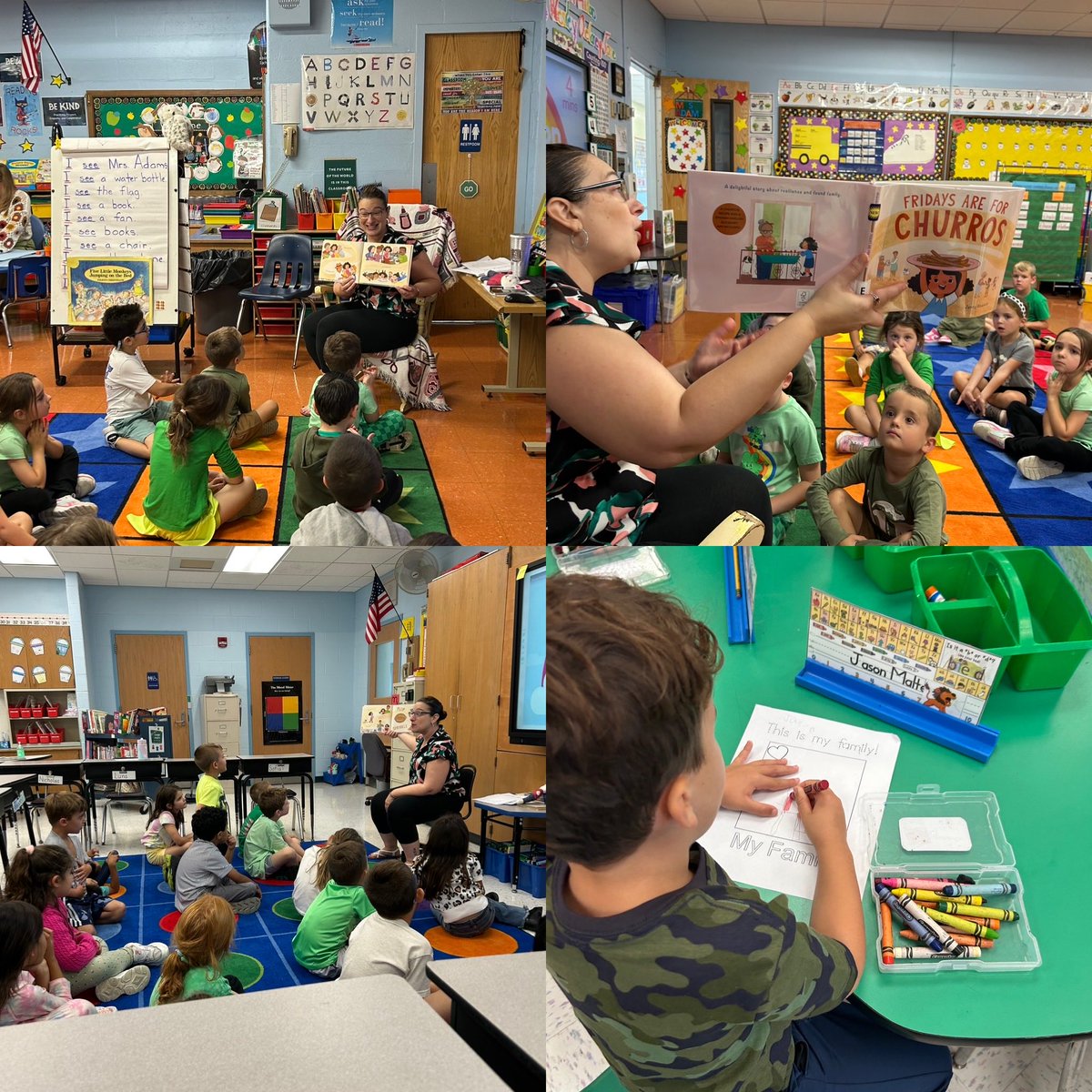
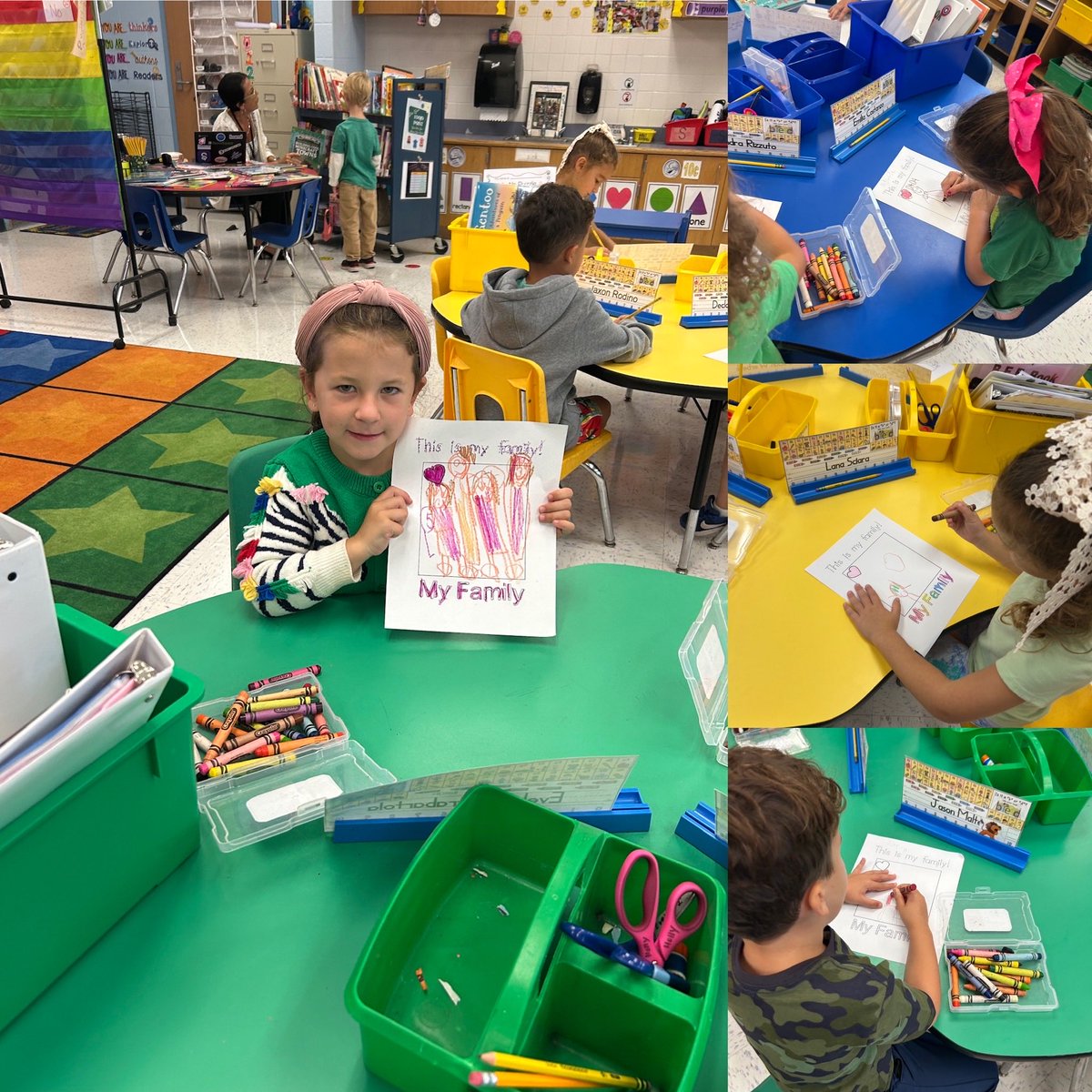
Kindergarten students @ForestLakeWsd learned about Hispanic Heritage Month during their IMC classes through the reading of “Fridays are for Churros” by Jenny Alvarado and having discussions about family traditions! Students created their own tradition drawings to share at home 😊
⏳ 92% of teachers say Seesaw saves time in the classroom! 📚✨
By streamlining tasks and boosting efficiency, Seesaw helps reduce burnout and supports teacher retention. Happy teachers = better student outcomes! 💪💫
👉 Check out our Seesaw Scrapbook and get inspired with how other educators are using Seesaw every day: https://t.co/lMhx2x1gHV
#TeacherSupport #Seesaw #EdTech #TeacherRetention
Looking for images for classroom projects that are copyright-friendly AND safe?
https://t.co/I8aobcg9cr is a curated image library that is free for education.
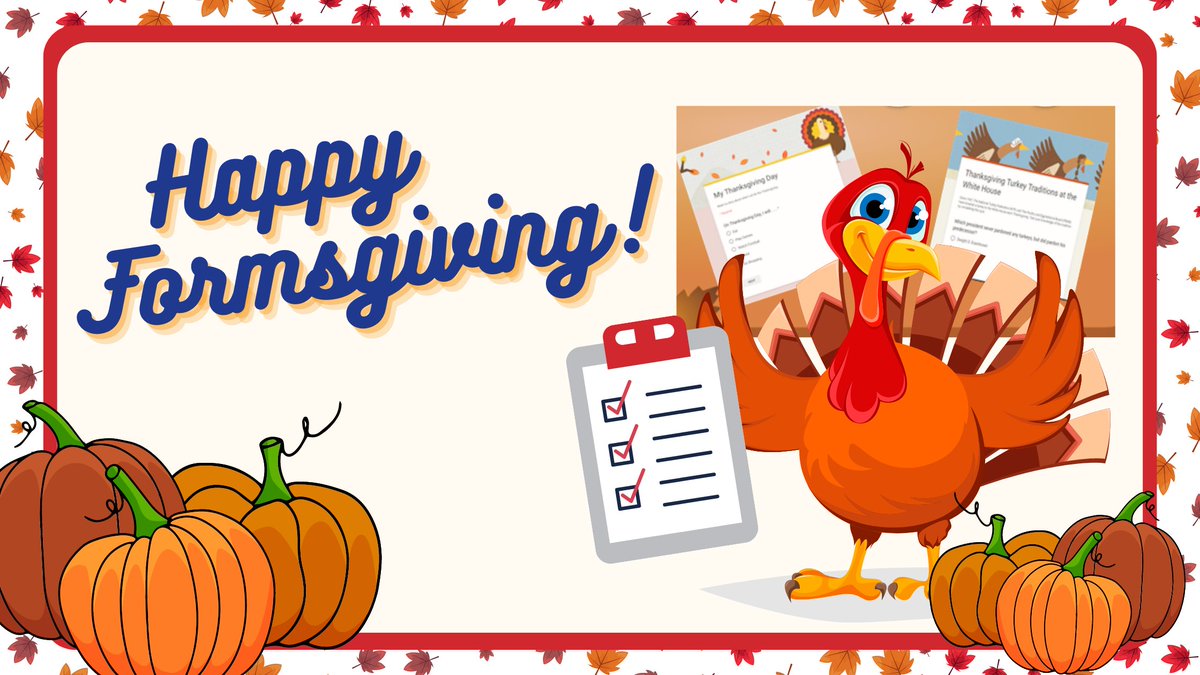
Grateful for Google Forms this Thanksgiving! 🦃 Use it for fun, engaging activities and quizzes that keep your students involved while celebrating the season.
https://t.co/aSruYacEk4
@diben#teachertwitter#librarytwitter
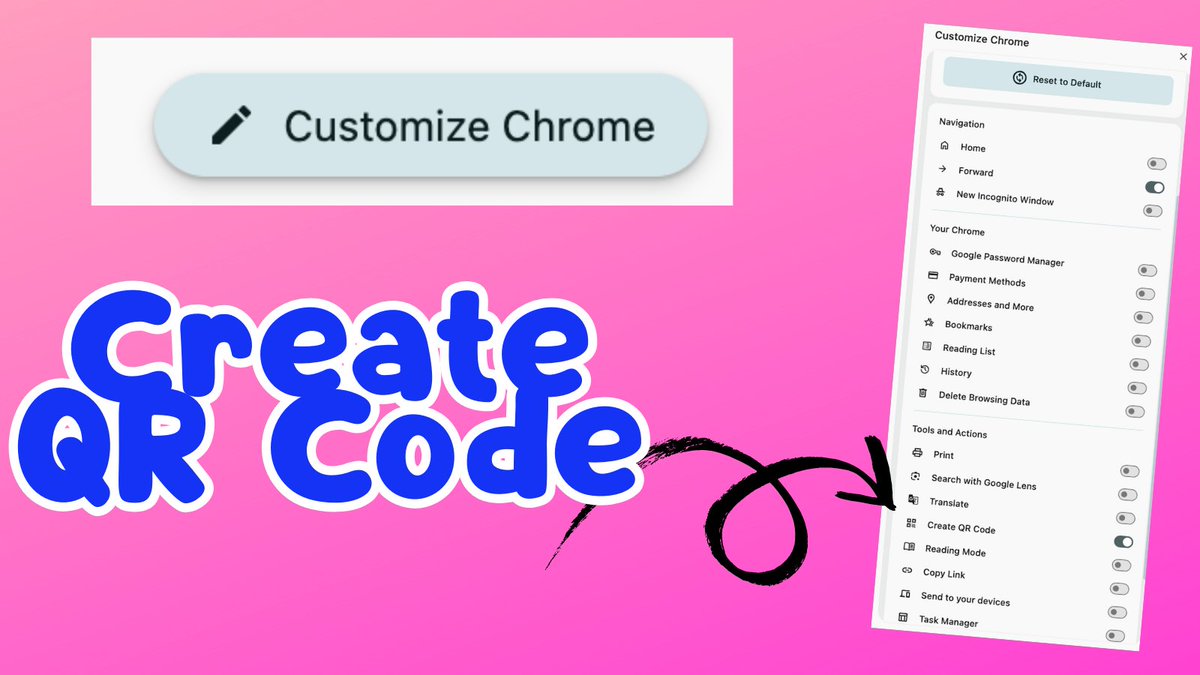
You can now customize your Chrome toolbar!!!
Go to a new tab in Chrome
Click on "Customize Chrome"
One of the options is "Toolbar"
Check out the long list of toggles.
I like the QR code option, I use that a LOT!
#GoogleEDU
🌆 Using @CanvaEDU
😝 If your font seems "stuck" in CAPS LOCK
It might be the UPPERCASE feature in @Canva
👀 With the textbox selected, look for the aA icon in the toolbar
to toggle viewing lower and upper case characters.
💻 Enhance your Google Drive organization with a custom table of contents!
🗂️ Generate a list of your Drive files and format them into a user-friendly table of contents.
🔗 Share this table of contents
https://t.co/YSzKSKuxH0
#GoogleEDU#GoogleDrive
The Zombie Season series by @justinistired is perfect for kids who love action, adventure, and continuing that excitement online! Start your kid reading with book one and watch as the book and game inspire courage, imagination, and a love of reading! https://t.co/ZNuatlRDF8
💻 FigJam is an excellent tool for organizing blended lessons, providing a seamless transition between digital and non-digital activities.
📝 Start by creating sections to outline each element of your lesson
How to Organize a Blended Lesson with FigJam
https://t.co/Ytet5w7O2A