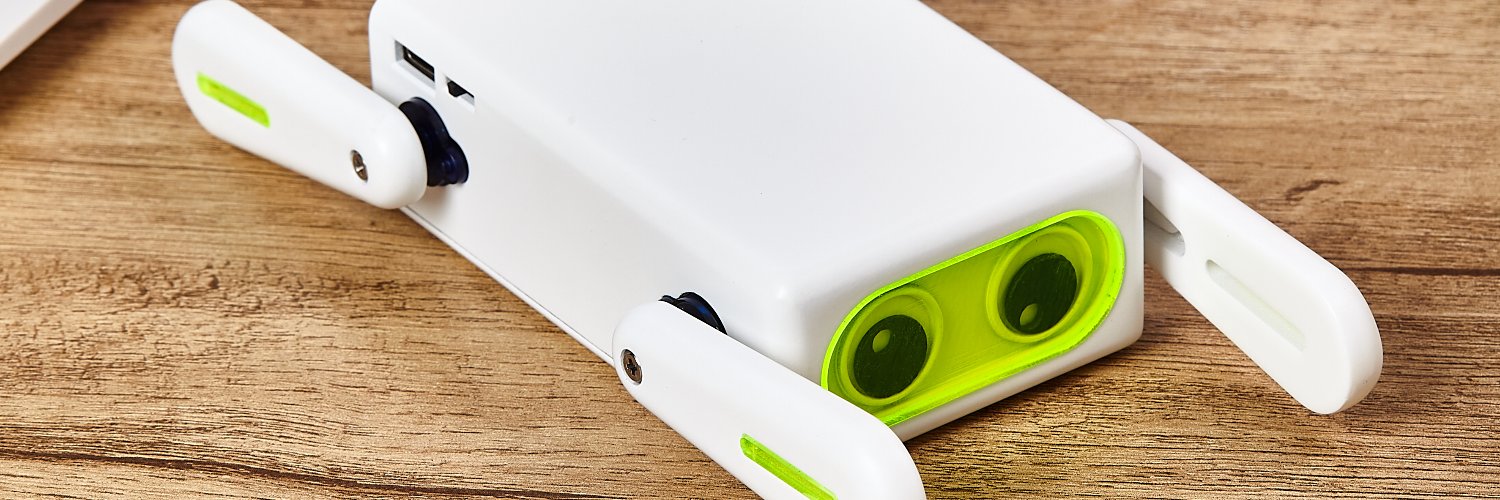
Dear KT2 (newly renamed Gamer) users,
You can now upgrade to the latest firmware, V261111. We have fixed a large number of bugs to improve your experience.
How to upgrade:
Connect to the robot's own Wi-Fi hotspot: xiaogui-XXXX.
Go to Settings → System Upgrade → Manual Upgrade.
Enter the firmware version number: V26111.
The return-to-home feature is now working! It will soon be available for both DIY and GAMER (old name is KT2) models. You’ll be able to let your robot spend most of its time in its cozy home and come out for a little activity at scheduled times.
The return-to-home feature is now working! It will soon be available for both DIY and GAMER (old name is KT2) models. You’ll be able to let your robot spend most of its time in its cozy home and come out for a little activity at scheduled times.
Thank you to Jumpstart for interviewing us! After developing two desktop robots—the DIY Version you can build yourself and the Gamer Version with 99 games—we’re looking to connect with more people and find investors who can help us bring our next generation of desktop robots to life: robots that feel truly alive.
https://t.co/cmPtAaoOPs
@xiaogui_robot ok this is sick. the black 6-up panel on pink foam looks clean. where did the heat fix land, more copper and vias around the esp32 module, or moving the power parts by the usb-c?