10 GitHub repos that quietly run my daily life and save me $2,000 a year in 2026.
Bookmark this list.
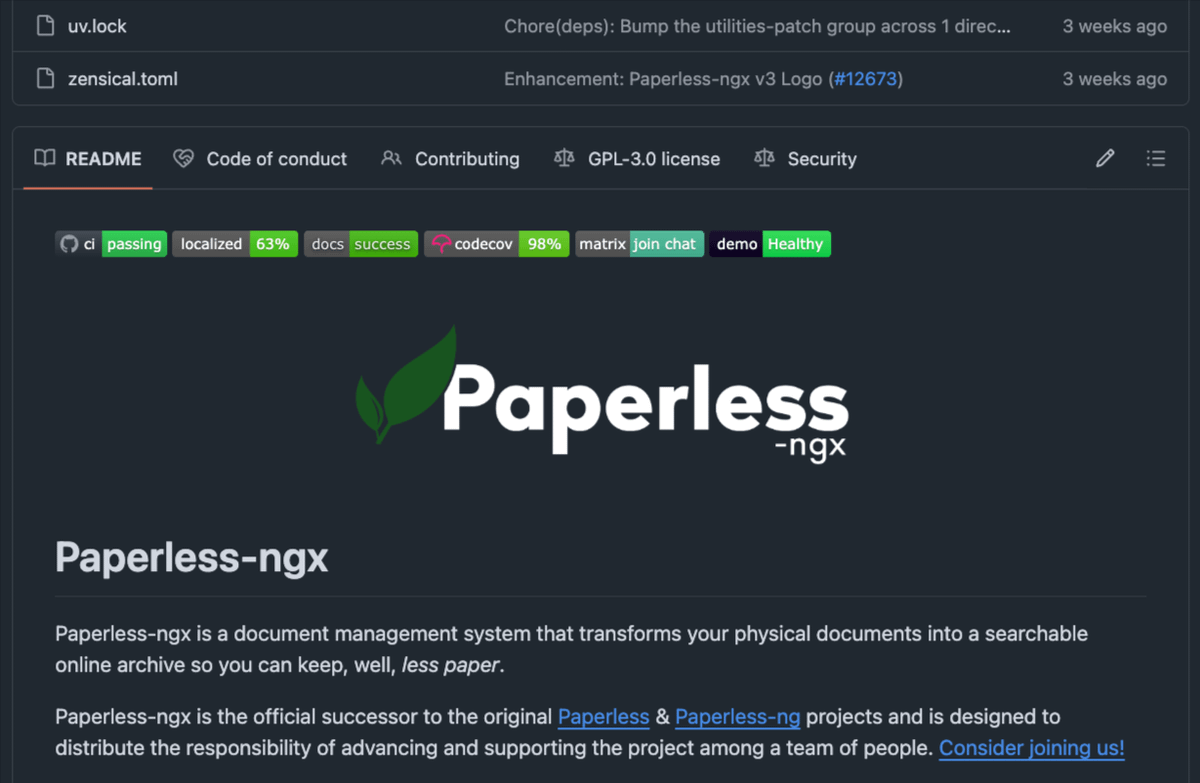
1. Paperless-ngx
Every receipt, invoice, contract, and tax document scanned, OCR'd, and tagged automatically. The most-cited "non-negotiable" self-hosted tool of 2026. Replaces Adobe Scan + Evernote at $15/month.
Repo → https://t.co/wW6mA7Zb2p
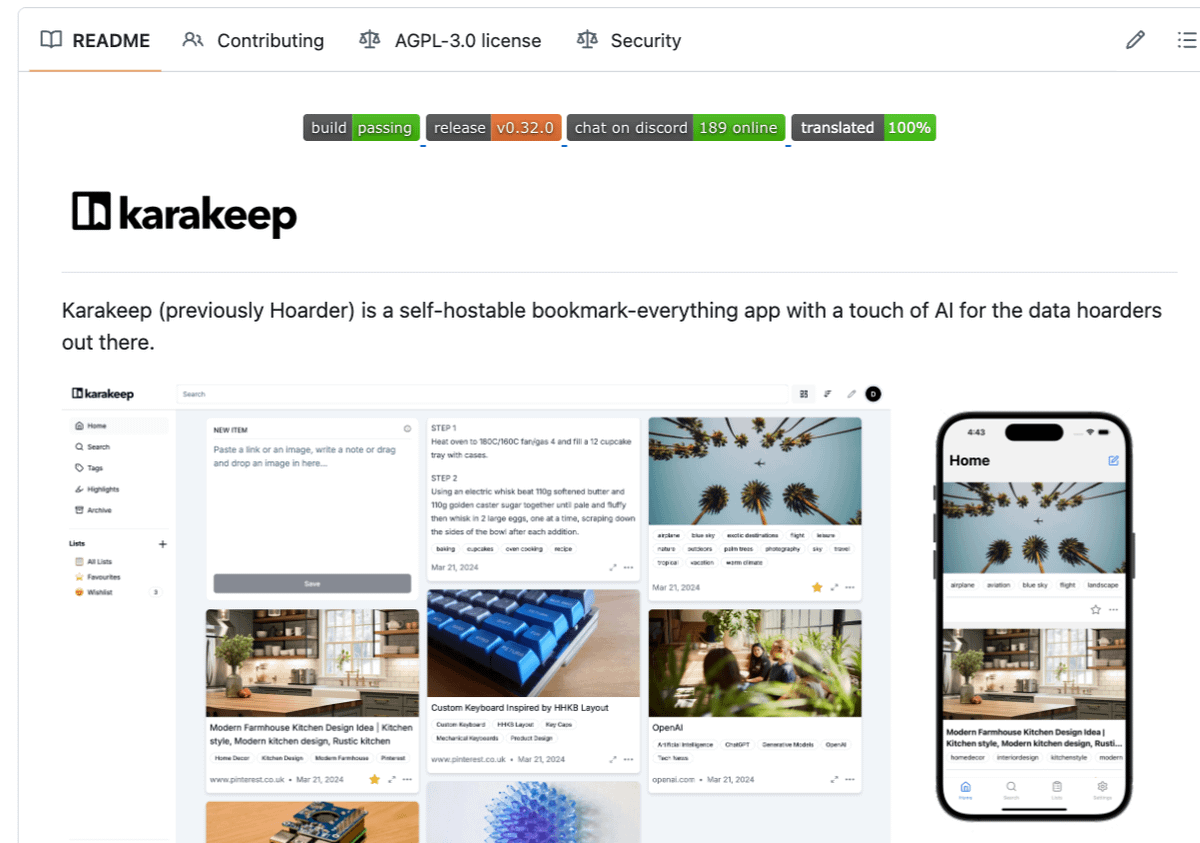
2. Karakeep
Saves every link, screenshot, article, and PDF I'll ever want again. AI auto-tags everything. Mozilla just killed Pocket. This took its place. Replaces Raindrop Pro + Pocket at $15/month.
Repo → https://t.co/IZ96g5duzC
3. Vaultwarden
Every password I'll ever need, on every device, encrypted. Replaces 1Password Family at $10/month.
Repo → https://t.co/lwESQjTyr9
4. Anytype
My notes, tasks, knowledge base, all local, all encrypted. Notion is $10 billion. Anytype is mine. Replaces Notion Plus + Roam at $20/month.
Repo → https://t.co/3pZnRBeSeR
5. AdGuard Home
Blocks ads on every device on my home network. Phones, TVs, tablets, laptops. Replaces NextDNS Premium at $20/month.
Repo → https://t.co/nmoF3k4D5b
6. Syncthing
Syncs files across every device I own, peer-to-peer. No cloud, no subscription, no Dropbox account. Replaces Dropbox 2TB at $15/month.
Repo → https://t.co/Z1UzrFejaw
7. Home Assistant
Lights, doors, thermostat, security cameras — all on one dashboard. Replaces SmartThings Pro + Alexa Plus at $25/month.
Repo → https://t.co/71S8Bq1Hmq
8. Audiobookshelf
Audiobooks and podcasts on every device. Beautiful apps. Mine forever. Replaces Audible + premium podcasts at $30/month.
Repo → https://t.co/MhwerkVSrK
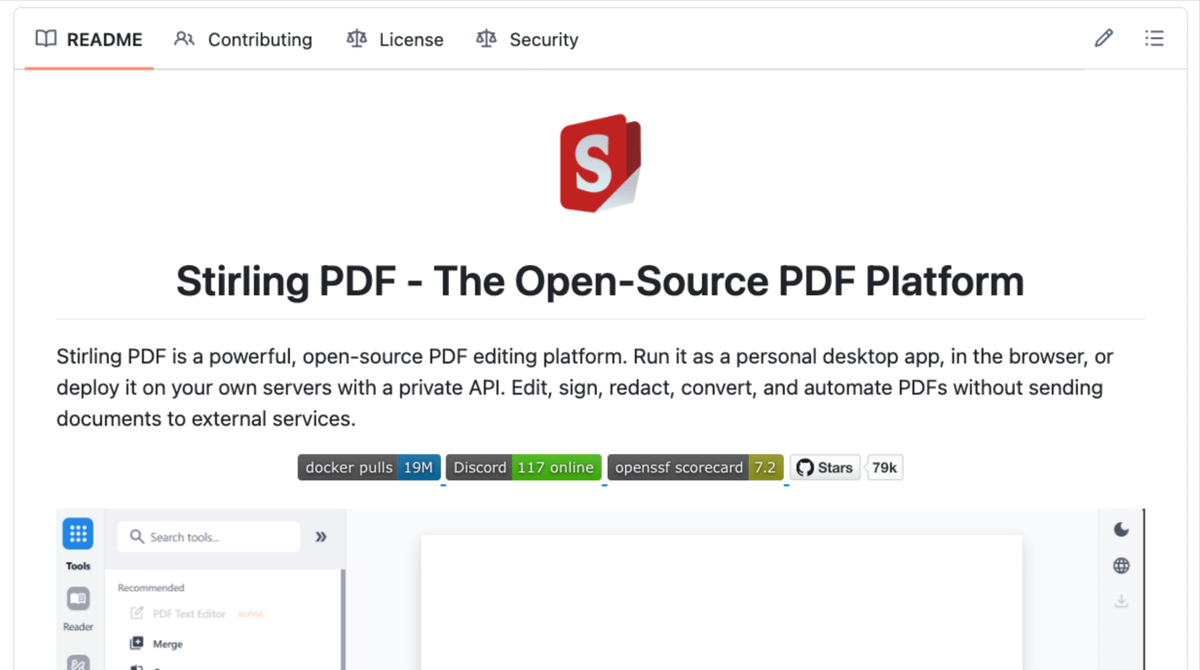
9. Stirling-PDF
Every PDF operation in one place. Merge, split, OCR, compress, sign, redact. Replaces Adobe Acrobat Pro at $20/month.
Repo → https://t.co/cox9pHE4zp
10. Bitwarden Send
Encrypted file sharing with expiration timers. Replaces WeTransfer Pro + Dropbox Transfer at $20/month.
Repo → https://t.co/XCZ2JtWqWQ
Save this. Share it with the person in your life still paying $190 a month for what's been free this whole time.
100% free. 100% open source.
My friend Aadi Jain from Haryana had his bank account frozen by Mumbai Cyber Crime Branch over a ₹58 issue (ACK No: 21608240042078).
No clear reason, no response to emails/calls.
Please help! 🙏
@Cyberdost @Mum_CyberPolice @RBI@PMOIndia#HelpAadiJain
@Skyyyuh Steps to access dark web:
Step 1: Pick your digital device on which you want to access the dark web.
Step 2: Go to a part of your house which is void of any light.
Step 3: Open any browser and browse away.
Congratulations, you've just accessed the DARK web.
LINUX USERS ARE NOT HACKERS!
LINUX USERS ARE NOT HACKERS!
LINUX USERS ARE NOT HACKERS!
LINUX USERS ARE NOT HACKERS!
LINUX USERS ARE NOT HACKERS!
LINUX USERS ARE NOT HACKERS!
LINUX USERS ARE NOT HACKERS!
LINUX USERS ARE NOT HACKERS!
If you are starting with Kubernetes – this will help you.
I spent 10 hours digging into Kubernetes concepts, tools, and best practices this week – so you don’t have to.
Here are 20 must-know updates and tips to get started with Kubernetes:
1. Always start with `kubectl` – it's your gateway to the cluster.
2. Use Minikube or Kind to practice Kubernetes locally.
3. Master the YAML syntax – it's everywhere in Kubernetes.
4. Learn the difference between Deployments, StatefulSets, and DaemonSets.
5. Namespace everything to avoid conflicts in multi-team setups.
6. Use ConfigMaps and Secrets to separate configuration from code.
7. Set up resource requests/limits to prevent pod starvation.
8. Understand Kubernetes Services – ClusterIP, NodePort, and LoadBalancer.
9. Learn about Ingress for HTTP routing into your cluster.
10. Use liveness and readiness probes to manage container health.
11. Avoid storing credentials in plain YAML files – use Secrets instead.
12. Familiarize yourself with Helm for managing application releases.
13. Explore Kustomize for environment-specific configuration.
14. Use metrics-server for resource monitoring.
15. Set up Role-Based Access Control (RBAC) for secure operations.
16. Start with a simple CNI plugin like Flannel for networking.
17. Use Kubernetes Dashboard cautiously – it's great for beginners but can expose your cluster.
18. Experiment with auto-scaling – both HPA (pods) and Cluster Autoscaler (nodes).
19. Regularly clean up unused resources like pods, services, and images.
20. Document everything – Kubernetes has a steep learning curve.
Save this post for reference.
Would you like me to expand on any specific point?
30K+ read my free bite-sized weekday (Mon-Fri) daily TechOps examples newsletter: https://t.co/WBucLdwLhJ
What do we cover:
DevSecOps, Cloud, Containerization, IaC, GitOps, MLOps
🔁 Consider a Retweet if this is helpful
The Flipper Zero has an app called "Key Maker" that allows users to copy the cut pattern of some physical keys.
Scary isn't it?
https://t.co/DKPtKZY1xb
Hi @elonmusk , I guess this is a deep fake, https://t.co/E6ieFH9QTD, one of the channels(not mine, but someone I am subscribed to) got hacked and this is what they were streaming, I know that you can certainly do something about it so please do. @TeamYouTube@YouTube
🏆 Avatar Skins Giveaway 🏆
1x Aang, 1x Zuko, 1x Toph
How to enter:😳
🥇Follow me! (@PavelskiBH)
🥈Like and Retweet!
🥉Tag a Friend
3 Winners will be chosen Next Week
#Brawlhalla#brawlhallagiveaway#Avatar
@intigriti Probably buy CEH and OSCP exam training and vouchers, also would build a wonderful hacking setup and buy some hardware required for some specific hacks.