🚨 6 أدوات مجانية ومفتوحة المصدر على GitHub تقدّم لك بدائل قوية لخدمات وبرامج مشهورة، وتستحق التجربة:
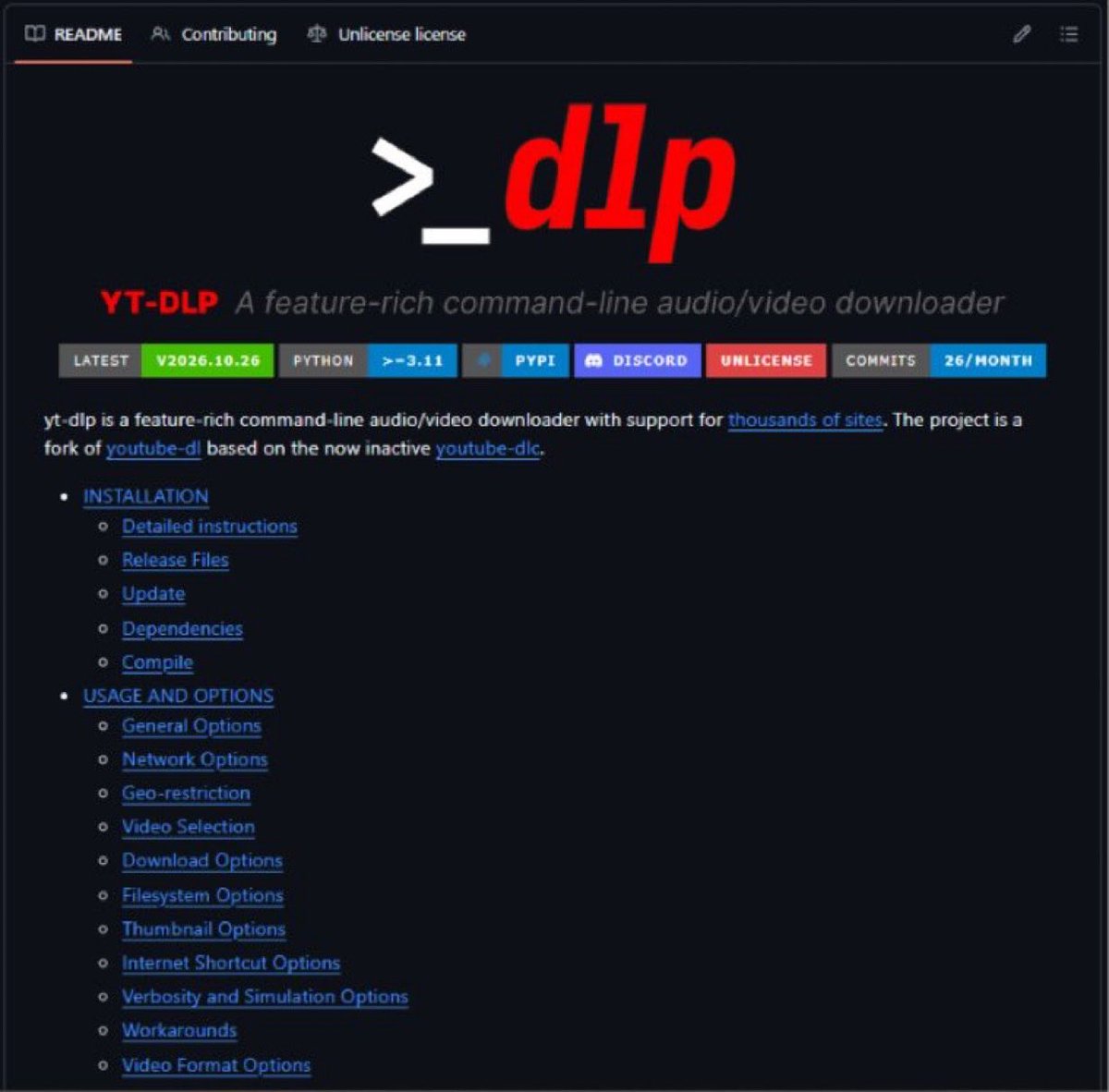
1. yt-dlp أداة تتيح لك تحميل الفيديوهات والمقاطع الصوتية من معظم المواقع. ⭐ 206.8 ألف نجمة على GitHub.
https://t.co/0E3w6FDEJk
2. Invidious طريقة بديلة لمشاهدة YouTube بدون إعلانات وبدون الحاجة إلى حساب. ⭐ 25.9 ألف نجمة.
https://t.co/3YIVxwSmFh
3. LocalSend انقل الملفات بين Android وiPhone وWindows وMac، وكأنك تستخدم AirDrop. ⭐ 98.3 ألف نجمة.
https://t.co/KJ5jP7LE58
4. Stirling-PDF حرّر ملفات PDF، وادمجها، ووقّعها، وحوّ��ها، وكل هذا على جهازك. ⭐ 96.2 ألف نجمة.
https://t.co/DpH5htZH1U
5. Immich أنشئ بديلك الخاص لـ Google Photos واستضف صورك على خادمك. ⭐ 118.8 ألف نجمة.
https://t.co/cBPRqajmmV
6. Sure إدارة أموالك الشخصية على خادمك الخاص، بدون الاعتماد على تطبيق تابع لشركة ثانية. ⭐ 12.3 ألف نجمة.
https://t.co/C57rgzNdJT
😱 卧槽,GitHub 11.5 万 Star!有人把资深软件工程师的一整套工作方法,直接打包成了 25 个 AI Skills,免费开源!
以后用 Claude Code、Cursor、Codex 写项目,真没必要再让 AI 闭着眼睛瞎写了。
安装命令、GitHub 地址放在评论区👇
这个项目叫 agent-skills,最狠的是 9 条斜杠命令,直接把 AI 变成一支软件开发团队:
① /spec:先把需求搞明白,写出规格文档
② /plan:拆任务、定计划,避免写到一半跑偏
③ /build:按计划逐步开发
④ /test:自动测试,拿结果证明代码能跑
⑤ /review:代码审查,揪出潜在问题
⑥ /ship:检查交付条件,准备上线
从一句想法,到一个真正能交付的项目,整个流程都有章法了。
更爽的是:不用自己写复杂提示词,也不用逐个配置 25 个 Skills。
一条命令就能安装。
项目开源免费,支持 Claude Code、Cursor、Codex 等主流 AI 编程工具。
建议先收藏,下次用 AI 开发项目时直接拿出来用。
好久没看到过这么 solid 的前端技术文章了:《Rebuilding the global town square from scratch》https://t.co/TnGc2wYCQc
现在所有新闻都是 AI AI AI,看到一篇硬核的技术文章简直是一股清流,这篇文章是 X 的工程师写的,核心内容是介绍他们如何彻底重写了 X 的 Web 前端,重点解决性能和架构问题。
旧版看一个主页要 27秒,新版只有2 秒。
旧系统已经跑了十年,React + GraphQL 写的,各种技术 debt,有三个不同的服务端。
新版将三个系统合为一体,技术栈 React + Relay + Fastify,修改为 Streaming SSR。
文章中有很多很多技术细节值得看看,还有各种动态的架���图也做到非常好。
THIS IS AN ACTUAL F*CKING GOLDMINE
Anthropic just shared one of the best tricks for Claude Code.
The idea: run Opus 5.5 and three Sonnet 5.5 subagents, each one keeping its own memory for the job it's best at.
Less repeated explaining, because every task lands on an agent that can reuse what it learned about your repo.
You just launch Claude Code like this:
claude --model opus
here's my split:
→ Opus 5.5 runs the session, plans the work and applies the final fixes
→ Sonnet 5.5 handles implementation, debugging and diff reviews in separate contexts
→ memory: project gives each subagent persistent notes that survive between sessions
→ you stop burning Opus 5.5 context on explaining the same repo conventions again
Opus 5.5 only steps in for the big calls at three moments:
→ before a plan locks
→ when the same error shows up twice
→ before calling it done
Sonnet 5.5 builds. Memory carries forward. Opus 5.5 reviews.
persistent memory takes the same idea one layer down: the findings you keep rediscovering (which module, which test, which fix actually worked) go into each agent's memory, and its next run starts with its saved memory index
the full tree
> Opus 5.5 runs the main session and coordinates the work
> builder implements features on Sonnet 5.5 and remembers repo conventions
> debugger fixes failures on Sonnet 5.5 and remembers verified root causes
> reviewer checks the diff on Sonnet 5.5 and remembers recurring review patterns
> Opus 5.5 reviews the synthesized diff before sign-off
> each worker keeps project-scoped memory and checks old notes against current code
paste the tree and this prompt into Claude Code ↓
"Reconfigure my Claude Code setup around this tree:
1. Run the main session on Opus 5.5. Verify both model aliases resolve to 5.5 on my provider.
2. Create three Sonnet 5.5 subagents in .claude/agents: builder (implements features), debugger (fixes failures), reviewer (checks the diff). Flag a restart if this agents directory is new.
3. Set memory: project on all three. Check that auto memory is enabled; ask before changing that setting.
4. Add one rule to CLAUDE.md: delegate implementation, debugging and diff reviews to these subagents to keep the main context small. Sequence dependent work.
5. Tell each agent to consult its memory before working and save only verified, reusable findings afterward. Keep MEMORY.md concise, link detailed notes, and recheck stale assumptions against the code.
Show me every change as a diff first. No edits until I say go."
↳ https://t.co/5GFnjKH6q0
save it, it'll come in handy.
Claude Code es un rollo. Hasta que instalas esto.
Hay un plugin oficial de Anthropic llamado claude-code-setup.
Te dice qué automatizaciones puedes montar (hooks, skills, MCP servers, subagentes...) у cómo configurarlas paso a paso.
Básicamente analiza tu proyecto y te recomienda qué activar.
Para instalarlo:
/ plugin install claude-code-setup@claude-plugins-official
Guarda este post para no perderlo 📩