The Choicer Voicer version 0.5, the "Dub Mode" update, is now live! The highlights are: Two versions of Dub Mode (standard and freestyle); clip metadata editor; and new "Chatter" pack type for Twitch streamers, which lets their chat vocalize in-game.
Woah, a new update, and less than a year since my last one this time! Version 0.5.1 is a small update with fixes to Dub Mode and QoL improvements to Freestyle Dub Mode, among other things. And with this version, the game itself will let you know when a new update is available!
HUGE shoutout to @2SoonBoon and his community for helping playtest the latest build of version 0.5! It's wild seeing how insane audience chatter can get.
I believe I'm done adding new features for v0.5. What I've been up to is improving some menus, UI, and script connections. Keeping "bad" past decisions intact, and only fixing what absolutely NEEDS fixing right now.
Huge thanks to @PlatinumMeg for playtesting v0.5 and a new upcoming pack type: audience chatter! Viewers can "speak" in the studio using keywords/emotes to trigger sounds from installed chatter packs. (Meg also found more bugs than I bargained for, but let's not discuss that...)
Anyway, new Dub features: with character tags, choose to sort the clips by character, so you can stick to one voice impression at a time. Also, I've added ridiculous difficulty toggles, so you can: mute the clip, hide captions, only allow one take, and randomize the clip order.
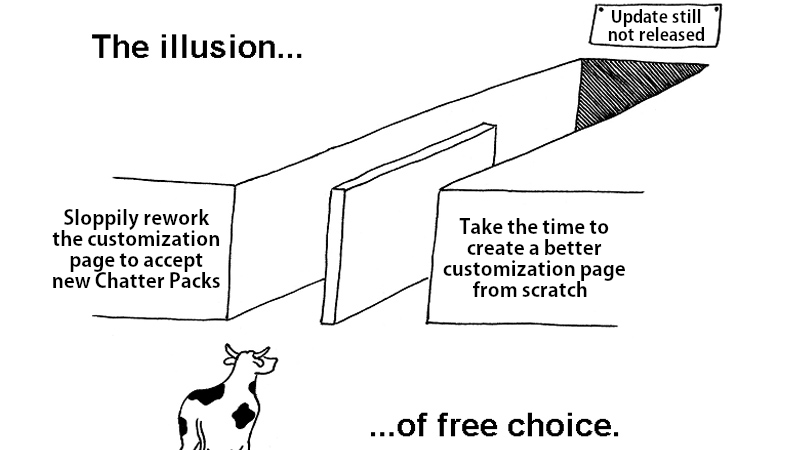
I JUST want to RELEASE this UPDATE, AAAA. Every time I clear one thing off the todo list, it's replaced by one or two more. All but one big bug has been fixed, but I fear what might be discovered by my playtesters soon.
Status update: dub rewatch working in new build; fixed some broken customizations; finally fixed bug with waveforms stretching horizontally; MANY additional small fixes & tweaks.
Final big todos: Add QoL metadata editor; diagnose BAD audio volume bug that I've kept putting off…
Status update: Dub Mode is fully functioning with the old game modes. You will also be able to tag dub clips with *characters*, and filter for specific characters in a dub pack. Still needs more bug fixes and QoL changes before it'll be out, however. Thank you for your patience.
Rewatching Vinny's recent VOD, I think I need to make the clip filtering options more obvious & accessible. Despite the suggested clip length being 2-5 seconds, some people REALLY like making packs full of 10-20 second voice clips, oof
Things are getting fixed! The newer clip storage format works with the previous game modes, plus a new clip selection menu. Support for tags with .CFG metadata files, an "Errors" tab to report bad loads, and the ability to listen to seen clips by clicking their image.
Remind me to never give time estimates other than "eventually."
I said "I'm hoping to have it ready within 2-3 weeks"--four weeks ago. I underestimated how much core stuff I need to change to make Dub Mode backwards-compatible with the old stuff (plus I barely worked last week).
The Dub Mode you've seen publicly was a test build that broke a lot of stuff, including the other game mode. The funny thing is that adding Dub Mode wasn't hard once I had the setup for it--what's taking up all my time right now is backporting it without breaking everything again
Creating a studio model for your pack can be a pain (speaking from experience), so I'm experimenting with options to overwrite the default studio's textures with custom inputs. You'll be able to make clown vomit with it too, so that's... a plus? #GodotEngine#indiedev
With all I've learned so far from the turmoils of working on version 0.5, I returned to v0.4 to see if I can't churn out an update for it. Holy hell, what a mess this code is. I have the menu clip disc spinning via 𝙥𝙧𝙤𝙘𝙚𝙨𝙨 instead of an animation player wtf #GodotEngine
@Yahiamice I'm not on social media that much, so it took me this long to realize there was a DISTURBANCE, when I logged into Itch and had 99+ notifications. My morning started off with a cold sweat. I'm glad you and your friends had fun with it!
Got a little heated in my documentation :)
Save yourself from my mistakes. Never duplicate ShaderMaterials in #GodotEngine. I knew `duplicate()` was slow, but man. It's somehow faster to create new ones from a roundabout separate resource 😕