Meet YumYums: keep all your recipes together, plan the week and build your shopping list. One upfront purchase. No subscription.
https://t.co/aw88usQTUG
“Can you send me the recipe?”
Share it from YumYums as one small file, with the ingredients, method and photo together. They open it in their own YumYums, check it and save.
https://t.co/aw88usQTUG
Dinner for two just became dinner for six.
Adjust the servings in YumYums and let it do the ingredient maths. More chairs. Less mental arithmetic.
https://t.co/aw88usQm58
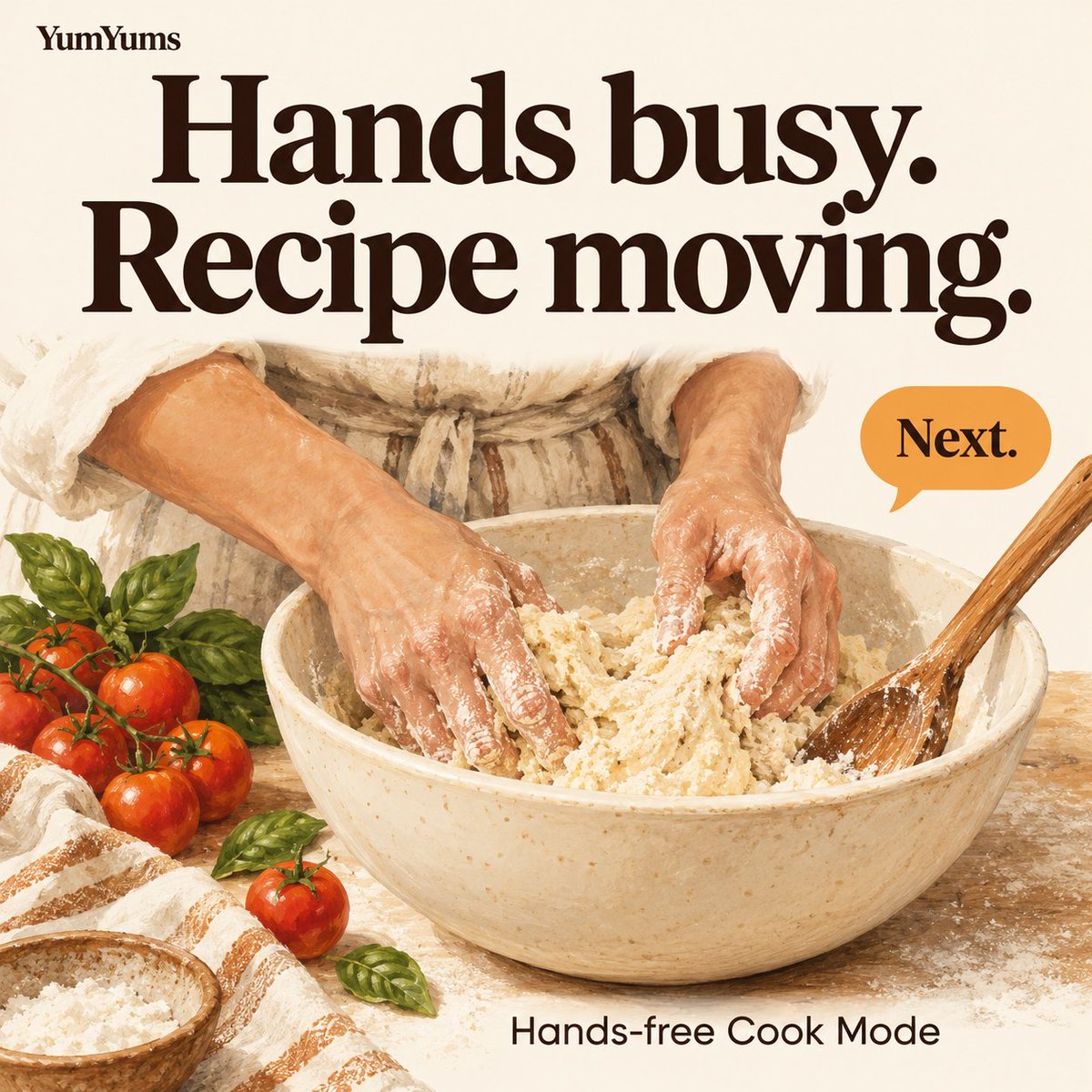
Butter belongs in the bowl, not on your screen.
Turn on hands-free Cook Mode in YumYums, then say “next”, “back” or “repeat” to follow the recipe while your hands are busy.
https://t.co/aw88usQm58
Toast under the grill. Soup on the hob.
Start separate timers in YumYums Cook Mode. They keep counting as you change steps or leave the app.
Allow notifications for alerts.
https://t.co/aw88usQTUG
Phone in one hand. Shopping basket in the other.
Send your YumYums shopping list to Apple Reminders and check it on your watch as you go.
Plan lunch in YumYums. Take the list with you.
https://t.co/aw88usQTUG
A browser tab isn’t much use when you’re standing at the hob.
Keep the recipes you want to cook in YumYums, then plan meals and turn the plan into a shopping list.
https://t.co/aw88usQTUG
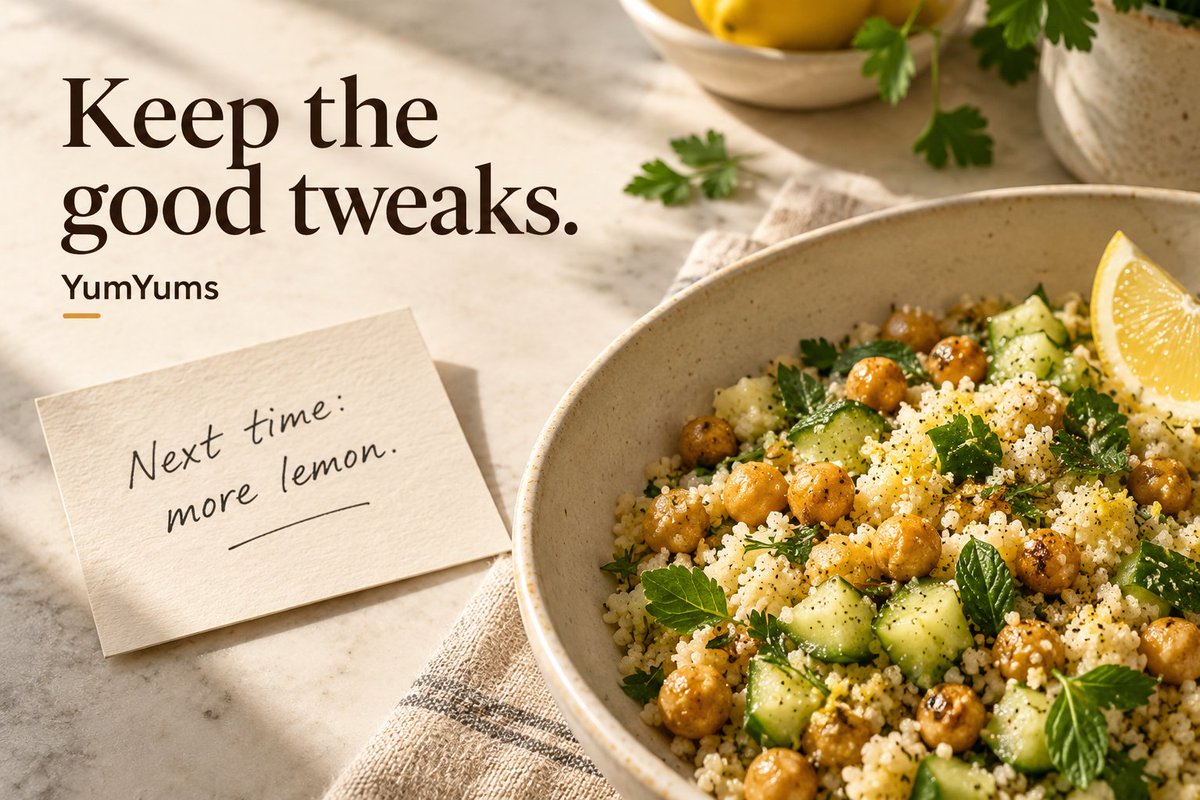
The recipe was good. Your version was better.
Keep the extra lemon, gentler heat or other tweak with the recipe. YumYums lets you leave a note after cooking, ready for next time.
https://t.co/aw88usQTUG
Halfway through dinner prep, you remember the milk.
YumYums has a Siri shortcut to add something to your shopping list. Say “Add to my YumYums shopping list”, then tell Siri what you need.
https://t.co/aw88usQm58
Flour on your fingers. Keep cooking.
Switch on hands-free Cook Mode in YumYums 1.1 and say “next”, “back” or “repeat” to move through the recipe. Speech recognition runs on your iPhone.
https://t.co/aw88usQm58
Before you clear the plates, take a photo.
YumYums 1.1 lets you keep up to six photos with a recipe and choose the lead image. Next time, the recipe can look like your own cooking.
https://t.co/aw88usQm58
That lunch you loved, then forgot to make again.
YumYums 1.1 lets you mark favourites and suggests ones you haven’t cooked in a while. Give an old favourite another turn.
https://t.co/aw88usQm58
“A little more chilli next time.”
Dinner is the best time to remember that.
New in YumYums 1.1: leave a note after cooking. It’s waiting when you make the recipe again.
https://t.co/aw88usQTUG
@pearlsketches@aaronjackarts Is there an instruction in her shorthand that only makes sense because you’ve watched her cook it? Those little details can be the hardest part to put into a written recipe.
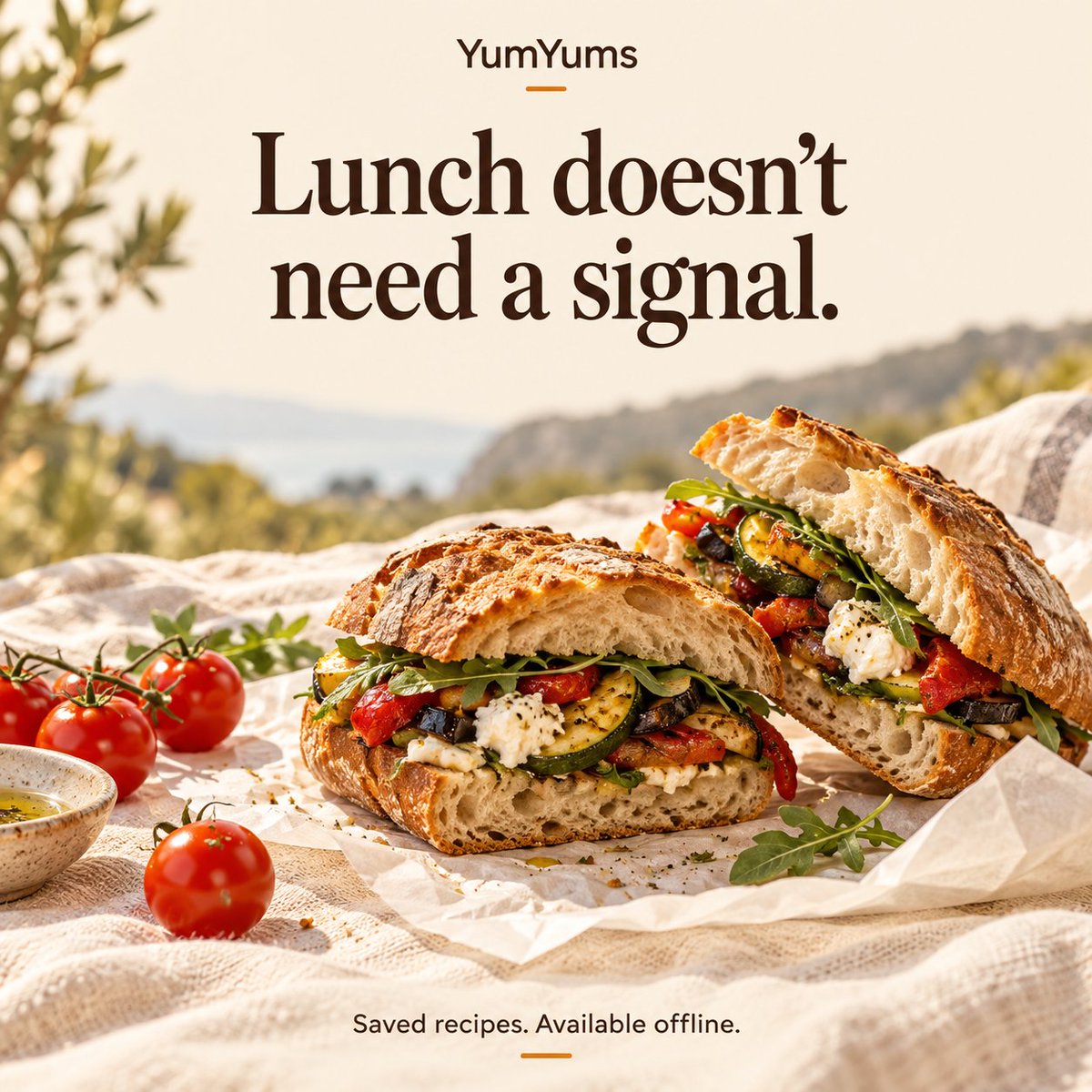
Patchy signal. Lunch still on.
Save your recipes in YumYums before you head out. Your saved ingredients and method stay on your device, ready to open offline.
https://t.co/aw88usQm58
@smartliving_hcc One small addition to the meal-planning step: check what needs using before choosing the recipes. A plan built around the half-used ingredients already in the fridge can be much more useful than a completely new shopping list.
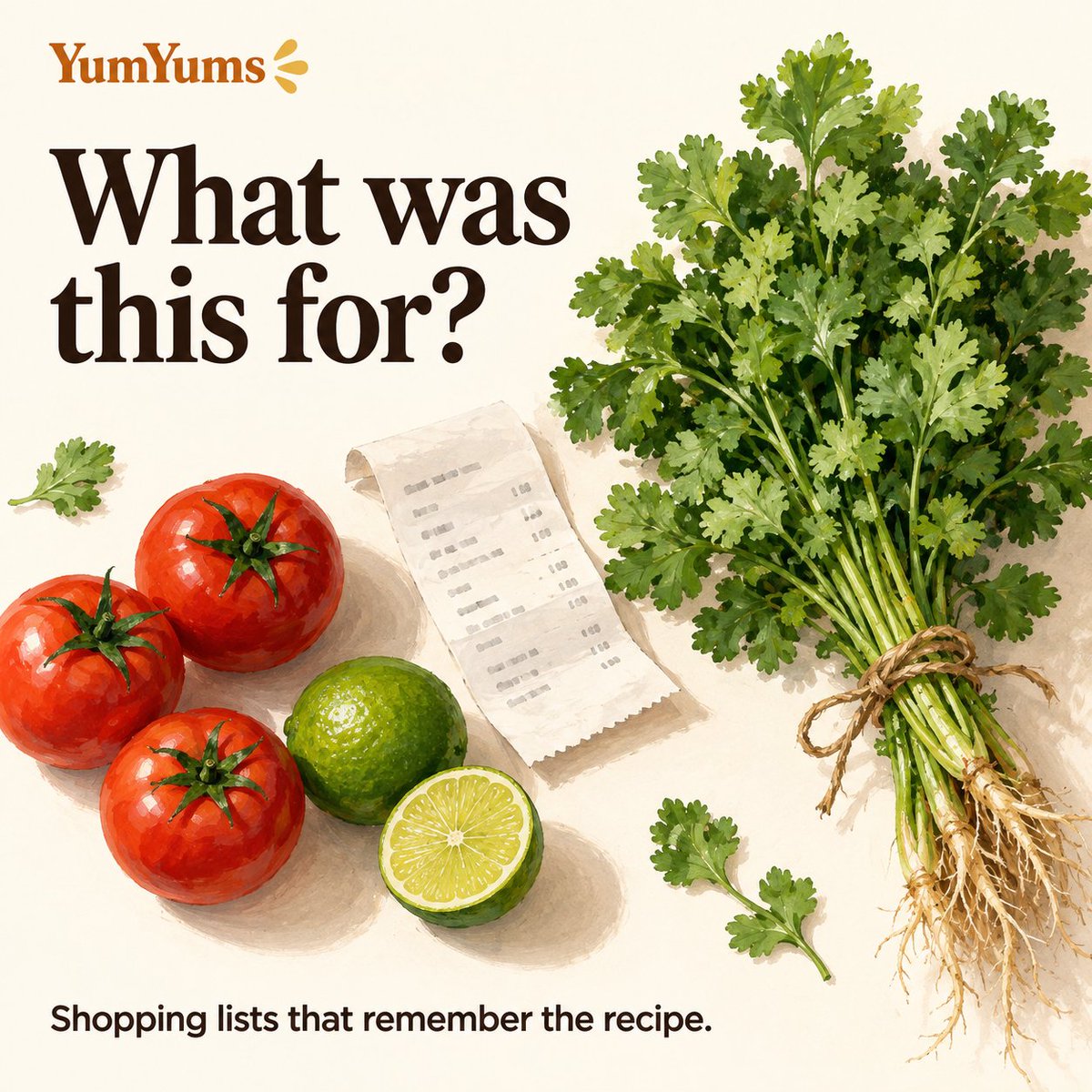
One shopping list. Several recipes. No mystery ingredients.
YumYums shows which recipe each shopping-list ingredient came from—so you can check what that bunch of coriander was meant for.
https://t.co/aw88usQTUG
The least fun recipe instruction at 6pm: “Marinate overnight.”
In YumYums, open tomorrow’s planned recipe straight from the Recipes tab. A quick look tonight can save an awkward surprise tomorrow.
https://t.co/aw88usQTUG
Plan dinner on your iPad. Take the list on your iPhone.
Turn on YumYums’ optional iCloud sync in Settings to keep recipes, meal plans and shopping lists on both. Your own iCloud account; off by default.
https://t.co/aw88usQTUG
Your recipe collection shouldn’t be another monthly bill.
YumYums is a one-off purchase for iPhone and iPad. Save your Sunday favourites, plan meals and build shopping lists.
https://t.co/aw88usQTUG