📋INFO June 16, 2026 #UpdatedJune2026 ISO's on Visual Studio Subscriptions (#VSS) formerly #MSDN/VLSC
✔️Windows Server 2022 #LTSC, Version #21H2 (OEM-RET/VOL)
🎯OS Build 20348.5256.fe_release_svc_prod1.260605-1857 with #KB5094128 📋https://t.co/QB1zTBcdPm
👁️by W.Z.T
👨💻@rgadguard
🤯 This is a website, a simple web-based game built with WebGL and Three.js.
Website: https://t.co/G0cDgaWzKe
It's honestly surprising how far web development has come.
OptimizerDuck, open-source tool yang bikin lo uninstall CCleaner.
Ini bukan cuma "cleaner" biasa. Dia gabungin 30+ tweak Windows dalam satu app, dari matiin telemetry, block bloatware, sampai GPU registry tweaks yang biasanya lo harus edit manual.
Yang gue suka, dia kasih risk rating buat setiap tweak. Jadi lo tau sebelum apply, bukan asal pencet terus nyesel.
Fitur yang kerasa banget:
- Disable Windows telemetry, Cortana, Copilot, advertising ID
- Startup manager, lo bisa matiin semua app yang auto jalan pas boot
- Service host tuning based on RAM lo
- Custom high-performance power plan
- Keyboard latency reduction buat gaming
Dan semua reversible. Ga cocok? Balikin lagi.
Yang paling penting adalah, portable .exe. Download, langsung jalan. Ga install, ga registry sampah. Bisa di USB stick.
Dan dia open-source, bukan freemium yang nanti nagih. 2.3k stars, aktif dikembangin (commit terakhir 2 hari lalu). Support 8 bahasa termasuk Indonesia? Engga. Tapi EN, Vietnam, China, Korea, Prancis, Spanyol, Rusia ada.
Link: https://t.co/WjfhDLm30C
CCleaner Pro $40/tahun buat apa kalau ini ada.
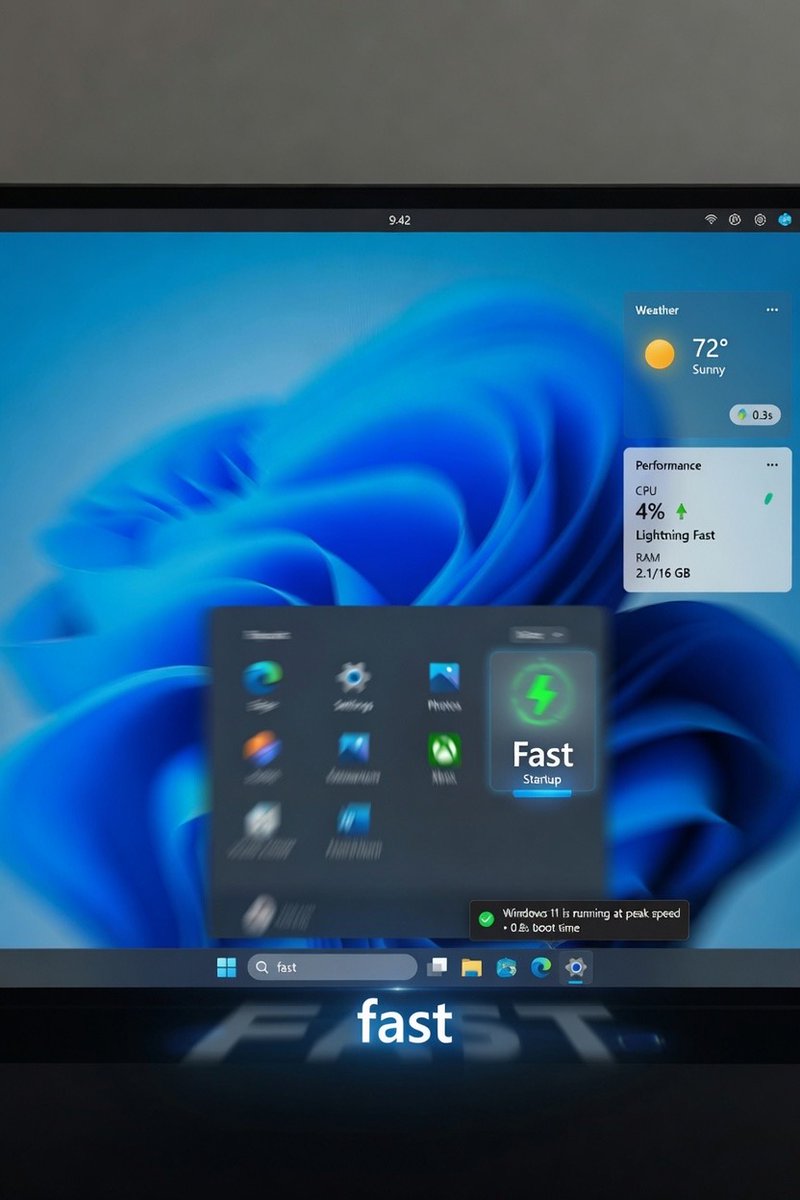
Microsoft has released the optional Windows 11 KB5089573 update, which focuses on system responsiveness and performance improvements rather than cosmetic changes.
- Faster Start menu and Search performance
- Reduced latency when opening apps
- Improved File Explorer responsiveness
- Better touch and input handling
- Faster clipboard history and system flyouts
- Improved Microsoft Store download efficiency
The update also adds internal optimizations to reduce UI lag and make Windows 11 feel lighter during everyday use.
Additional features:
- Shared Bluetooth LE Audio support
- Multi-app camera access
- Expanded NPU monitoring in Task Manager
- Accessibility improvements
KB5089573 is currently an optional preview update available via Windows Update. A wider rollout is expected in the next Patch Tuesday cycle.
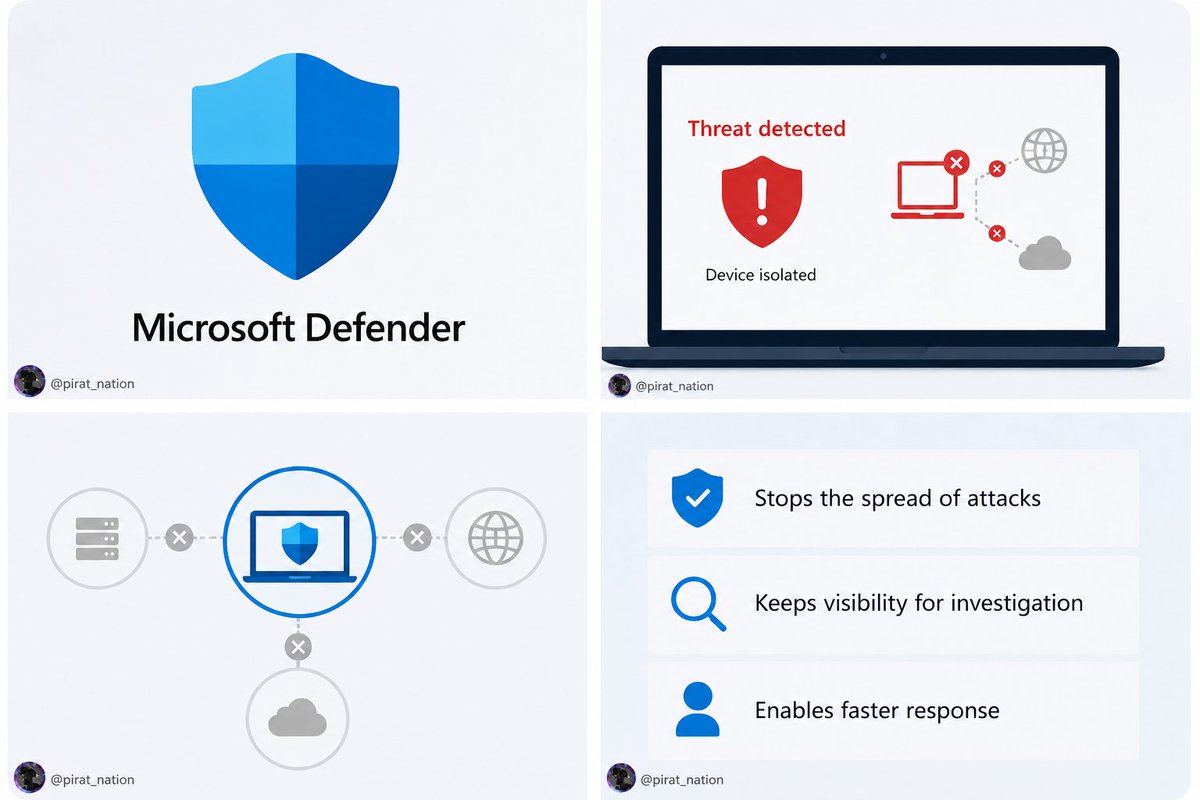
Microsoft Defender can now automatically isolate compromised devices during a cyberattack, helping security teams stop threats faster without manual intervention.
If Defender detects a compromised device, it cuts the device off from the network automatically while still allowing remote investigation and remediation.
This prevents attackers from spreading across the network, stealing data, or deploying ransomware.
The new feature is part of Microsoft’s focus on automated threat response in Defender XDR.
Security tools now take real-time action beyond detection and alerts to limit damage:
>Automatically isolates compromised devices
>Helps stop ransomware and lateral movement
>Security teams retain remote access for investigation
>Currently available as a preview in Microsoft Defender for Endpoint
Windows 11 K2 (KB5089573) güncellemesi yayında! Performans ve donanım tarafında çok kritik yenilikler var:
⚡️ Low Latency Profile: İşlemci saat hızını anlık artırarak uygulama, Başlat ve sağ tık menüsü açılışlarında %70'e varan devasa bir hızlanma sağlıyor.
🎧 Shared Audio: Aynı anda iki farklı Bluetooth kulaklığa veya hoparlöre ses aktarımı dönemi başladı.
🧠 Görev Yöneticisi'ne detaylı NPU izleme ekranı, format sırasında özel kullanıcı klasörü adı belirleme ve Çoklu Kamera (aynı anda birden fazla uygulamada kullanım) desteği eklendi.
Güncelleme Windows Update üzerinden indirilebilir durumda.





![sheapgamer's tweet photo. [Free] Google Earth เปิดตัวโหมดใหม่ "Flight Simulator" ที่ให้ผู้ใช้งา���สามารถบินท่องเที่ยวได้ทุกแห่งทั่วโลก
.
Google Earth ประกาศเปิดตัวโหมด Flight Simulator ที่ให้ผู้เล่นสามารถขับเครื่องบิน ทะยานขึ้นฟ้า ออกสำรวจโลกกว้างเหนือแผนที่ของ Google ได้อย่างอิสระ พร้อมเปิดให้ผู้ใช้งานทุกคนสามารถ���ล่นฟรีบนหน้าเว็บไซต์แล้ว
.
โดยโหมด Flight Simulator ของ Google Earth จะให้คุณสำรวจโลกจากมุมสูง ที่ทำให้ผู้ใช้งานสามารถเพลิดเพลินไปกับการบินผ่านเมืองต่างๆ ชมอาคารสามมิติและภาพถ่ายภูมิประเทศอันสวยงามตระการตาได้ตลอดเส้นทาง
.
แม้ว่าในอดีตทาง Google Earth จะเคยเปิดให้บริการระบบจำลองการบินในลักษณะนี้มาบ้างแล้วบนแอปพลิชันเดสก์ท็อปรุ่นโปร แต่ครั้งนี้ ถือเป็นครั้งแรกที่สามารถใช้ระบบ���ำลองการบินผ่านเว็บบราวเซอร์ได้โดยตรง
.
ผู้ที่สนใจสามารถเข้าไปที่ Google Earth บนหน้าเว็บไซต์ จากนั้นคลิกเลือกเมนู Explore Earth เปิดแถบ Tools แล้วเลือกไปที่ระบบจำลองการบินหรือ Flight Simulator โดยผู้เล่นสามารถเข้าไปศึกษาปุ่มลัดคีย์บอร์ดต่างๆ สำหรับใช้ควบคุมตัวเครื่อง���ด้ที่หน้า Developers ของระบบ ซึ่งจะครอบคลุมตั้งแต่การเร่งความเร็ว การชะลอความเร็ว ไปจนถึงการเอียงเครื่องบินไปทางซ้ายและขวาด้วย แม้ว่าการควบคุมของโหมดนี้บน Google Earth อาจจะใช้ยากไปสักหน่อย แต่ก็ถือว่าเป็นฟีเจอร์ที่เล่นเพลินและสนุกมากเลยทีเดียว](https://pbs.twimg.com/media/HK3BYAbbkAAeJOm.jpg)