So I'm Rabbit-holing while heading towards a July Launch (me thinks / hopes)
I'm torn between Cooperative, Foundation, DAO and/or really adventurous Full BORG. This week articles have been popping up on all of em which is helpful and maddening😅
The articles I've found...
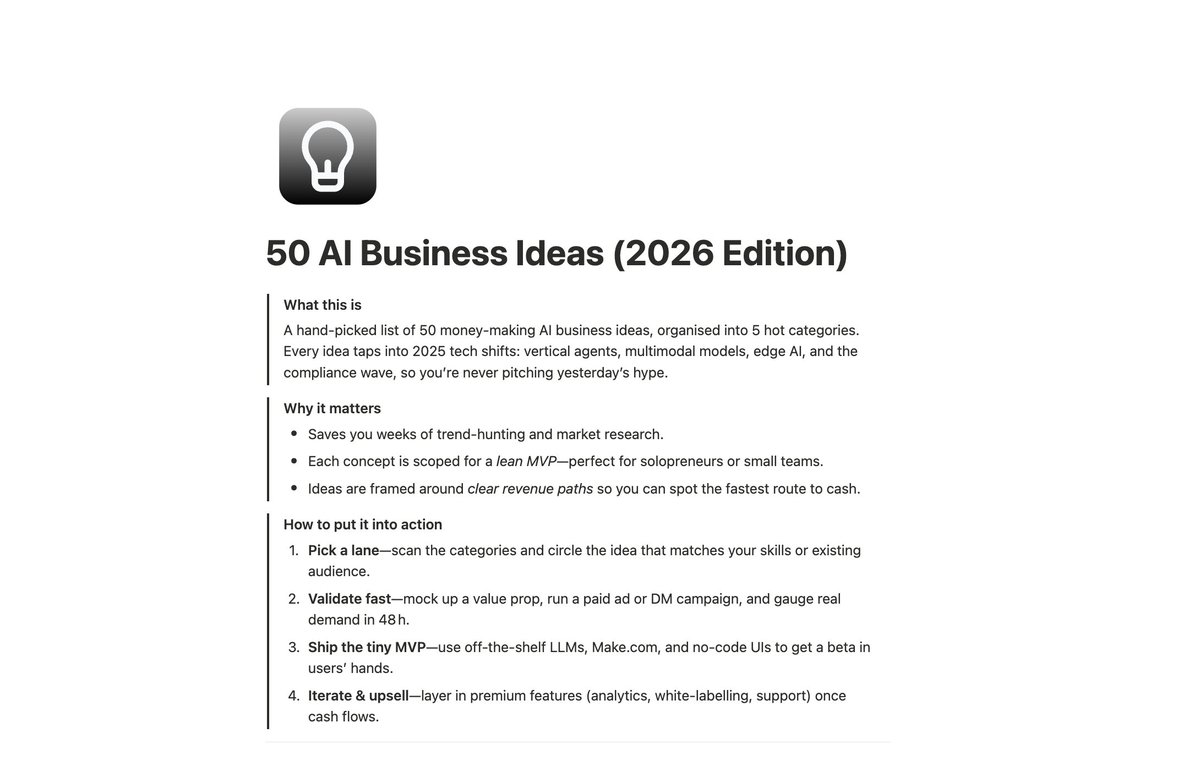
50 AI businesses you could start this weekend. Pick one.
Every idea comes with a revenue path, MVP scope, and exact tech stack so you're not guessing what to build or how it makes money.
Organized into 5 categories: vertical agents, content tools, data infrastructure, edge AI, and services.
Medical billing agents. Construction safety cameras. Prompt injection firewalls. Drone inspectors for solar farms.
Each one scoped lean enough to validate in 48 hours with a simple ad or DM campaign.
No more staring at tech trends trying to figure out where the money actually lives.
Pick the lane that fits your skills and ship the tiniest possible version before your competition finds these ideas.
Comment "IDEAS" and I'll DM it to you (must be following)
This 1 hour MIT lecture will teach you more about building real Generational Wealth than 20 years inside any hedge fund, investment bank or financial institution.
Bookmark & watch, no matter what. It'll be the most productive thing you do this week. Then read the article below.
I've created a full guide on how to design anything with Claude Design
You also get exact copy-paste prompts for interactive immersive websites, animated pitch decks, app mockups, social banners, infographics, and pricing pages
Grab it FREE
Like + Comment "CLAUDE DESIGN" and I'll DM you the full guide
No opt-in, no BS
🦞 Set up NVIDIA NeMoClaw with MiniMax M2.7 (from @MiniMax_AI) using secure, out-of-the-box integrations.
⚡Configure your environment and run search queries in minutes.
🎥 Full tutorial available here 👇
Or on YouTube 👉 https://t.co/7LpzyqYSjs
Microservices need to communicate, but there’s more than one way to do it.
In this guide, @abisoyeOladayo compares REST, gRPC, and event-driven messaging.
You’ll learn when to use each approach based on performance, scalability, and system design tradeoffs.
https://t.co/yyjgyorg21
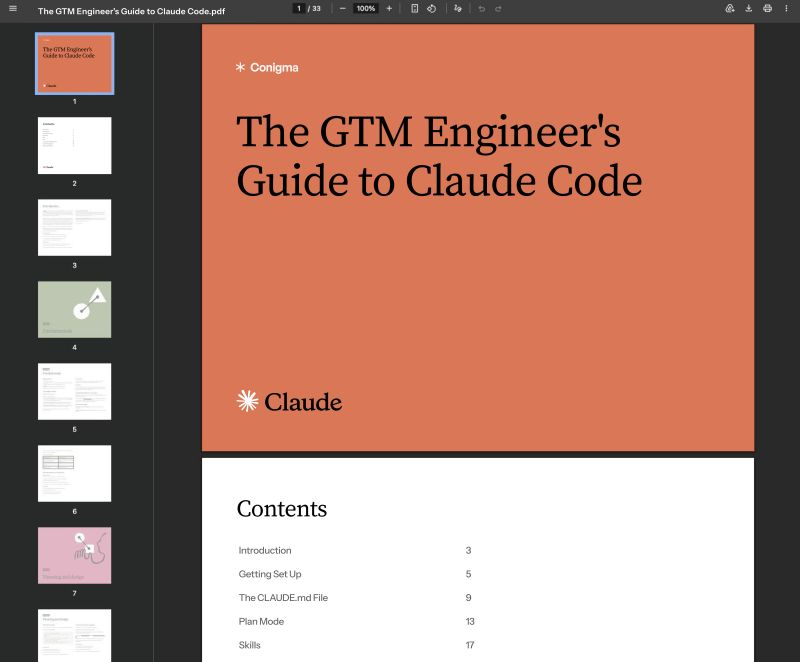
Giving away the exact Claude Desktop setup we use inside Claude Code to run daily GTM workflows at Conigma.
Trained on the same configuration that keeps our team running clean sessions, parallel conversations, and zero permission interruptions across every client build.
Plus the three settings we engineered to remove every friction point from the first minute of every session.
I've tested every AI desktop setup for daily GTM use. Default settings. Browser-only workflows. Minimal config. They all produce okay output.
But okay output with constant permission popups and a messy conversation list doesn't get work done.
Claude Desktop is the first setup that changed that. It doesn't slow you down with setup overhead. It runs like a senior operator who already knows the rules.
How it works:
> Pin your active client threads and recurring workflows so they sit at the top of your list with no scrolling
> Filter conversations by project, status, and where they're running in under two clicks
> Open two sessions side by side to compare outputs or run two client tasks simultaneously without switching back and forth
> Switch permission mode from Ask to Bypass for tasks you trust so Claude runs without interrupting you every step
It feels like a configured workstation. No repeated setup. Ready to run from the first message of the day.
Most people are still using Claude in a browser tab with default settings and a conversation list that looks like an inbox after a long weekend.
This is what running a configured daily Claude setup across a full GTM team actually looks like.
Want the setup guide, the three settings to change first, and the full configuration breakdown?
→ Like this post and follow me
→ Comment "CLAUDE" and I'll send you the link.
I put the entire Claude Code GTM Engineering Playbook into ONE Notion doc.
8 sections. No fluff.
- How to get set up correctly from day one: Pro plan, terminal install across Mac, Linux, and Windows, GUI install via Antigravity or VS Code, and bypass permissions mode
- What to put in your project brain file, what to leave out, and how to get Claude to update it automatically when it keeps making the same mistake
- How to run plan mode step by step and when to skip it for simple tasks
- How to build a skill file from scratch, fix one that keeps failing, and install 5 GTM skills worth building first: lead scraping, email labeling, proposal generation, outbound sequence writing, and client onboarding
- MCP install process, token cost checks after every install, the best MCPs for GTM work, and how to cut token usage by 50 to 100x by converting MCPs into skills
- Sub-agents and agent teams: the 3 cases where they earn their cost, reliability math for parallel runs, and how to enable parallel variant exploration
- What is eating your context before you type anything, how to use /compact and /clear correctly, and model selection for parent vs sub-agents
- Modal deployment: any skill as a live URL in under 2 minutes, form interface setup, and connection to n8n, Make, or Zapier
This is the setup I would have KILLED for before spending months piecing together how to actually get productive in Claude Code from documentation, YouTube tutorials, and scattered GitHub threads.
Like + comment "CODE" and I'll send it over
(must be connected for priority access)
this OpenClaw bot finds small brands running stale Facebook ads, renders 3 fresh creatives on their actual product, and mails them a postcard, all on autopilot.
here's how agencies + fractional CMOs can close $2K/mo creative packages:
- pulls every advertiser from the live Meta Ad Library
- scores ad-bleed (ad age, creative count, static-only, page size) to rank hottest leads
- scrapes the product hero + brand palette from their website
- renders 3 fresh ad creatives on their real product with AI
- spins up a personalized microsite + cold email: "rebuilt your facebook ad"
- mails a postcard with the new FB mockup on the front
every step from ad discovery to mailbox runs without a human
reply "AD" + RT and i'll send you the full guide so you can build this too (must be following so i can DM)
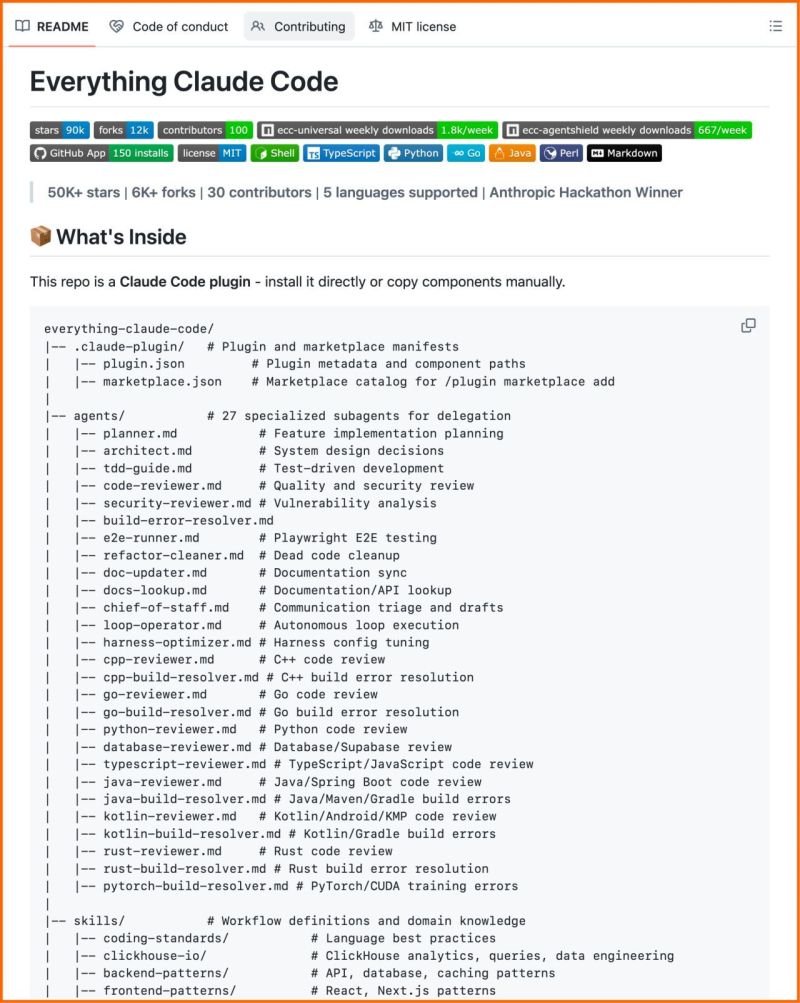
This is the most complete Claude Code setup that exists right now.
27 agents. 64 skills. 33 commands. All open source.
The Anthropic hackathon winner open-sourced his entire system, refined over 10 months of building real products.
What's inside:
→ 27 agents (plan, review, fix builds, security audits)
→ 64 skills (TDD, token optimization, memory persistence)
→ 33 commands (/plan, /tdd, /security-scan, /refactor-clean)
→ AgentShield: 1,282 security tests, 98% coverage
60% documented cost reduction.
Works on Claude Code, Cursor, OpenCode, Codex CLI. 100% open source.
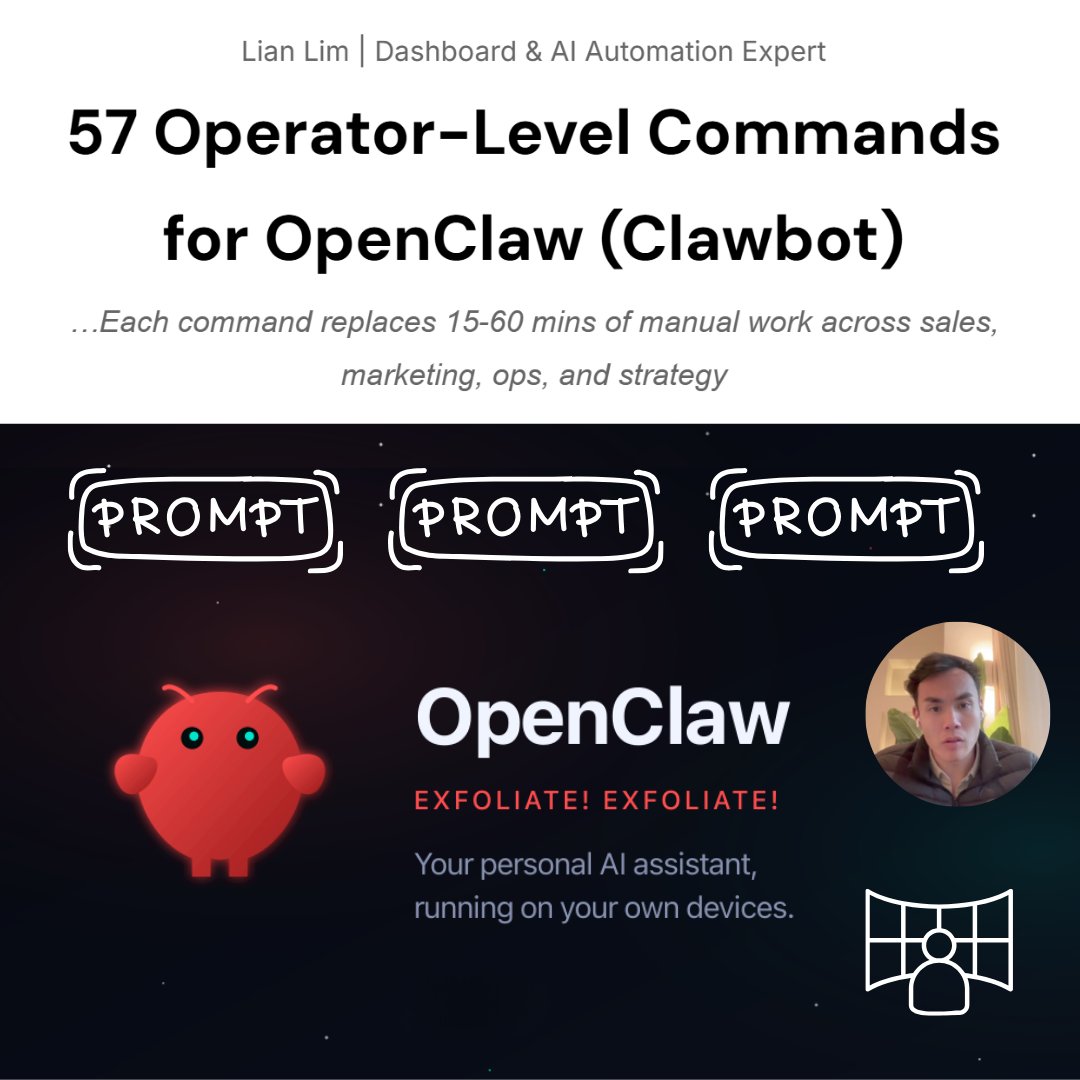
I just created 57 operator-level commands for OpenClaw (Clawbot)
Each one replaces 15-60 mins of manual work you're doing right now
Sales → Marketing → Ops → Strategy
Get them FREE
👉 Like + Comment "COMMANDS" and I'll DM you the full pack
(Must be following)
BREAKING: AI can now build you a complete website in 2 hours (for free).
Here are 9 insane Claude Opus 4.6 + Figma Make prompts that create $5,000 websites in 2 hours:
(Save this before your competitors do)