You can smoothly mix gradients using Distance, Noise, and Power nodes to create a dynamically controllable falloff with texture variation. Replace the Noise node with any texture sample for more customization #VFX#realtimeVFX#UnrealEngine#gamedev#UE5
Tried a mesh decal alternative for rendering damage effects.
* Does't require writing data to RTs or doing per pixel checks for each hit location.
* Can be rendered as overlay mesh or written into DBuffer for material blending :)
#UE5#Niagara
This is a timelapse of the 3D Gradient Texturing process.
This time, I focused on texturing each UV section of the color gradient column separately for each corresponding part of the model's color 🎨
#wip#3dArt#timelapse#speedmodeling
https://t.co/VLcQF0Mtry
#UETips#PCG Let's see how we can combine the material override with the spawn actor! On Spawn Actor, you have the option to specify Post Spawn functions. If I create a custom BP, inheriting from StaticMeshActor, with 2 materials variables 1/2
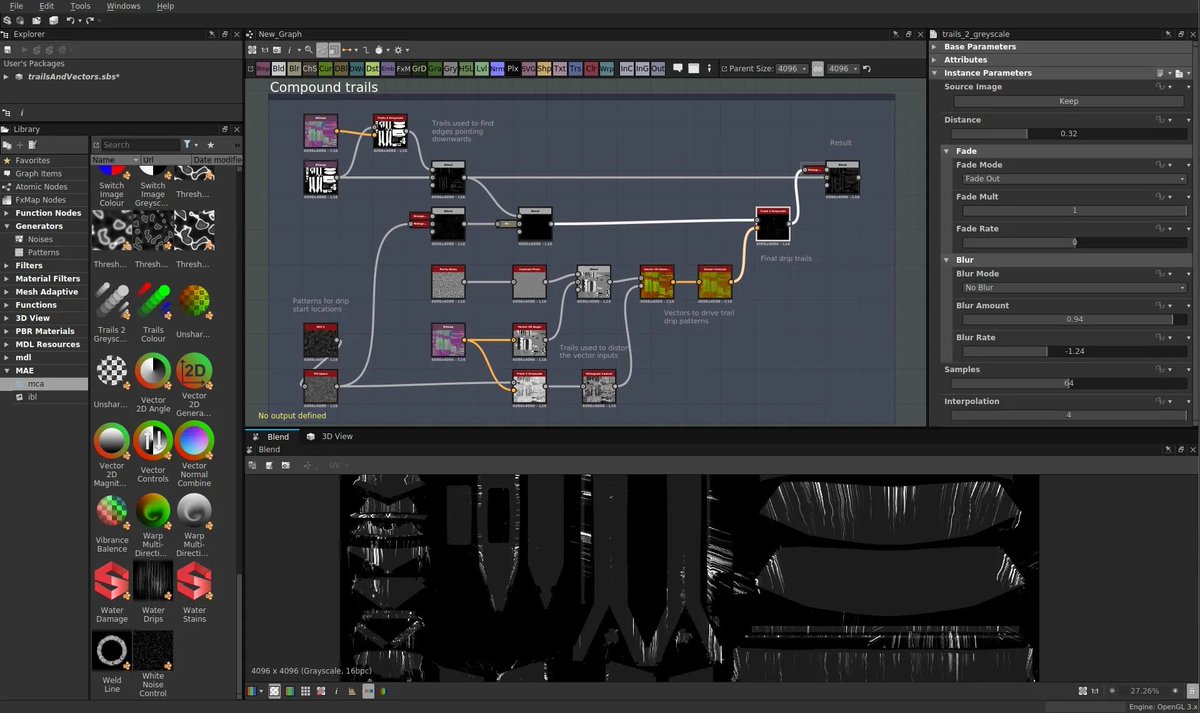
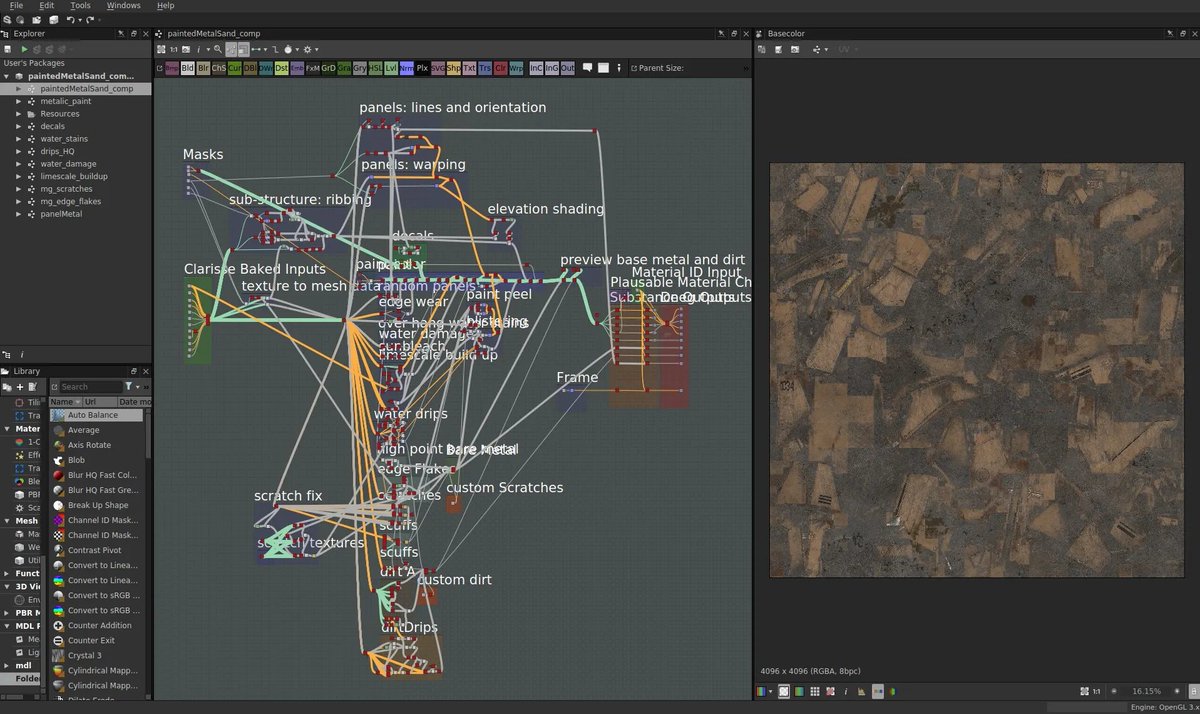
DNEG opted to use Substance Designer to procedurally create a lot of their textures for their Jaegers. Here are some screenshots of their workflows in Designer:
i had some people DM me about how I do my lighting setup in @marmosetco
I just use the skylight all the time, without adding any lights, what I like to do is work around the skylight and work mainly with the camera settings. pics below show my setup and render thread:
You can cook a dreamUV hotspot atlas in ucupaint just by baking a texture on a bunch of boxes 🥰
You get game-ready edgewear on any geometry in one click made entirely in Blender. Both addons are free and open-source too
Blender became so goated its not even funny anymore
Quick way to add support edges to annoying objects in #blender like this.
1. Select a Face.
2. 'Select Linked Faces'
3. 'Select Boundary Loop'
4. Bevel using Profile Mode set to 1.
Voila. #b3d#gamedev#gameart
Stop using post-processing to reduce screen resolution for retro games in #UnrealEngine. Instead, use screen percentage with nearest filtering upsampling!
float = 224 = ps1
"r.ScreenPercentage x"
"r.Upscale.Quality 0" <- for nearest filtering
#UnrealEngine5#GameDev#UE5
#UE5 trick: Inspired by the old Gears5 shadow trick, I figured you could abuse the new Overlay slot to give Translucent objects shadows! Your translucent material goes in the overlay slot, and a shadow-only instance (with blend mode force to Masked) of it in the base slot!
Seems harmless... What would happen if I simply... used it on 11k actors in Unreal engine... then un-used it... I am sure it will just... stop ticking, right? Unreal Engine UE5 PERFORMANCE WARNING GAMEDEV INDIEGAMEDEV