Today, we’re excited to share that Flux has raised $37M in new funding, including a $27M Series B led by @8VC, with participation from @BainCapVC, @Liquid2V, and @OutsidersFund.
To the Flux community: we couldn’t have done this without you! Your projects and feedback shape what we build.
Zoom and pan any diagram in fullscreen.
Open an image, SVG, chart or diagram from the Flux chat in fullscreen, and you can now zoom in and drag it around.
Any builder can read the small labels on a block diagram or pinout without leaving the chat.
Editing a part is the hardest first job in CAD. Now you just ask.
Bring a STEP, IGES or BREP file into Flux and say what to change. Flux edits it, keeps the holes in place, and saves a new STEP file.
Taller power supply? Ask for a deeper flange with vent slots.
Bring your IGES and BREP models into Flux.
Flux now accepts IGES and BREP files as 3D models, the same way it takes STEP.
Robotics builders can upload a gripper or chassis part from their CAD tool without converting it first.
Design an entire multi-board device in one Flux project.
Flux plans the architecture, designs PCBs in parallel, then assembles them in 3D to check fit between boards and inside the enclosure. All before routing a trace.
Think drones with separate flight controllers, ESCs, and radios.
One project. Multiple boards. One AI hardware engineer.
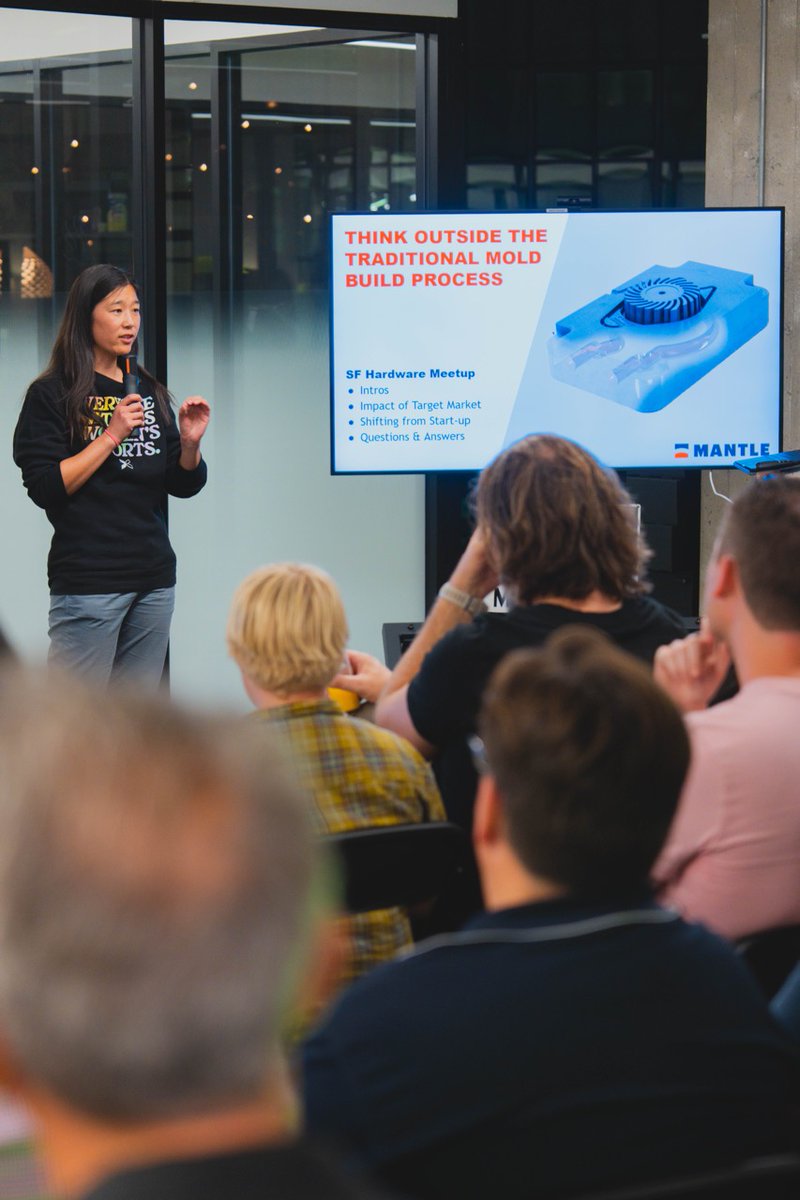
First event in SF had to be a hardware one.
Had a great time at the SF Hardware meetup hosted by @BuildWithFlux.
Thanks @michaelraspuzzi for the invite.
Also, got to show off Mave @mavehealth at the open mic.
Paste your spreadsheet into the Flux chat. No import format, no cleanup.
Copy cells from Excel or Google Sheets, or attach the CSV or XLSX. Flux reads the columns and puts them to work: add the parts, fill in missing MPNs, check stock.
Legacy PCB tools don't do this.
Go from a product idea to a project spec in one conversation.
Flux now walks you from a rough idea through requirements and feasibility to a written project spec.
A smart home maker who starts with only an idea ends the chat with a spec to design from.
Copper fills and connections update faster on big boards.
Flux now recalculates fills and connections faster, and updates every layout in a project at the same time.
Automotive engineers wait less after each edit on large, dense boards with many layouts.
See each enclosure part on the canvas as soon as it is ready.
When Flux designs an enclosure, each part shows up on the canvas as soon as it is made, then Flux checks that it all fits.
Wearable builders can watch the board, battery and case come together and see if they fit.
Add the motors, screens and screws, not just the board.
The parts library now includes off-board devices and hardware, like motors, displays, standoffs and screws.
Robotics builders can put the motors and display in the same project as the controller board that drives them.
Tomorrow night we're hosting the 138th SF Hardware Meetup at Flux HQ, part of SF Tech Week.
Talks, Q&A and an open mic on supply chain and the future of manufacturing.
Thu, Oct 8 · 6:30–9:30 PM
I asked Claude Opus 5.5 to design a robot spider with no CAD software.
500 parts. 30 joints. 6 legs, 2 arms with grippers.
Every part is a Python program. One YAML file holds the numbers. It exports a STEP file, a URDF and a MuJoCo model.
Then I dropped it into a physics sim. It walked on the first try.