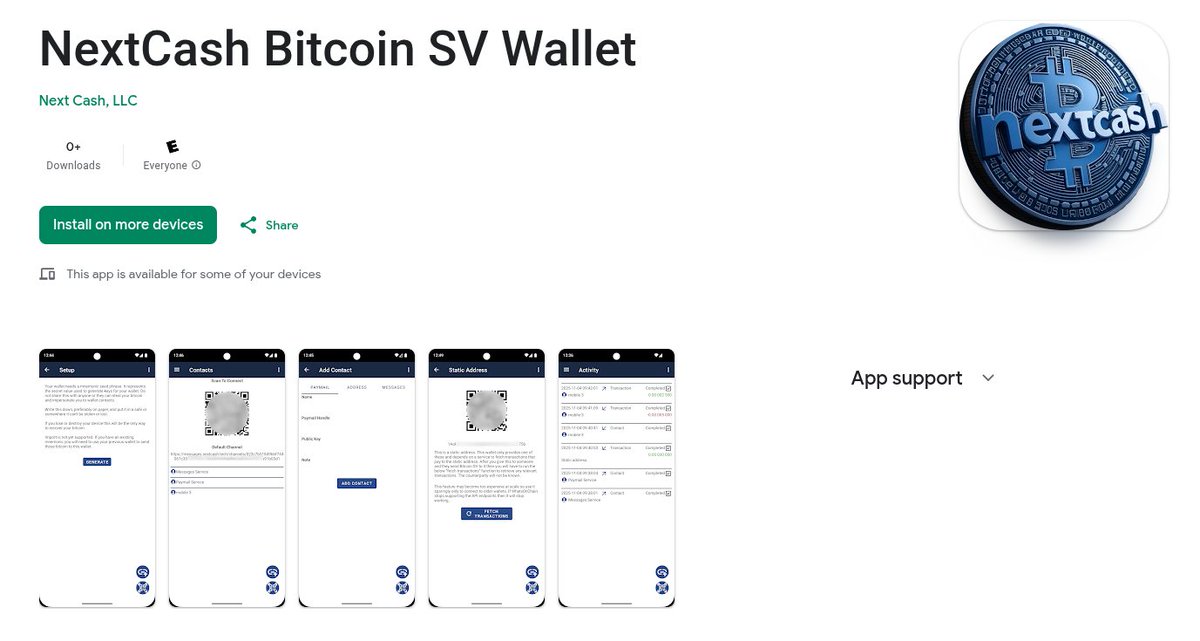
It is approved by the Play Store! I hope you all have Android. 🤞
The UI is a bit rough.
It hasn't been thoroughly tested, so don't put much in it yet.
Link in following post.
My service payment design that is already functioning for NextCash services and wallet:
* Client registers with server using key and providing callback URL to establish 2 way communication.
* Client authenticates with server using key.
* Client either sends a request to the service that requires payment and receives a 402, or directly requests to make a payment.
* The service sends a payment request to the client's callback URL.
* The client completes the payment request via the 2 way communication.
* The service verifies the payment with the network and updates the client balance and notifies the client via 2 way communication.
* The client sends authenticated requests that use the balance.
https://t.co/nVBUbsXKXK
A minor update 0.2.2 is available now for the NextCash Bitcoin SV Wallet. It updates page navigation and fixes some loading issues.
The services will be updated soon with refactoring updates.
https://t.co/KmfZsRP16T
Version 0.2.0 has been released for open testing! 🎉
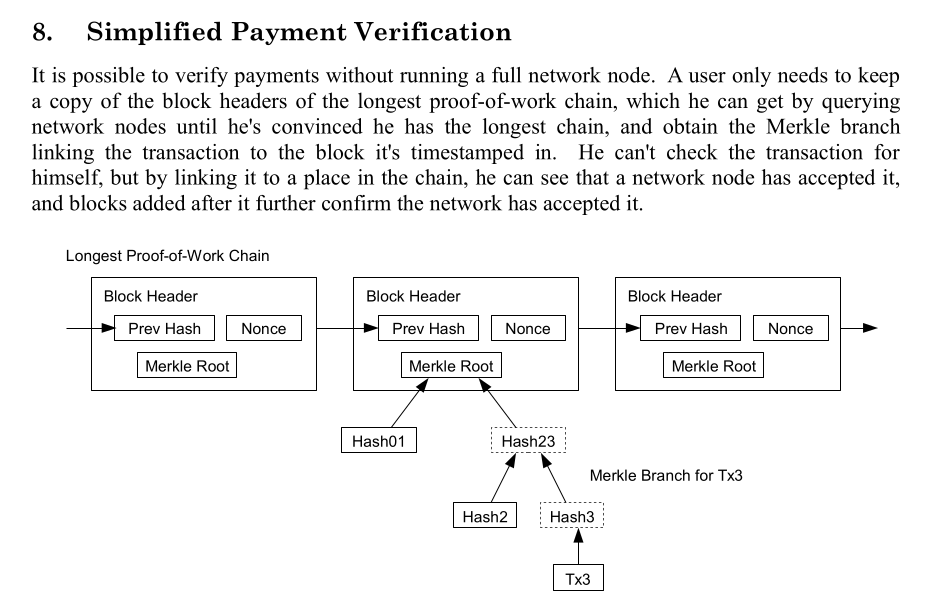
It adds a headers service to provide block headers to the wallet. This makes the wallet full SPV (Simplified Payment Verification, Section 8 of the Bitcoin whitepaper).
The Android wallet is talking to the new Headers service! It took a bit of work to get it to do a full sync and everything smoothly within the UX, but I think it might be ready.
The headers service is deployed and seems to be working. Just doing some more wallet testing before releasing an update that will utilize it. Then NextCash is a full SPV wallet. It verifies proof of work and merkle paths to confirm transaction acceptance into the chain. It even has some fancy logic to handle if there are chain splits to tell the user when there are competing chains and if their transaction is confirmed in all of them.
@SaturnJS I need more people to test @CashNext wallet.
I should be rolling out the headers service soon so the client side can monitor the chain, and verify proof of work and merkle paths.
@timecoiner@MineLikeAnApe@kurtwuckertjr@shruggr@1rootSV@___siggi___ If you have an Android device try our new BSV wallet and let us know how it works. It is true SPV only relying on ARC and messaging services. It also uses deterministic key derivation so you can recover your coins so long as you have your mnemonic phrase.
https://t.co/KmfZsRP16T
Ideally other businesses will run competing services, including messages and paymail, to help keep us honest 😊.
All they have to do is implement the basic service API for communication and collecting payments, and the specific service API (messages, paymail, ...). We are working on extracting the basic service API from our service implementations so we can possibly share that and help with integration into the wallet.
Behind the scenes, adding a messages contact involves several steps:
* Party A gives a messages URL to party B via QR code or URL text.
* Party B sends signed and encrypted message to party A (via party A's messages URL) containing their name, public key, and messages URL.
* To confirm the "relationship" party A responds (via party B's messages URL) with a signed and encrypted message containing their name, public key, and messages URL.
The encryption is via a diffie hellman derived secret that requires knowledge of one of the public keys and the other private key to derive the secret, so only the two parties can know the secret. This proves to both parties that the other party owns a specific private key and messages url. If the parties verify, outside of the app, where they got the URL then they have a secure end to end encrypted communication channel with that party from then on. Even if another party, like the messages service, has seen all of the communications between the two parties, they can't know the encryption secret without knowing one of the private keys of one of the parties. This communication channel can be used to negotiate the transfer of bitcoin or communicate in other ways.
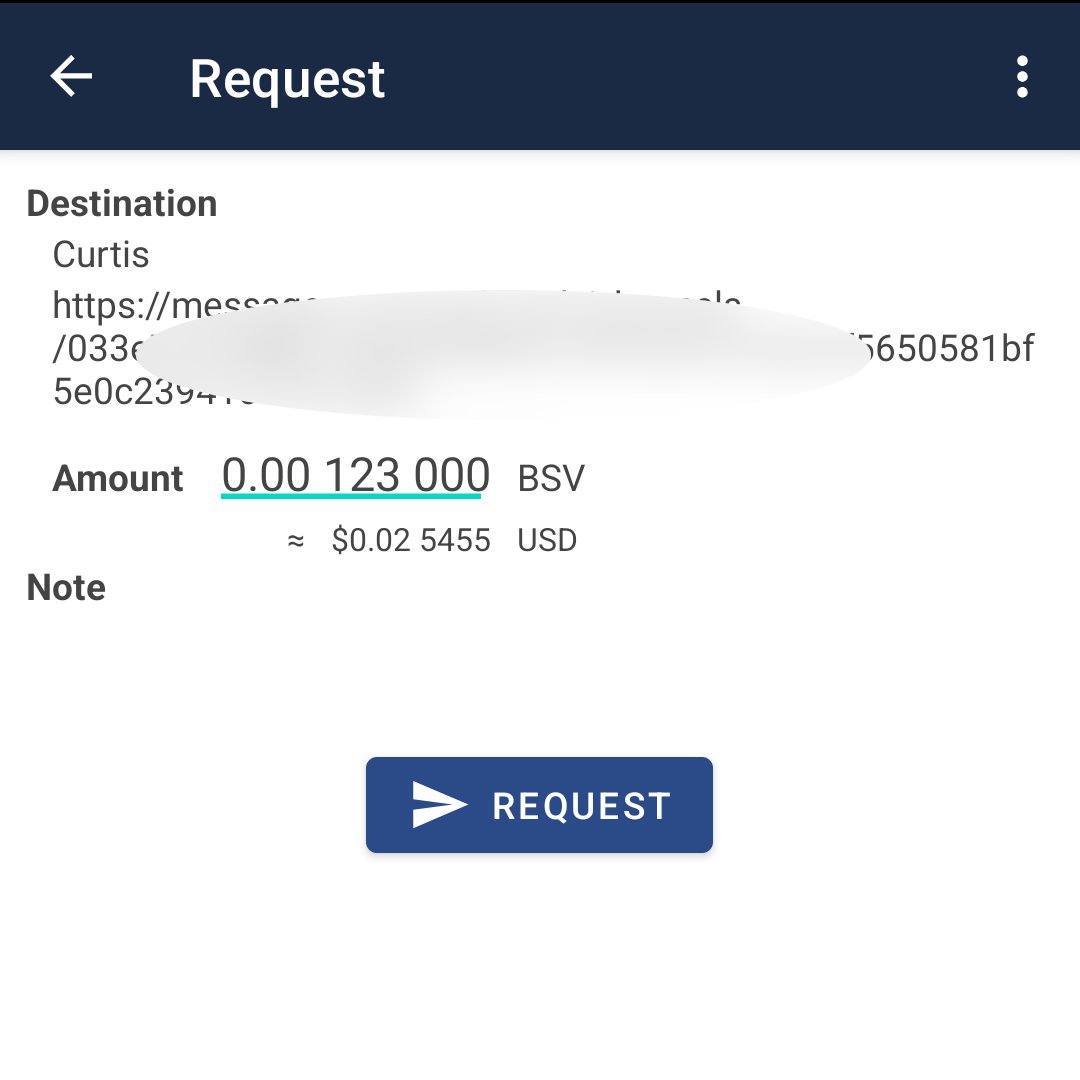
A payment request is a Bitcoin transaction with only outputs. The outputs specify where the requester wants the bitcoin to be sent.
The transaction is then wrapped in an Envelope with the following data:
* An ID to link future messages about the request
* A messages URL to respond to the request.
* A optional note for the recipient to see.
* A optional fee rate to specify what tx fee rate to use when adding inputs to the transaction.
* An optional public key if the messages URL does not contain one.
Then all that data is encrypted and signed and all that data is contained in the Envelope.
When the recipient decodes it they see that it is encrypted and signed and they see the other parties public key. They know which of their public keys to use based on which messages URL they received the message. Using their relevant private key and the other parties public key they can derive the encryption secret using Diffie Hellman.
After they have decrypted it and verified the signature they can add inputs and add "change" outputs if necessary. They also add any relevant ancestors using the BEEF data structure.
They then wrap the completed BEEF transaction with the same data they received it, but with their public key and messages URL. They then post the envelope to the messages URL in the request.
When the requester receives the they decrypt it and check the signature, then verify that the transaction meets their requirements, like paying to the correct outputs and using an appropriate transaction fee.
If they accept the transaction then they create an acknowledge Envelope containing the ID and a status saying that they have accepted the transaction. They then submit the transaction via ARC.
When the recipient receives the acknowledgement Envelope they also submit the transaction via ARC.
When each party receives a merkle path from ARC they wrap the merkle path in an Envelope and send it to the other party to ensure they have it. Both parties submitting the tx and sending the merkle path to the other party is redundant just to ensure they both have the data.
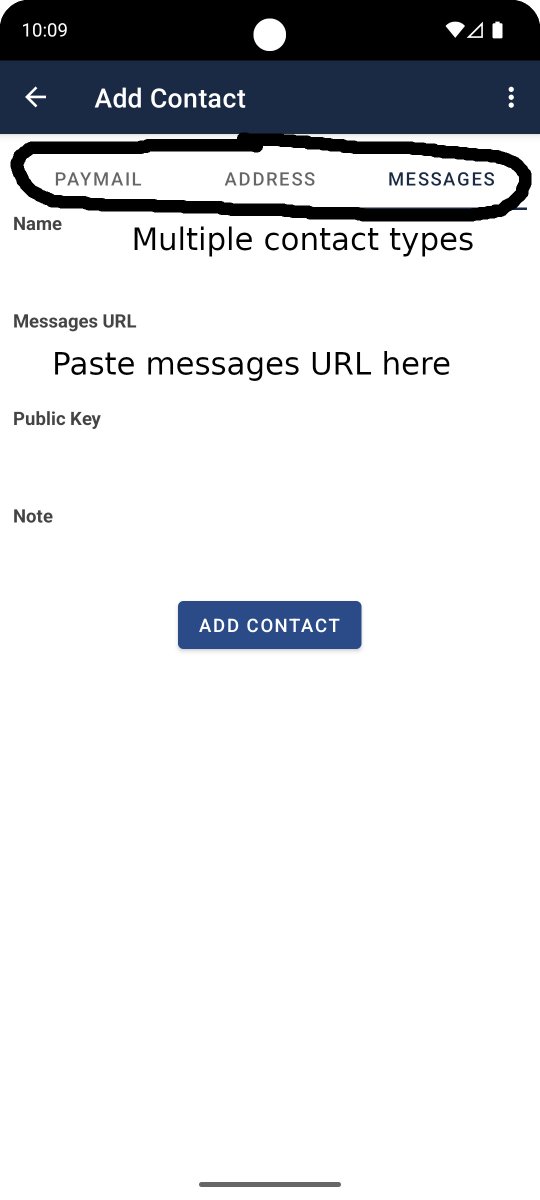
The add contact page. Tabs at top for selecting the contact type.
Scan QR code will automatically populate some data.
Typing a paymail handle and hitting enter will pull name and public key for handle.
To transfer Bitcoin SV:
Open the navigation drawer, upper left.
You can add your name and a paymail handle and see your balance here.
Select the contacts page from the navigation options.
Click one of the buttons in the lower right to add a contact. You can scan a QR or manually enter the data.
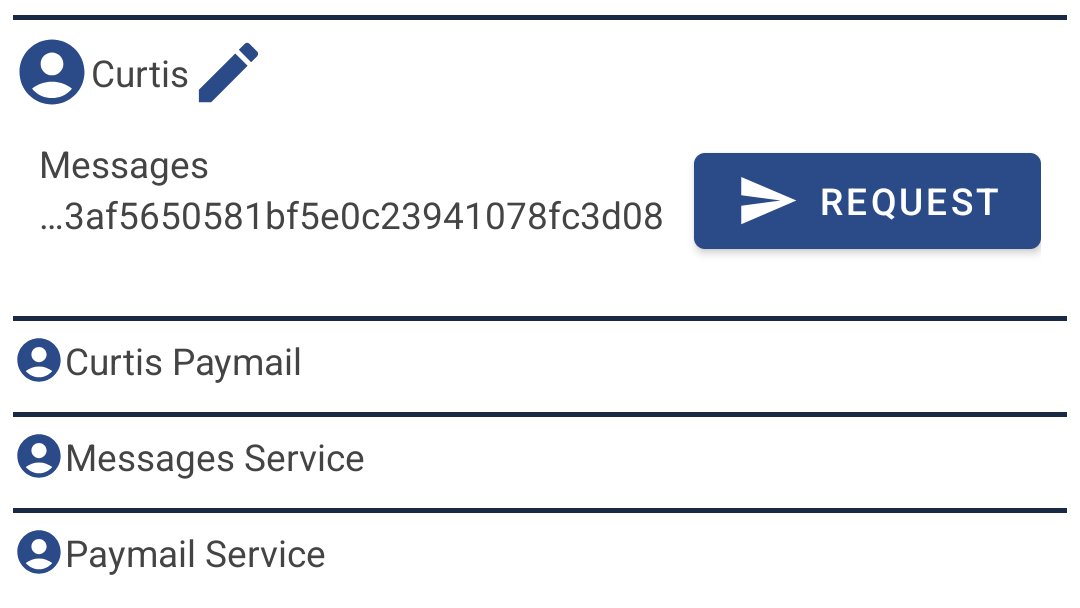
There are 3 types of contacts. Messages, paymail or static address.
After you add a contact you can select that contact from the contacts page and select an available option. You can send to static addresses and paymail or request payment from a messages contact.
The messages service accepts HTTP post requests on your channel URLs. When your wallet is online it connects to the messages service via web-socket. When it connects any unread messages will be fed through the web-socket and while you are connected any messages received will be delivered immediately. Since messages between wallets are encrypted and signed the messages service can't read or interfere with them. Currently the only messages that aren't encrypted are ARC callbacks.
Of course currently supported static address and paymail are not encrypted, though the communication between the paymail service and your wallet are encrypted.
The messages between wallets are encrypted and signed so only the two parties involved can read them and they know who created it. The messages service can't read your messages. They are peer to peer.
It is approved by the Play Store! I hope you all have Android. 🤞
The UI is a bit rough.
It hasn't been thoroughly tested, so don't put much in it yet.
Link in following post.