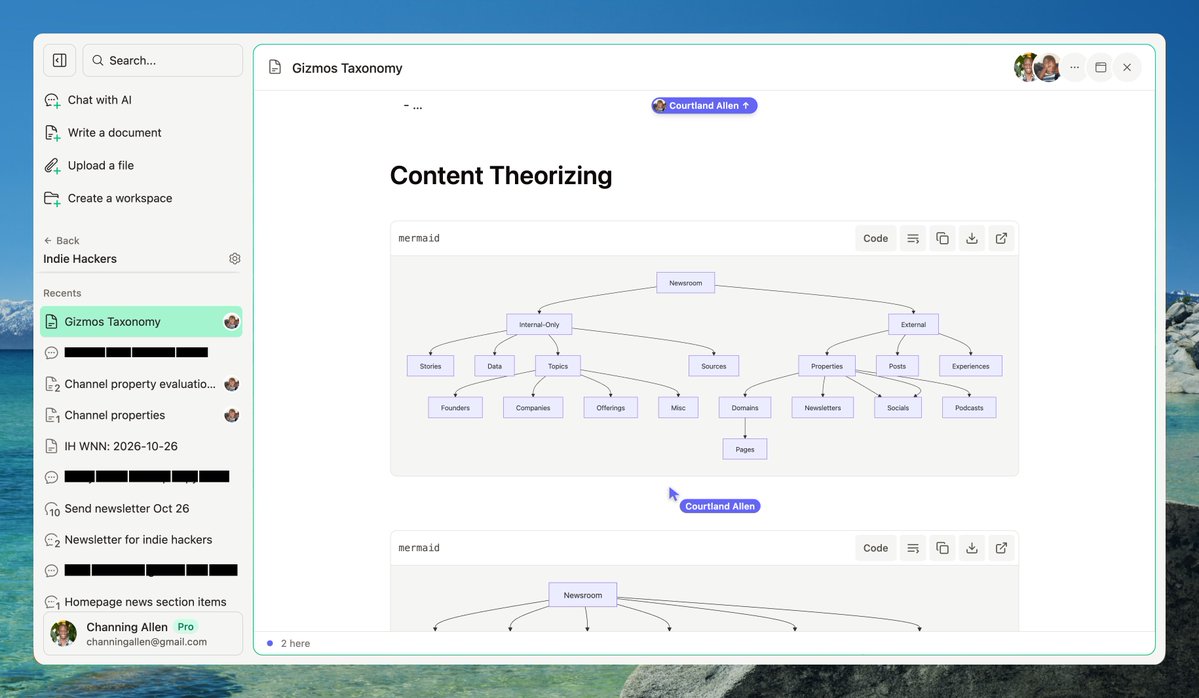
We built an app called Hatch
It enables Karpathy's entire LLM Knowledge Base workflow out of the box, in 2 or 3 clicks, in a single interface.
No need to stitch together Obsidian + plugins + markdown files + custom tools + etc.
Hatch is an AI workspace where files, docs, and chats all live together. Not only can the chats READ files and docs, but they can WRITE and ORGANIZE them as well.
This means you can set up an LLM Wiki in literally 3 steps, as I show in this video.
LLM Knowledge Bases
Something I'm finding very useful recently: using LLMs to build personal knowledge bases for various topics of research interest. In this way, a large fraction of my recent token throughput is going less into manipulating code, and more into manipulating knowledge (stored as markdown and images). The latest LLMs are quite good at it. So:
Data ingest:
I index source documents (articles, papers, repos, datasets, images, etc.) into a raw/ directory, then I use an LLM to incrementally "compile" a wiki, which is just a collection of .md files in a directory structure. The wiki includes summaries of all the data in raw/, backlinks, and then it categorizes data into concepts, writes articles for them, and links them all. To convert web articles into .md files I like to use the Obsidian Web Clipper extension, and then I also use a hotkey to download all the related images to local so that my LLM can easily reference them.
IDE:
I use Obsidian as the IDE "frontend" where I can view the raw data, the the compiled wiki, and the derived visualizations. Important to note that the LLM writes and maintains all of the data of the wiki, I rarely touch it directly. I've played with a few Obsidian plugins to render and view data in other ways (e.g. Marp for slides).
Q&A:
Where things get interesting is that once your wiki is big enough (e.g. mine on some recent research is ~100 articles and ~400K words), you can ask your LLM agent all kinds of complex questions against the wiki, and it will go off, research the answers, etc. I thought I had to reach for fancy RAG, but the LLM has been pretty good about auto-maintaining index files and brief summaries of all the documents and it reads all the important related data fairly easily at this ~small scale.
Output:
Instead of getting answers in text/terminal, I like to have it render markdown files for me, or slide shows (Marp format), or matplotlib images, all of which I then view again in Obsidian. You can imagine many other visual output formats depending on the query. Often, I end up "filing" the outputs back into the wiki to enhance it for further queries. So my own explorations and queries always "add up" in the knowledge base.
Linting:
I've run some LLM "health checks" over the wiki to e.g. find inconsistent data, impute missing data (with web searchers), find interesting connections for new article candidates, etc., to incrementally clean up the wiki and enhance its overall data integrity. The LLMs are quite good at suggesting further questions to ask and look into.
Extra tools:
I find myself developing additional tools to process the data, e.g. I vibe coded a small and naive search engine over the wiki, which I both use directly (in a web ui), but more often I want to hand it off to an LLM via CLI as a tool for larger queries.
Further explorations:
As the repo grows, the natural desire is to also think about synthetic data generation + finetuning to have your LLM "know" the data in its weights instead of just context windows.
TLDR: raw data from a given number of sources is collected, then compiled by an LLM into a .md wiki, then operated on by various CLIs by the LLM to do Q&A and to incrementally enhance the wiki, and all of it viewable in Obsidian. You rarely ever write or edit the wiki manually, it's the domain of the LLM. I think there is room here for an incredible new product instead of a hacky collection of scripts.
Here's my latest setup.
Not quite "minimalism" but I'm getting there.
Also have a standalone office downstairs but it doesn't have this view so I do 75% of my work here.
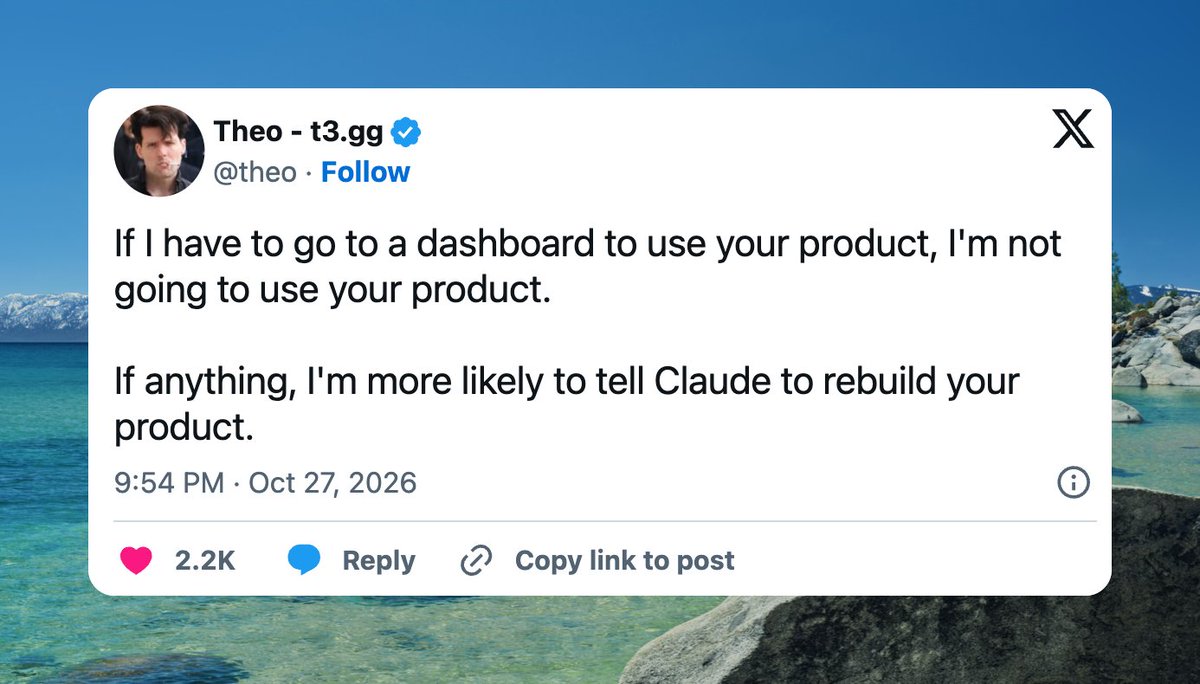
The models are so good now that we just dropped everything and pivoted hard.
SaaS is dead. Distribution, community, and proprietary data matter more than ever.
Setting sights on Indie Hackers again. It's been on maintenance mode a while. Taking it to the moon.
Q: Is Hatch dead?
A: No we're actually shipping on Hatch faster than ever with like 7 AI employees that never sleep and ping us 3x/day with pull requests but our competitors are also doing this hence SaaS is dead.
@m_ahmed_dev Yep, re-render from the playhead. Only ~60s of audio is ever queued so skip/back/jump just drops the buffer & starts a new segment a beat ahead of the current time on the same stream (switching sources stalls Android when locked).
There's no +5 min yet but it'd work the same way
I built a free app that turns a to-do list into a to-do playlist.
You paste in your tasks with how long each should take ("answer emails 15m"), hit play, and it takes you through them one at a time like tracks on an album. It reads each task out loud, counts down, and tells you how much time is left.
I've got ADHD, and every to-do app I've tried ends up being one more thing I have to keep track of. This one keeps track of me. Hence the name: Underhead (the opposite of "overhead").
Give it a spin: https://t.co/BfPkJsa1aJ
By default Underhead actually skips timers entirely. It renders the voice cues and sounds into one continuous audio stream ahead of time and reads the countdown off the audio clock, so it stays on time even with the tab in the background or the screen off.
The fallback path still uses setInterval though, so your end-timestamp trick is going on my to-build list 🙏
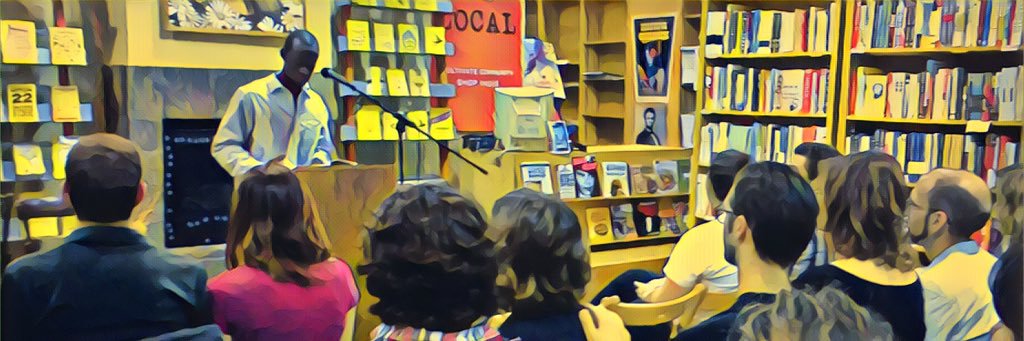
Channing Allen is the co-founder of Indie Hackers, one of the largest entrepreneurship communities in the world.
Mercury is the layer of his business he never has to think about. Finances manage themselves so he can focus on growth.