@theo I always knew that people would come back to GUIs. There's a reason TUIs were mostly left in the past. Even good TUIs like OpenCode hit scaling limits - the inteactions just can't be as discoverable or as rich as GUI interactions.
@tyronerobb@donaldsilveira@theo It's more a proxy for what's being hyped, not quality. There's plenty of low-quality projects with a lot of stars, and vice versa.
@jordwalke Too bad Apple limit PWA functionality compared to Android. No rotation lock? No Bluetooth/NFC/USB access? No background sync? Buggy push notifications? It's a mess compared to every other platform. They want people to prefer apps from the App Store.
@paularambles@palmerj3 I'm still sad about it because IMO it had the best UX out of any work-focused chat app. Google Chat and Slack both have so many bizarre UI/UX issues.
On the positive side, I'm more productive at work since I'm chatting less, because I keep getting confused in Slack's UI.
@paularambles@palmerj3 Yeah it was called Work Chat and was part of Workplace. We still use Workplace internally (only the public-facing version was discontinued) but the chat portion is gone now.
@PaulTassi@Forbes Are you sure that "Q1" means the first three months of the calendar year? Take Two's fiscal year starts on April 1, so their Q1 is actually April-June.
@jaystep13@mrxmsa@babeotswejang A small part is fine. C isn't a small part though; it's close to 1/3 of the visible area taken by your own car. The view through the side mirrors shouldn't significantly overlap the view through the rear view mirror.
@boazbe@jarredsumner You can still introspect it (for example by calling .toString() on a function) and not all code is JITted. JIT takes time and some code only runs once on startup (which wouldn't benefit from it), so JIT only kicks in after the code runs several times.
@Anilniraula@theonecid My wife recently upgraded from an S21 Ultra to an S26 Ultra mainly because of the battery. The repair stores near us don't stock S21 batteries any more, and Amazon had a decent trade-in deal (around the same prices as eBay, something like $260).
I’ve seen a couple of posts about this so wanted to demystify. Today, every Muse user gets a free computer in the cloud. It's a real computer, and we’ve designed the security architecture of the Muse Secure VM carefully so you and your Muse can do almost anything you could with a computer sitting under your desk while keeping you and the system safe from threats like prompt injection. We wrote about this at length in our security blog post – https://t.co/7HmiTrzoTd. Activity in the “runtime cell”, which you share with your Muse is unfettered, but sensitive actions are all overseen by the Sentinel, which runs outside of that cell. Similarly, all sensitive secrets - like the passwords you enter into Muse’s secure credential storage - are also stored outside the runtime cell.
The runtime cell gets its own root filesystem (including a full Ubuntu linux image) separate from the host filesystem where your other more sensitive data lives. Because it is isolated from the sensitive stuff that runs on the same box, this means that we can, and do, offer users full visibility and control over the files in the runtime cell. Just as you can when you install Linux on your home computer, you can poke around and see all the files that make the system work - both debian system files and the binaries and data files that implement the parts of Muse which run in the runtime cell.
This was a very deliberate choice - your Muse Secure VM truly is your own computer in the cloud. You can install software in it, write and compile code, use the browser to surf the web: it is your own Linux box that you can operate as you choose with your Muse. Poking around in this computer doesn't give you any privileged access to Meta infrastructure, or to other people's data
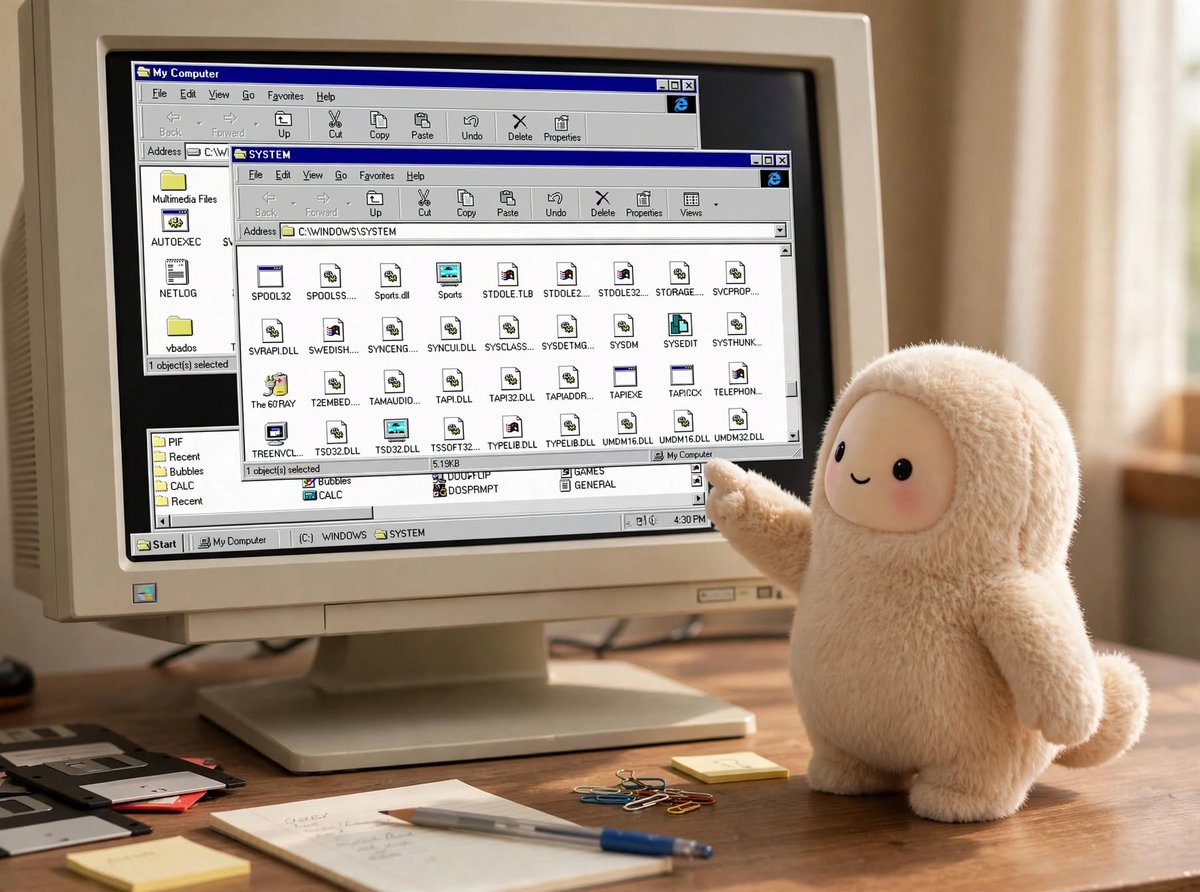
If I may geek out a little here for a second… As a kid I loved to take things apart to see how they worked. As a teenager I got into computers and soon found myself drawn to C:\WINDOWS\SYSTEM and the system registry, later Slackware’s /dev/, /proc/ etc – I could see how the system was laid out and as I explored what DLL files and .so files actually did, I gradually became able to meld the computer to my own will.
We’re really proud to be able to put a real computer in millions of people’s hands with a similar level of transparency. We built a file explorer right into the Library tab of the UI. We want you to be able to see the markdown files Muse writes while it thinks about how to serve you better, and explore the internals of the system if you’d like to.
So, when you ask your Muse to show you its entire filesystem, and receive gigabytes of files you’re seeing the full contents of the runtime cell. It’s yours to explore and enjoy!
If you’re not a geek like me, or simply want to download the data that you personally have created directly with your Muse, we added a feature for that too in Settings > Data controls > Download your agent data.