@zilmer You can use Resizing Constraints (https://t.co/PARy9BuuBd) to configure how layers in a scene should behave when the scene is resized (or used in a symbol of different size). I think this will help.
@zilmer Drama always clips layers to scene bounds, which is unfortunate in this case. You can either make the contents of the scroll layer a symbol (content of which you can easily edit in a separate scene), or you can temporarily make the scene larger while editing the scroll layer.
@zilmer You can edit the contents of scroll by double-clicking it. Then, you can manipulate the layers inside the scroll. Or do you mean something else?
Promised myself that I wouldn't let any more of my work catch dust lying on my system, so here goes!
I'm starting small, so here's my super simple concept that lets you add songs quickly to your playlist/queue.
Made with @DramaApp and After Effects.
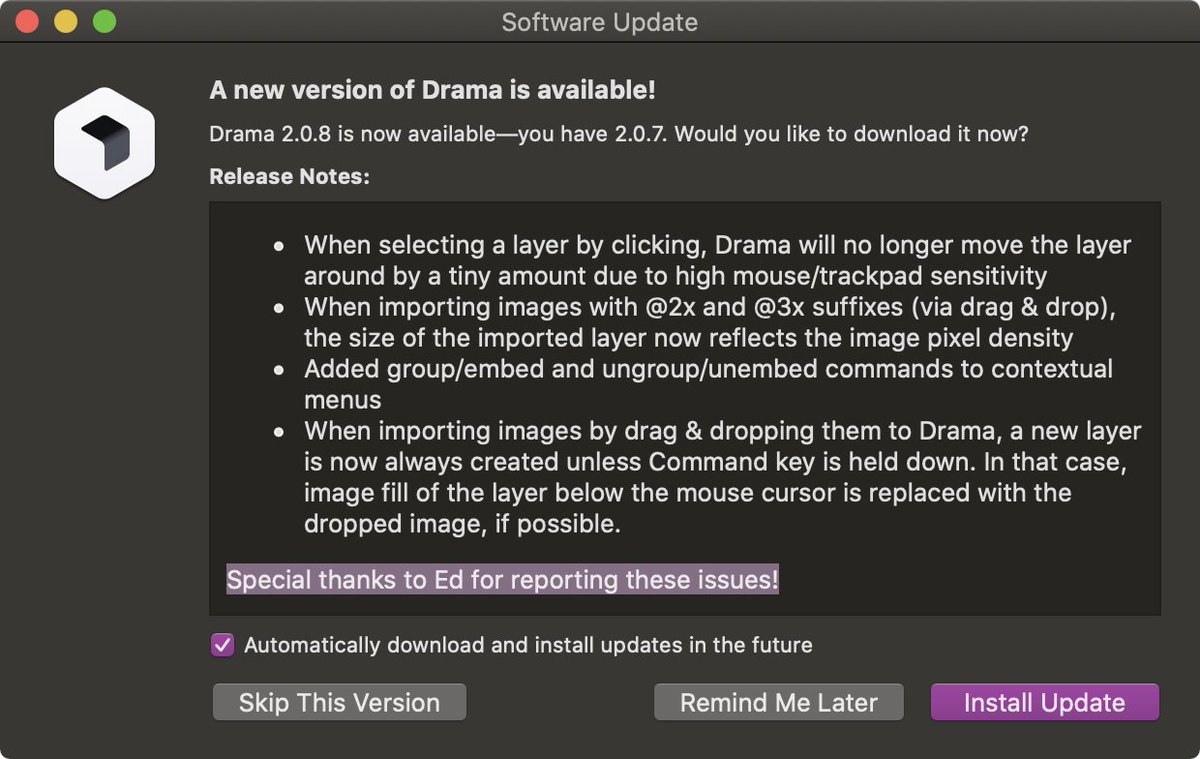
@edwardsanchez Thanks for the huge amount feedback, you are the best customer ever :D We’ve just released an update that fixes 4 of the many issues you reported!
@gyos23 Drama is no longer in beta - in fact, we’ve recently released Drama 2.0 :-) Bug reports and suggestions for improvements are always welcome, of course.
What would a main menu look like on iPad?
I’ve explored this question for my thesis this year. Now, with Apple’s new focus on #iPadOS my resulting concept shows it’s possible to make the #iPad a true computer replacement.
More on iPad Main Menu:
https://t.co/FfWjEEyTeV
@olivereitalu This should only happen when you run out of trial days. We’ll investigate, thanks for bringing this into our attention. Did the dialog appear again while using Drama?