Open-source IP-KVM on an ESP32-P4. Remote desktop from the BIOS up: screen, keyboard, mouse and virtual media in a browser tab. No cloud, no subscription.
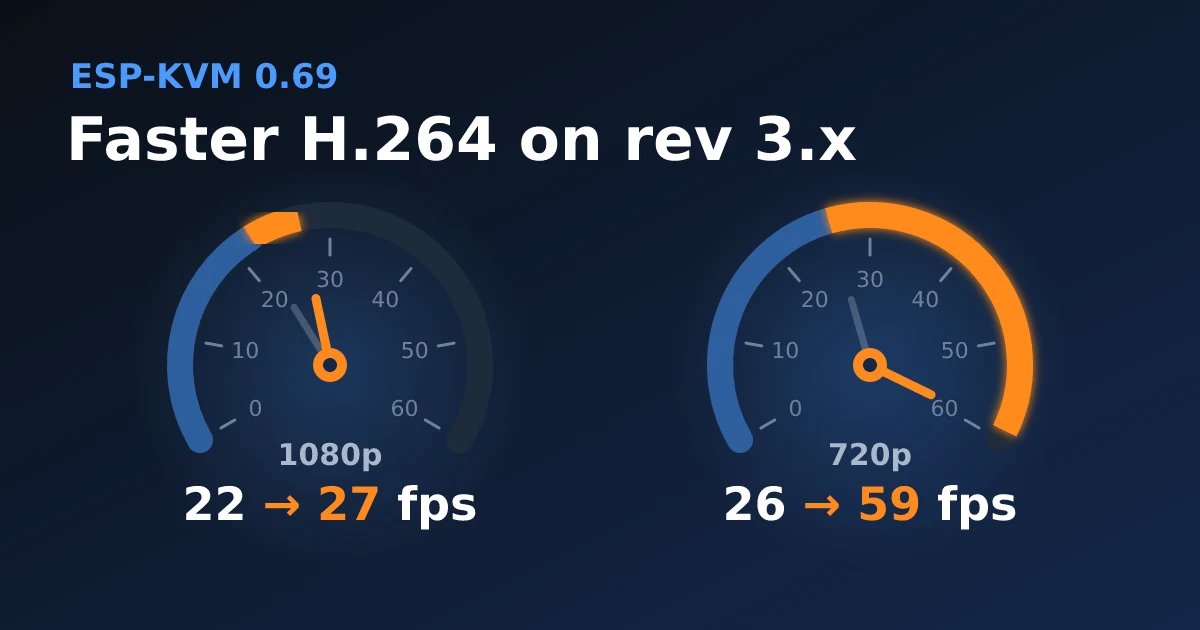
ESP-KVM 0.69.1 on rev 3.x ESP32-P4: PSRAM at 250 MHz instead of 200, so 1080p H.264 goes from 22 to 27 fps. And a frame-limit bug fixed: 720p from 26 to 59 fps.
https://t.co/DlEXkvQ5Oo
#espkvm#ipkvm#esp32#esp32p4#fps
📊 I rated every ESP32-P4 board ESP-KVM runs on, out of five: tested, chip revision, Ethernet, PoE, USB to the target, size.
https://t.co/jNWtwC34vb
Untick what you don't need and the list re-sorts.
Top today: @waveshare00 & @EspressifSystem#ESP32#IPKVM#homelab#selfhosted
@pratiksharda2 Same clock for both. The i2s interrupt stamps every 5 ms block of sound, and the camera interrupt stamps every frame. The audio timeline is just the sample count. if it drifts more than 20 ms from the stamps, I add a bit of silence or cut a bit.
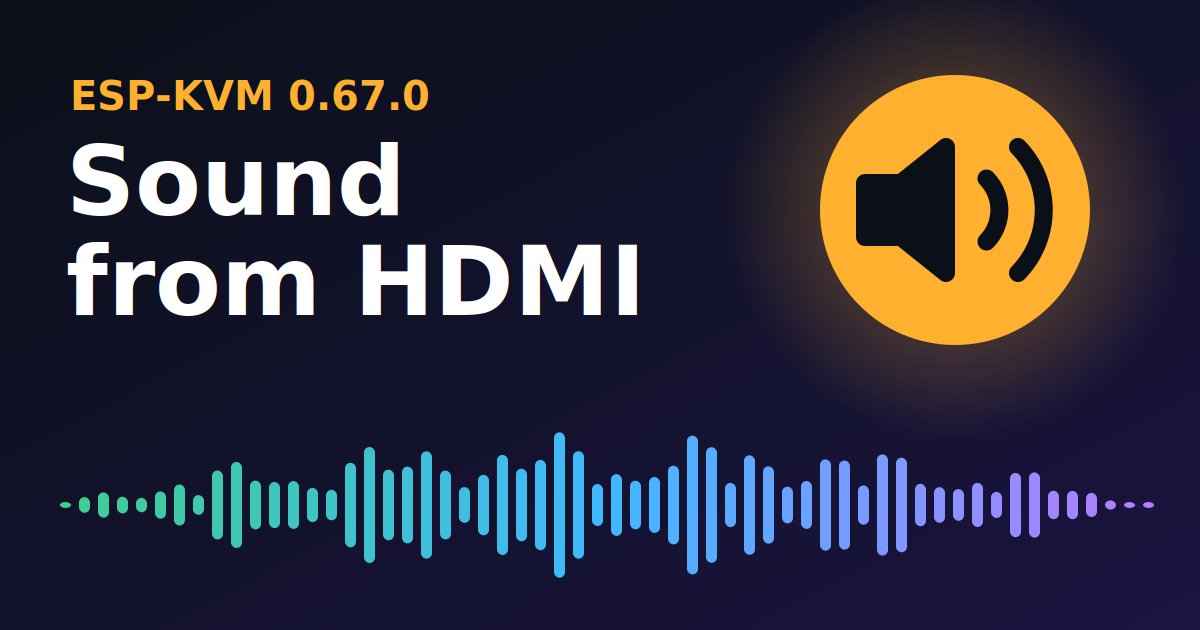
ESP-KVM 0.67.0: the console plays the target's sound. Three wires and a ground from the C790's I2S connector to the ESP32-P4. Live in the browser, AAC in recordings and dashcam clips.
https://t.co/x7AeD8Cxba
#espkvm#ipkvm#esp32#esp32p4
@pratiksharda2 Not in the live view. Sound plays as it arrives, and the picture isn't held back to match it. For a KVM low input delay matters more. Recordings are in sync. Sound is placed by capture time.
ESP-KVM 0.66.0: H.264 over @webrtc, so a lost packet costs one frame instead of a stall. Own small stack on the ESP32-P4, no STUN/TURN. Mouse to picture over @Tailscale : 138 ms, against 170 over the WebSocket.
https://t.co/NHzbznffQi
#webrtc#ipkvm#esp32#esp32p4#tailscale
New, experimental: ESP-KVM terminal turns an @M5Stack Tab5 into a screen for an ESP-KVM - touch, keyboard, power buttons, Tailscale, no browser. Same ESP32-P4 as the KVM, MJPEG decoded in hardware. Would you use one? https://t.co/hWdiw1jiLA #espkvm#ipkvm
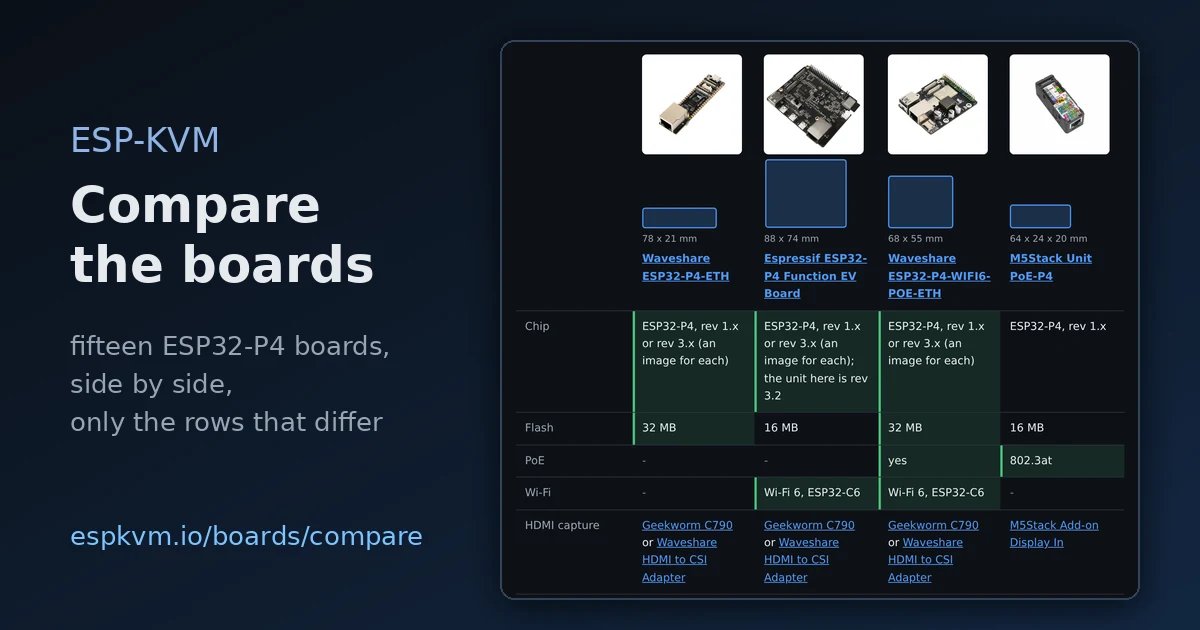
Fifteen ESP32-P4 boards run ESP-KVM. Now they are in one table: chip, memory, size to scale, Ethernet, PoE, Wi-Fi, HDMI adapter, measured fps. Pick the ones you are choosing between. https://t.co/n6BN3QW0iq
@M5Stack@waveshare00@EspressifSystem@dfrobotcn@viewedisplay#esp32
ESP-KVM 0.63.0: a Let's Encrypt certificate for the device's Tailscale name, got and renewed on the ESP32-P4 itself. Tailscale publishes the DNS record, so no domain, token or open port - and no certificate warning. https://t.co/gyoHnhuu1M
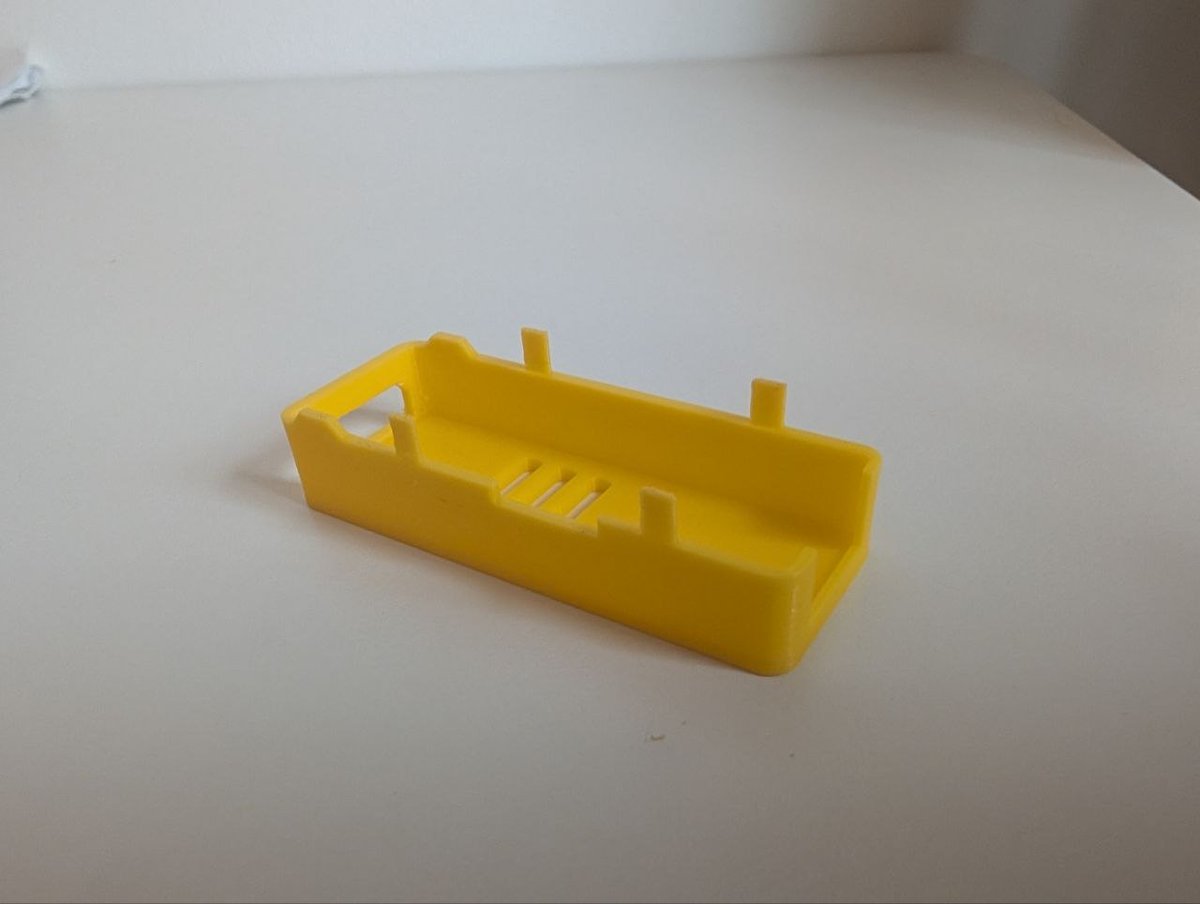
@M5Stack sells the Add-on Display In (the HDMI input for the Unit PoE-P4) as a bare board. I drew a case for it that matches the Unit PoE-P4 housing, so the two make one block.
Free to print: https://t.co/Mua8D5xz81
ESP-KVM 0.62.0: mouse moved to picture shown, 155 ms at 1080p H.264 - it was 250-370. The stream never said it had no B-frames, so the browser held four back. Plus a button that measures this, twice the free RAM, and video that adapts to slow WiFi https://t.co/hFDpcuJkNn
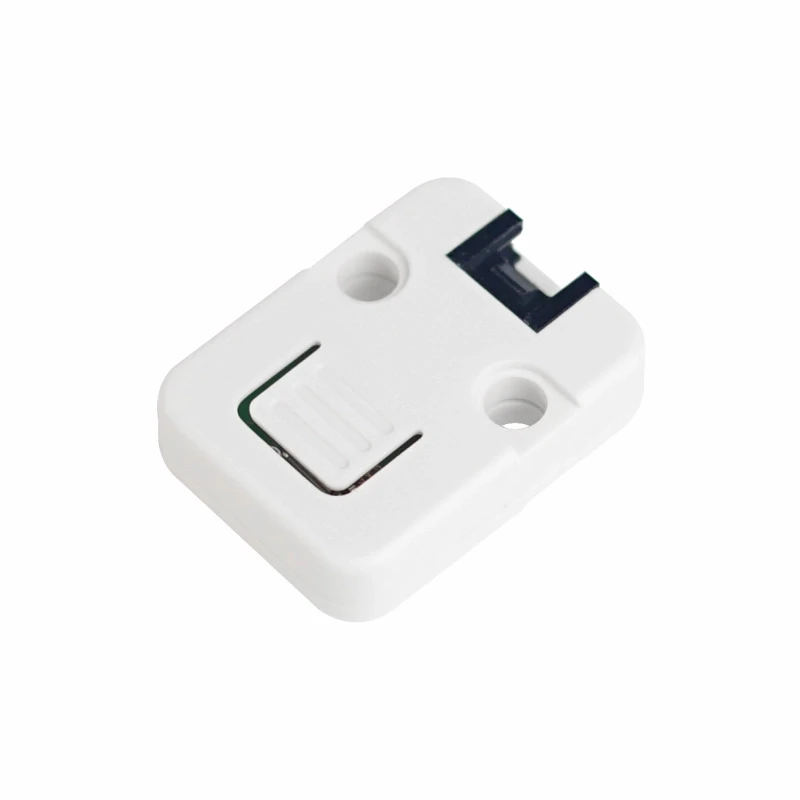
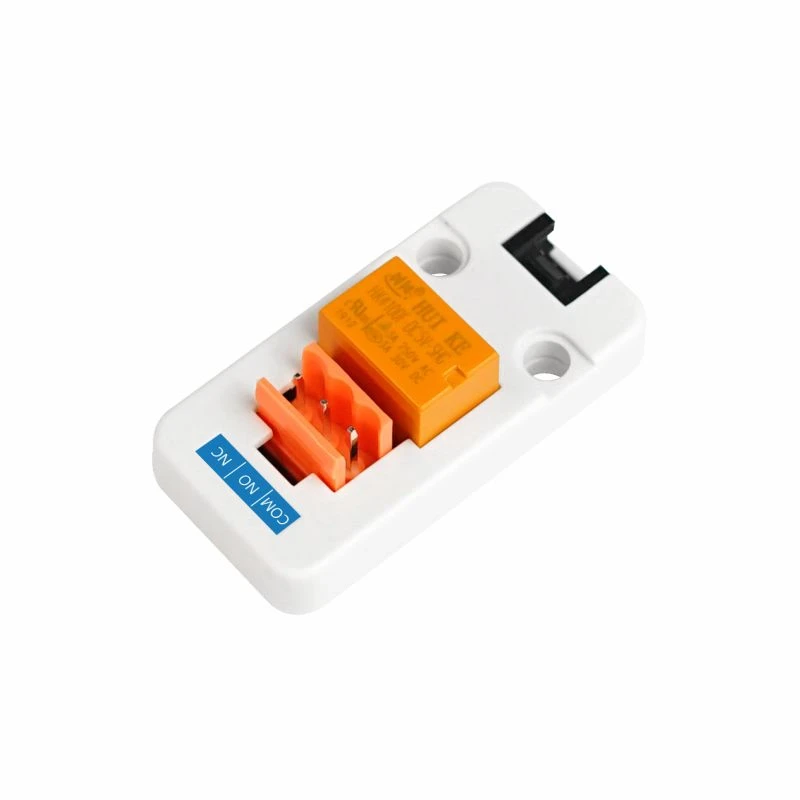
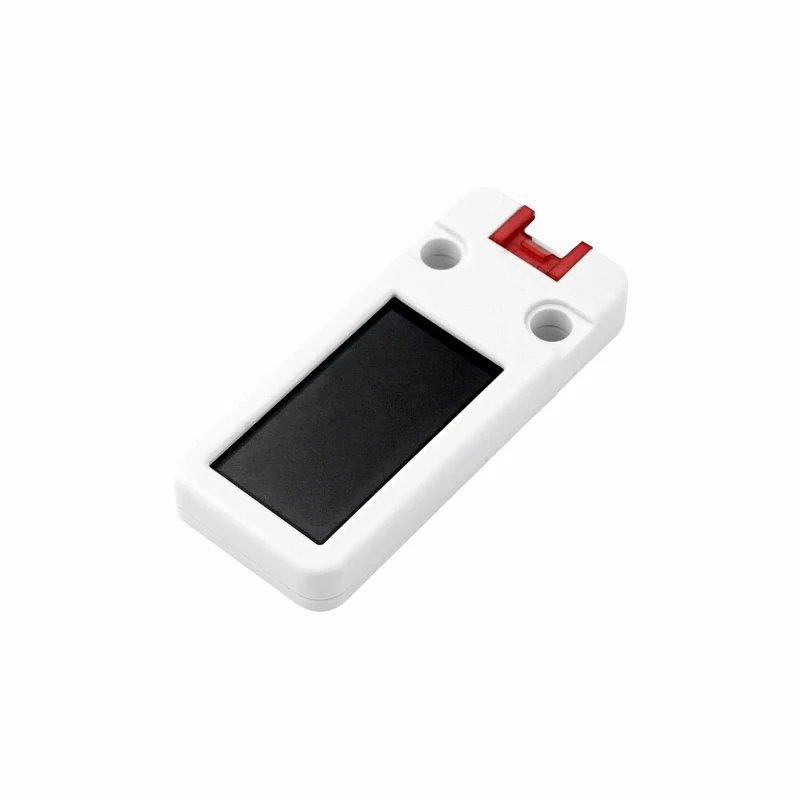
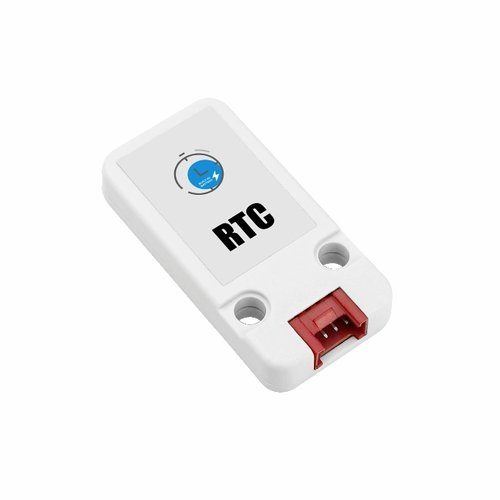
ESP-KVM 0.61.0: a button on the box (short press and hold, any action), the M5Stack Unit OLED, Relay and Glass2, a Unit RTC found by itself, full screen with no bars, and a tick under the finger on a phone. https://t.co/76BVL7xfAK
Most ESP-KVM builds start on a @waveshare00 ESP32-P4 board. They are all on one page now: eight boards and the HDMI-to-CSI adapter. You can try ESP-KVM on any of them. https://t.co/H1XTYCFfQ6
@M5Stack
Hi! Two questions: on the Add-on Display In, the LT6911D's CEC pin is wired to the HDMI connector - can its CEC be used over I2C, and is there a register reference? And when will the Unit PoE-P4X be available? ;) https://t.co/gdA8Xaj6YR