📺 New Edge DevTools What's New video 📺
It's my first too! Trying to fill @seaotta's shoes isn't an easy thing to do, but I hope the video is useful for you all to keep up with the latest from our team.
https://t.co/bVCW4MdO6g
In @EdgeDevTools, you can toggle the split-screen Console horizontally or vertically to maximize your screen real estate! This feature is in Edge Canary now and will roll out to more users soon.
(Pssst: And it's not just Console. You can put any tool in the Quick View pane!)
🤯 Just fixed some memory leaks in VS @code with the help of Detached Elements tool in Edge. Kudos to the team building this brilliant tool cc @patrickbrosset . Give it a try if you haven't yet.
https://t.co/ZFANuS6wZ8
We've made significant improvements to the Retainers pane in DevTools to ensure it is reliable for investigating memory issues. Learn more on the blog: https://t.co/b6m6Fj5JVq
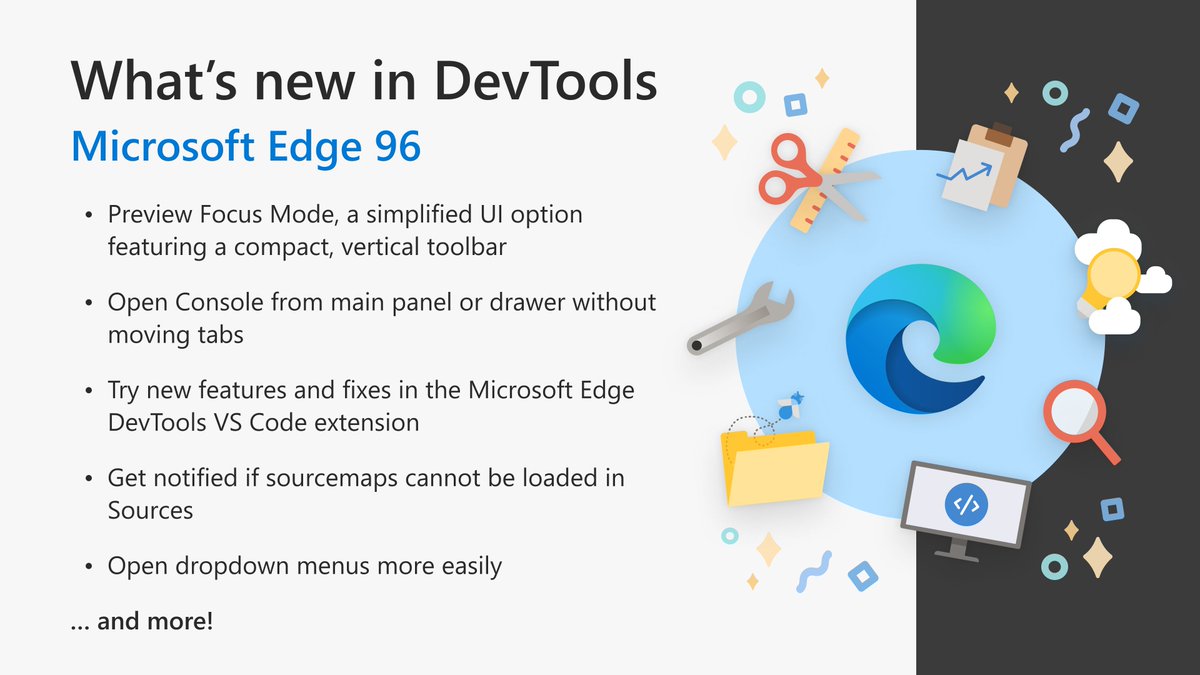
What's new in Edge DevTools in version 96:
💻New Focus Mode UI experiment
🗺️Sources tool notifies you when sourcemaps can't be loaded
📱Microsoft Edge DevTools Visual Studio Code extension features a dockable screencast & device emulation
And more! https://t.co/tDkNASqS0Q
🛠 With @MicrosoftEdge hitting version 96, the "Open files in VS Code" experiment is now available to all. @EdgeDevTools now opens local files in @code and syncs the changes live - never lose any of your CSS tweaks again. More: https://t.co/EDi6az9v8g
https://t.co/f2cbDVgFHb
Microsoft Edge 96 ships with the latest Edge DevTools features and fixes, including a space-saving vertical toolbar option and the return of the ability to quickly toggle Console without moving tabs.
Learn more at https://t.co/kgeBCt5ZUY
"It's neat, and it's very front-end. It covers the big buckets, like compat, performance, security, accessibility. That's what we care about day-to-day."
Delighted to hear @chriscoyier and @davatron5000 discussing the @webhintio code analysis features in @EdgeDevTools! 🥰
🧰 Tools
↔️ Layout
🖌️ Theme
💬 Language
Developers, here's a quick walkthrough covering all things you can do to customize @EdgeDevTools, so that you can begin creating solutions for customers seamlessly: https://t.co/ttWQAsl0xZ
We designed #Windows11 to provide a seamless development experience no matter what app you are building. 🎉
Check out how you can streamline your web & native app development, using tools like WebView2, Microsoft Edge DevTools, and the Windows App SDK. https://t.co/pG7uLldBtJ
🛠 What if… Visual Studio Code became the editor of in-browser Developer Tools?
Here's a 3 minute video explaining a new experiment in @EdgeDevTools that uses @code as the editor for local files with live syncing in DevTools. It uses Workspaces.
https://t.co/lDOx9S43FZ
Thanks to your feedback, we're fixing a reported issue with Edge DevTools drawer tabs. This fix restores the ability to switch between full and split-screen Console with a single click. This change is now available in Edge 96 and rolling out to everyone over the next few weeks!
In the span of 10 minutes, I show @GeekTrainer five cool WYSIWYG features for visually fine-tuning CSS grid, flexbox, box shadow, color, and font families right inside DevTools.
🎬 Clip: https://t.co/a5UKQygn38
Jump from a CSS variable function to where the value is defined in DevTools, in 1 click.
This works in @EdgeDevTools and @ChromeDevTools. Try it out!
Learn more about it here: https://t.co/MVOKcWKcAb
@seaotta @mahmudzero Yes, the ability to move any DevTools tab to the drawer is available across all OSes running Edge 87 or later. Glad you're enjoying the new DevTools feature! /Rachel
Speaking of reasons to switch to Edge DevTools, I LOVE this small but mighty new feature: You can now copy a single line—or an entire CSS block!—formatted as Javascript. Super handy if you're working with CSS-in-JS in frameworks like Vue.