@vanschneider Annotations was the one thing that brought me the most success. I include every detail about the intended logic and interactions, as well as link the related component to the annotation.
Still not perfect but much, much closer.
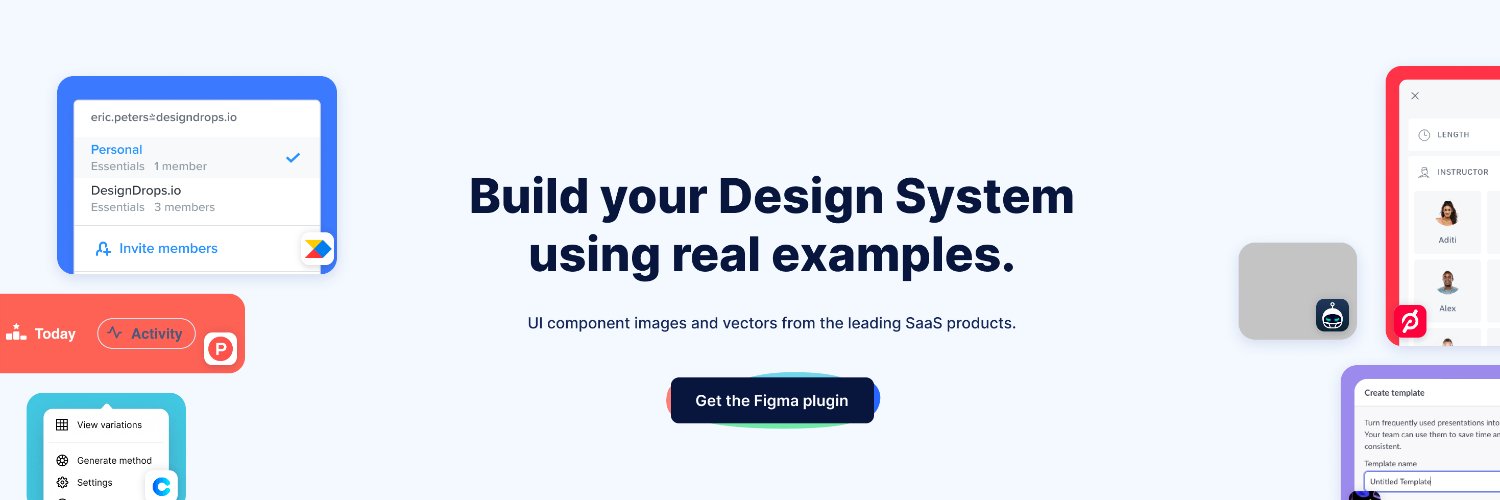
@adriankuleszo Nothing anywhere close to Mobbin’s library, but I’ve put together a few free resources that might be useful. Like over 200 pixel perfect design files of real products. Notifications, dashboards, settings pages, etc.
Check it out of like: https://t.co/sbN43FPQ5V
@janm_uiux https://t.co/Q5RGPQYsCz is another good one! A ton of screens from proven products built out in Figma. You can compare a bunch of Dashboards, Sign In, Messages, etc designs at once.
We're thrilled to announce our marketing work management solution, built on @ServiceNow, raised a $3M seed round to expand the team and advance its solution. 🎉
Read the full announcement: https://t.co/QX0r2WoZlM
#servicenow#marketers#enterprise
@TheRealEtch I’ll typically have two browser windows and like 100 tabs before I do any spring cleaning 😅
The Marvelous Suspender Plugin is amazing so us too-many-tabs ppl. https://t.co/UQInIWMy7d
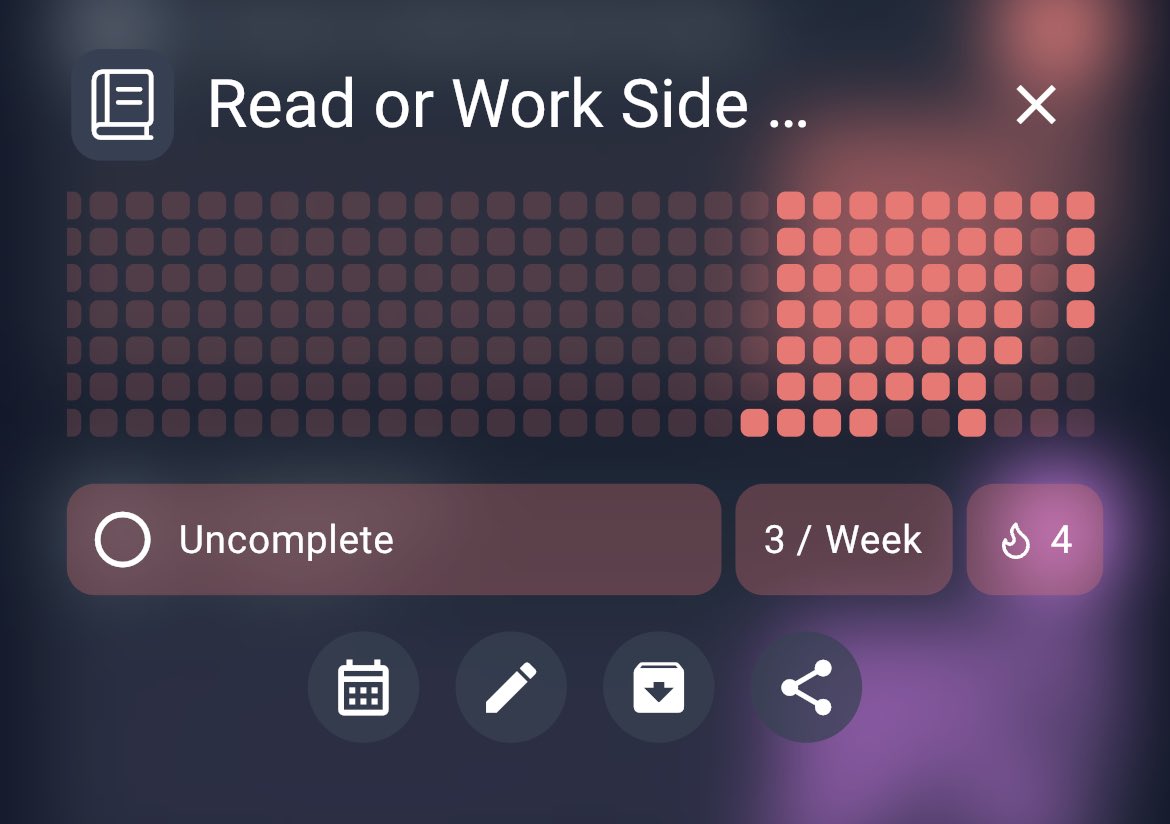
@SebastianRoehl@HabitKit I figured that's what was it. Thanks! FWIW, my assumption was it would track the weeks if it's a weekly goal. So if I completed my goal 3 wks straight it'd show 🔥3.
Either way, 💙 the app. Helped me hit my weekly workout goal 7 of 8 weeks!
@SebastianRoehl quick question on streaks in @HabitKit. I have a Habit goal of 3/week. It’s saying I’ve hit my goal 4 straight times (🔥4), but I should@only have a single streak. Am@I reading that incorrectly?
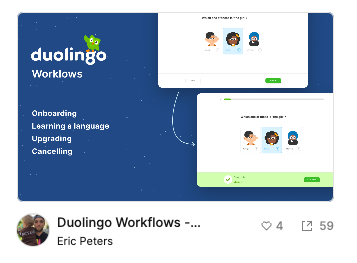
I recreated a few of @duolingo 's user flows in @figma . It was originally for myself, but figured it might be of use to others in the design community. Free to use/copy.
Included are the Onboarding, Learning a language, Upgrading, and Cancellation flows: https://t.co/EVYqox272j
I'm always interested in how other apps handle onboarding, upgrading, etc. I also like to play around to understand spacing, font sizes, drop-shadows, etc. That's why I built this out.
*These designs were built by the Duolingo team - I just recreated it. I have no affiliation.
I recreated a few of @duolingo 's user flows in @figma . It was originally for myself, but figured it might be of use to others in the design community. Free to use/copy.
Included are the Onboarding, Learning a language, Upgrading, and Cancellation flows: https://t.co/EVYqox272j
@abinashmohanty It would be awesome if those flows could be actual editable Figma files. The screens are great, but I'd love to check out the drop shadows, spacing, etc for myself.