Our new app @Posemoji_app, first of its kind. Real-time full body tracking filters and effects on the iPhone. The interaction between AR+ML(AI) is just beginning. Check it out--> https://t.co/1NvX1eVKCZ
Hey Figment fans, we launch a new app today, POSEMOJI --- Express yourself thru movement w/ real time body tracking effects & filters. Hope you have as much fun creating videos w/ @Posemoji_app as you have w/ Figment. Download for free on iOS -> https://t.co/d7kggN5rMV
Day 27 of #31DaysofARVRinEDU on @FigmentAR
Have you ever wanted to be transported to another dimension, maybe like Dr. Strange walking through a portal? You're in luck!
https://t.co/o0FB4hXIMj
#AR#VR#ARVRinEDU#ARPortal
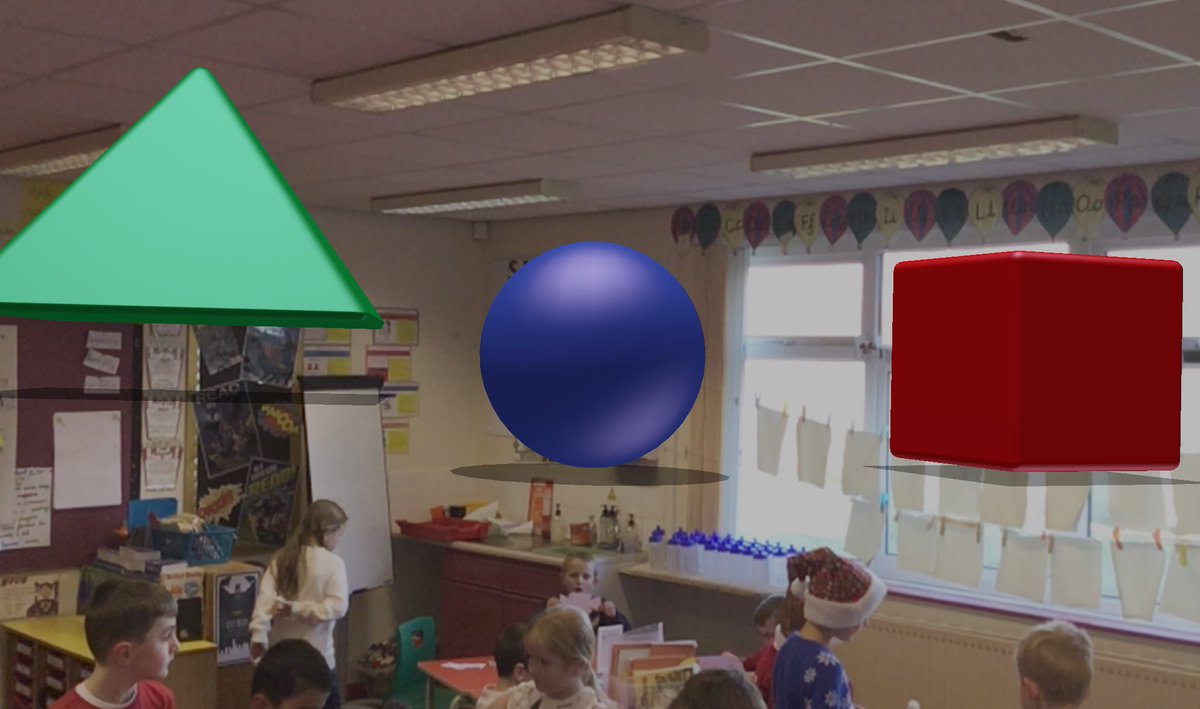
We had some fun today testing out the Figment AR app from @virohq. The app allows users to place animated emojis, add environmental effects, create 3D image "portals," and more!
Where would your portal lead you? Comment to let us know!
#ar#augmentedreality#arapp#vr#xr
Creative writing stimulus using @FigmentAR : The Day a Portal Appeared in my Classroom’! The students were so inspired and couldn’t wait to get pencil to paper!
This would be a funny writing event - There’s a dancing turkey in the room...
The @FigmentAR works on a phone - pre-record the video, show it as a hook into the morning and let imaginations run wild!
#kygodigital#kygoplay#FTIgnite @7Habits4WES @caseygesenhues@DonnahHicks
Big announcement!!! We open sourced the code for Figment AR. Now you can build your own version of Figment or take parts of Figment and build your own AR experience. Read more on our blog -> https://t.co/eZVTTg3aCX #arkit#arcore#reactnative#opensource
@SuprTekTalk@mstechie17 Here are a couple resources for 360 photos that are free...
HDRI Haven - https://t.co/cRV5Aod0gX
Flickr - https://t.co/WQb2IZmbhh
@iPadEFLTeacher 1. Make sure 360 vid/image is on your device 2. Add any portal to scene 3. Tap on portal frame 4. Tap on + icon that appears in upper right corner 5. Select the photo you want to use from your camera roll.