Vibe-coded apps have a security problem most founders never see.
UpGuard just found 16,326 Supabase databases anyone could read. No hacking. Just the public key every app ships, and tables with no real rules.
So I built Greenlight Scan. 35 seconds:
Myth: my Supabase key shows in the browser, so I've been hacked.
Fact: the publishable (anon) key is meant to be public. RLS on every table is what protects your data. Only the secret key must stay on the server.
Free scan at https://t.co/GhntUTTb0f
Which key is in yours?
If your Supabase profiles table has a role or plan column and users can update their own profile, any signed-in user can make themselves admin or upgrade for free. RLS checks rows, not columns. Keep roles in a table only your server writes. New guide on our blog.
Tuesday tip, 30 seconds: add /.env to the end of your app's address and open it. Then try /.git/config.
If you see plain text instead of an error or your normal page, anyone can read those files, keys included.
The free scan at https://t.co/GhntUTTb0f checks this.
Tried it?
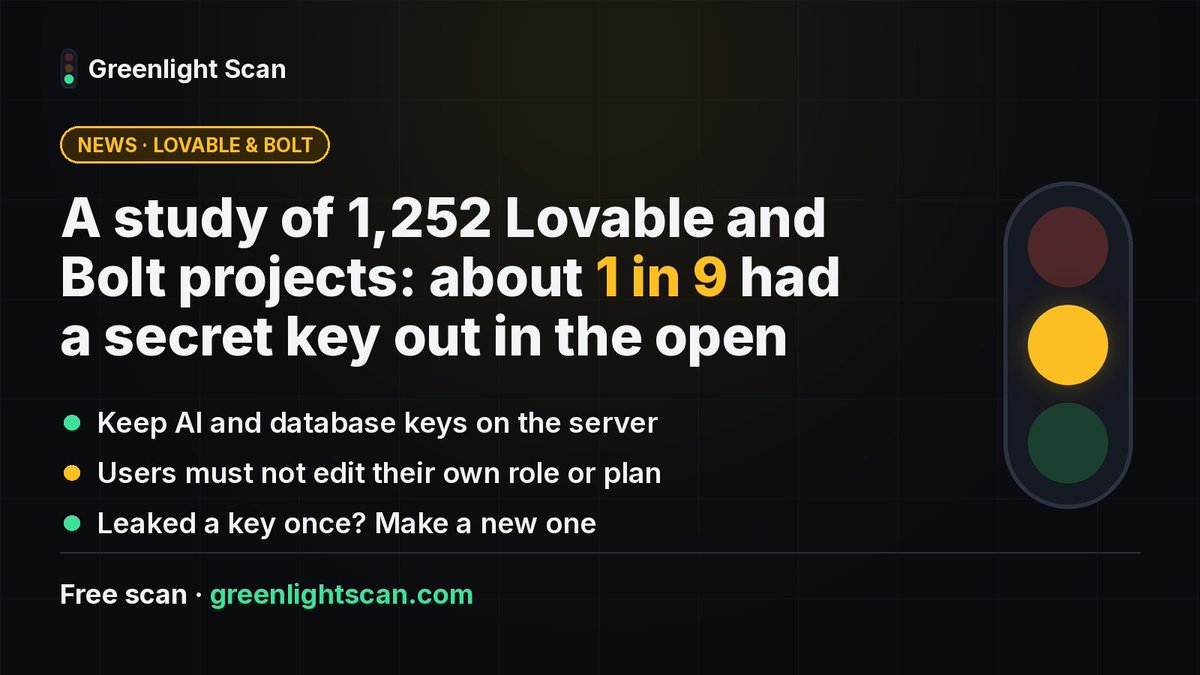
New study of 1,252 public Lovable and Bolt projects (20 Nov): about 1 in 9 had a secret key out in the open, mostly AI or database keys.
Also common: users could change their own role or plan.
Free scan at https://t.co/GhntUTTb0f
Have you asked your AI where your keys live?
Sunday question for Lovable, Bolt, Cursor and Replit builders: your app has an AI feature. Where does its OpenAI key live?
A) in the code visitors download
B) in a server or edge function
C) no idea, the AI set it up
If you're a C, free scan at https://t.co/GhntUTTb0f
Saturday tip for Supabase apps: you have two keys.
The publishable (anon) key is meant to be public. Your RLS rules decide what it can do.
The secret (service_role) key skips every rule, so it must never be in code that runs in the browser.
Do you know where yours lives?
You built your app with AI in a weekend. Did anyone check the locks?
Greenlight Scan checks your live app the way a stranger would. Paste your link to see what's wrong.
First scan free. Full Scan $19 one-time. Launch Audit $79 one-time. Watch $9 / month.
https://t.co/GhntUTTb0f
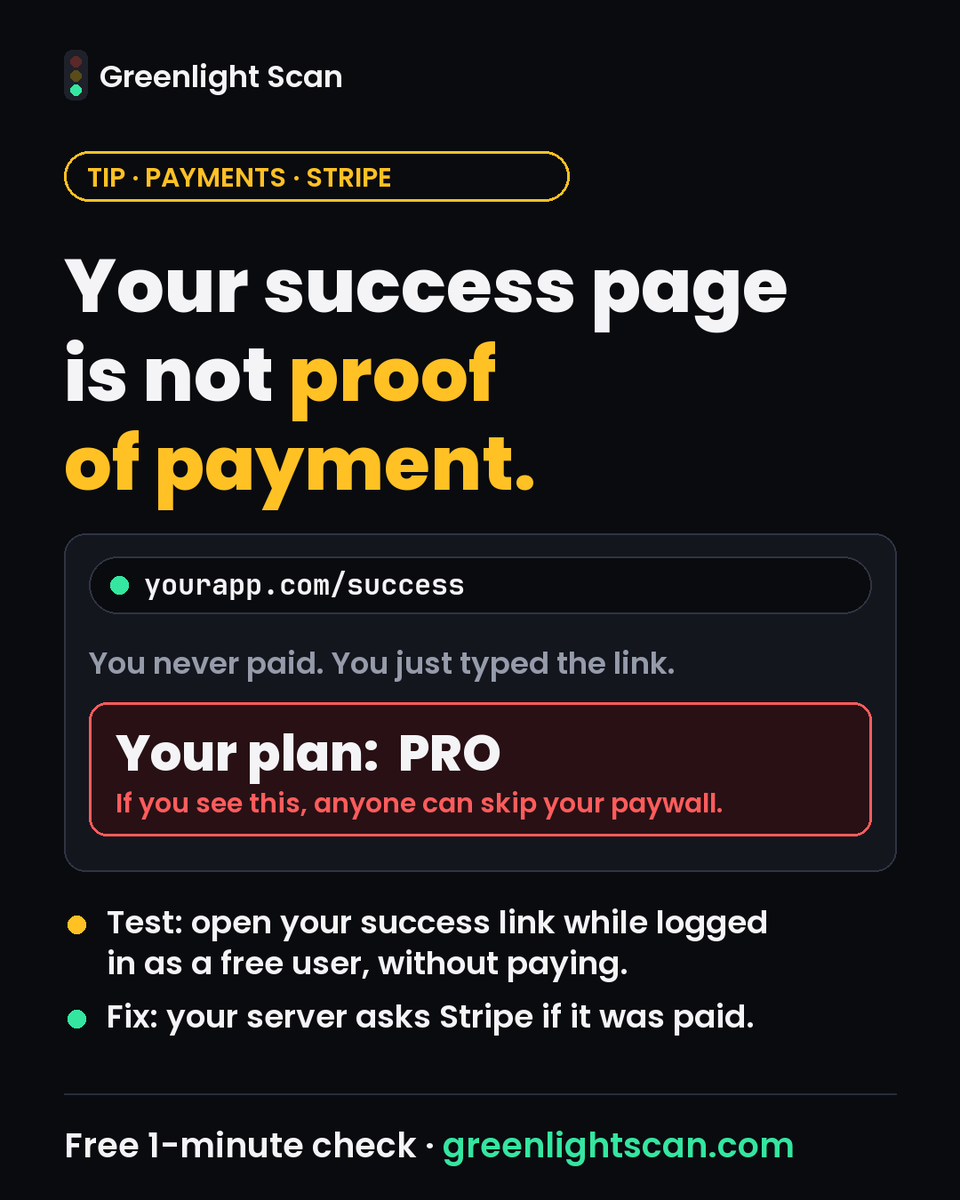
Your Stripe success page is not proof of payment.
Quick test: log in as a free user, open your success link without paying. Turned Pro? Your paywall is open.
Fix: have the server check the Checkout Session with Stripe before unlocking.
Free scan at https://t.co/GhntUTTb0f
Myth: if users can't see the Delete button, they can't delete anything. Fact: hiding a button only changes the screen. Anyone can send that request to your database directly, so the rule must live on the server or in RLS. Tested yours? Free scan at https://t.co/GhntUTTb0f
Before your AI-built app takes real money with Stripe: set the price on the server, check the webhook signature, and make sure a free user can't edit their own plan column from the browser console. Most paywall leaks are one of those three. New guide on our blog.
Tuesday tip: open a private window, stay logged out, and paste the link to a page only members should see, like /dashboard. If it loads, or flashes data before redirecting, that page isn't protected. Which page would you test first? Free scan at https://t.co/GhntUTTb0f
Lovable added PayPal checkout on Nov 8. Before you take real money: confirm each payment on the server, make sure users can't edit their own plan, and check a free account can't open paid pages. Adding payments soon? Free scan at https://t.co/GhntUTTb0f
@devshogun That tracks. User environments plus database egress add up fast once you're paying for every workspace and every byte out. Are you metering that per user now?
Sunday question for Lovable, Bolt, Cursor and Replit builders: what's the scariest thing you found in your own app after it was live? A key in the code, a table anyone could read, something else? No judgment, we've all been there. Free scan at https://t.co/GhntUTTIPN
Built on Replit and about to share the .replit.app link? Secrets in source, public repls, and a server that serves the whole project folder are the usual leaks. New guide on our blog: a practical self-check before you post it.
Try this before you share your Lovable or Bolt app: sign up as user A, add a note, then open it as user B. If B can see A's note, the data rules are open. Have you tried that yet? Free scan at https://t.co/GhntUTTIPN
@thesam That split is practical. For a solo app, the runbook can be tiny: owner, rollback or kill-switch, and the one place to rotate credentials. What’s your minimum before calling it ready?
@thesam named owner who gets the call is the bit most solo founders skip until something breaks. do you write that role down, or is it just you until it isn't?
@JuanMoreMedia ahh yeah, after a scare every green check starts looking like a countdown. was it a bill spike or a weird login that made the notifications feel different?