Nightowl back at it again:
Messing around with U# in VRChat in my free time. Posting experiments and weekly updates on my world inspired by Tribes: Ascend.
Sad reality we live in... Left a project recently after stuff like that started happening. 4 months later it was stomped, people got relocated and my prediction was confirmed. Some people seem to live in alternative realities. 🤣
https://t.co/O1IVdckVHg
#VRChat
Only works with Unity player sadly... AVPro doesn't work with spatialization and audio filters :(
Wanted to make "true" surround sound but with the Unity player only one audio source works afaik.
The capsule racing down the line handles the priority reordering, the cubes are 5 AudioSource updates (occlusion) etc., spread over 5 priority buckets, close buckets update rapidly as they are smaller, distant ones slower as they are larger.
Behind the scenes of the sorting and update process. Also no longer sorts by distance but by actual priority and volume. That is why the single loud sphere is always audible (+visible) and updates rapidly.
#VRChat#MadeWithUdon
999 audio sources, all with occlusion active. Still <1.5ms CPU load on a 5800x3D in #VRChat.
Unlikely scenario as worlds usually don't have that many sources but good for stress testing. UdonVoiceUtils is growing.
Music used for testing: Alex Warren - Eternity
#MadeWithUdon
Working on a little something again... here I am testing 400 AudioSources, 0.5-1.0 ms CPU time, prioritized updates and automatic re-prioritization. Next: adding occlusion into the mix.
Very much work in progress though.
#VRChat#MadeWithUdon
@MMMaellon the limit itself is not the problem but how it seems to be handled. there can be 64 virtual sources that say they are playing, 32 audibly. if there is a 65th out of range and it is supposed to be playing when you approach it, then it doesn't. in my testing i have to restart+stop
Is this a bug or a feature?
100 audio sources in the scene with autoplay + loop.
Result: maybe 32 are playing, rest is culled. When moving away from the playing ones I expected the culled ones to become active again and start playing... which they don't...
Any ideas why?#VRChat
Someone just dropped a markerless motion capture system that works with any camera.. in real time
It uses a 1-billion-parameter AI model to track fingers, face, and body with sub-100ms latency.
100% free to try.
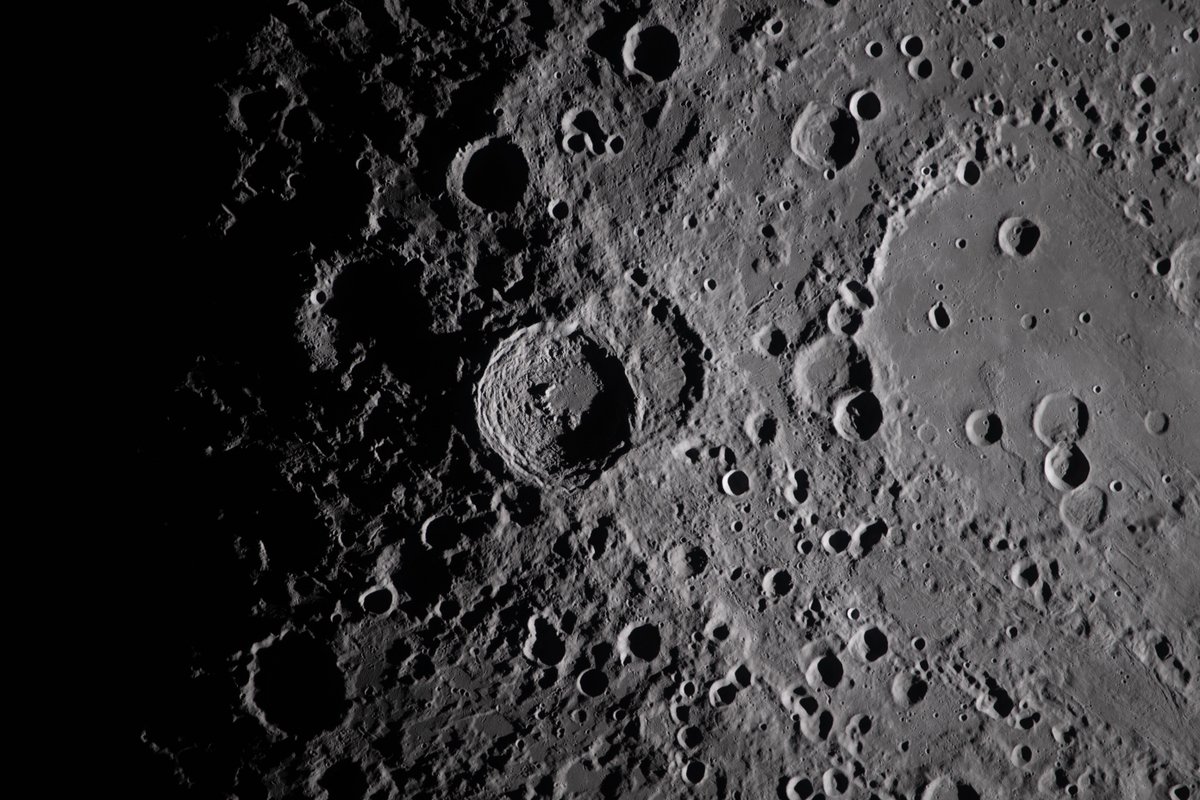
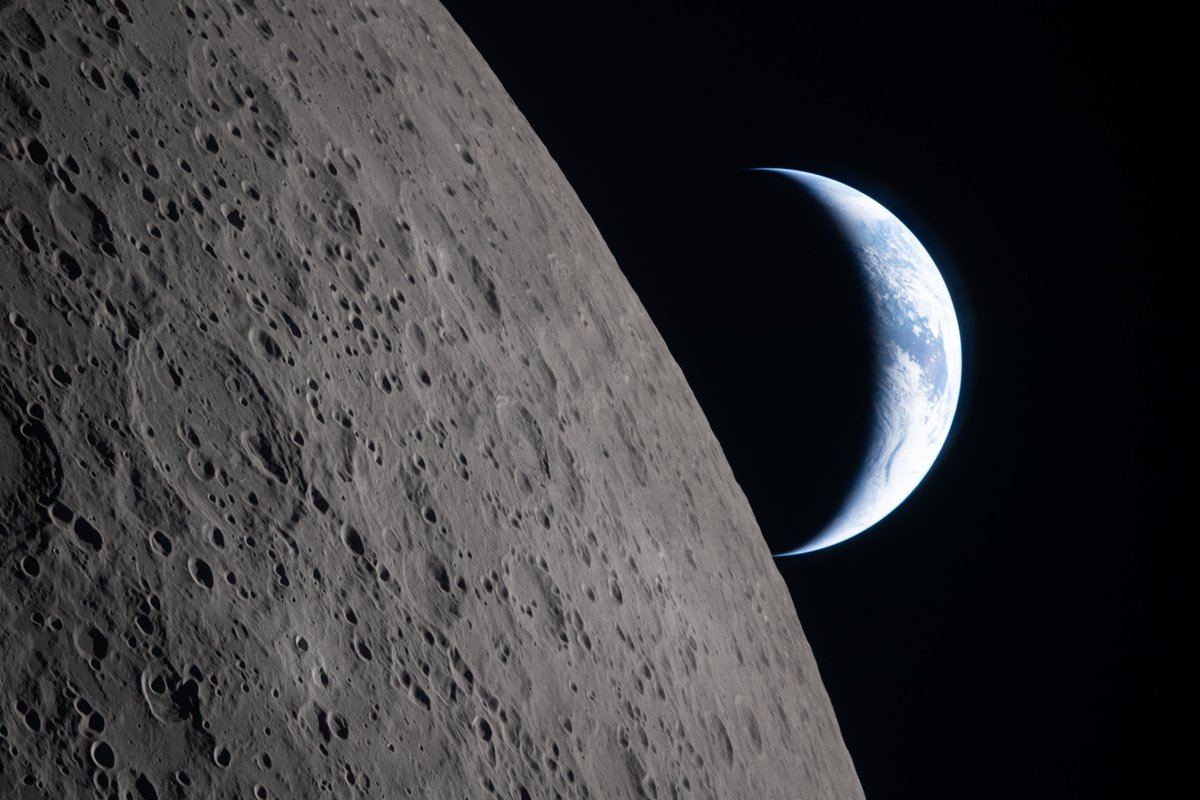
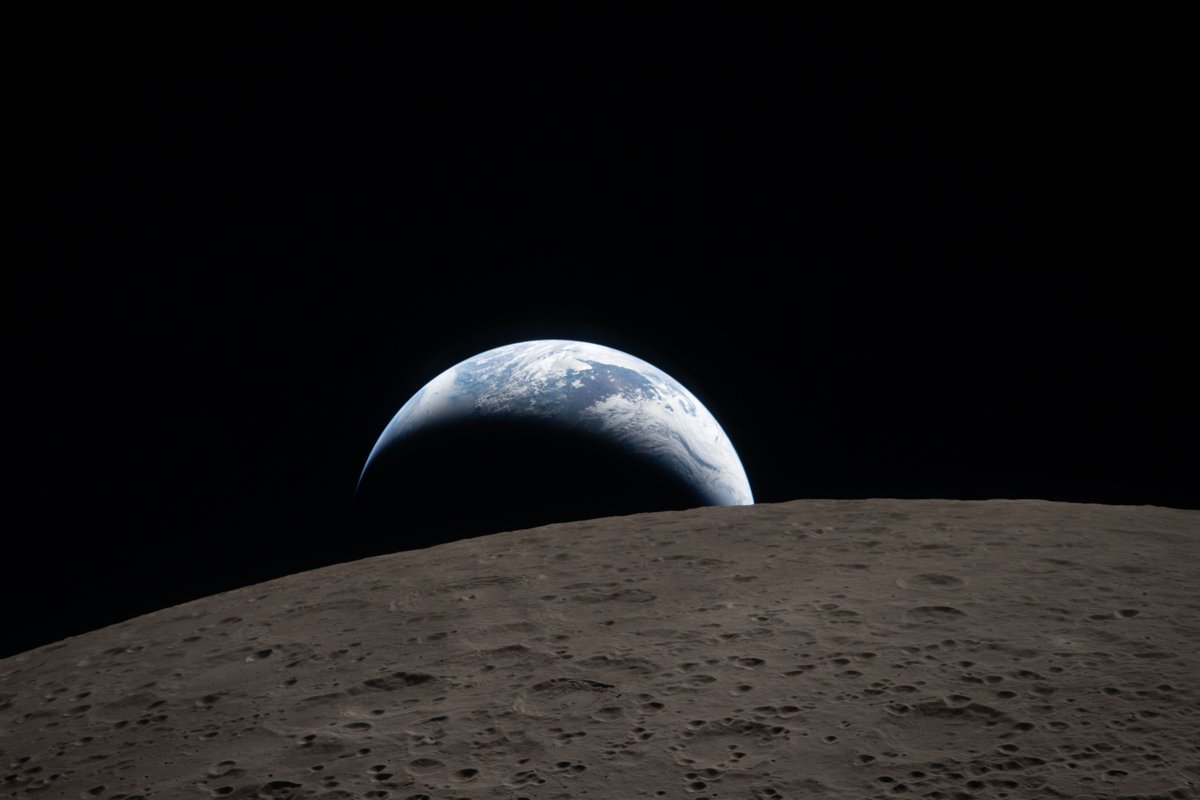
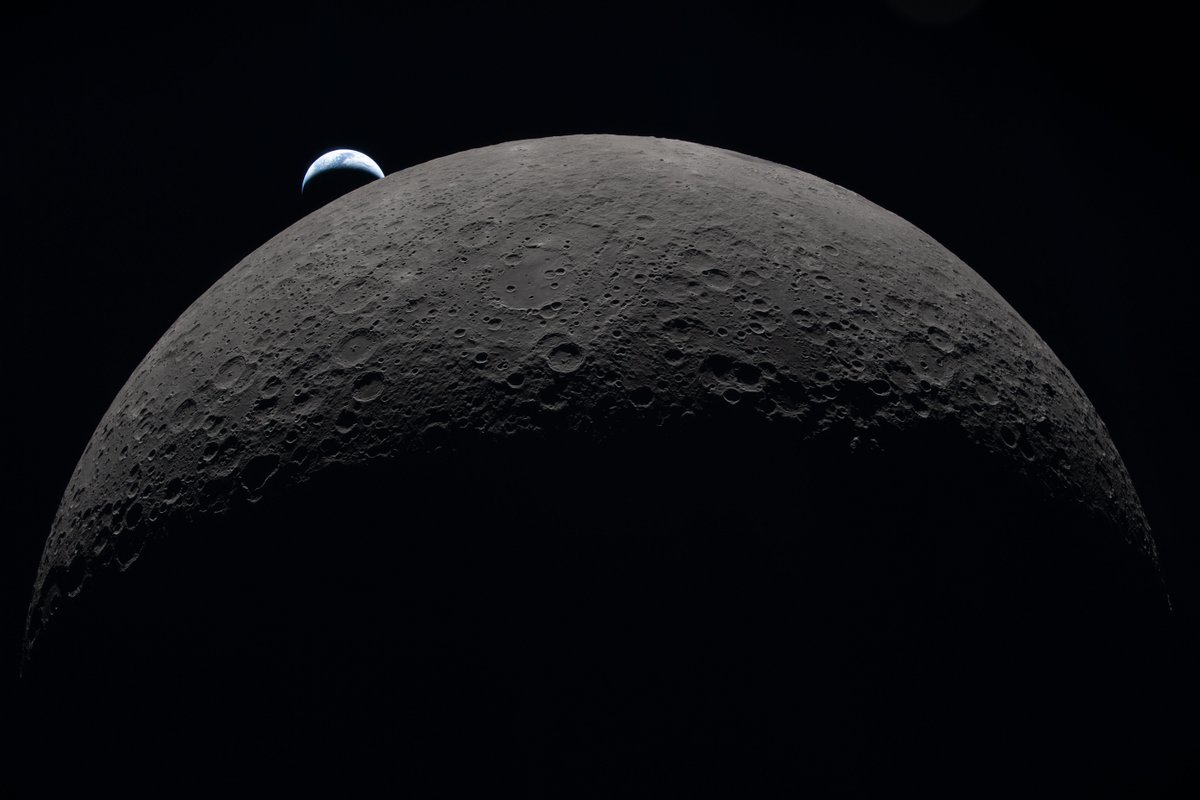
Hello, Moon. It’s great to be back.
Here’s a taste of what the Artemis II astronauts photographed during their flight around the Moon. Check out more photos from the mission: https://t.co/rzM1P0QbOl
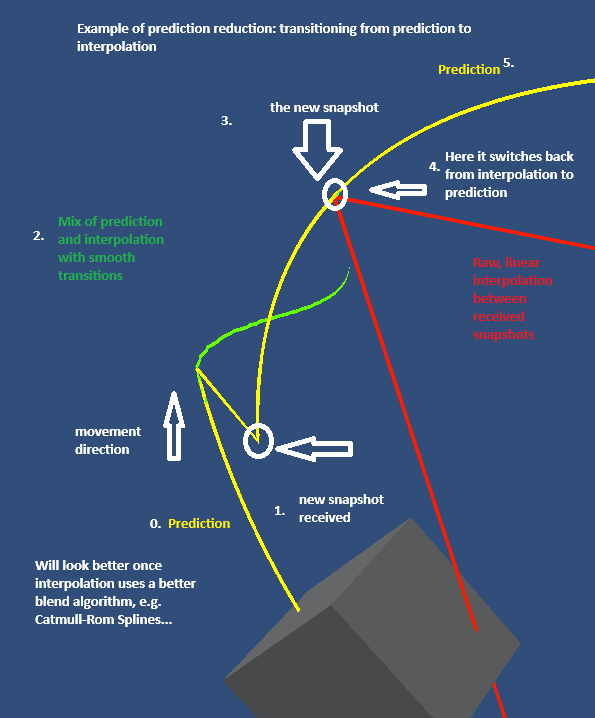
In the video I am dynamically adjusting the prediction reduction value.
1. 0s -> Full prediction.
2. 1s -> Client uses only interpolation (red)
3. 0.5s + 60ms (latency) -> Client is forced to transition between prediction and interpolation.
The client receives 2 snapshots/s.
#MadeWithUdon#VRChat
Finally came back to my UdonVehicleSync and found a solution for the jitter that occurred when reducing the amount of prediction. Now it smoothly transitions between prediction and interpolation. Interpolation is still just basic lerping.
This is incredibly hard to write, but last week, Illy passed away. She brought so much warmth and kindness into my life, even when she was ill.
Thank you for showing her love over the years, you gave her so much purpose and joy. Things won't feel the same without her.
@rinvovrc Wait until you have the first poor/very poor avis in your world :D
In my testing a single avatar can drop your fps from 1300 down to 100. That combined with a lot of physics updates may quickly turn into slowdowns of gametime (probably)... ;)
#VRChat#Udon#Physics
You're welcome :3
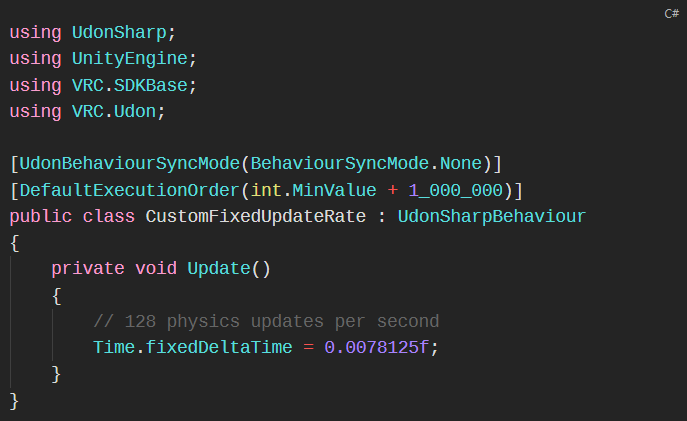
Advice: don't go below 60 as VRChat ties mouse movement to fixed update. Physics also gets more unstable if set too low.
Hopefully this makes future tournaments, whether flying or racing etc., completely HMD/Monitor independent. Gl hf
The instance has been opened!
Please remember to set your hardware to 72hz or above (if you are a participant) and please join the VRC group to see the group instance!
https://t.co/6GrgqtUo2i
@rinvovrc Note that this affects all physics, including player collisions. Keep that in mind in case you are also developing for Quest etc. It is easy to overload these ;)
#VRChat#Udon#Physics
You're welcome :3
Advice: don't go below 60 as VRChat ties mouse movement to fixed update. Physics also gets more unstable if set too low.
Hopefully this makes future tournaments, whether flying or racing etc., completely HMD/Monitor independent. Gl hf