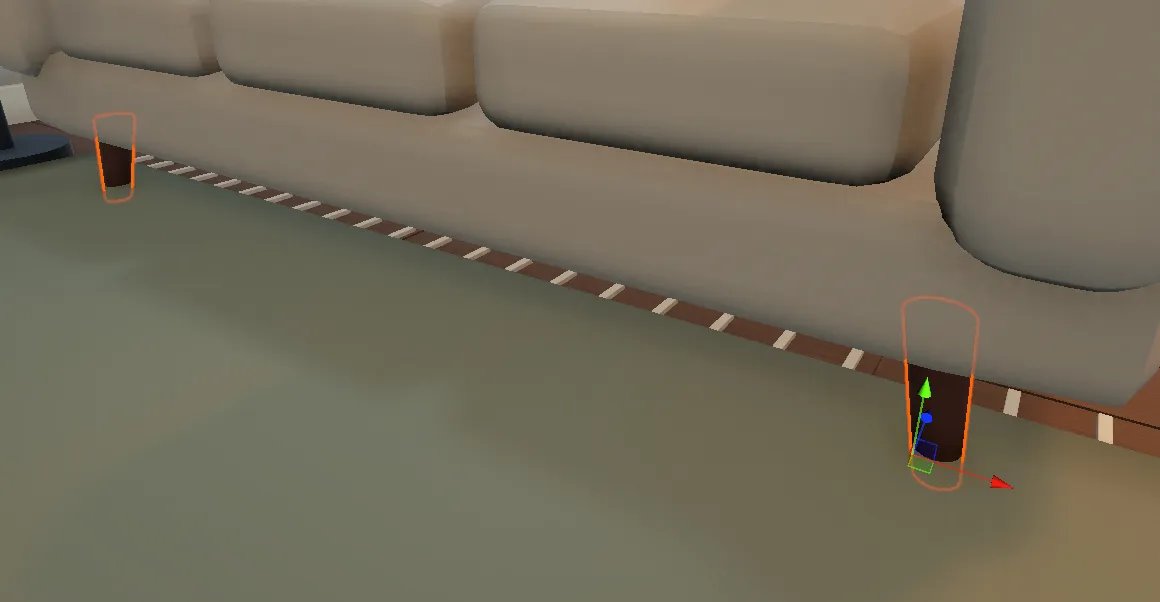
@itsVeeVR@SerrowVR It looks quite similar to a setup I implemented. Personally I also update the environment lighting at runtime in case someone's using an avatar that doesn't support LV.
My Furality panel about Unity lighting has been published on Furality's YouTube channel!
Feel free to check it out if you're interested into VRChat world creation or want to learn more about the techniques I use.
https://t.co/g2Sk3hDEGs
One interesting thing about Light Volumes is that they can be updated at runtime, allowing for baked lighting toggles!
Here, I have two switches controlling two Light Volumes, plus an additional one for the light shining through the window.
Everything is baked.
#VRChat
Setting this up is a bit more cumbersome, Basically:
- You need to bake each Light Volume separately to ensure that each volume is only affected by a specific group of light sources. The "Bakery Lightmap Group Selector" component cannot be used here. Personally, I chose to bake each light volume in a separate scene.
- Set each Light Volume as "Additive Volume" to ensure they don't override each other.
I could have used Point/Spotlight volumes instead, but I felt like using regular volumes would give better results since they also support bounced lighting.
Personally, I also implemented a separate system to change the color of the lightmaps at runtime, this is done entirely in the shader.
If your baked specular light looks weird or unatural: Orels1 standard shader has a "Specular Roughness Mod" setting that lets you make them look rougher without making the actual surface roughter (pretty nice for larger area lights).
Default (1) ↔ Slightly lower (0.8) ↔ No baked specular
Actually, one more thing : I added an elevator door, but I still need to add the control panel.
Baked Specular makes a huge difference here, especially with smooth metallic surfaces (notice the flower pot on the left too).
Baked Specular ON ↔ OFF ↔ Unbaked
#VRChat
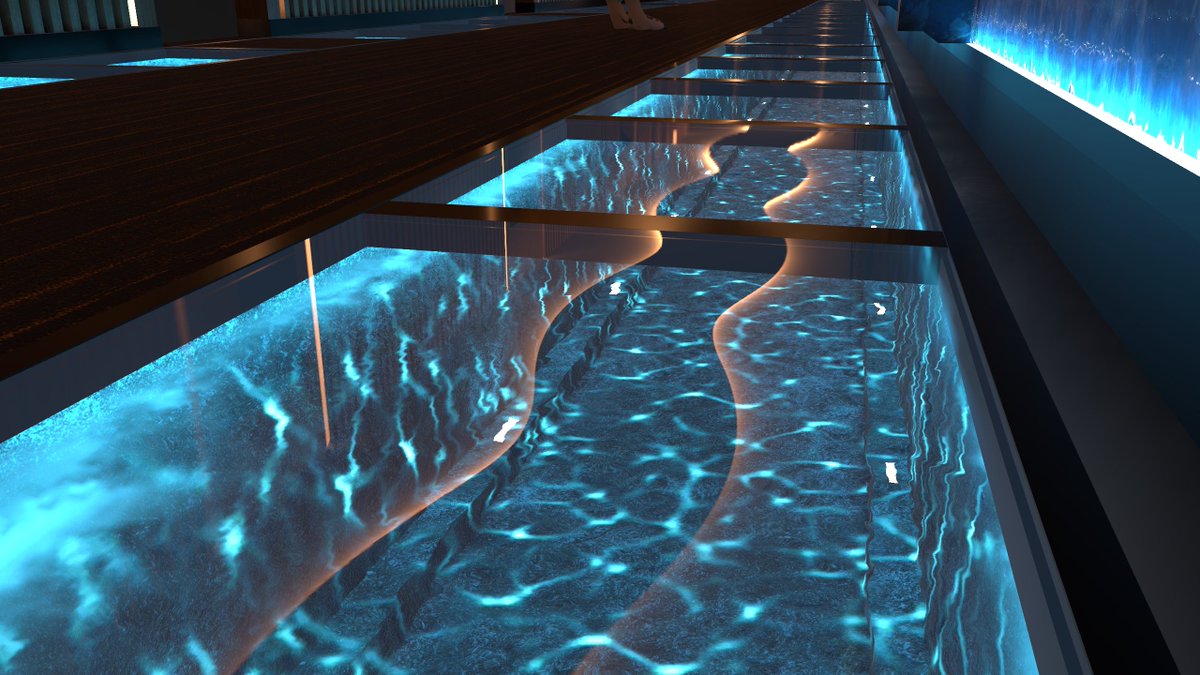
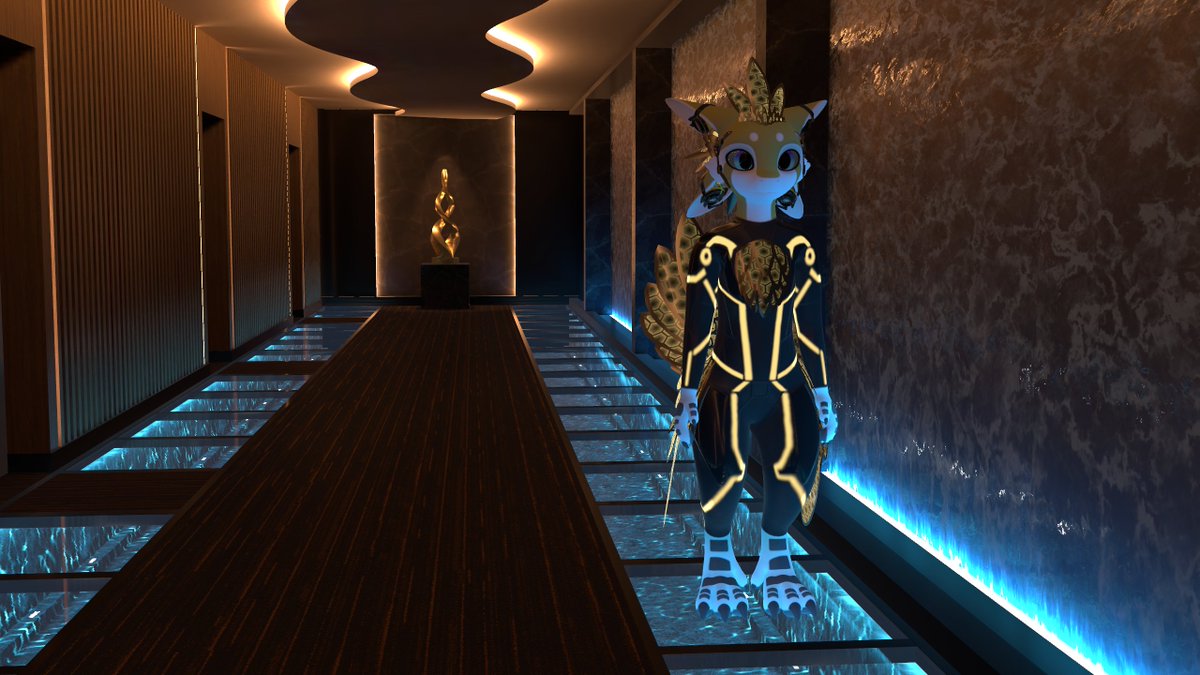
Day 5~6 : Mostly done. I added water, and used Mochie's water shader for caustics.
Added a little art installation at the end to not make the end feel empty.
And added LV support, I don't always add LVs, but I think it makes sense here given the more varied lighting conditions.
No post processing added yet.
@ville672 Damn, I've seen this happen a few times in the past, where rips get straight reuploaded.
I hope you can get this issue sorted out really quickly!
Yes, and that's the issue. In the example above, I simulated someone who had never touched Unity before.
If I knew nothing about Unity, I wouldn't know to ask the AI to create prefabs, mark objects as static, create LODs, enable GPU instancing, merge meshes, etc. Even though the tool supports it.
I've seen too many fully AI-generated VRChat worlds lately, so I tried Astra myself for an hour (so you don't have to) to form a better-informed opinion and arguments.
(pic 1) A picture is worth a thousand words. Notice the object count, and nothing is instanced by default!
(pic 2) It seems to mostly generate beveled primitives. Not every object shares the same mesh, so instancing isn't always possible.
I've noticed similar primitives in some VRC worlds, so this could be one sign that certain assets are AI-generated, though I could also see someone new to Blender making meshes like this.
Objects are often placed in weird ways, like floating slightly too far from the surface.
(pic 3) For instance, those are two separate meshes with two separate mesh filters, even thought they could have been the same meshes rotated 180°
Conclusion (from my quick test) : It's not meant to replace Blender or generate a finished world!
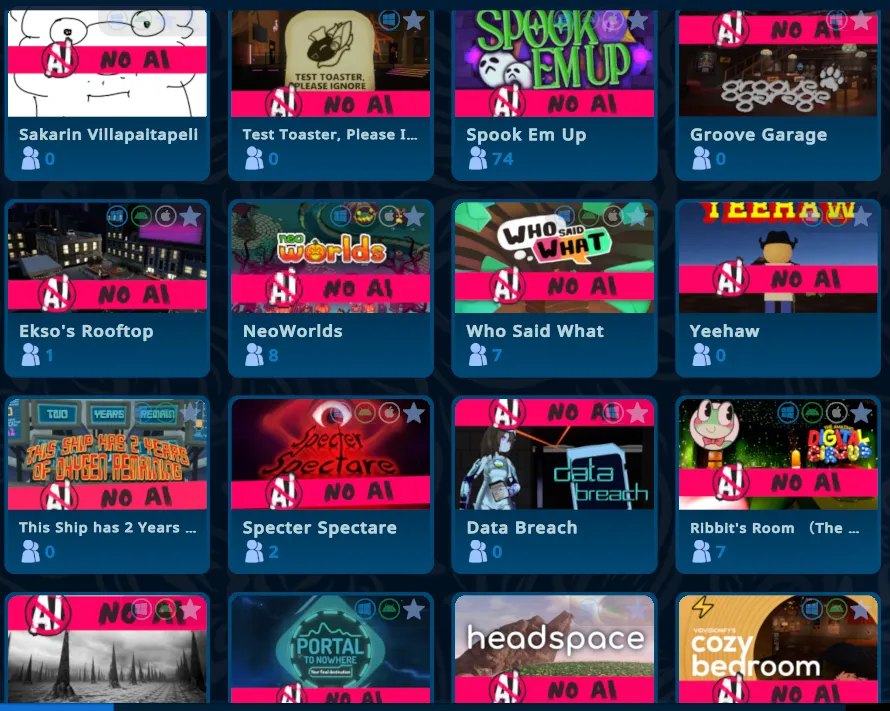
If you're a world creator and dislike seeing AI-generated worlds, content, thumbnails, etc., you can add the "No AI" banner linked in the QT to your thumbnails.
I personally like that idea, and I will also try to do that this week, since it feels like those cannies are ignored.
It's complicated, I'll put my thoughts below:
Personally, I'd be happy if there were an AI disclosure field below the description. Before joining a world, I would like to know what was AI-generated, and I would avoid visiting worlds that are mostly just AI slop (for instance, worlds generated with Astra). But I guess it can't really be enforced, just like on Steam.
I also don't want people to get banned because they failed to properly disclose AI-generated content, but maybe the world could just be privated until the use of AI has been properly disclosed, I don't know.
I don't think using an "AI" tag is a good idea, since it's too broad a concept. Worlds could have AI-generated assets, or maybe the development process was AI-assisted (like coding)
AI-enhanced thumbnails suck, but clickbaity thumbnails have always been an issue, it just got worse due to AI.
I don't feel like I really need a toggle to hide worlds that use AI. For instance, ORGANISM has some AI-generated posters in the world, and I definitely wouldn't want to hide that world.
I see it this way : AI-enhancing someone else's artwork is like telling the artist "Your art is trash, let me improve it", which is basically giving a big middle finger to the original artist.
Seeing that VRChat AI-enhances world pics themselves makes me much less confident that they'll do anything about the whole issue...
@RED_SIM My Varjo Aero has a visible vertical FOV of around 70~75°. When I used it, it always felt like playing VRChat with cinematic black bars, it was an issue I personally never really got used to.