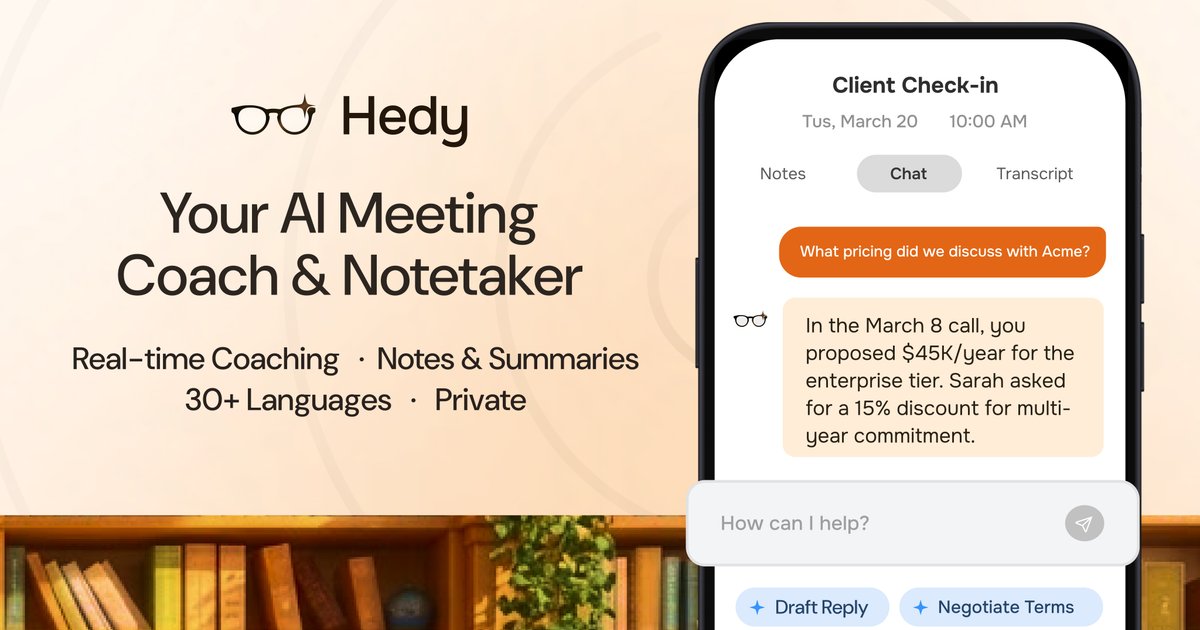
Bring the document into the conversation.
Add files or photos to a Hedy session. Hedy uses their text in chat, recaps, detailed notes and live suggestions.
Requires Pro or a Team seat. Add only in native apps. Text/OCR only.
Hedy 3.15
https://t.co/Yh2zbZJDPm
Tap a follow-up instead of typing your next question.
With Hedy's cloud AI, the newest chat answer or live suggestion can offer follow-up questions. Tap one to ask it in chat.
Local AI answers don't include them.
Hedy 3.14
https://t.co/c2DCV8YLD2
Finished the call? Hedy can ask "Meeting over?" when a session looks finished.
Keep going or end it yourself. Hedy never ends a session on its own.
On by default. Desktop and mobile apps only.
Hedy 3.14
https://t.co/HUNHbKSYNB
Coaching in the moment, not after the meeting. Hedy listens in and surfaces real-time insights while you talk, across Mac, iOS and Windows. Glad to welcome them as a new app on Insert Affiliate. https://t.co/HVkTjdfrEV
Your Outlook meeting can bring its details into Hedy.
Connect Microsoft 365 or https://t.co/JHjdUnuxmV. One calendar at a time; no invite agenda. Work accounts may need admin approval.
Reminders: desktop/mobile, not web.
Hedy 3.14
https://t.co/4RQWVPdEFz
Same recurring meeting. Same topic, automatically.
Start a session from a recurring calendar meeting in Hedy. It goes into the topic used by earlier sessions of that meeting.
Desktop and mobile apps only.
Hedy 3.14
https://t.co/D0Gg3lZCH0
Describe your weekly 1:1 once. Give it its own session type in Hedy.
Your description shapes the notes outline, quick prompts, summary and chat answers. Preview and adjust before saving.
Creating custom session types requires Pro.
Hedy 3.13
https://t.co/cfiLld8nkC
Let your softphone start Hedy when you answer a call and stop it when you hang up.
On Mac, Windows, iOS and Android. Same device only. Starting is off by default: enable Settings > Automation & Data > Session links.
Hedy 3.12.1
https://t.co/EVPQ0f970q
An open question deserves meeting time when it blocks a decision.
Instead of "We still need to discuss hosting," write "We can't choose hosting until we know whether customer data may leave the EU."
Bring the blocked decision to the call.
Every team wants to know where the data goes. For @HedyAI_ that concern comes from their users.
Hedy AI is an AI meeting coach and processes real conversations that European users want to keep in the EU.
Hedy's AI processing now runs on our serverless API!
Full story here 👇
New engine behind Hedy's EU AI: @inceptron, from Lund, Sweden 🇸🇪
Your meetings continue to be analyzed in the EU, with nothing stored after each request and nothing used for training.
https://t.co/XldW0h3emG
Put this sentence on screen during a project kickoff:
"We will accept the work when ___."
Fill it in with the client using something you can both check. If two approvers fill it in differently, resolve that before you build.
"now create an updated version of that video. make it a dynamic 15-second motion graphics video that shows what an incredible motion designer you are, like it's your showreel for a résumé. go all out."
Claude Opus 5.5 is absolutely incredible at video generation.
I made this launch video for Hedy in 10 minutes. Videos like these used to take weeks if not months at significant costs.
Prompt: “I want you to create a highly professional SaaS product promotion video for Hedy. make sure to get actual assets and images and all of that stuff from the internet. Turn it into these typical, very professionally edited, motion-graphics-styled product launch videos that you see people making on Twitter when they promote SaaS products (which are showing off the features, the benefits, and all of these things).”
I did have a follow-up chat to have Claude add the voiceover using Gemini's new 3.8 TTS. It created the VO script and added the voice itself.
We've spent the past few weeks testing NVIDIA's Nemotron 3 Diarization. Today it starts shipping in Hedy 3.12 on iPhone and Mac, on the day NVIDIA released it.
Better speaker labels, and your audio never leaves the device to get them.
Speaker labels are the part of a transcript nobody notices until they're wrong. Then a quote lands on the wrong person and the summary repeats it.
Nemotron 3 Diarization is the best model I've seen for this, and it runs on your iPhone or Mac in Hedy. Day 0.
Day 0: @NVIDIAAI's new Nemotron 3 Diarization comes to Hedy 3.12 on iPhone and Mac, running on your device.
Your meetings get speaker labels from the model that ranked #1 of 12 systems on @voicearena_ai's Diarization-Bench.
Why on-device: Hedy's goal is live meeting support that keeps your conversation private, so speech recognition and speaker labeling both run on your device by default.
This model runs through Apple's Core ML. No audio goes to a cloud service to work out who was speaking.