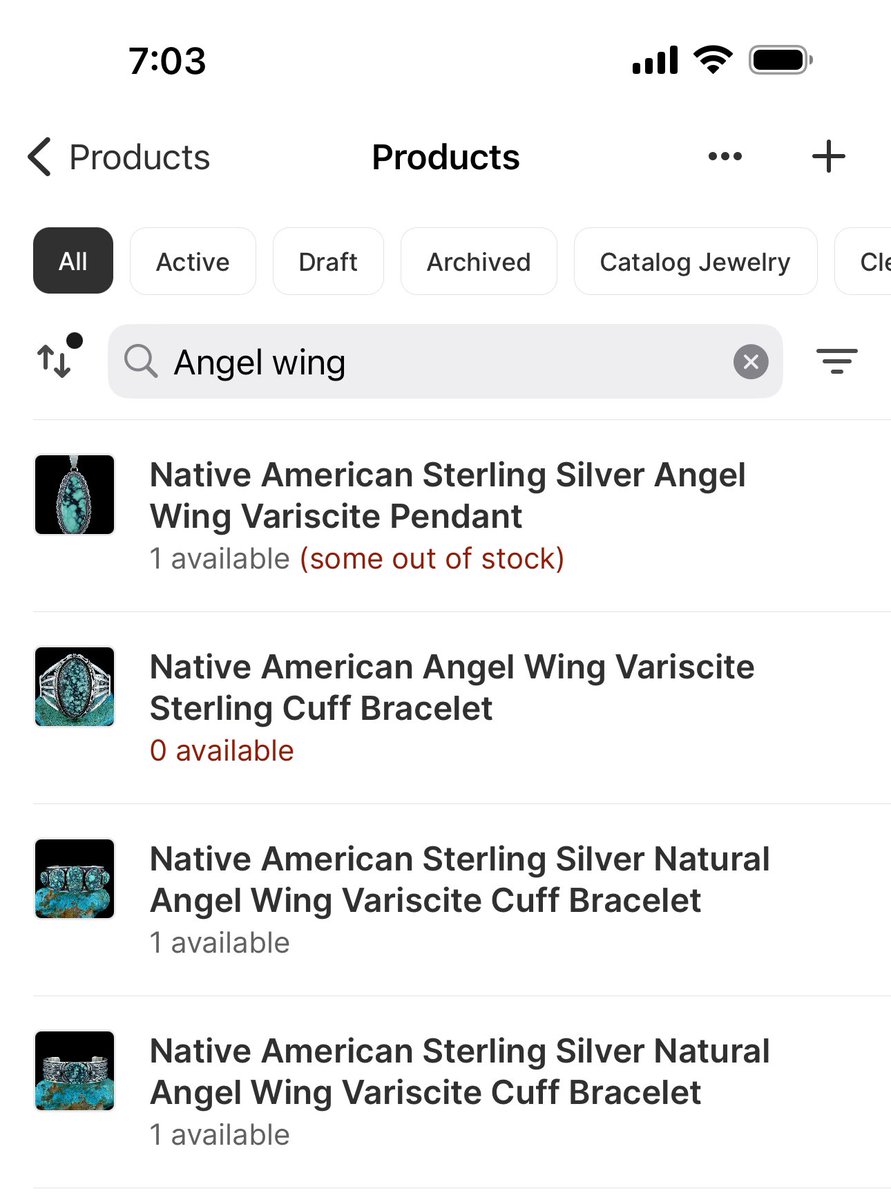
@Shopify Why are you guys so obsessed with adding more clicks every time you update the UI? I want to tab to the next field, not click. Every time we adjust to the new product listing flow you make it worse. Stop adding more work.
@ShopifySupport This is on 2 different computers here and different browsers. Cleared cache and still having issues. It’s working fine for two of people here but not the others. Can access everything else.
@ShopifySupport am I the only one having this issue with product availability not updating when new orders come in? My one of a kind products are not updating to “sold out” when ordered so I’m having to manually archive each item immediately so as not to frustrate my buyers.
@ShopifySupport customers are reporting that they can’t empty their shopping carts. Clicking remove on the last item will repopulate the cart with previous ones. Seems to be happening on Safari. I have replicated the issue on other Shopify sites as well as my own.
@ShopifySupport Quantities on new listings are not updating and showing as sold out online even though the product listing shows 1 available. ETA on a fix today?
@ShopifySupport This is all on the admin side. The product details page where I actually input everything shows 1 available. The products section that lists all of the products shows 0.
@BestBuy It’s cool. I didn’t have anything I needed to do today anyway. I’ll just keep sitting here refreshing the site for a PS5 drop that might happen anytime between now and when the sun explodes. #ps5#whyannounceatimeatall