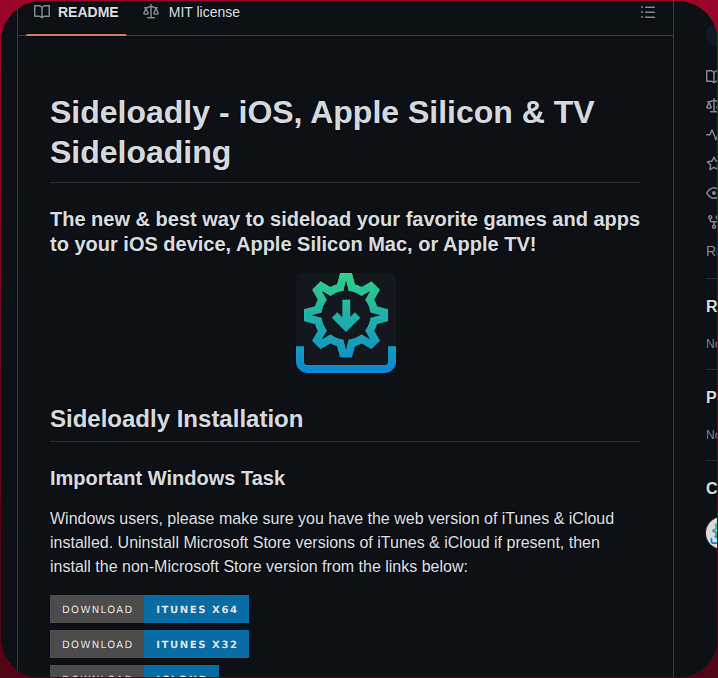
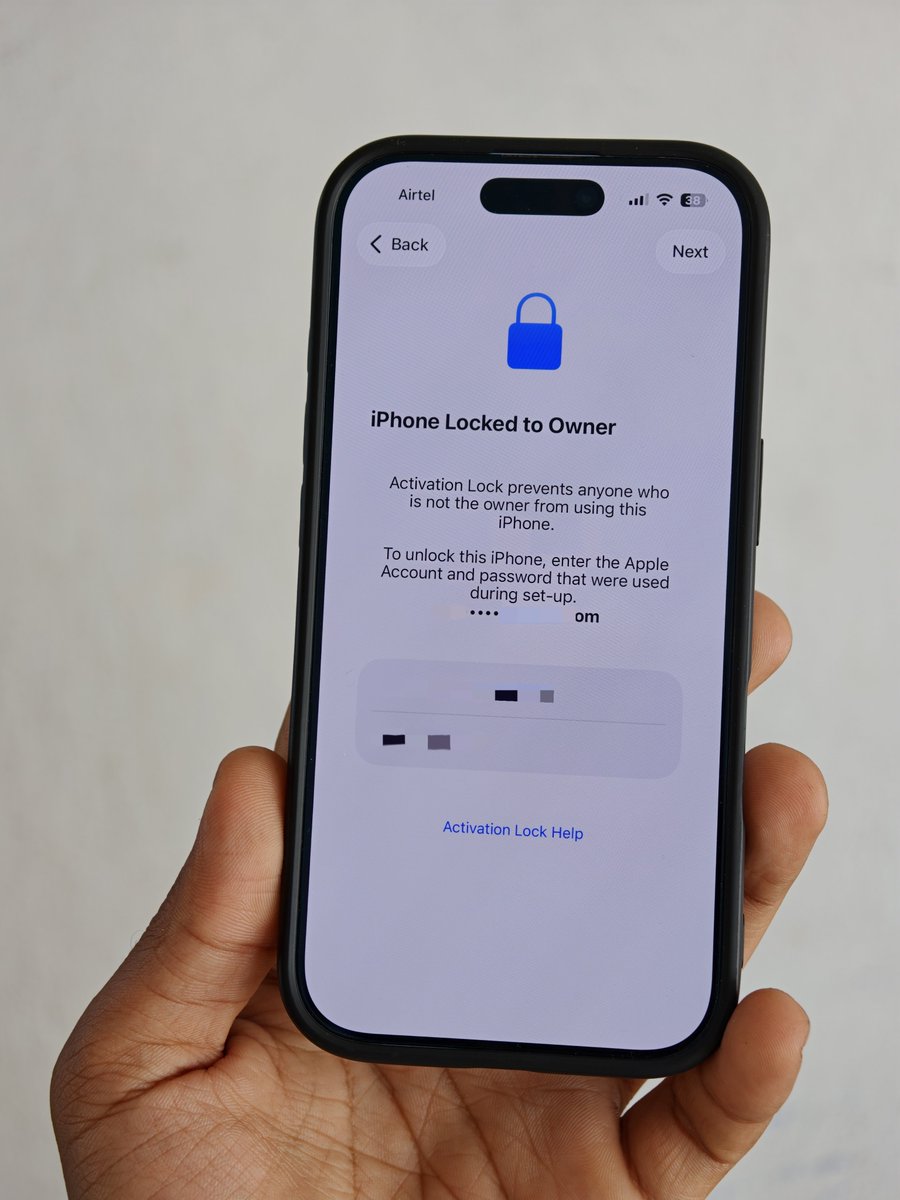
🔒How to recover the PIN before first unlock? We found a new path and talked at #POC2025 and #QPSS26 .
📒Here is the detailed blog: https://t.co/NzVBvHUxJ7
iOS 27 now supports ScreenCaptureKit ✌️
https://t.co/EyB4yQV9LV
Few Notes:
1. As of Xcode 27 Beta 2, ScreenCaptureKit can only be imported when you select a physical device in the device selector. If you select a simulator, your project will not build. This limitation may be removed in future releases.
2. If you want to continue recording the screen when your app goes into the background, Xcode 27 introduces a new "Screen Capture" background mode. Enabling this allows the recording to continue seamlessly.
3. In iOS 27, ScreenCaptureKit introduces a new SwiftUI modifier called recordingEditor. By passing a binding URL for the recording file, this modifier automatically opens a new view that allows you to trim and save the recorded video.
A new update to iOS Forensic Toolkit is out. The headline feature is an alternative installation method for the extraction agent – that is, deploying it onto an iPhone while bypassing the mandatory pairing requirement. Here is how it works https://t.co/elQ8sdc2Zk #dfir#apple
baguette v0.1.76 just shipped two ways to set up an iOS simulator
📥 Drag-and-drop file upload — drop an .ipa/.app to install, drop a photo/video to land it in Photos. CLI, HTTP, or just drag onto the screen.
📶 Status bar overrides — pin the time, carrier, Wi-Fi/cellular bars, battery — perfect, clean App Store screenshots every time.
brew install baguette
https://t.co/9poLBRhUgM
Been spending a lot of time with Unified Logs and discovered XProtect Behavioral Bastion events being handled by XProtectBridgeService. These all correspond to syspolicyd policy violations. Captures hash and path, very useful! Brief fun summary, more to come on this :)
🧵
@Steph63163 Go to Settings app type file://a/var/containers/Bundle/Application to the search bar, select all and share, then hold another device nearby or pick another device on the share sheet (not the fullscreen AirDrop one!), profit.
New in iOS 27: Impersonation Risk Detection
Allow apps to request Apple’s Impersonation Risk Detection signals to help detect if your device or account show signs of an active scam.
It's **Guided Access**.
**Setup:**
- Settings > Accessibility > Guided Access > turn on + set a passcode.
**To use:**
- Open the app you want to lock them in.
- Triple-click the side button.
- Tap **Start**.
They can't leave the app or access anything else. Triple-click again + enter passcode to exit.
You can also add Accessibility Shortcuts to Control Center for one-tap access. Customize options like time limit or disable touch during setup.
📱 Run a full iOS 26 virtual iPhone on Apple Silicon Macs!
vphone-cli & vphone-aio automate the complex setup process — no advanced patching needed.
Boot iOS 26.1 (iPhone17,3) with SSH & VNC access 🔥
Guide:
https://t.co/phlptRmFbf
A sophisticated phishing campaign is distributing a powerful surveillance toolkit disguised as a Google Account security check. This toolkit, delivered via a fake website and a Progressive Web App, can steal contacts, location, and even clipboard contents without installing traditional software. For Android users, a companion app can capture keystrokes and read messages. If you encountered this fake security page, remove the PWA, revoke notification permissions, and change passwords for any affected accounts. 🎣
#CyberNewsLive
https://t.co/PepMY69Egc
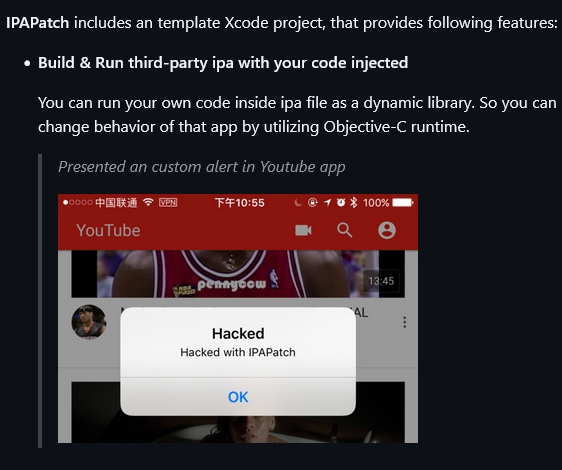
Apple iCloud phishing page hosted on Weebly.
verifyicloudsecuritys[.]weebly[.]com
The site hosts a fake Apple ID login page designed to harvest credentials.
Entered usernames/passwords are submitted to:
verifyicloudsecuritys[.]weebly[.]com/ajax/apps/formSubmitAjax.php
After credential submission, victims are redirected to the legitimate Apple site.
#phishing #apple #icloud #credentialtheft @500mk500
🔐Apple's New Anti-Snatching Feature Will Auto-Lock iPhones When Stolen From Your Hand
Source: https://t.co/Kz65Ifm6vH
Apple is reportedly developing a new iPhone security feature designed to automatically lock the device the moment it detects a theft-in-progress — a significant upgrade to the company's existing anti-theft protections that could close one of the most dangerous gaps in mobile security today.
The feature is currently under active development and mirrors Android's existing Theft Detection Lock. Once triggered, it will automatically lock an iPhone the instant the system confirms it has been snatched, cutting off a thief's access before they can exploit an unlocked screen.
If the system detects that the iPhone has been taken at an unfamiliar location by an unfamiliar actor, it will lock the device and apply the same access restrictions currently enforced by Stolen Device Protection — blocking changes to Apple ID credentials, passwords, and other sensitive settings.
#cybersecuritynews


![Malwarehunterr's tweet photo. Apple iCloud phishing page hosted on Weebly.
verifyicloudsecuritys[.]weebly[.]com
The site hosts a fake Apple ID login page designed to harvest credentials.
Entered usernames/passwords are submitted to:
verifyicloudsecuritys[.]weebly[.]com/ajax/apps/formSubmitAjax.php
After credential submission, victims are redirected to the legitimate Apple site.
#phishing #apple #icloud #credentialtheft @500mk500](https://pbs.twimg.com/media/HJbF6b4bIAA3ehc.jpg)
![Malwarehunterr's tweet photo. Apple iCloud phishing page hosted on Weebly.
verifyicloudsecuritys[.]weebly[.]com
The site hosts a fake Apple ID login page designed to harvest credentials.
Entered usernames/passwords are submitted to:
verifyicloudsecuritys[.]weebly[.]com/ajax/apps/formSubmitAjax.php
After credential submission, victims are redirected to the legitimate Apple site.
#phishing #apple #icloud #credentialtheft @500mk500](https://pbs.twimg.com/media/HJbF6byakAA82VT.jpg)






![Malwarehunterr's tweet photo. Apple iCloud phishing page hosted on Weebly.
verifyicloudsecuritys[.]weebly[.]com
The site hosts a fake Apple ID login page designed to harvest credentials.
Entered usernames/passwords are submitted to:
verifyicloudsecuritys[.]weebly[.]com/ajax/apps/formSubmitAjax.php
After credential submission, victims are redirected to the legitimate Apple site.
#phishing #apple #icloud #credentialtheft @500mk500](https://pbs.twimg.com/media/HJbF93EbYAAe4kU.jpg)