"Even if fiber cables get cut on the ground, Starlink keeps working perfectly. High-speed internet anywhere on Earth no matter what happens below".
This is simply wrong.
Starlink is a relay, not a free-standing internet. The websites, video, and cloud services you reach still live on Earth. The satellites only carry your traffic between your dish and the terrestrial network.
Your traffic ends at ordinary ground stations, called gateways, that are plugged into fiber. Those gateways connect to Starlink points of presence, which peer with the rest of the internet at exchange points and with content networks. Netflix, Google, a bank site, or a game server are not hosted on the satellites.
So it is terrestrially dependent. Cut every gateway off from fiber and Starlink users lose the normal internet, even if the satellites are still flying.
Elon Musk explains why Starlink is basically unbreakable
“There are over 10,225 Starlink satellites in low Earth orbit right now, moving at 25 times the speed of sound, Zipping around the Earth at ~550 km altitude
Because they��re so close, latency is extremely low unlike old-school geostationary satellites at 36,000 km.
They’re all interconnected with laser links, forming a giant laser mesh network in space
Even if fiber cables get cut on the ground, Starlink keeps working perfectly
High-speed internet anywhere on Earth no matter what happens below”
I completed it.
The Bible was written over many centuries and under different historical, cultural, and social conditions.
The Bible was written on three continents:
- Europe
- Asia
- Africa
In three languages:
- Hebrew
- Aramaic
- Greek
By more than 40 different men:
- Kings
- Prophets
- Fishermen
- A doctor
- And others
Over different times, across many centuries, and under various circumstances:
- Old Testament (Approximate Dates):
1446-1406 BC: Genesis, Exodus, Leviticus, Numbers, Deuteronomy
1400-1380 BC: Joshua
1100-1000 BC: Judges, Ruth, and parts of Samuel
1000-900 BC: Psalms (many by David), Proverbs, and Song of Songs
930-700 BC: 1-2 Samuel, 1-2 Kings, Jonah, Amos, Hosea, Isaiah, and Micah
626-570 BC: Jeremiah, Lamentations, Ezekiel, Habakkuk, and Zephaniah
586-539 BC: Daniel, and portions of Kings and Chronicles written during and after the Exile
520-430 BC: Ezra, Nehemiah, Esther, Haggai, Zechariah, and Malachi
- New Testament (Approximate Dates):
AD 48-49: Galatians
AD 50-52: 1-2 Thessalonians
AD 55-58: 1-2 Corinthians and Romans
AD 60-62: Ephesians, Philippians, Colossians, Philemon, and Acts
AD 62-67: 1 Timothy, Titus, 2 Timothy, and 1 Peter
AD 65-70: Mark, Hebrews, and Jude
AD 70-90: Matthew, Luke, James, and 2 Peter
AD 85-95: John, 1-3 John, and Revelation
Yet it tells one unified story:
- Creation
- Fall
- Redemption
- Restoration
And it points to one central figure:
- Jesus Christ
All glory to God! 🙏
The Bible was written on three continents:
- Europe
- Asia
- Africa
In three languages:
- Hebrew
- Aramaic
- Greek
By over 40 different men:
- Kings
- Prophets
- Fishermen
- A doctor
- And others
Yet it tells one unified story:
- Creation
- Fall
- Redemption
- Restoration
And about one Figure:
- Jesus Christ
All glory to God!
We are channels of His blessings. When we close that channel through selfishness, His blessings stop flowing through us. Yet God's work continues, and He will find another willing heart through whom His blessings can flow.
“You will be enriched in every way so that you can be generous on every occasion” – 2 Corinthians 9:11
@sappholives83 Happy for you sister.
Stay in those first four books (Gospels) for a while, maybe even a year. That's where Jesus is revealed if you truly want to know who He is. Read them over and over again. Eventually, you'll see Him without the baggage of religion.
This is now working on my 13-inch MacBook Pro M1. Previously, the installer showed the error unsupportedDevice("apple,j293").
I removed my initial Omarchy installation, which I had installed using the installer from the omarchy-mac repository, and then tried omarchy-mx-mac.
Both of my USB-C hubs worked immediately without any additional fixes required, including the hub without DisplayLink support and the one with DisplayLink support.
The only remaining issues are that the keyboard backlight does not work and the Touch Bar is not functioning. I'll try using AI to help troubleshoot and fix these issues.
Omarchy Mx Mac 4.0.4 Released!
So you want Omarchy with all those monitors working on your MacBook Pro M1 Max/M2 Max? You got it.
This new release uses our new Aurora Silicon kernel and aligns the boot process with the x86 counterpart using Limine. It now support disk snapshots and allows the setup of encryption through the installer app.
We are working on unifying Omarchy Mx Mac and Omarchy Mac at Omacom, but while this is not complete - you have something now to try and enjoy.
Broad support on M1 (Pro/Max)/M2 (Pro/Max). Other CPU variants under development.
Please support us by logging any discovered issues on Github.
https://t.co/ctThhCJMM1
@OmarchyMac@OmarchyLinux
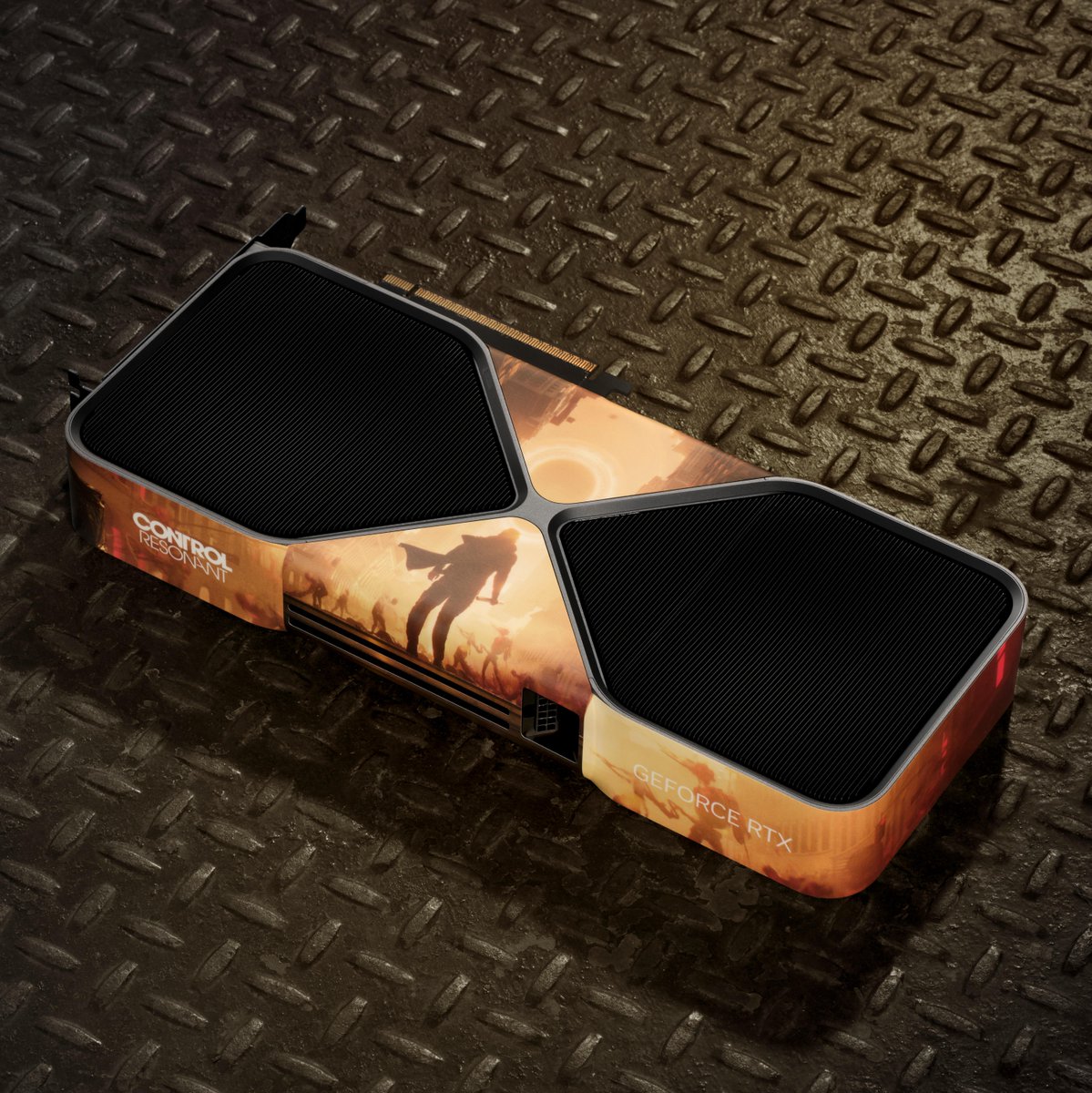
We're giving away a CONTROL Resonant custom wrapped NVIDIA GeForce RTX 5080 to celebrate its official release with #RTXON.
To enter:
🟢 Share this post
🟢 Comment #RTXON
T&Cs: https://t.co/Mbf7w3j1q3
Update on this: I got a new DisplayLink-compatible USB-C hub.
My 13-inch MacBook Pro M1 natively supports only one external display, but I use two. My previous hub was not DisplayLink-compatible, so the second external monitor could only mirror the first instead of functioning as an independent display.
With this new DisplayLink-compatible USB-C hub, both external monitors now work as independent extended displays.
To make this work properly on Omarchy-Mac running on my 13-inch MacBook Pro M1, a fix was required.
PR submitted:
https://t.co/GJE1kC2wzY
What was actually wrong and how it was fixed:
No Arch package was available. I installed the official Synaptics DisplayLink Manager 6.3 and firmware package (SHA256-verified ZIP), along with the required AUR integration files, including the udev rule, service, and suspend hook.
Kernel 7.1 and custom ARM kernels are not officially supported upstream. I compiled DisplayLink's bundled EVDI 1.14.15 kernel module from source without requiring any patches.
Regarding HyperMon:
Stock HyperMon does not work correctly. It detects both external monitors, but display rotation does not work.
The root cause is simply a configuration issue. monitors.lua contains entries only for DP-1 (Philips) and eDP-1 (MacBook display) but has no entry for the HP monitor (DVI-I-1), leaving it unmanaged.
Additionally, HyperMon applies rotation using hyprctl keyword, which is rejected by the current Hyprland build due to the newer Lua parser. As a result, the application's Apply action never successfully sends the rotation settings to the compositor.
Rotation itself works correctly; the tooling is what fails.
@OmarchyMac@dhh
@OmarchyMac My external monitor connected to USB-C hub now works on Macbook Pro M1!
Fix in this PR:
https://t.co/8u8zVZSXwm
The suggested HDMI fix in another post was for M2 and for intermittent connection issue.
Mine was dead:
The fix for my machine had to happen before the kernel boots, at m1n1/DTB level — something no kernel patch can reach.
"Your machine's device tree ships dcp@271c00000 (the external display controller, dcpext) disabled. Enabling it isn't enough: m1n1 1.6.1 only injects the required apple,firmware-compat/apple,firmware-version properties for dcpext on M2 (t8112) and M2 Pro/Max (t602x) — never on t8103/M1. So the driver probe failed with -22 before touching any display path. This is a firmware/boot-loader gap, not a kernel bug."
cc: @dhh
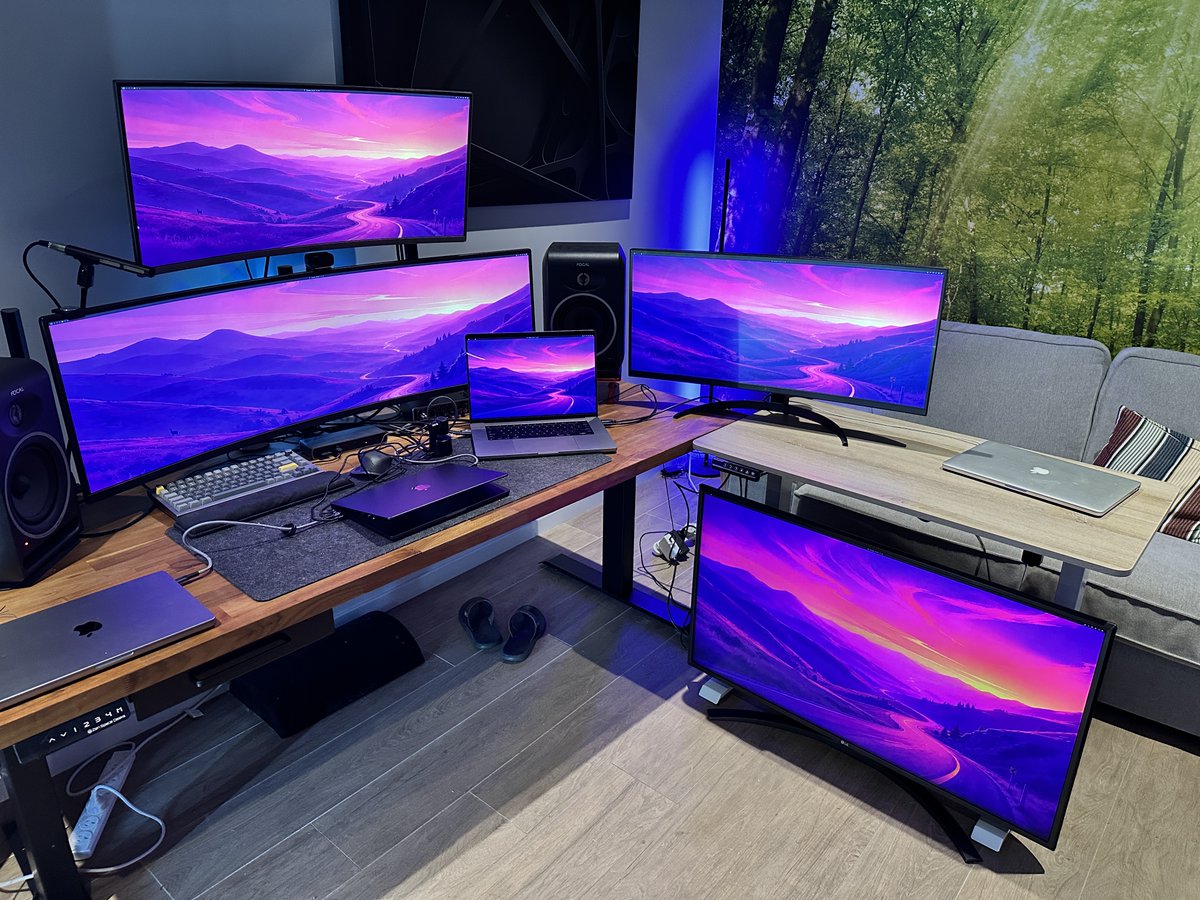
This is actual picture. I just asked Grok to fix the wall background.