@dreetje@arcinternet Unfortunately not in the near-term, but we'd like to eventually! Keysmith should still work pretty well in Arc even without the extension, though
Godspeed 1.0 is now live, and we are out of beta!
Since our beta started we've added features like shared lists, labels, smart lists, search operators, persistent list sorting, and most importantly an iOS app (link in reply).
@davidgabiniclo1 Bolding/underlining text is specific to the application you're using, so Keysmith can't do this natively. However, if you copy bold/underlined text from an app, oftentimes it will paste that way into another, so you might try that. Email [email protected] for more help!
@KalberetAcery Hey @KalberetAcery no, Keysmith can't currently hold down a click. However, you may be able to use Cyborg Mode to make this a part of one of your macros: https://t.co/FwguEAWaSk
@jondkinney Hey sorry for the delayed reply! Unfortunately, we are not. Apple is too restrictive around Safari extension policies for us to build anything useful, but it's something we'd like to do!
@kaiyu_00 You're probably running into a macOS bug with a system called SecureInput. We've written about the problem and solutions here: https://t.co/ny0ZcnNCgM
@kall Hey Karl, unfortunately no, not yet. Our understanding of the situation currently is that we can't build a Safari extension that communicates with our Mac app unless we put our Mac app in the app store, which we can't do because of our use of Accessibility APIs!
Some updates we've made in the last month:
📜 AppleScript support
🦊 Firefox extension
👨💻 Sync across multiple devices
🇺🇳 Support for non-QWERTY keyboard layouts
🎨 A gallery of example shortcuts w/ one-click install
Check out the example gallery @ https://t.co/B1nBdX176o👇
@ELLIOTTCABLE Hey sorry for the delay! You're correct, there's no way to do this right now, but it's high on our list!
In the meantime, you might consider recording first and *then* adding the shortcut action.
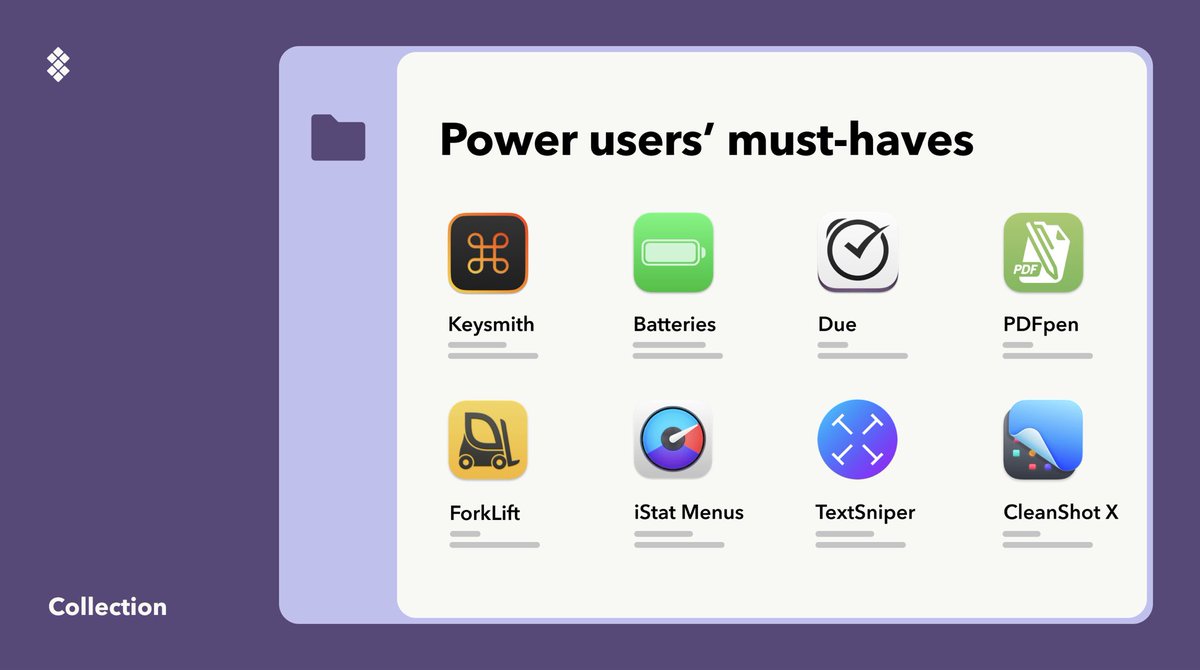
If you are a Mac power user, our dedicated collection is for you — find the hand-picked set of apps for daily productivity, managing anything from files, battery, shortcuts, to your schedule in your Setapp desktop app now! https://t.co/EAg19lFekU
@DanieIShepherd Hi Daniel, no, there's no way right now to add a conditional statement like that. Would an (x,y) coordinate click work in this case? Another option is to create two separate macros - one for each button - and execute them as appropriate
@andreylv We do have plans to do this, it’s been requested frequently!
In the meantime, you can run one Keysmith macro from another Keysmith macro. So you can record the new actions in a new macro, then run it from the first.
@eunjae_lee Hey! No, Keysmith doesn't support drag and drop right now.
However, Keysmith does support running AppleScript, and I found this post on taking a screenshot with AppleScript https://t.co/GIfVFHDFQz
@gacolitti Hmm, that looks right to me, so I'm not sure what's going wrong. Can you shoot me an email at [email protected] so I can ask for a few more details specific to your setup? Thanks!