To create QR Codes on an iPhone:
Use the Built-in “Make QR Code” Shortcut
1. Open the Shortcuts app.
2. Tap the Gallery tab at the bottom.
3. Search for “Make QR Code” or “QR Code”.
4. Tap the shortcut (often under Starter Shortcuts) and add it to your library.
To use it:
• Copy text, a URL, or contact info.
• Run the shortcut (tap it in your library or add it to your Home Screen/Siri).
• It generates a QR code image you can save to Photos, share, etc.
The Tesla bull community has a serious authenticity problem these days.
Objective discussion is increasingly frowned upon - many only post positive takes to chase likes and approval.
It’s especially bad in Tesla Spaces. Too many have turned into positivity contests rather than real conversations. Virtue signaling, engagement farming, and attacking anyone who’s critical has become the norm.
Real talk: the most valuable Tesla bulls are authentic Tesla bulls, not the loudest cheerleaders. 👊
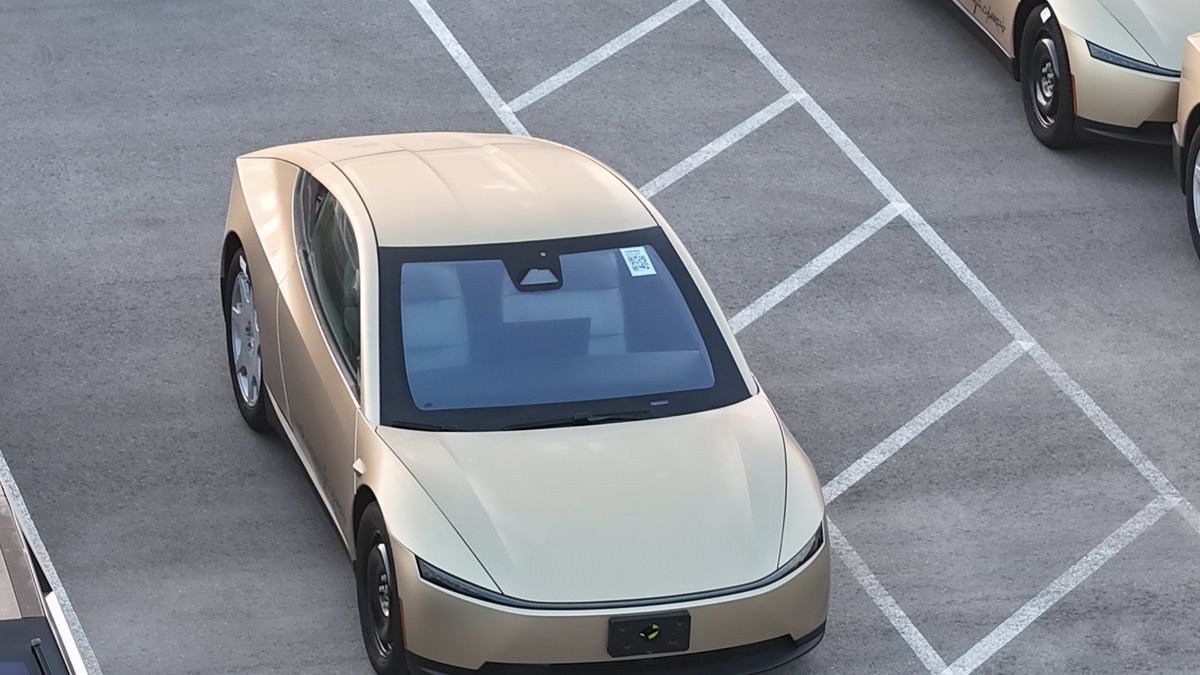
Something big has changed at Giga Texas with Cybercab production … ~ 14 in the outbound lot WITHOUT STEERING WHEELS!
Earlier this week, the production line has begun what we are all waiting for and I would expect to see many more starting on Monday, 4/20 🤠
A big step forward!
Unfortunately, I have not been able to use FSD AI3 MS for the last 1.5 years and I paid $15,000 for it.
The brakes stab about so frequently, like one or more times every mile or so, and sometimes it just stops in the middle of road, for no reason. And other stuff.
Same issue as Lincoln.
@RimaSukhadia@Smokehbear@Scobleizer Thanks. Would you give it it’s own email (ex: Agentmail) then forward important emails from your persona account to this Agent’s email?