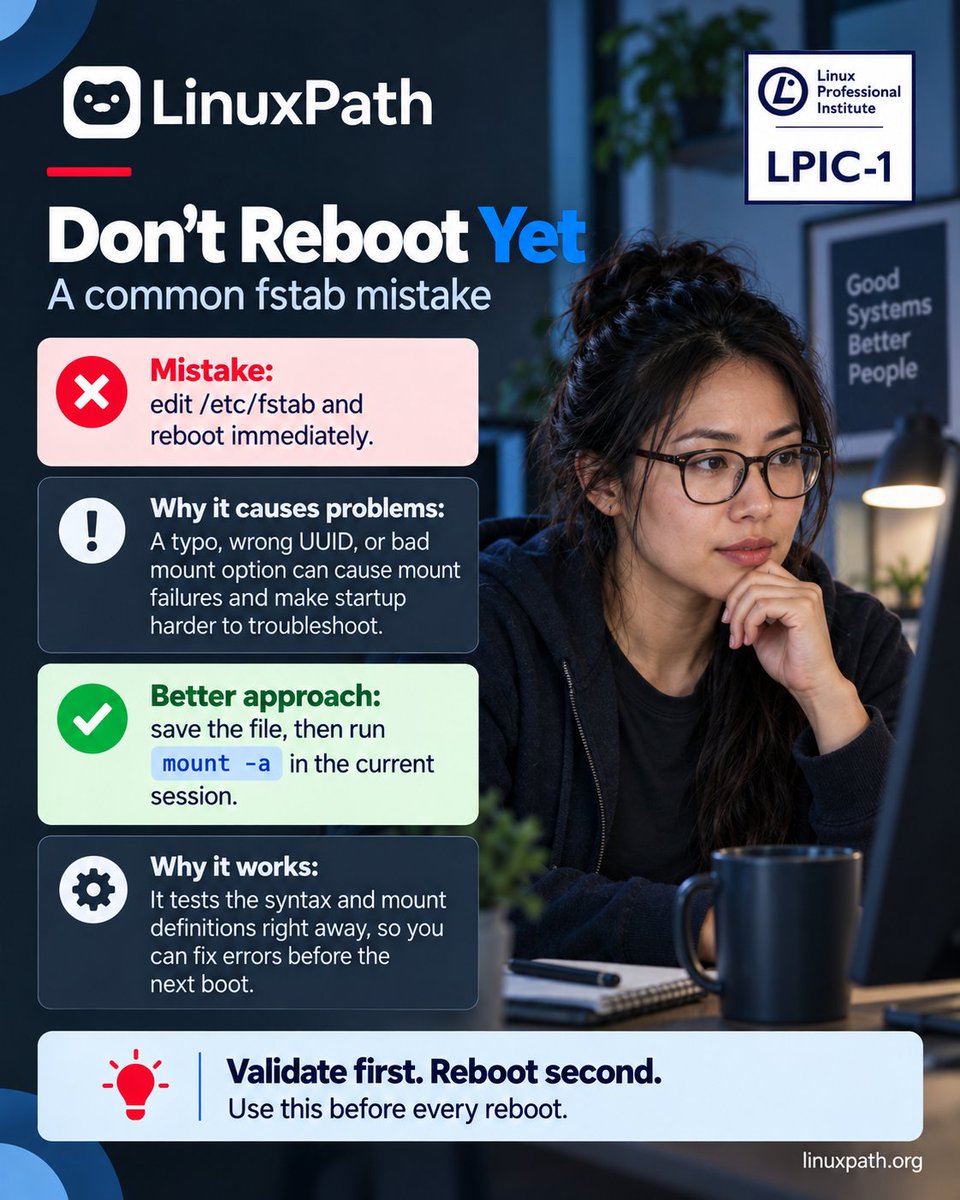
🚨 Linux tip: Don't reboot immediately after editing /etc/fstab.
A wrong UUID or mount option can cause startup problems.
✅ findmnt --verify
✅ mount -a when appropriate
✅ Review errors before rebooting
Validate first. Reboot second.
#Linux#LPIC1#SysAdmin
🌍 OFFICIAL WEBSITE: https://t.co/TyJANjbWmA 🚀
#LinuxPath Pop Quiz - #Linux Professional Institute LPIC-1 (101-500) Exam
A Windows printer is online, but print jobs remain stuck in the queue. Which service should the technician check?
#Linux#TechLearning#OnlineLearning
🐧 Linux quick check:
You want a partition mounted at /data after reboot.
Which file do you edit?
✅ /etc/fstab
It defines persistent filesystem mounts, including device identifiers, mount points, and options.
#Linux#LPIC1#LinuxPath
@xmodulo Great FUSE filesystem reference — tools like SSHFS, rclone, and s3fs make working with remote and cloud storage much more convenient on Linux.
🔐 Linux tip:
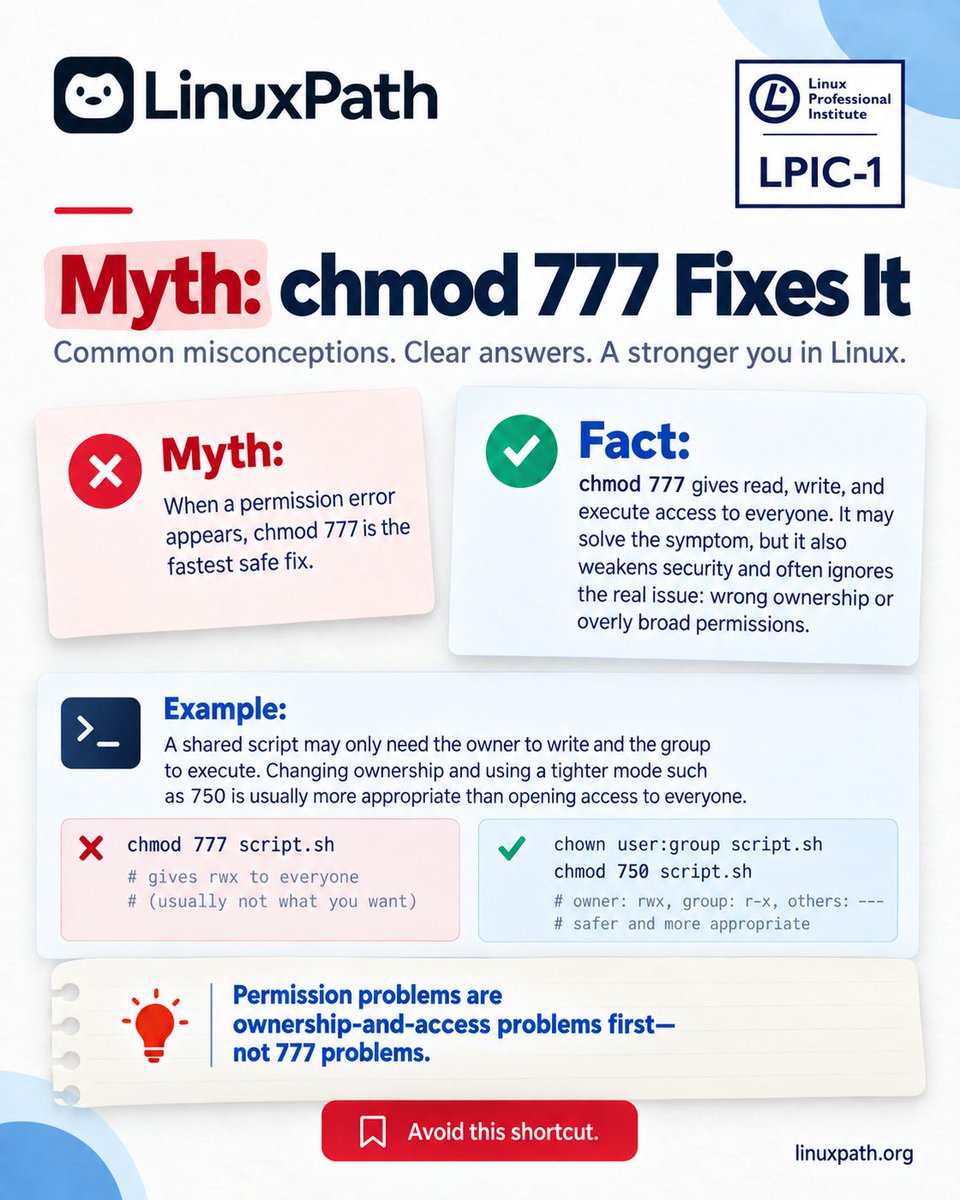
chmod 777 isn't a universal fix for "Permission denied."
777 = rwx for everyone.
750 = rwx owner, r-x group, no access for others.
Check ownership and required access first.
Fix the cause, not just the symptom.
#Linux#LPIC1#LinuxSecurity
@xmodulo Great list of remote desktop tools — RustDesk and Apache Guacamole are especially interesting for anyone who prefers more control over remote access.
Linux permissions in 20 seconds 🔐
r = Read
w = Write
x = Execute
For directories, x means traversal, not running the directory.
A small distinction that matters in real Linux administration.
#Linux#LPIC1#LinuxPath
🌍 OFFICIAL WEBSITE: https://t.co/TyJANjbWmA 🚀
#LinuxPath Pop Quiz - #Linux Professional Institute LPIC-1 (101-500) Exam
An administrator needs to list PCI devices on a Linux system, including network cards and storage controllers.
Which command should be used?
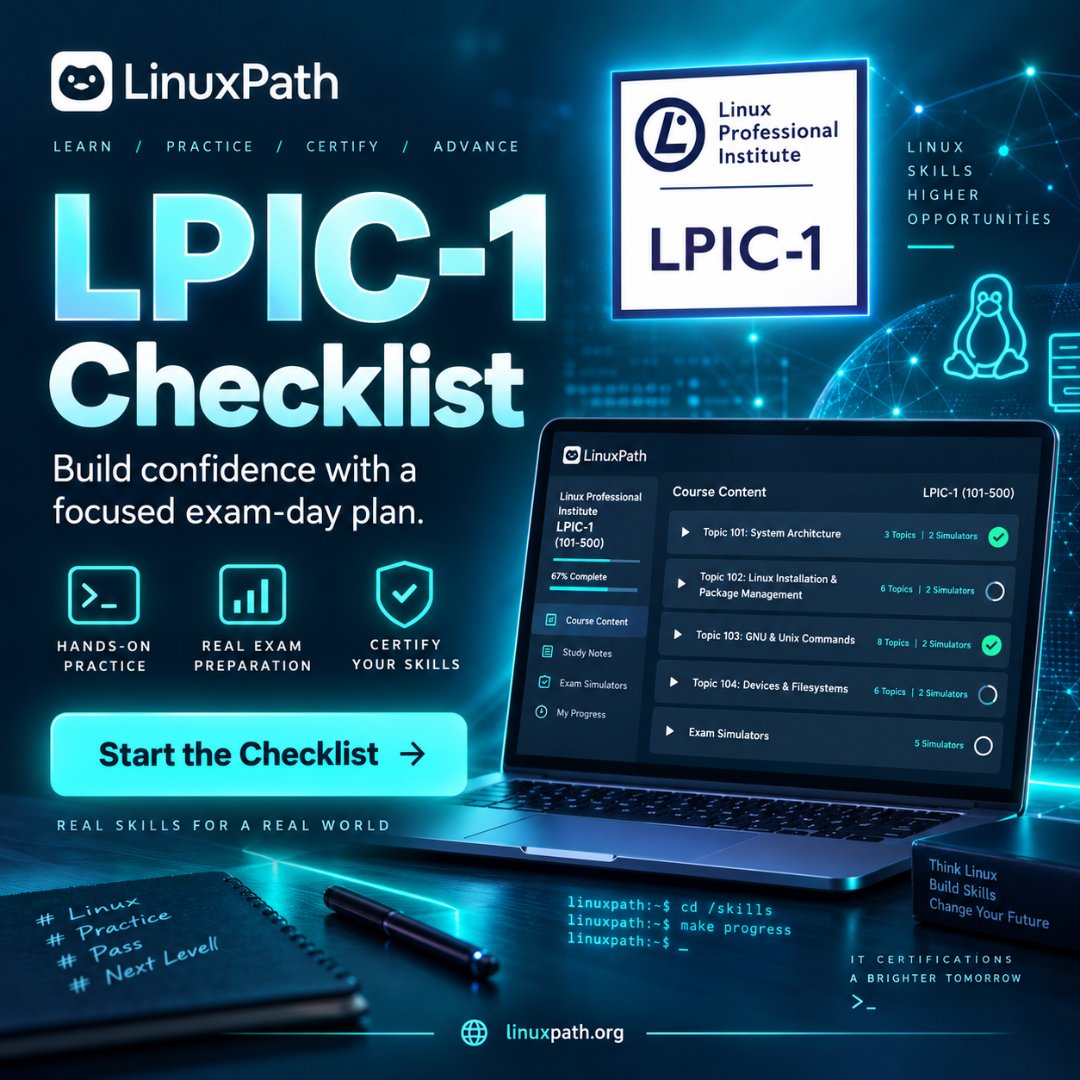
LPIC-1 checklist:
System Architecture
Installation & Package Management
GNU and Unix Commands
Devices & Filesystems
Exam Simulators
Structured prep beats random study.
#LPIC1#Linux#LinuxPath
🌍 OFFICIAL WEBSITE: https://t.co/TyJANjbox2 🚀
#LinuxPath Pop Quiz - #Linux Professional Institute LPIC-1 (101-500) Exam
A program fails to start because a required shared library cannot be found.
Which command should show the shared libraries required by the program?
🌍 OFFICIAL WEBSITE: https://t.co/TyJANjbWmA 🚀
#LinuxPath Pop Quiz - #Linux Foundation Certified IT Associate (LFCA) Exam
A Linux system has the IP address 10.0.5.25/24.
Which part identifies the network?