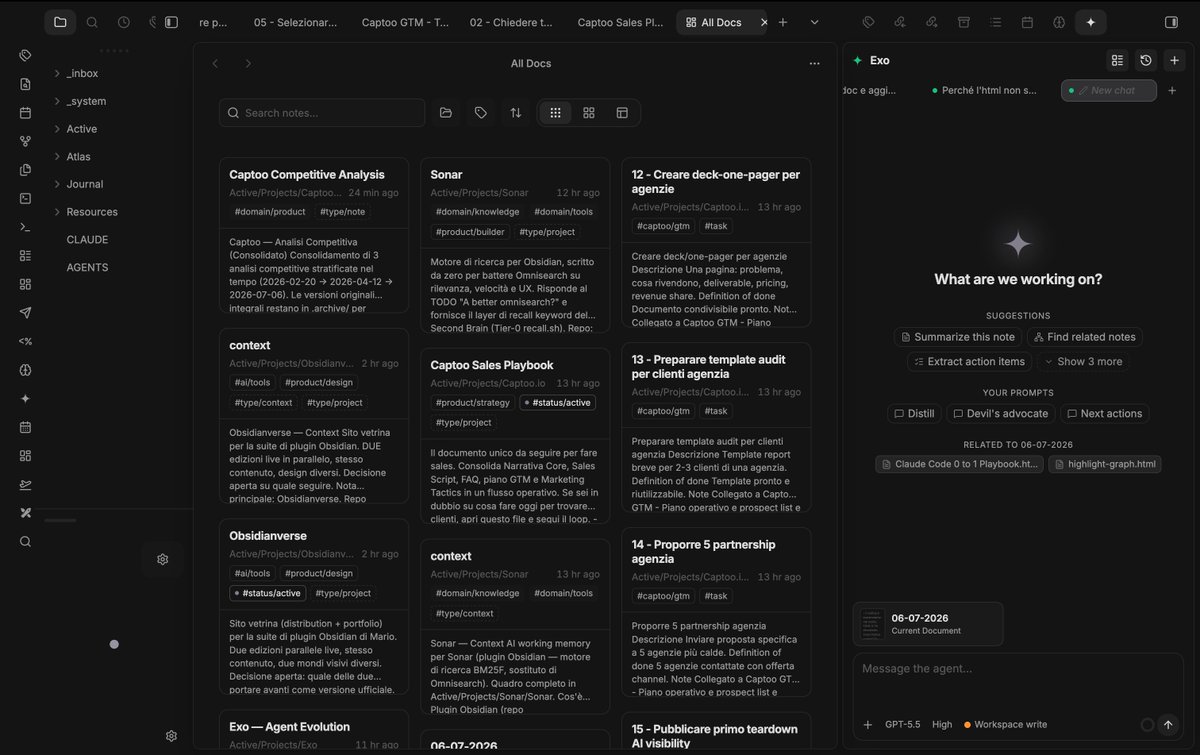
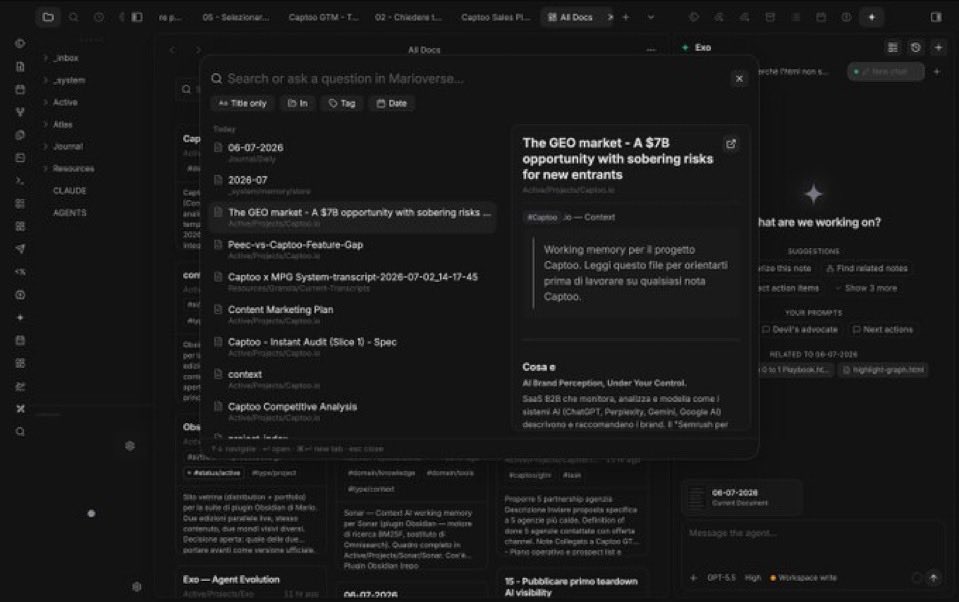
I wanted a few Notion/Craft features inside @obsdmd . So I built them.
Obsidianverse is now 9 plugins + 1 theme: Exo, Sonar, Horizon, Masonry, SuperBaseTags, Composer, Notion Outline and more.
New builder loop: notice friction, build the missing tool, use it daily.
@kepano People don’t realize they can simply connect Claude Code and turn Obsidian into whatever they want with themes and plugins.
I basically built my own super app.
Use Claude Code and build whatever you want in Obsidian. I’ve built my own super app with it: https://t.co/H6FccFLad2
@hyojun_at I'm loving Aside! But please add this from Dia: I’d like to be able to quickly switch between the tabs I already have open using the Ctrl+Tab shortcut.
@josephmwood This is why, after a lot of tools, I built different plugins to personalize obsidian around my needs… I think I’ve found my place now 🥲 if you want to check them out https://t.co/H6FccFLad2 (still early, but the exo plugin, masonry and sonar really hit hard)
I wanted a few Notion/Craft features inside @obsdmd . So I built them.
Obsidianverse is now 9 plugins + 1 theme: Exo, Sonar, Horizon, Masonry, SuperBaseTags, Composer, Notion Outline and more.
New builder loop: notice friction, build the missing tool, use it daily.
@ednico_ And you’re absolutely right. I’m also building a series of Obsidian plugins to make it just right for me. But I’d like to give you a tip on how to improve the UI. If you use Claude Code, give the ‘https://t.co/RzryhCX001’ plugin a go. It’ll completely change your UX/UI output
Plan more than feels necessary. Small steps. Clear the context between unrelated tasks. Write the learning back.
The tooling got 10x better. The discipline is the same boring product work: tight loops, ruthless scope.
How I actually build products with AI now, after 2 years living in Claude Code:
Stop prompting. Start engineering context.
The job is two moves: feed the model the smallest set of high-signal context, then give it a check it can run by itself. A test. The live app. A screenshot