Feeling 'trapped' in online meetings? Then I have the shader for you!
Powered by @MemixApp, inspired by #Superman.
(@Shadertoy Src: https://t.co/0QSY9ZAVbB)
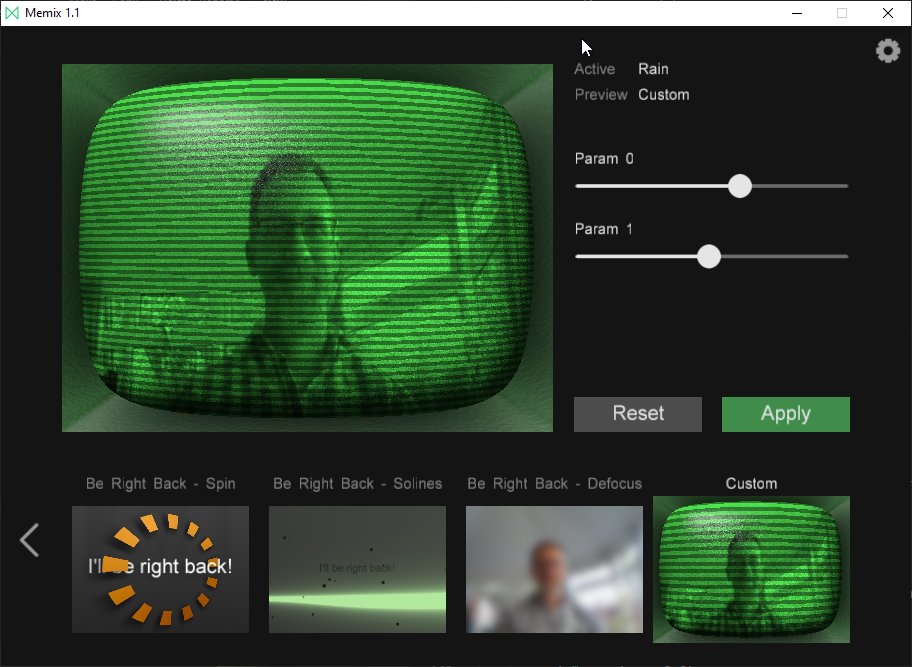
Endless video calls? Zoom fatigue? Spice up your video conference life with #webcam#filters using @MemixApp, by @iquilezles & @poljeremias, creators of @Shadertoy! Check our tutorials on how to set it up and customize it :)
📺🕺🎥
https://t.co/EtKr4aR1cN
Seeing a lot of virtual backgrounds in Zoom meetings??
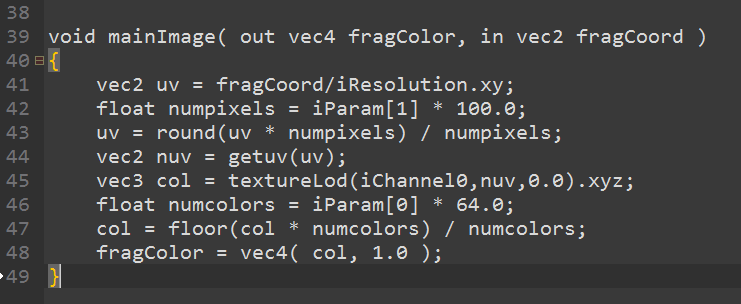
Well now you can build YOUR OWN filters, using the “Custom” node in @MemixApp
And it’s all GLSL!!
Fun! 😁😁
This video is a preview.
Follow YouTube link for the full thing.
Enjoy!
https://t.co/eKKShL5Vgh
@ConnectedCat@ogmasoul3d@Jeff__Ward Hey Maxim, thanks for trying Memix. We are working on version 1.1 at the moment, and we hope to provide a better interface to interact with cameras.
These new CG filter effects by real-time graphics pros can spice up your Zoom quarantine life - this befores & afters story breaks down how @MemixApp works:
https://t.co/gWYG5BFTed
@RodBogart@iquilezles@poljeremias Hi Rod! Memix remembers if you closed/minimized the UI in the last run. To see the UI again -> When you are using the Memix camera in your favorite video conference application, you should see the Memix logo in the Windows Tray Bar, double click and the Memix UI should come back.
@Joe_Kilner Glad you are having fun with Memix! At the moment, we are only providing the current frame, and a noise texture. But it is the first iteration so it is likely to evolve.